

What’s inside the Signal.
14 slides with real content in place. Rewrite them, reorder them, or add your own.
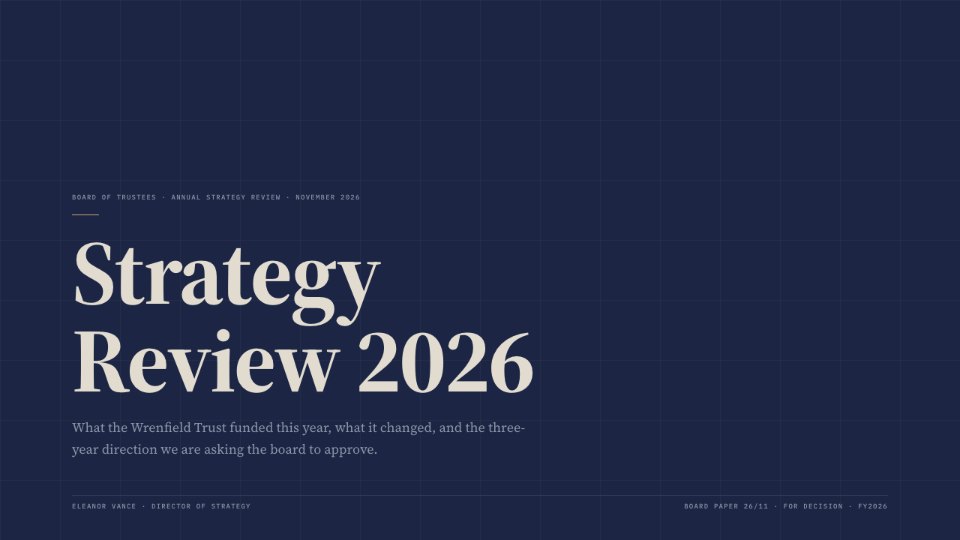
- 1Slide 1Cover: strategy review for the board
- 2Slide 2Section opener: the year in review
- 3Slide 3Three headline results
- 4Slide 4Bar chart of grant commitments over five years
- 5Slide 5Donut chart of where the money went
- 6Slide 6The year in sequence with four key readings
- 7Slide 7Pull quote from a grant partner
- 8Slide 8Two-column argument: depth or breadth
- 9Slide 9Today against the proposed grant model
- 10Slide 10The recommendation for decision
- 11Slide 11Five principles for the next three years
- 12Slide 12Decision criteria as a priority pyramid
- 13Slide 13Four steps from approval to first awards
- 14Slide 14Closing slide with contact details
When to use it.
Signal is a 14-slide strategy review for boards, trustees and advisory clients who expect a sober, well-argued paper rather than a sales pitch. It moves from the year's headline results, a five-year bar chart and an allocation donut, through a dated sequence of events and a partner quote, to the choice ahead, a before-and-after comparison, the recommendation, guiding principles, decision criteria and next steps. Deep navy slides with a faint grid, serif headlines and a single antique-gold accent give it the weight of an institutional briefing.
Made for
- Founders testing a new idea
- Agencies running strategy workshops
- Product and innovation teams
- Small business owners planning the year
Make it yours in four steps.
Open it in Decks and work through it, or let Docsiv AI do the first pass with your details.
- Step 1
Put your organisation's name, the meeting and the presenter on the cover.
- Step 2
Replace the results, chart figures and allocation shares with your own numbers.
- Step 3
Rewrite the options, recommendation, principles and next steps for your decision.
- Step 4
Present it from the browser, export it to PowerPoint or PDF, or share it with a link.
Start from the Signal now.
Questions about this template.
Something else on your mind? Ask us in the chat, bottom right of the page.
Is the Signal template free?
Yes. Create a free account and it opens in Docsiv's Decks app, ready to edit and share. The Free plan includes every Docsiv app and 500 AI credits a month.
Can I change the colours, fonts and text?
Yes, all of it. The template uses Source Serif 4 and DM Sans and IBM Plex Mono with #1C2644, #F0ECE3, #C8A870, #E2DCD0, #8A96A8, and you can change any of them, rewrite every word and add or remove slides.
What can I export it as?
Decks in Docsiv offers: Slides, PPTX, PDF and HTML exports. Once it's saved, you can also share it with a link.
Can Docsiv AI write the board strategy review presentation for me?
Yes. Tell Docsiv AI about the client or project and it can draft the content in this template's style, which you then review and edit. AI uses credits; the Free plan includes 500 a month.
Stencil & Tablet
PreviewCartesian
PreviewBroadside
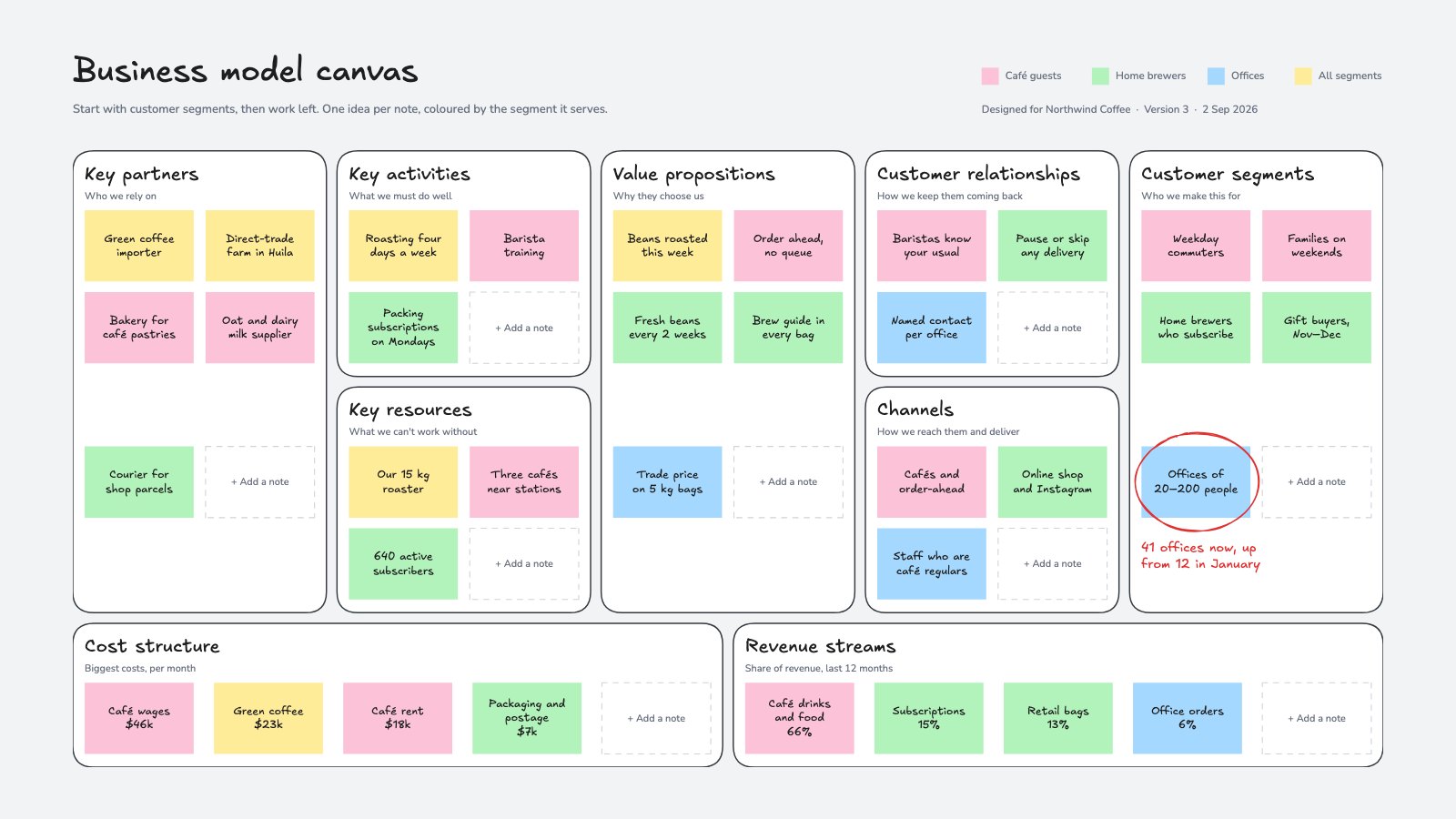
PreviewBusiness Model Canvas
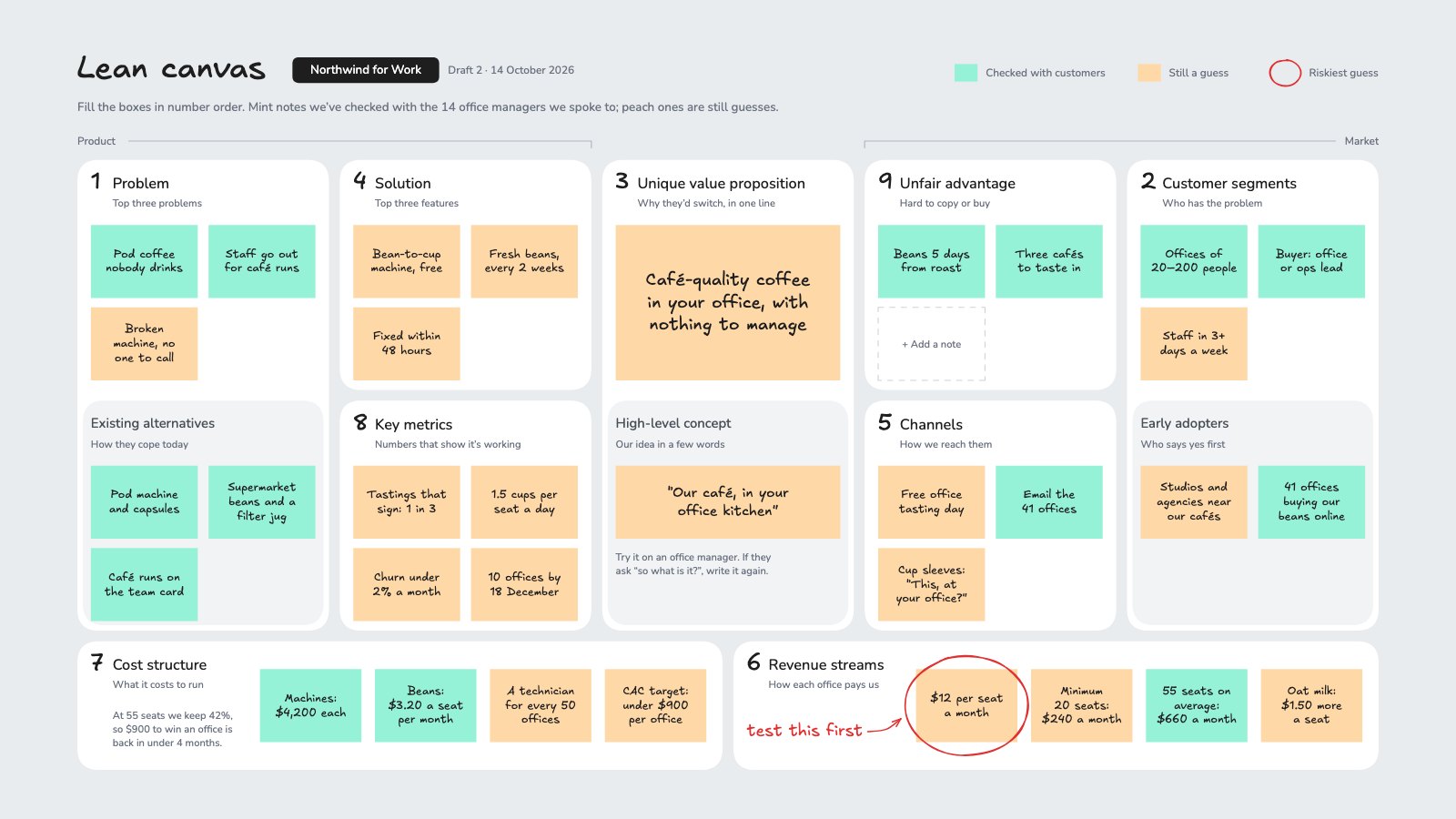
PreviewLean Canvas
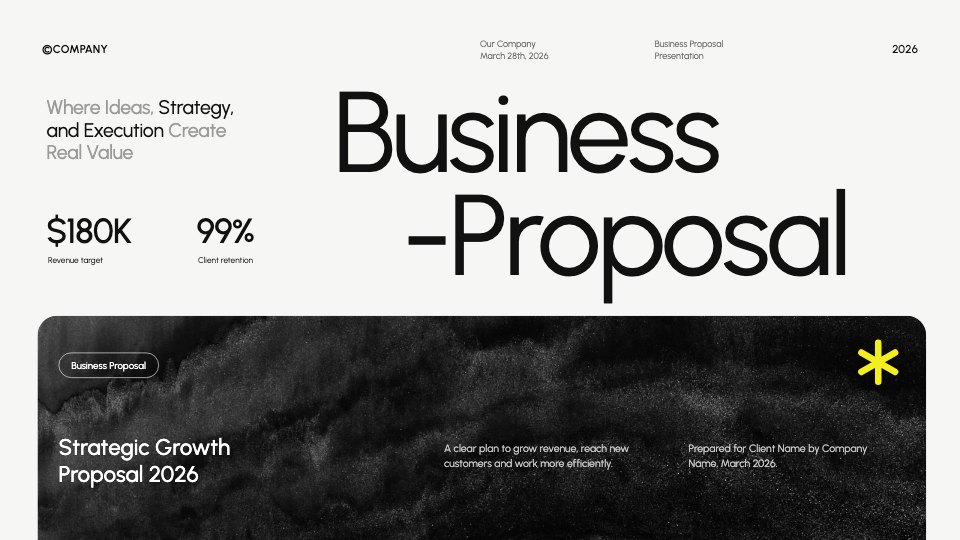
PreviewBusiness Proposal
Preview

Starting from a description instead? Try the Online whiteboard.










Start your strategy canvas with Docsiv AI
Describe the client or the project and Docsiv AI writes a first draft of your board strategy review presentation for you to edit, share and send.