

What’s inside the Cartesian.
10 slides with real content in place. Rewrite them, reorder them, or add your own.
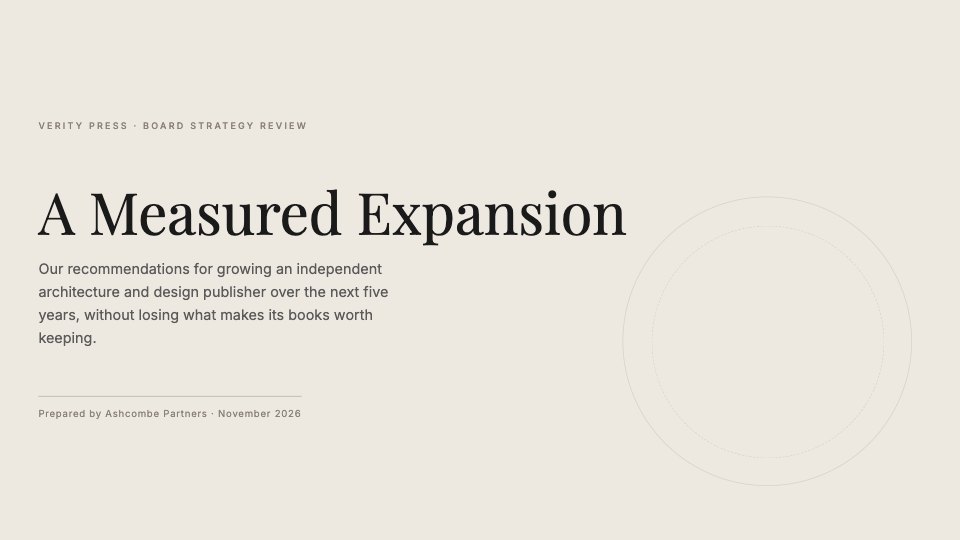
- 1Slide 1A cover with the title, a one-line summary and who prepared it
- 2Slide 2Agenda: five numbered parts
- 3Slide 3A full-slide guiding principle
- 4Slide 4Revenue by quarter: a bar chart of actual against plan
- 5Slide 5Case study: a photo beside the story and three figures
- 6Slide 6Three strengths to build on, in numbered cards
- 7Slide 7Direct sales over six years: a line chart against the industry average
- 8Slide 8A five-year roadmap in four phases
- 9Slide 9The advisory team: four people
- 10Slide 10A closing slide with next steps and contact details
When to use it.
Cartesian is for advisors, consultants and leadership teams who need to present a considered recommendation to a board or client. It opens with an agenda and a guiding principle, shows results in a bar chart against plan, tells a case study beside a photo, sets out three strengths, tracks a trend in a line chart and ends with a phased roadmap, the team and next steps. Warm stone tones, Playfair Display headings and fine drafting-style circles give it the calm of an architectural monograph.
Made for
- Founders testing a new idea
- Agencies running strategy workshops
- Product and innovation teams
- Small business owners planning the year
Make it yours in four steps.
Open it in Decks and work through it, or let Docsiv AI do the first pass with your details.
- Step 1
Pick the Cartesian template and open it in the deck editor.
- Step 2
Replace the organisation, figures and chart data with your own; the bar and line charts are simple shapes you can edit.
- Step 3
Swap the case study photo and the team's initials, and rewrite the speaker notes for your room.
- Step 4
Present it from the browser, export it to PowerPoint or PDF, or share it with a link.
Start from the Cartesian now.
Questions about this template.
Something else on your mind? Ask us in the chat, bottom right of the page.
Is the Cartesian template free?
Yes. Create a free account and it opens in Docsiv's Decks app, ready to edit and share. The Free plan includes every Docsiv app and 500 AI credits a month.
Can I change the colours, fonts and text?
Yes, all of it. The template uses Playfair Display and Inter with #ede8e0, #e2dbd1, #1a1a1a, #8a8178, #b8b0a4, and you can change any of them, rewrite every word and add or remove slides.
What can I export it as?
Decks in Docsiv offers: Slides, PPTX, PDF and HTML exports. Once it's saved, you can also share it with a link.
Can Docsiv AI write the strategy review presentation for me?
Yes. Tell Docsiv AI about the client or project and it can draft the content in this template's style, which you then review and edit. AI uses credits; the Free plan includes 500 a month.
Stencil & Tablet
PreviewSignal
PreviewBroadside
PreviewBusiness Model Canvas
PreviewLean Canvas
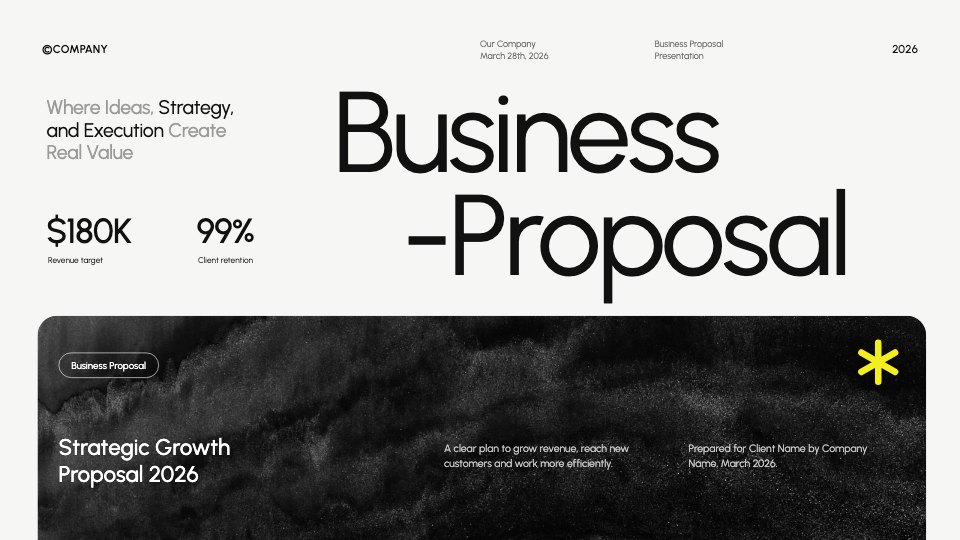
PreviewBusiness Proposal
Preview

Starting from a description instead? Try the Online whiteboard.
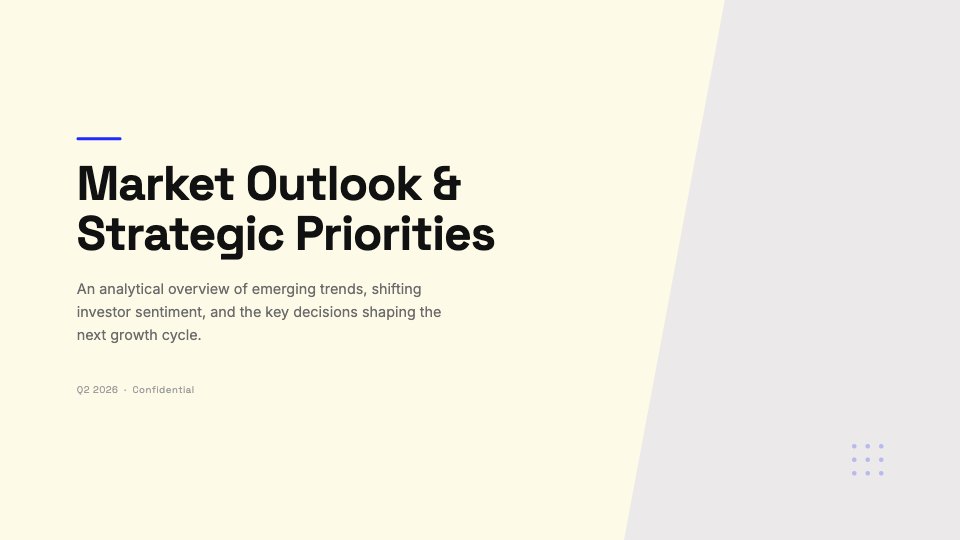
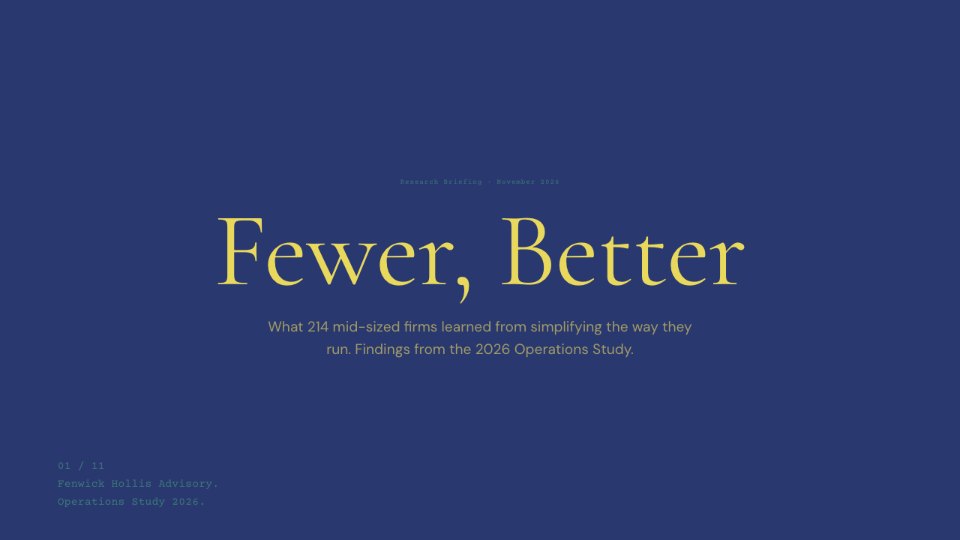
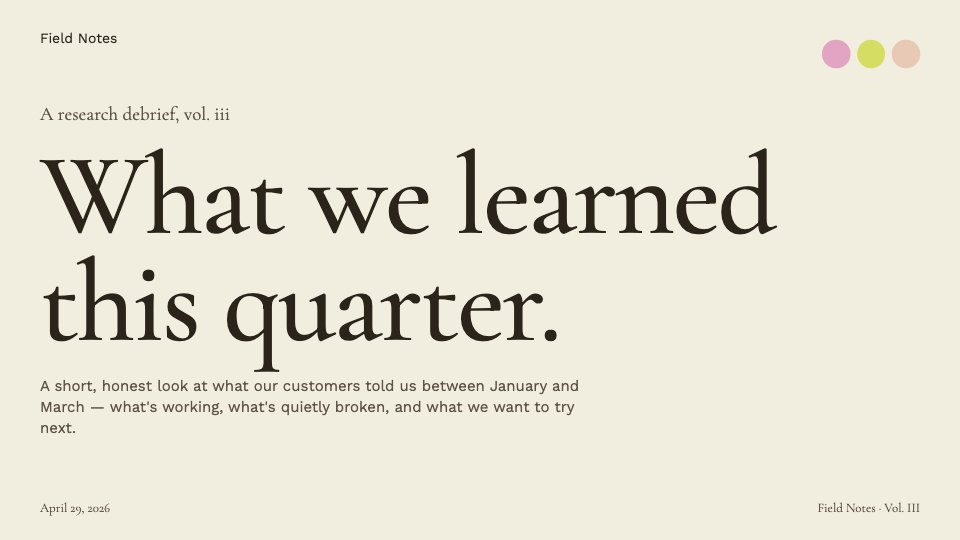

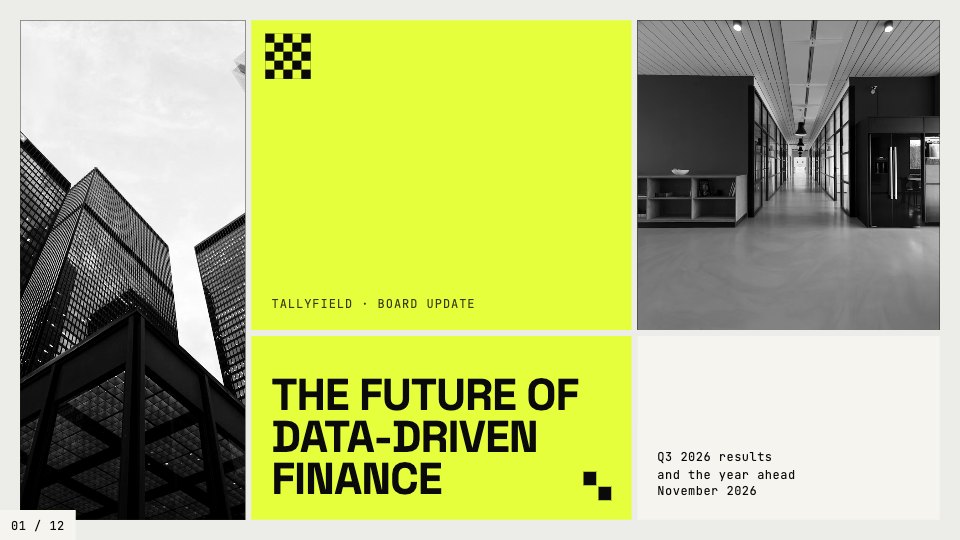





Start your strategy canvas with Docsiv AI
Describe the client or the project and Docsiv AI writes a first draft of your strategy review presentation for you to edit, share and send.