

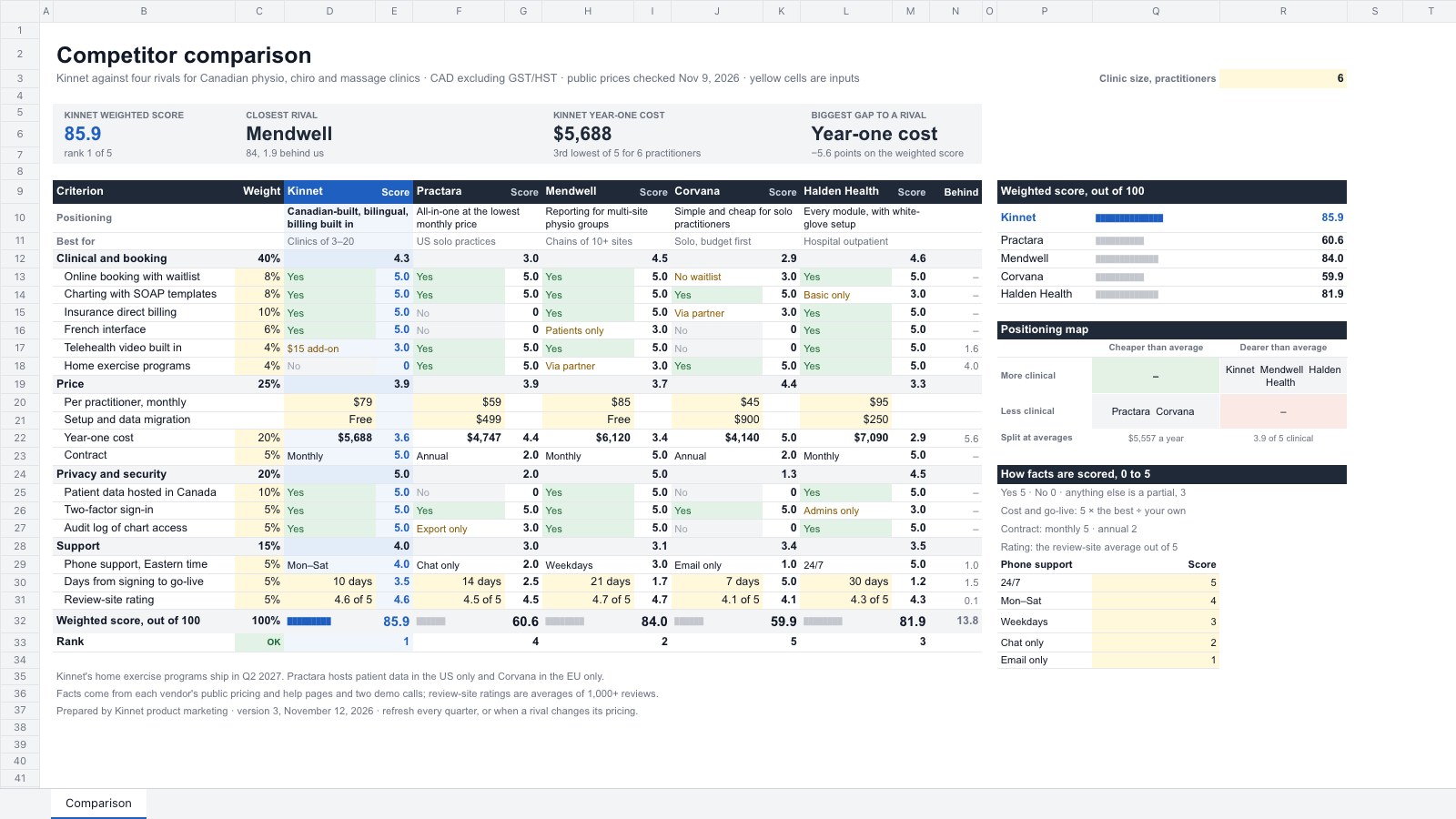
What’s inside the Competitor Comparison.
Real content in every part, ready to rewrite with your own.
- 1Comparison: your product and four rivals across, positioning and best-fit customer, then 15 criteria in four weighted groups (clinical and booking 40%, price 25%, privacy and security 20%, support 15%), each fact with a 0–5 score worked out by a stated rule, year-one cost from list price × practitioners × 12 plus setup, group scores, the weighted score out of 100 and rank, and the points behind the best rival on each criterion; tiles for score and rank, closest rival, year-one cost and the biggest gap, a weighted-score chart drawn in cells and a 2×2 positioning map of cost against clinical score
When to use it.
Competitor Comparison is a spreadsheet for product marketers, founders and strategy teams who need an honest view of where they win and lose. Your product and four rivals sit side by side, with positioning and best-fit customer at the top, then criteria in weighted groups: features, price, privacy and support. Each fact gets a 0–5 score by a stated rule, year-one cost is worked out from list price and setup, and the weighted score out of 100 is ranked. Tiles name the closest rival and your biggest gap, beside a score chart and a simple positioning map.
Made for
- Leadership teams presenting the year and the choice ahead
- Agencies taking a client through a strategy
- Founders testing a new idea
- Product and innovation teams
Make it yours in four steps.
Open it in Spreadsheets and work through it, or let Docsiv AI do the first pass with your details.
- Step 1
Put your product's name in the first pair of columns and your rivals' names beside it, with a line of positioning for each.
- Step 2
Rename the criteria to the ones your buyers care about, and set the weights so they add to 100%.
- Step 3
Type in each fact from the rivals' pricing and help pages: Yes, No, or a few words for a partial.
- Step 4
Set your typical customer size at the top right, check the tiles and positioning map, and refresh it every quarter.
Start from the Competitor Comparison now.
Questions about this template.
Something else on your mind? Ask us in the chat, bottom right of the page.
Is the Competitor Comparison template free?
Yes. Create a free account and it opens in Docsiv's Spreadsheets app, ready to edit and share. The Free plan includes every Docsiv app and 500 AI credits a month.
Can I change the colours, fonts and text?
Yes, all of it. The template uses Arial with #1f2937, #1f5fbf, #f1f5fc, #e3f2e6, #8a5a00, #fff8db, and you can change any of them, rewrite every word and add or remove rows and columns.
What can I export it as?
Spreadsheets in Docsiv offers: XLSX, CSV and PDF exports. Once it's saved, you can also share it with a link.
Can Docsiv AI write the competitor comparison for me?
Yes. Tell Docsiv AI about the client or project and it can draft the content in this template's style, which you then review and edit. AI uses credits; the Free plan includes 500 a month.
Tablet
PreviewSignal
PreviewCartesian
PreviewBroadside
PreviewGo-to-Market Plan
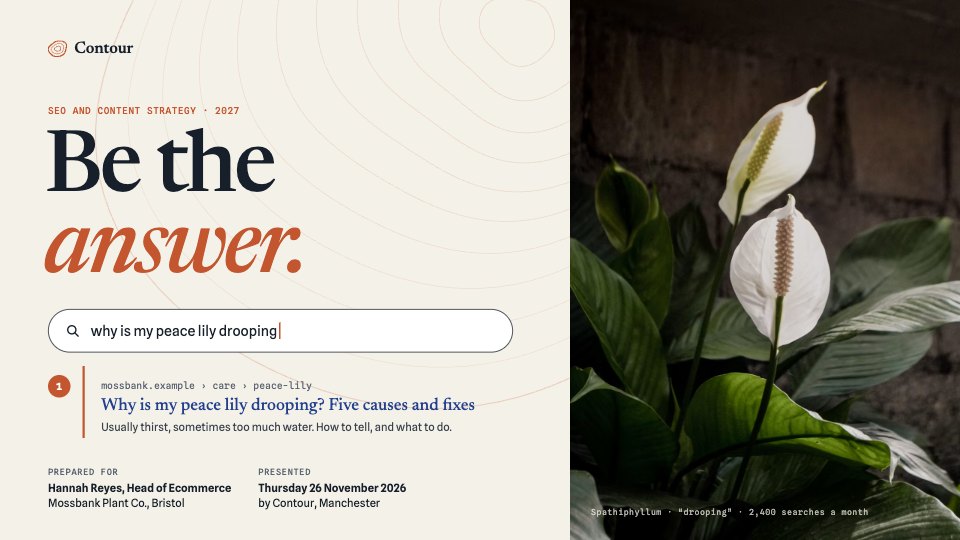
PreviewSEO & Content Strategy
Preview


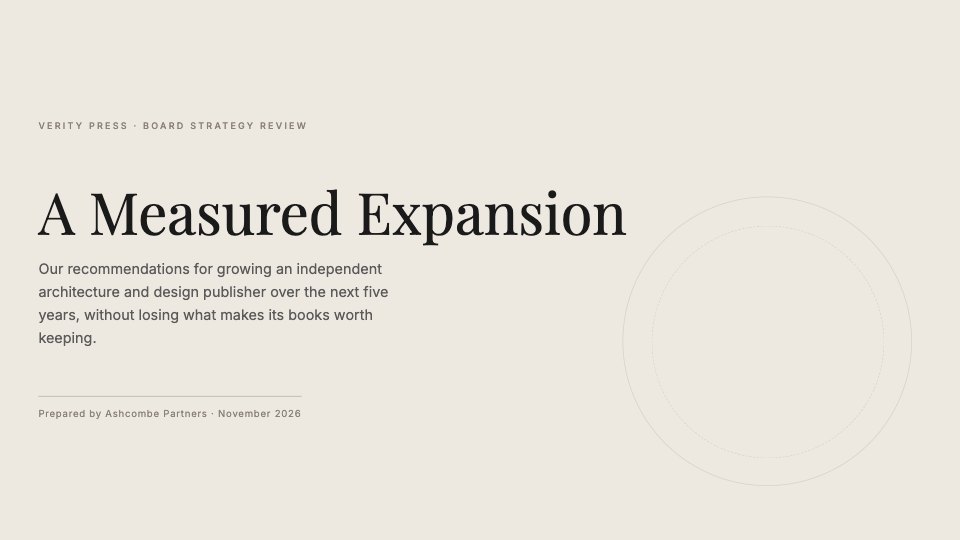
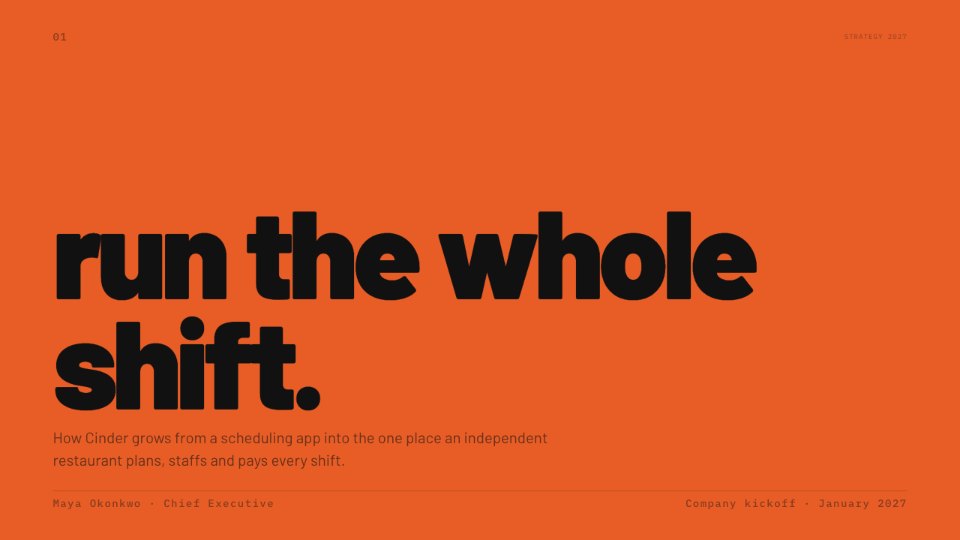
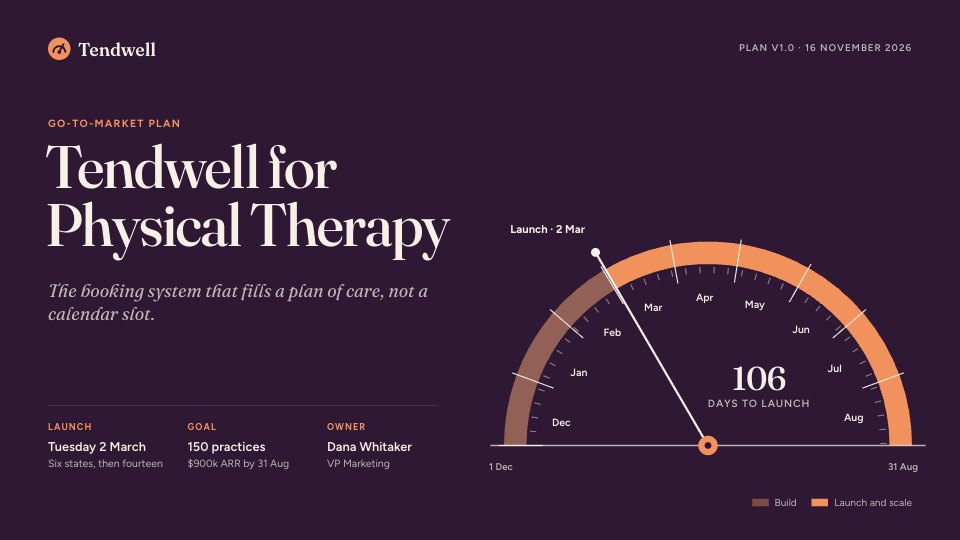
Starting from a description instead? Try the Online whiteboard.
Start your strategy with Docsiv AI
Describe the client or the project and Docsiv AI writes a first draft of your competitor comparison for you to edit, share and send.