

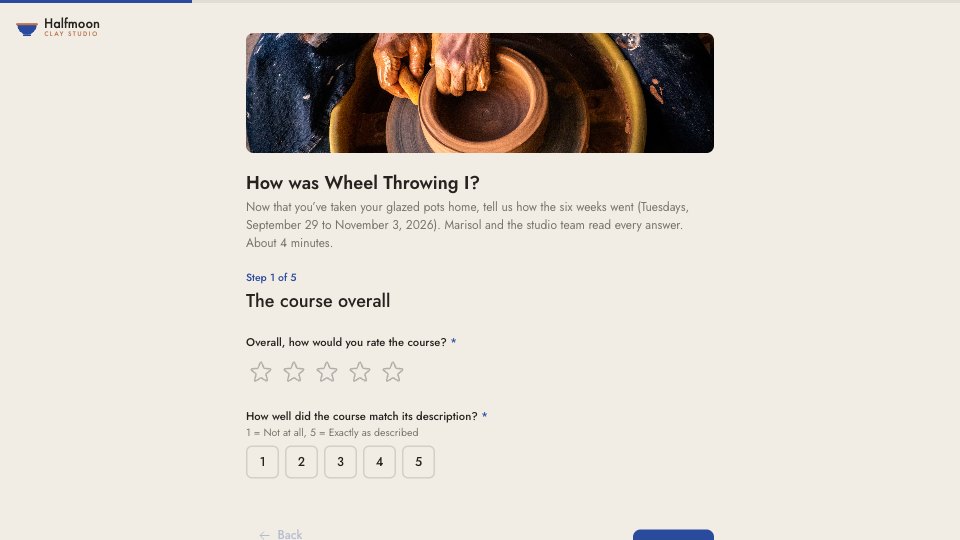
What’s inside the Course Feedback.
Real content in every part, ready to rewrite with your own.
- 1Step 1, The course overall: the title and intro (Wheel Throwing I, Tuesdays, September 29 to November 3, 2026; about 4 minutes), an overall star rating, and how well it matched its description on a 1–5 scale
- 2Step 2, The studio: star ratings for the wheels and tools and for glazing and firing, booking open studio time on a 1–5 scale, and the pace (too slow, about right, too fast)
- 3Step 3, Your instructor: four star ratings (clear demonstrations, one-to-one help, explaining why, not just how, approachability) and an optional note to Marisol
- 4Step 4, Most useful, and what to change: which part was most useful, and the one thing you’d change, both open
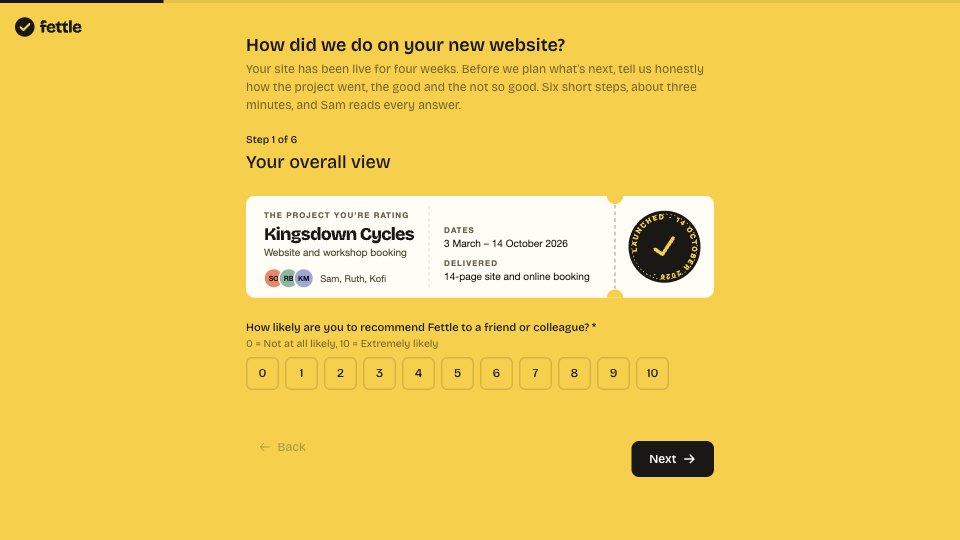
- 5Step 5, What’s next: “How likely are you to recommend Halfmoon Clay Studio to a friend or colleague?” on 0–10, which class you’d take next (Wheel Throwing II, Handbuilding, Glaze Lab, open studio), and permission to quote you, with your first name if you agree
- 6Thank you: who reads the feedback and when, and a discount code for the next class, beside a photo from the course
When to use it.
Course Feedback is a five-step survey for students to fill in after a course or workshop, shown here for a six-week pottery class. It runs from easy to hard: a star rating for the course and how well it matched its description, then the venue, equipment and pace, then four ratings for the instructor with an optional note that reaches them unedited. Two open questions ask for the most useful part and the one thing to change. It ends with the 0 to 10 recommend question, what to take next and permission to quote, and the thank-you carries a discount code.
Made for
- Agencies checking in after a project
- Customer success teams
- Product teams
- Small businesses
Make it yours in four steps.
Open it in Forms and work through it, or let Docsiv AI do the first pass with your details.
- Step 1
Swap in your studio or school’s name, logo, colour and photos.
- Step 2
Put your course name, dates and instructor in the intro and the instructor step.
- Step 3
Edit the studio questions to match your venue, and the next classes to your own timetable.
- Step 4
Set your own discount code on the thank-you screen, and send the link the day the course ends.
Start from the Course Feedback now.
Questions about this template.
Something else on your mind? Ask us in the chat, bottom right of the page.
Is the Course Feedback template free?
Yes. Create a free account and it opens in Docsiv's Forms app, ready to edit and share. The Free plan includes every Docsiv app and 500 AI credits a month.
Can I change the colours, fonts and text?
Yes, all of it. The template uses Jost with #F1ECE4, #26221E, #2A4A9E, #B9764E, and you can change any of them, rewrite every word and add or remove questions.
What can I export it as?
Forms in Docsiv offers: Responses exported as CSV. Once it's saved, you can also share it with a link.
Can Docsiv AI write the course feedback form for me?
Yes. Tell Docsiv AI about the client or project and it can draft the content in this template's style, which you then review and edit. AI uses credits; the Free plan includes 500 a month.
Where do the responses go?
Responses are collected in Docsiv with the form, and you can export them as a CSV file.


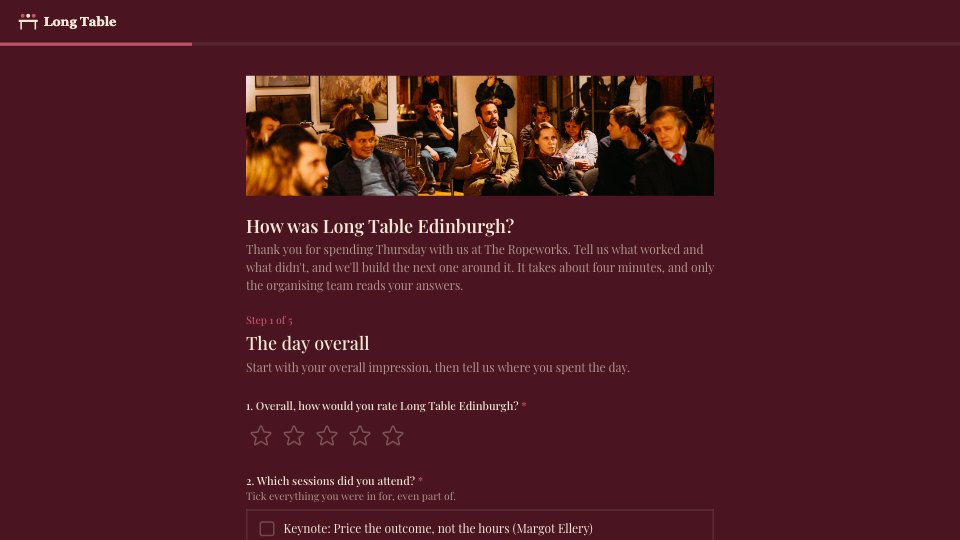

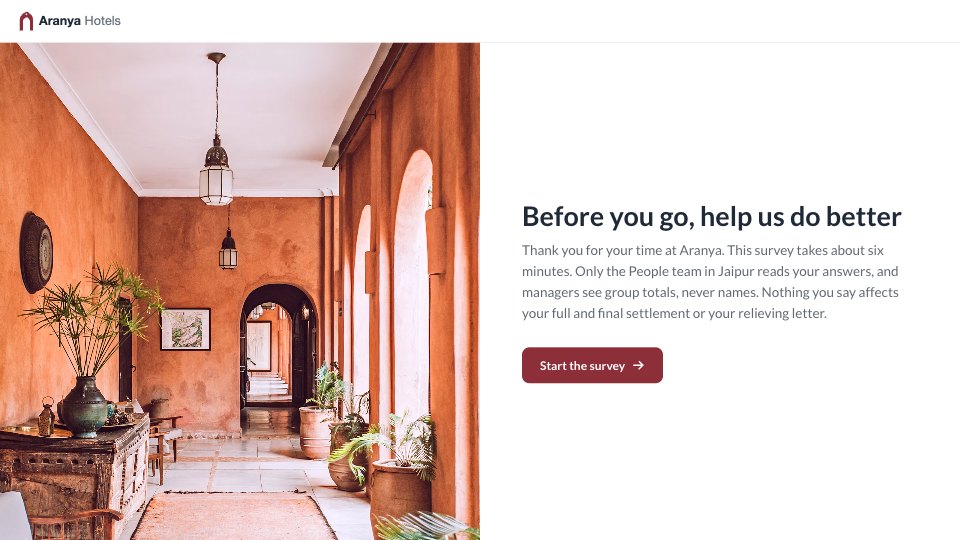
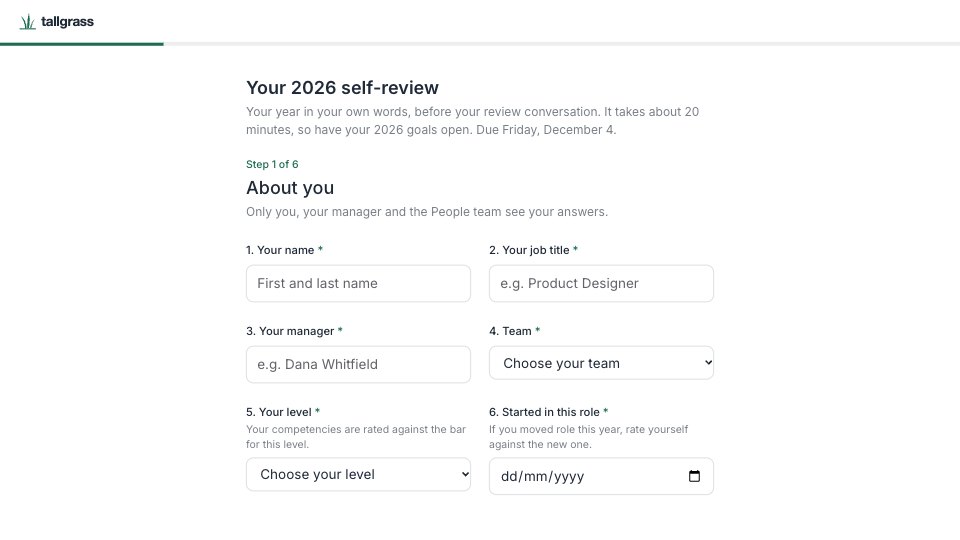




Start your survey with Docsiv AI
Describe the client or the project and Docsiv AI writes a first draft of your course feedback form for you to edit, share and send.