

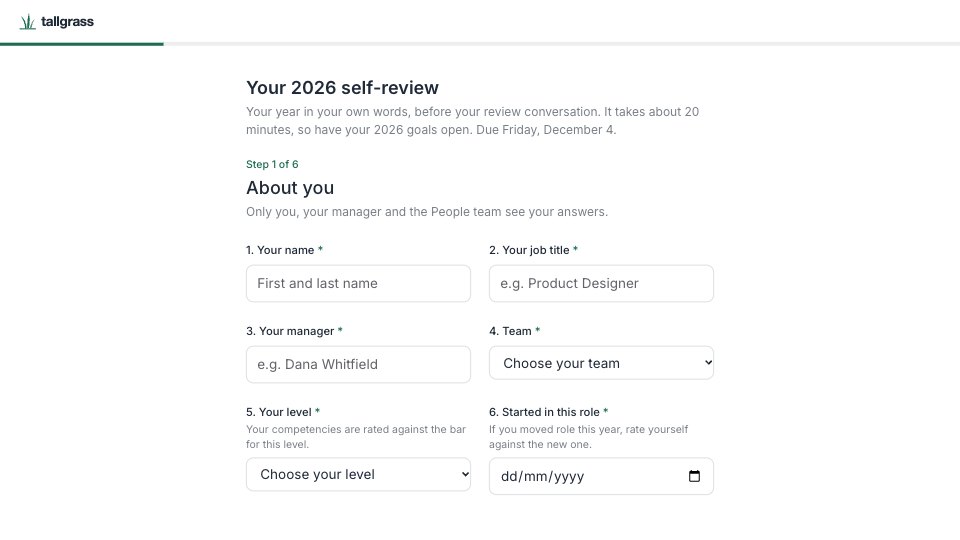
What’s inside the Performance Self-Review.
Real content in every part, ready to rewrite with your own.
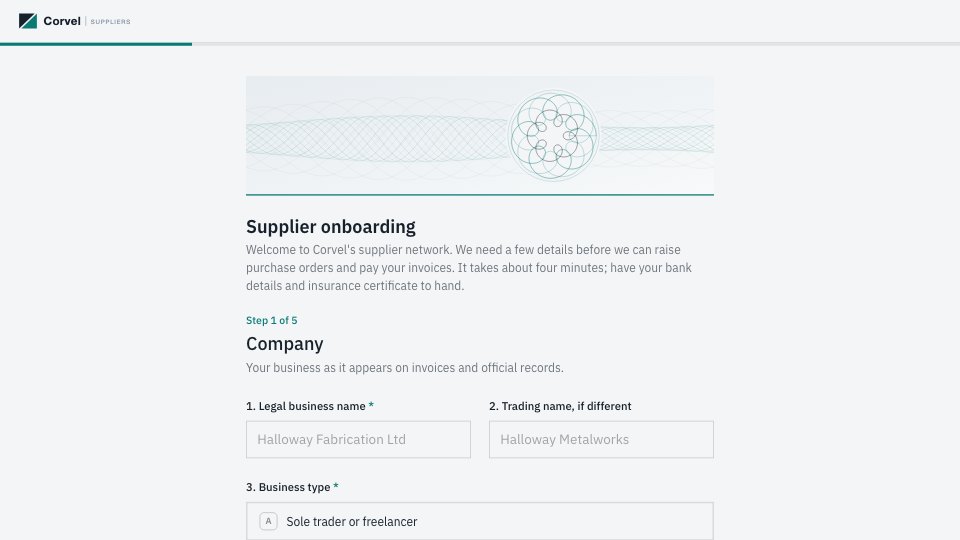
- 1Step 1, About you: the title, about 20 minutes, the due date and who sees the answers; name, job title, manager, team, level and when they started in the role
- 2Step 2, Goals against targets: up to three goals, each with its target as set, what was delivered, a status (exceeded, met, partly met, not met, changed or dropped) and an optional evidence link
- 3Step 3, Achievements: what they’re proudest of and what changed because of it, then what didn’t go to plan and what they learned (optional)
- 4Step 4, How you worked: ownership, craft and quality, customer focus, communication, collaboration and learning, each rated 1 to 5 against the bar for their level, with an example behind the highest and lowest
- 5Step 5, Growth: up to two competencies to grow in 2027, where their career goes next (with the team they’d like to try, when that’s the answer) and where they’d like to be in a year
- 6Step 6, Support and sign-off: the support that would help, their year in one word from five, anything else for their manager, and a typed signature and date
- 7Thank-you: the review is with their manager, the manager’s review by December 11 and the conversation the week of December 14, with a photo
When to use it.
Performance Self-Review is a six-step form an employee fills in before their annual review, in about 20 minutes. It starts with their role, manager, team and level, then takes up to three goals, each with its target as set, what was delivered and a status. Next come achievements and lessons, six competencies rated 1 to 5 against the bar for their level with an example behind the scores, growth goals and career direction, the support they need, and a typed signature. Questions are numbered, so a manager can print it as one document.
Made for
- Agencies checking in after a project
- Customer success teams
- Product teams
- Small businesses
Make it yours in four steps.
Open it in Forms and work through it, or let Docsiv AI do the first pass with your details.
- Step 1
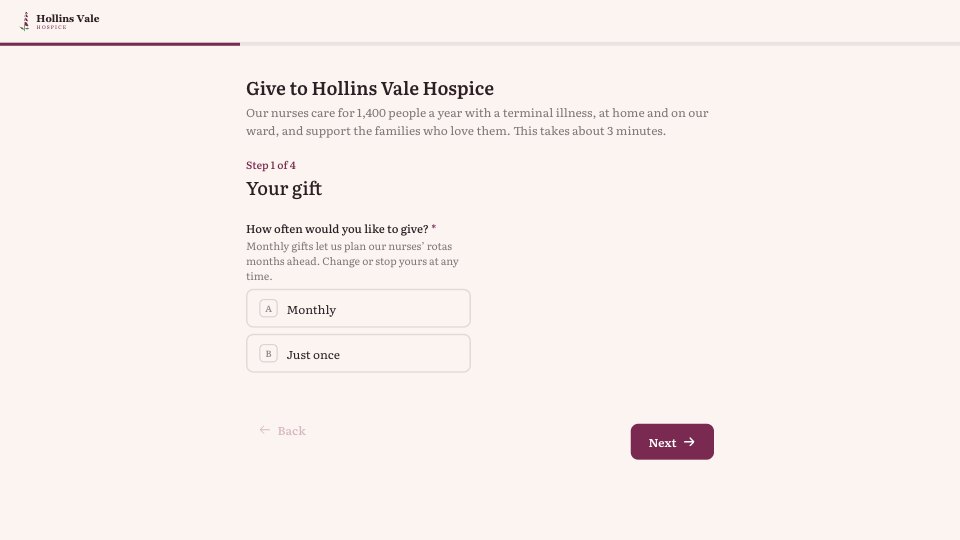
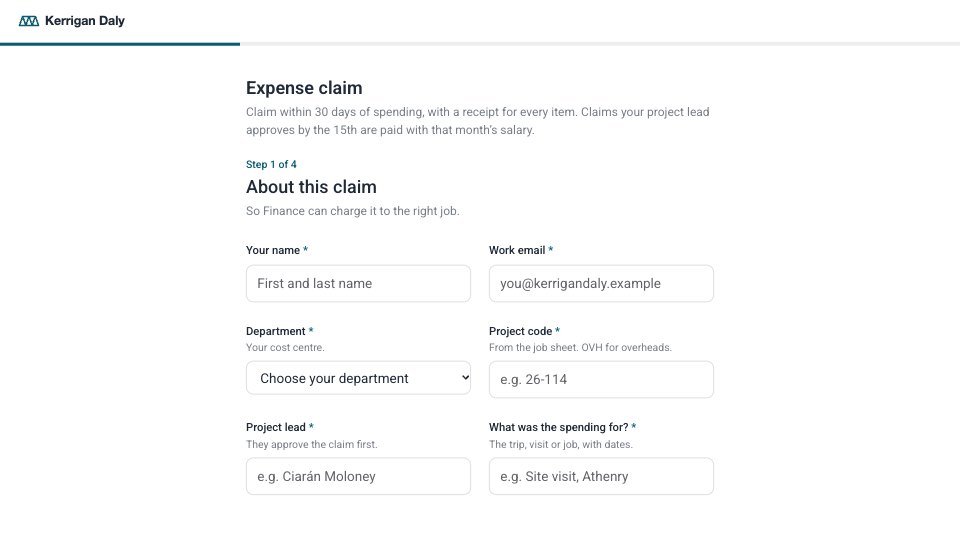
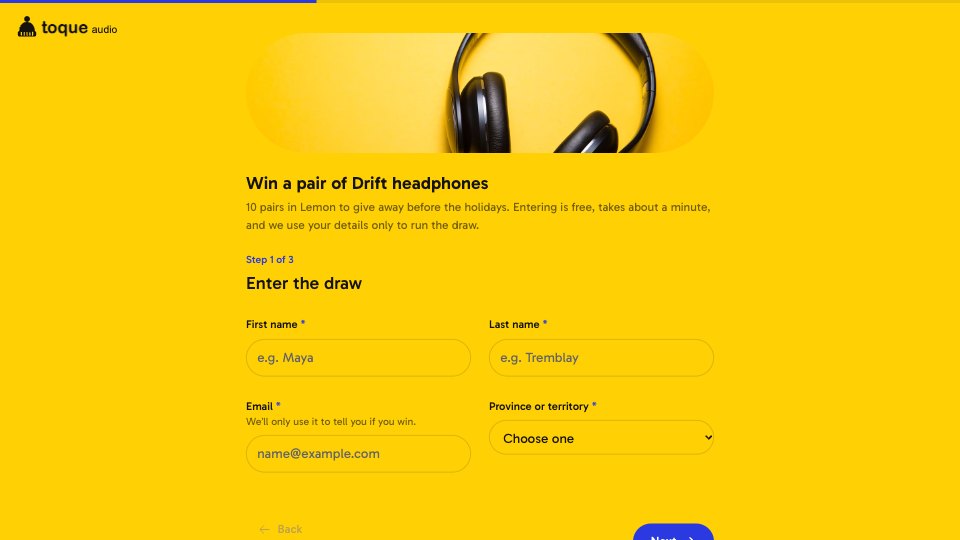
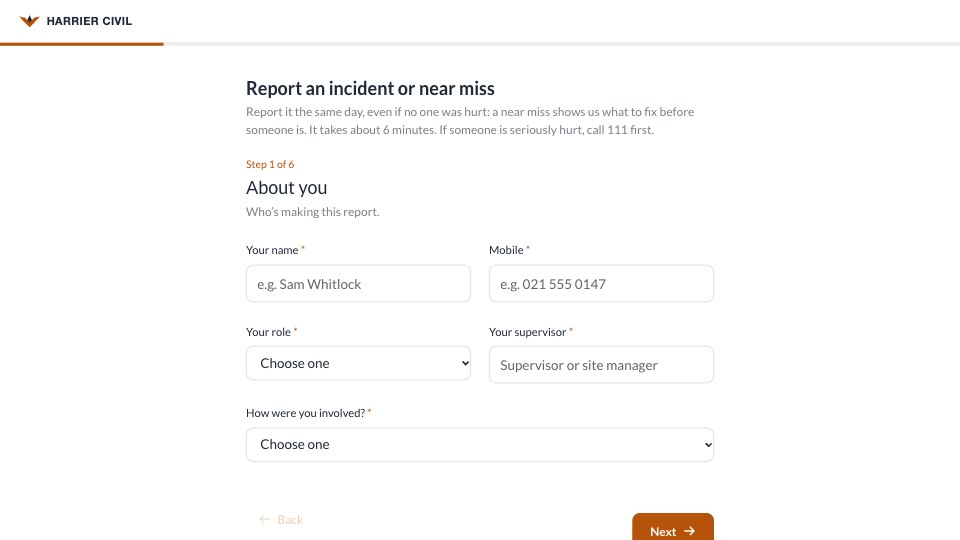
Swap in your company’s name, logo and accent colour in the Design tab.
- Step 2
Edit the teams and levels in the dropdowns, and replace the six competencies with your own framework.
- Step 3
Set your review dates in the intro and on the thank-you screen.
- Step 4
Send the link a few weeks before reviews, and read each answer next to the manager’s own review.
Start from the Performance Self-Review now.
Questions about this template.
Something else on your mind? Ask us in the chat, bottom right of the page.
Is the Performance Self-Review template free?
Yes. Create a free account and it opens in Docsiv's Forms app, ready to edit and share. The Free plan includes every Docsiv app and 500 AI credits a month.
Can I change the colours, fonts and text?
Yes, all of it. The template uses Inter with #FFFFFF, #1F2937, #1D6B52, and you can change any of them, rewrite every word and add or remove questions.
What can I export it as?
Forms in Docsiv offers: Responses exported as CSV. Once it's saved, you can also share it with a link.
Can Docsiv AI write the employee self evaluation for me?
Yes. Tell Docsiv AI about the client or project and it can draft the content in this template's style, which you then review and edit. AI uses credits; the Free plan includes 500 a month.
Where do the responses go?
Responses are collected in Docsiv with the form, and you can export them as a CSV file.
Customer Feedback Survey
PreviewTeam Pulse Survey
PreviewEvent Feedback Survey
PreviewTestimonial Request
PreviewCourse Feedback
PreviewExit Interview
Preview



Starting from a description instead? Try the Form builder.

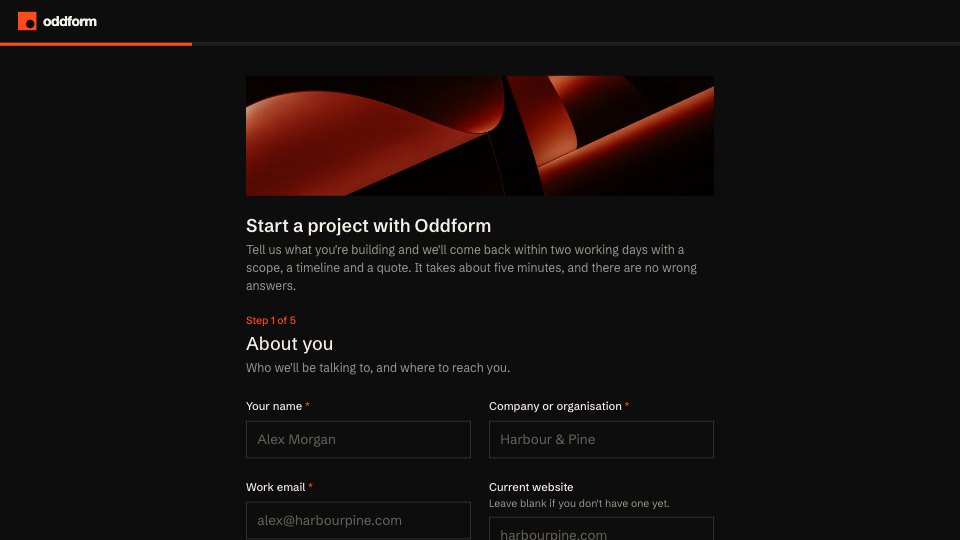
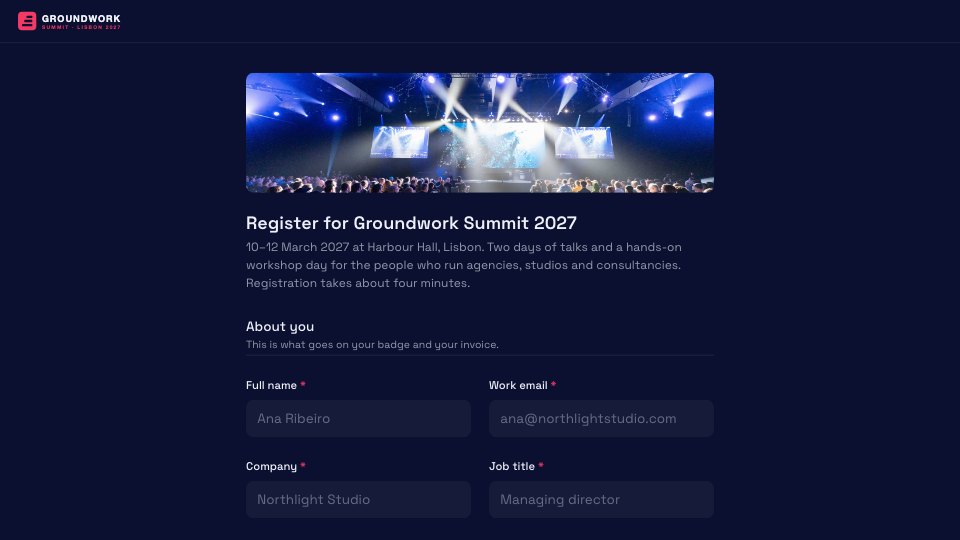
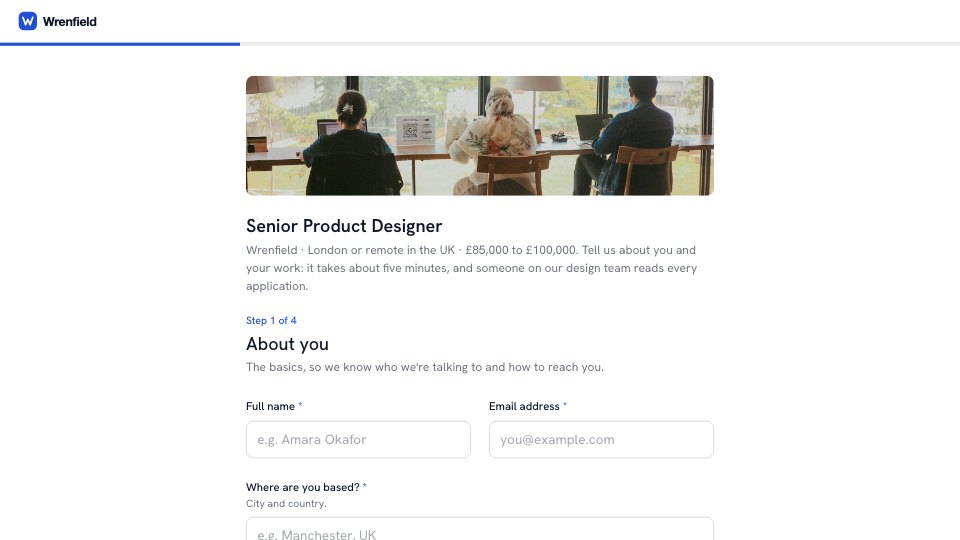
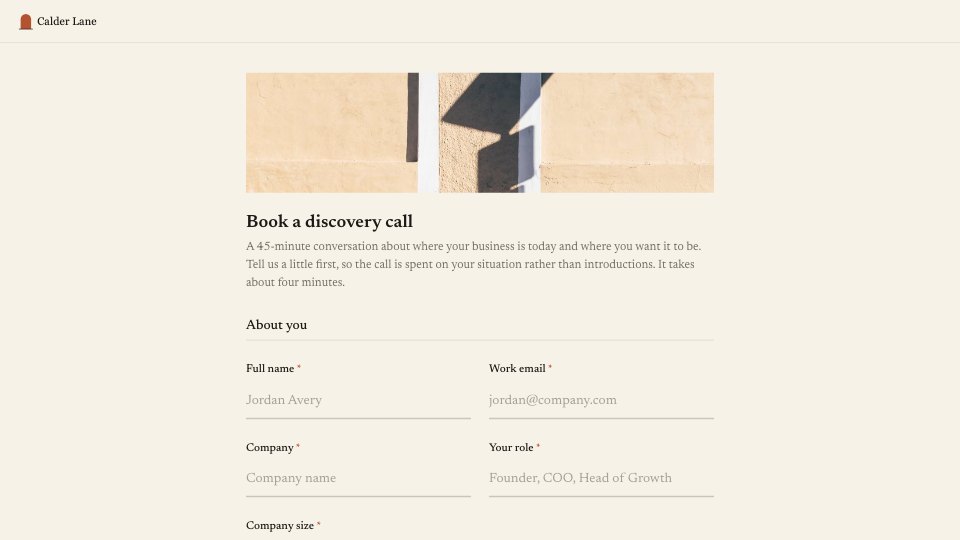

Start your survey with Docsiv AI
Describe the client or the project and Docsiv AI writes a first draft of your employee self evaluation for you to edit, share and send.