

What’s inside the UI Kit.
6 screens with real content in place. Rewrite them, reorder them, or add your own.
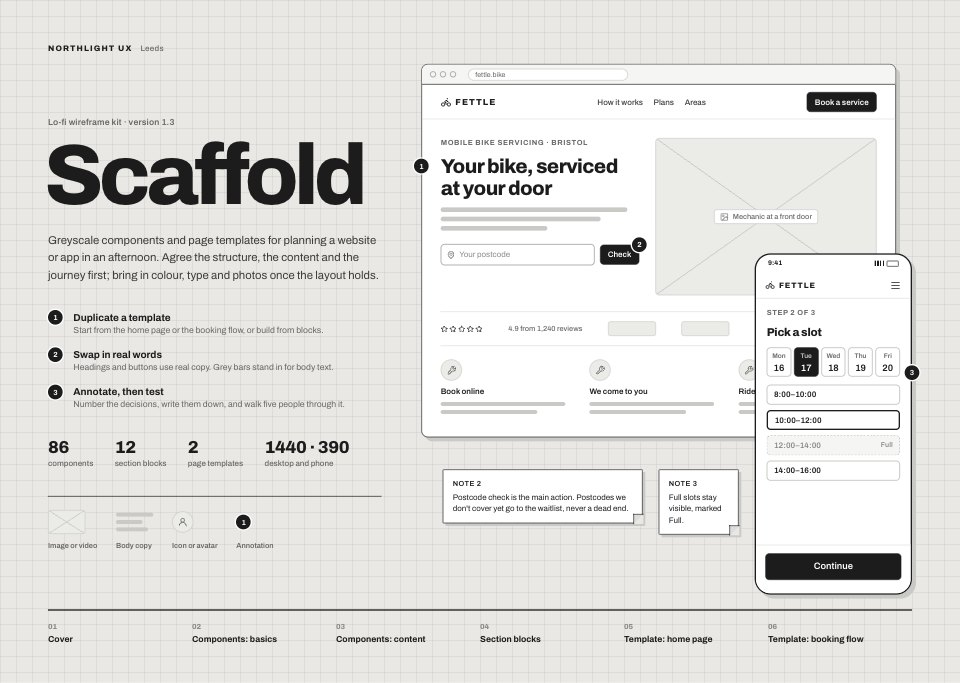
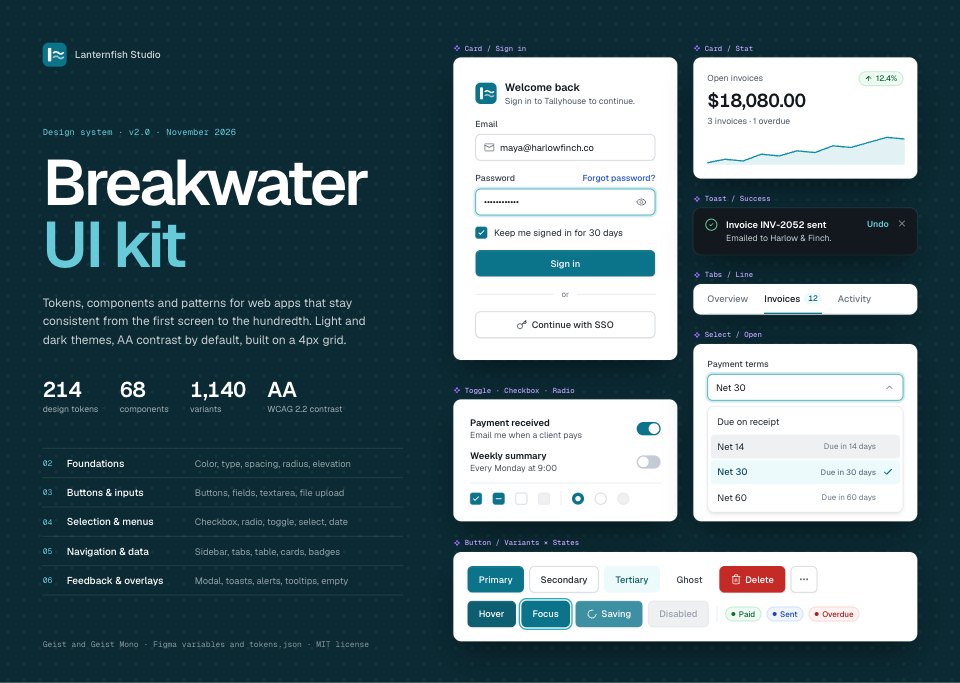
- 1Screen 1Cover and contents: the kit's name, version and numbers, a contents list, and a collage of real components (sign-in card, stat card, toast, tabs, open select, toggles and the button set) on a petrol dot-grid canvas
- 2Screen 2Foundations: six ten-step color scales with hex values, AA contrast and the semantic token each step feeds; a ten-step Geist type scale; spacing from 4 to 64; seven radii and five shadow levels with where each is used
- 3Screen 3Buttons and inputs: primary, secondary, tertiary, ghost and destructive buttons across default, hover, pressed, focus, loading and disabled; three sizes with icon buttons, and button groups; a text field in six states with label, helper and error; textarea, stepper, percentage and currency inputs; and file upload with progress and a rejected file
- 4Screen 4Selection and menus: checkboxes, radios and toggles in every state and a checkbox group; select, multi-select and a combobox with search and create; a date range picker with presets; single and range sliders; and the actions menu with sections, shortcuts, a submenu and its anatomy
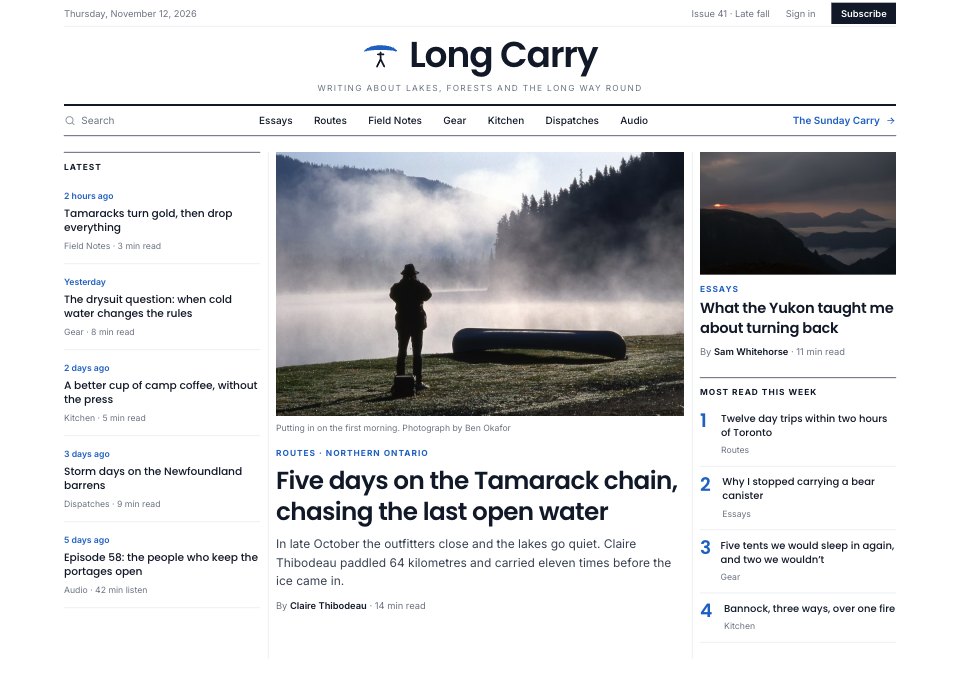
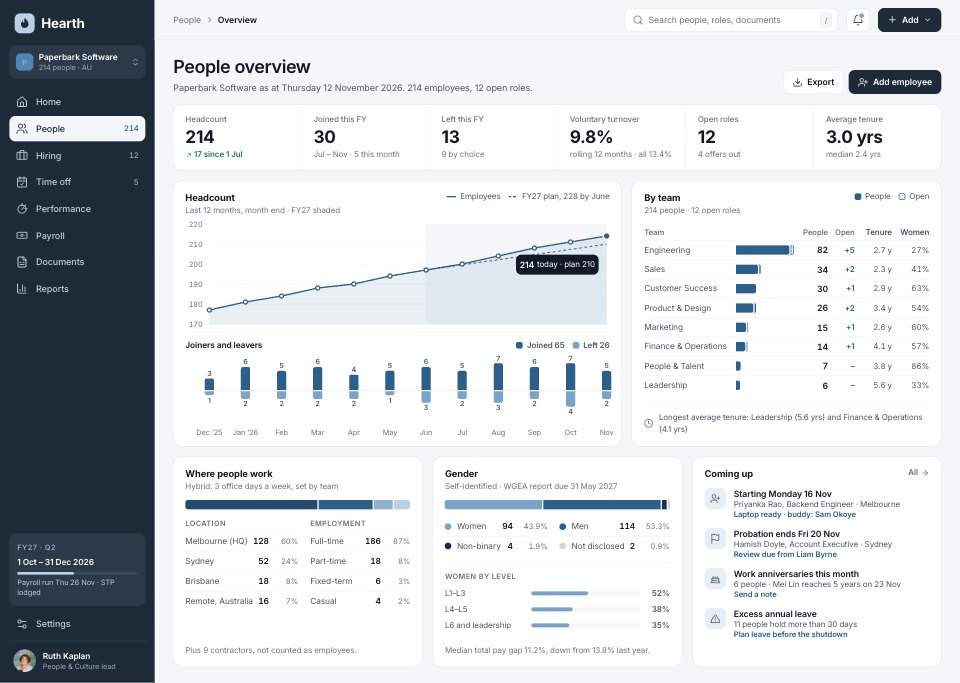
- 5Screen 5Navigation and data: the expanded sidebar, top bar with breadcrumbs, line, segmented and pill tabs, a sortable invoice table with selection, hover, status badges and pagination, badges and avatar groups, and stat, project and activity cards
- 6Screen 6Feedback and overlays: a modal with its anatomy, sizes and focus rules, inline alerts in four tones, success, error, info and progress toasts with timing rules, a tooltip and actions menu, and skeleton and empty states
When to use it.
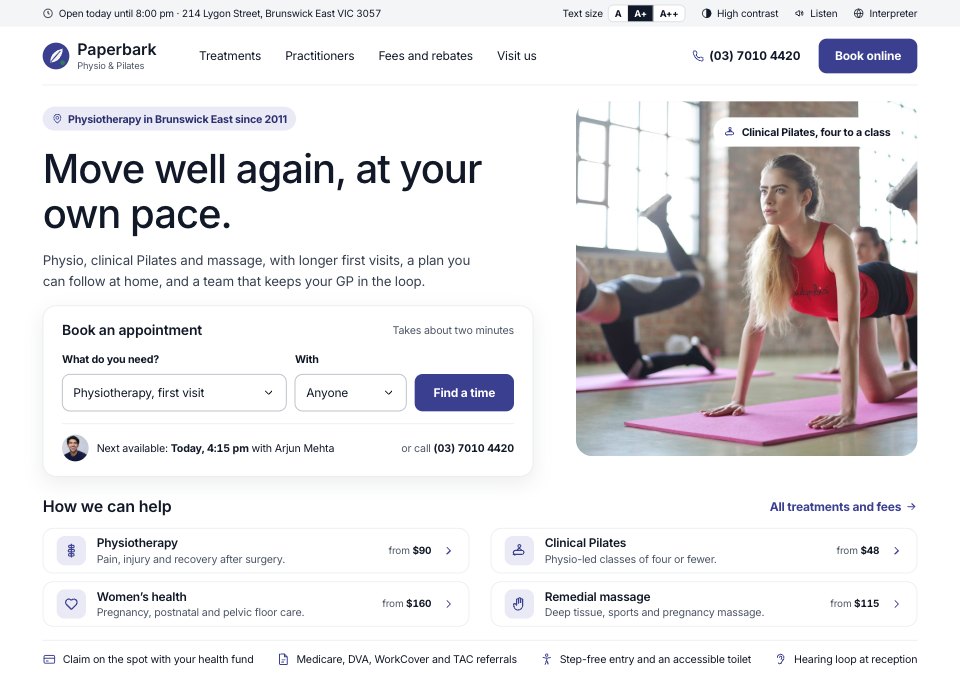
UI Kit is a 6-screen design system for web apps, laid out like a well-made Figma kit, for product designers, studios and SaaS teams who want one consistent starting point. A cover with the contents leads into foundations (six colour scales with contrast ratios, semantic tokens, a type scale, spacing, radius and elevation), then buttons and inputs, selection controls and menus, navigation and data, and feedback and overlays. Every component is shown in all its states, with the rules a developer needs, and the sample content is one invoicing app, so the table, toasts and modal agree.
Made for
- Product designers starting a new app
- Freelancers wireframing for clients
- Agencies running design sprints
- Founders sketching an MVP
Make it yours in four steps.
Open it in UI design and work through it, or let Docsiv AI do the first pass with your details.
- Step 1
Rename Breakwater and swap the Ocean scale on Foundations for your brand colour, keeping each step's contrast at 4.5 or more.
- Step 2
Change the sample invoices, clients and menu items to your own product's content.
- Step 3
Add or remove variants in each component set, keeping the state columns in the same order.
- Step 4
Export the screens as FIG, SVG, PNG or PDF, and hand the token names on Foundations to your developers.
Start from the UI Kit now.
Questions about this template.
Something else on your mind? Ask us in the chat, bottom right of the page.
Is the UI Kit template free?
Yes. Create a free account and it opens in Docsiv's UI design app, ready to edit and share. The Free plan includes every Docsiv app and 500 AI credits a month.
Can I change the colours, fonts and text?
Yes, all of it. The template uses Geist and Geist Mono with #0b748a, #0b2a33, #12181d, #dfe3e7, #167c46, #c42b26, #9b6bff, and you can change any of them, rewrite every word and add or remove screens and layers.
What can I export it as?
UI design in Docsiv offers: FIG, SVG, PNG and PDF files. Once it's saved, you can also share it with a link.
Can Docsiv AI change it for me?
Yes. Tell Docsiv AI what you need, such as your brand's colours, new wording or another screen, and it makes the changes in UI design for you to review. AI uses credits; the Free plan includes 500 a month.





















Start your uI kit and wireframe with Docsiv AI
Describe the client or the project and Docsiv AI writes a first draft of your UI kit for you to edit, share and send.