

Client spaces
Give each client one branded place for your work, and keep them in the loop.
5 guides
- Set up a client spacePaid plansGive a client one branded place for everything you share with them: name it, choose its address, add their people and invite them.
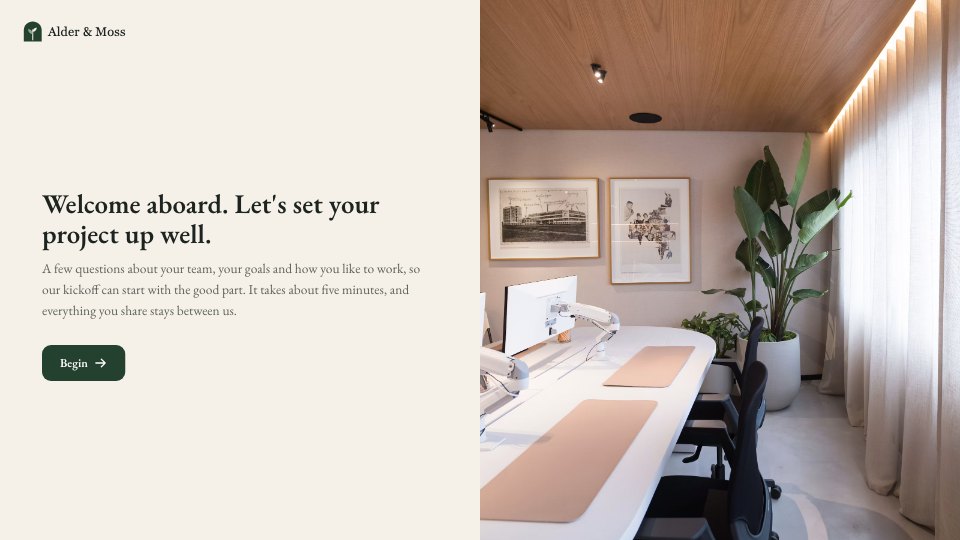
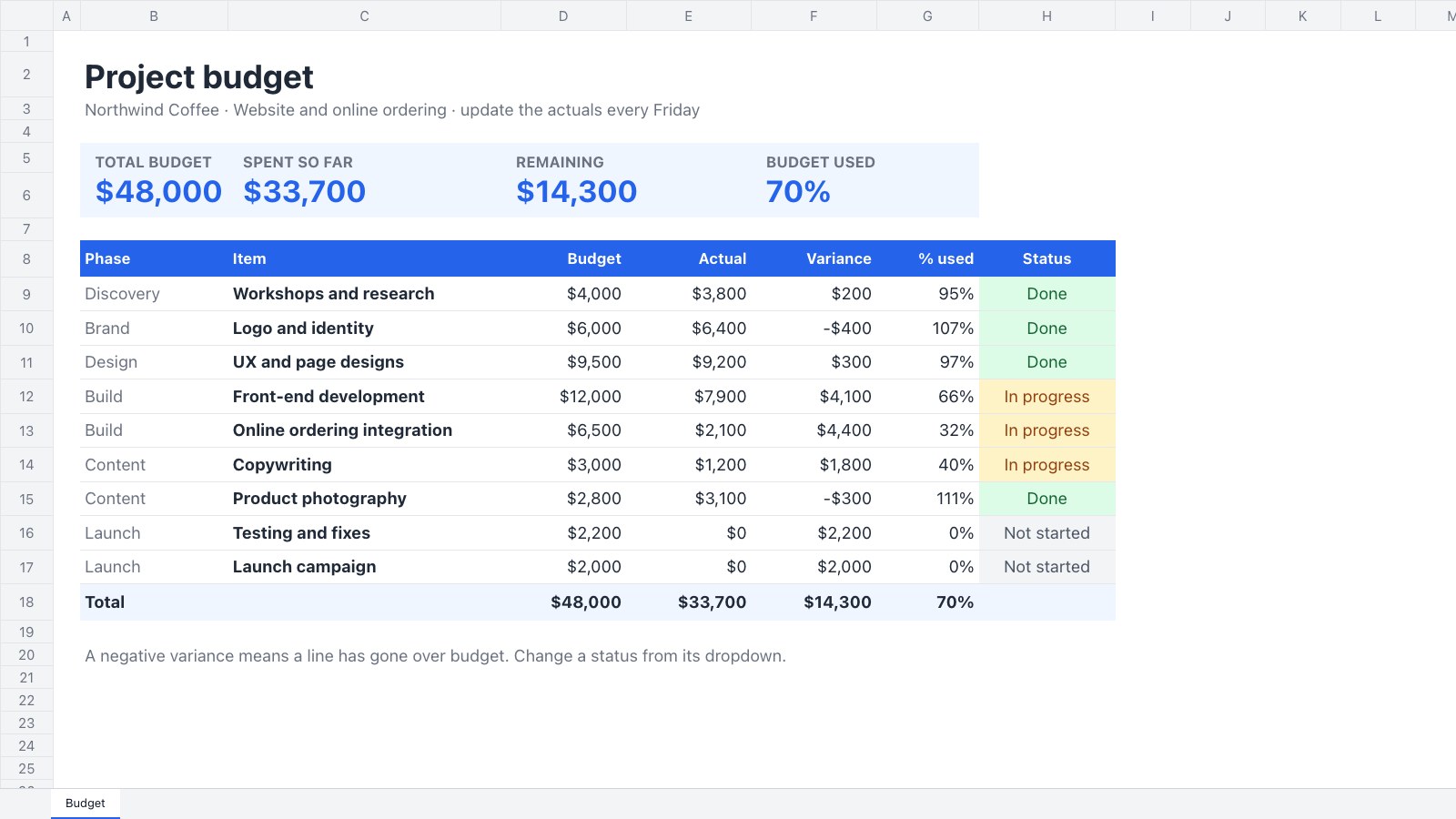
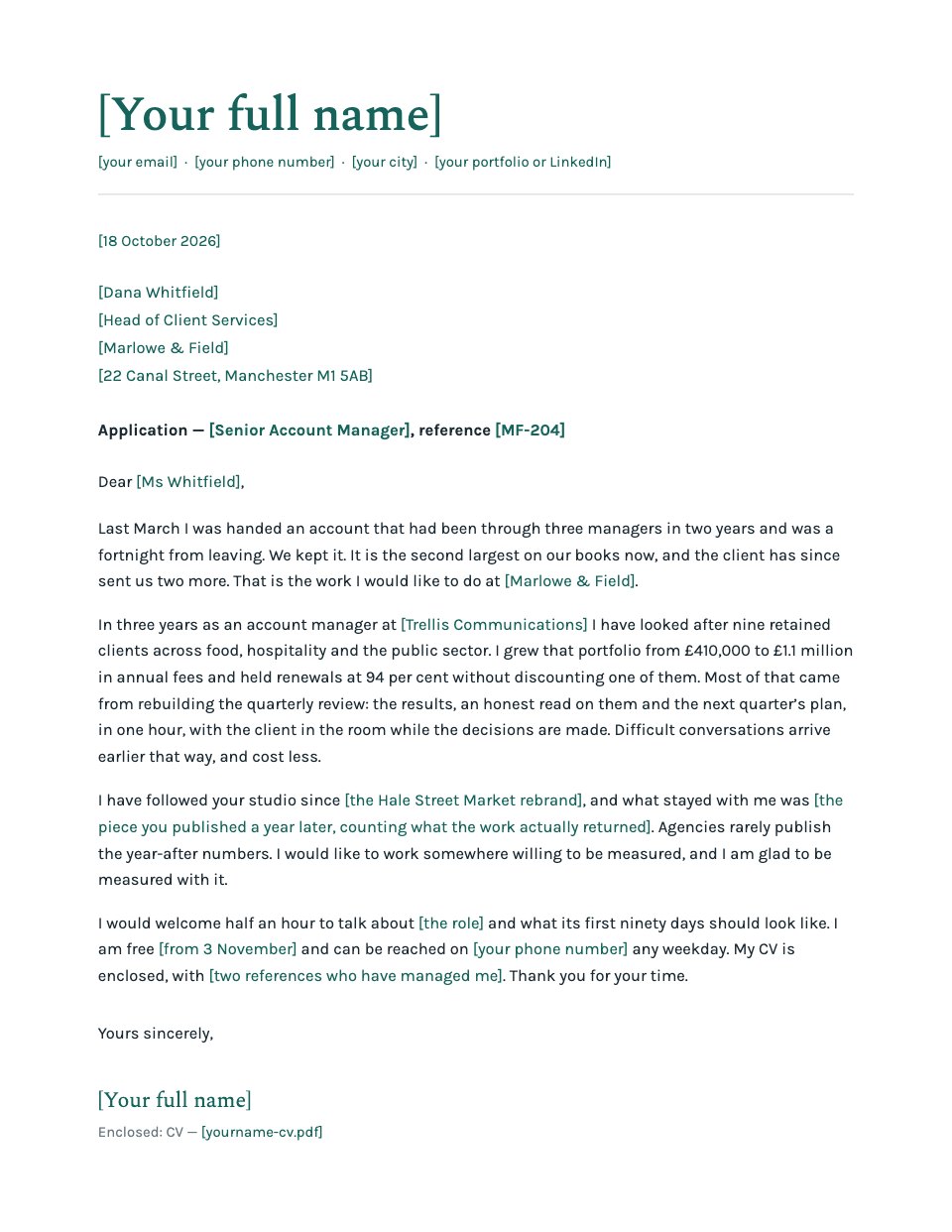
- Add work to a client spacePaid plansShare documents, files, forms, requests and links in a space, ask for approval and review what the client sends back.
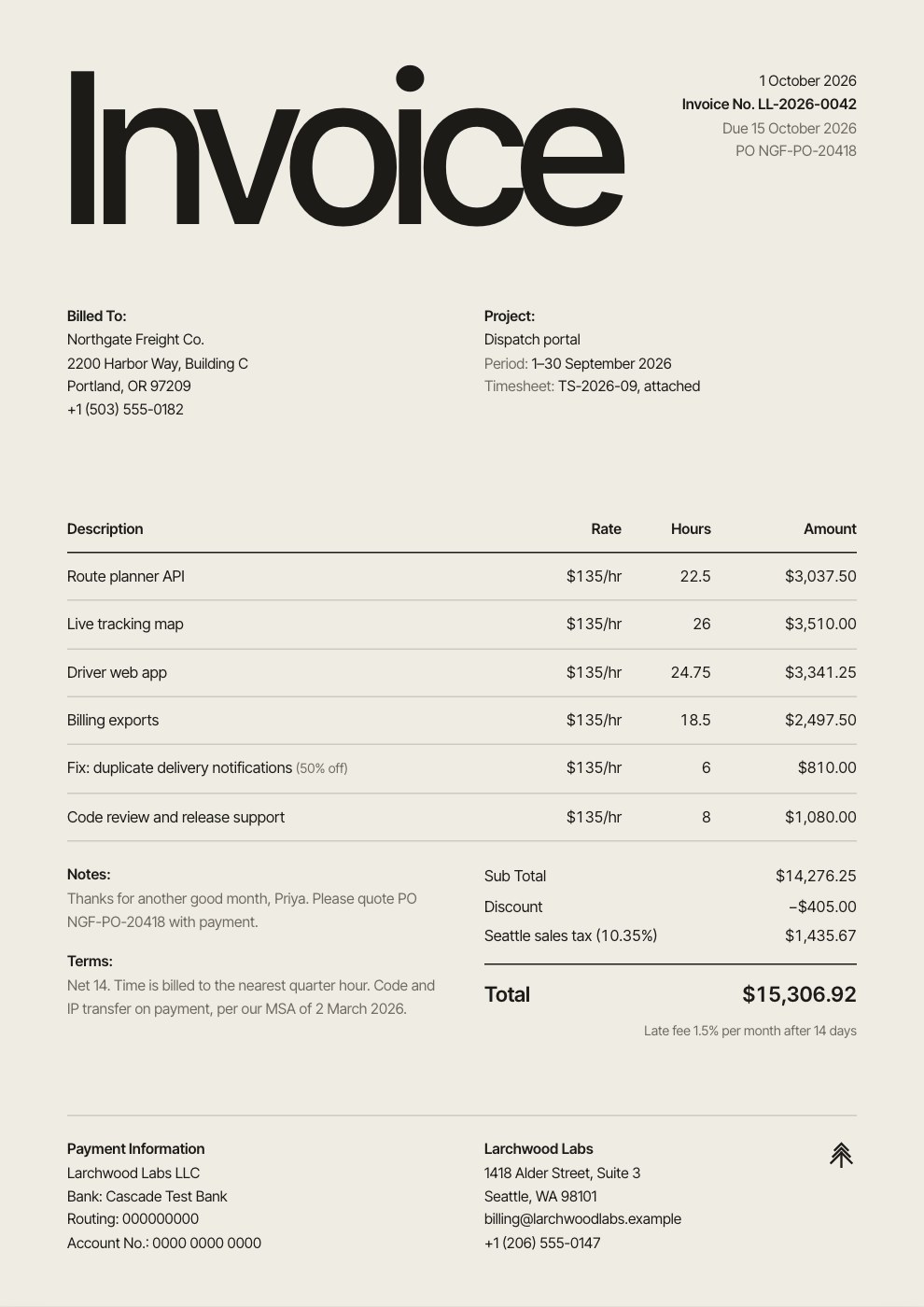
- Get signatures and payments in a client spacePaid plansShow a signing request or an invoice in a client’s space so they can sign with no second code, pay, or tell you they’ve paid.
- Keep clients in the loopPaid plansSee who has opened their space, remind people, message them and post updates.
- Open and use your client spaceFor clients: sign in with a code or link, see what needs you, approve, send files, sign, pay and ask questions. No account needed.



































Make something while you’re here
Ask Docsiv AI for a first draft, then follow along with the guides.