

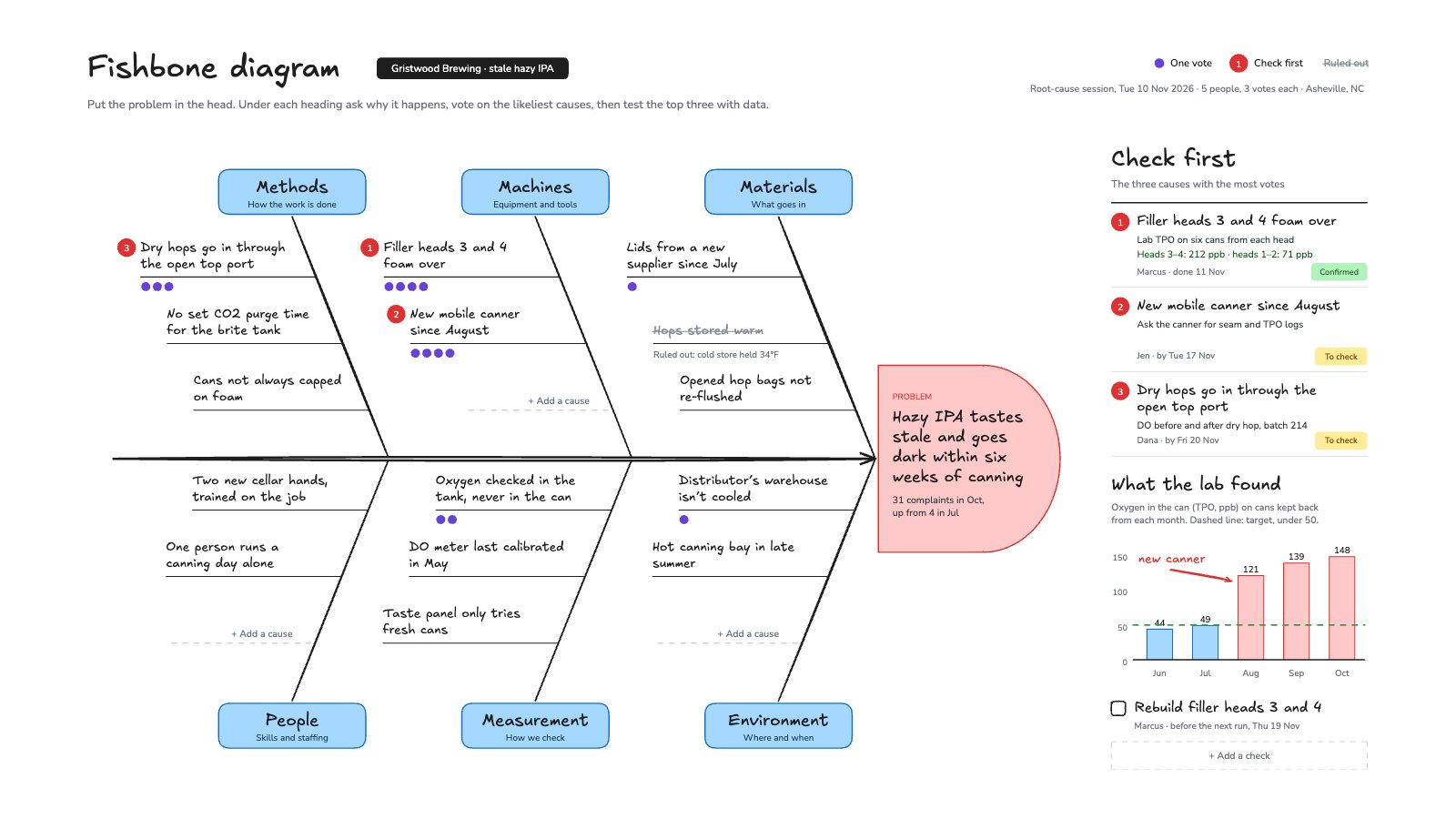
What’s inside the Fishbone Diagram.
Real content in every part, ready to rewrite with your own.
- 1The problem, measured, in a red fish head at the end of the spine
- 2Six bones for methods, machines, materials, people, measurement and environment, with 15 causes and empty lines to add more
- 315 violet votes, the top three causes numbered in red, and one cause ruled out
- 4Check first: a test, an owner and a status for each of the top three
- 5The lab’s oxygen readings as a bar chart against the target, and the next step with an owner
When to use it.
Fishbone Diagram is a whiteboard for finding the root cause of a problem with your team, in the Ishikawa format. The problem goes in the fish head, and six bones hold the classic headings: methods, machines, materials, people, measurement and environment. Each cause is a short line off its bone. Everyone gets three votes, the top three causes are numbered in red, and a Check first list gives each one a test, an owner and a status. A small chart holds the data that confirms or rules out a cause. The example is a brewery tracing stale canned beer.
Made for
- Operations and project managers
- Agencies mapping a process with a client
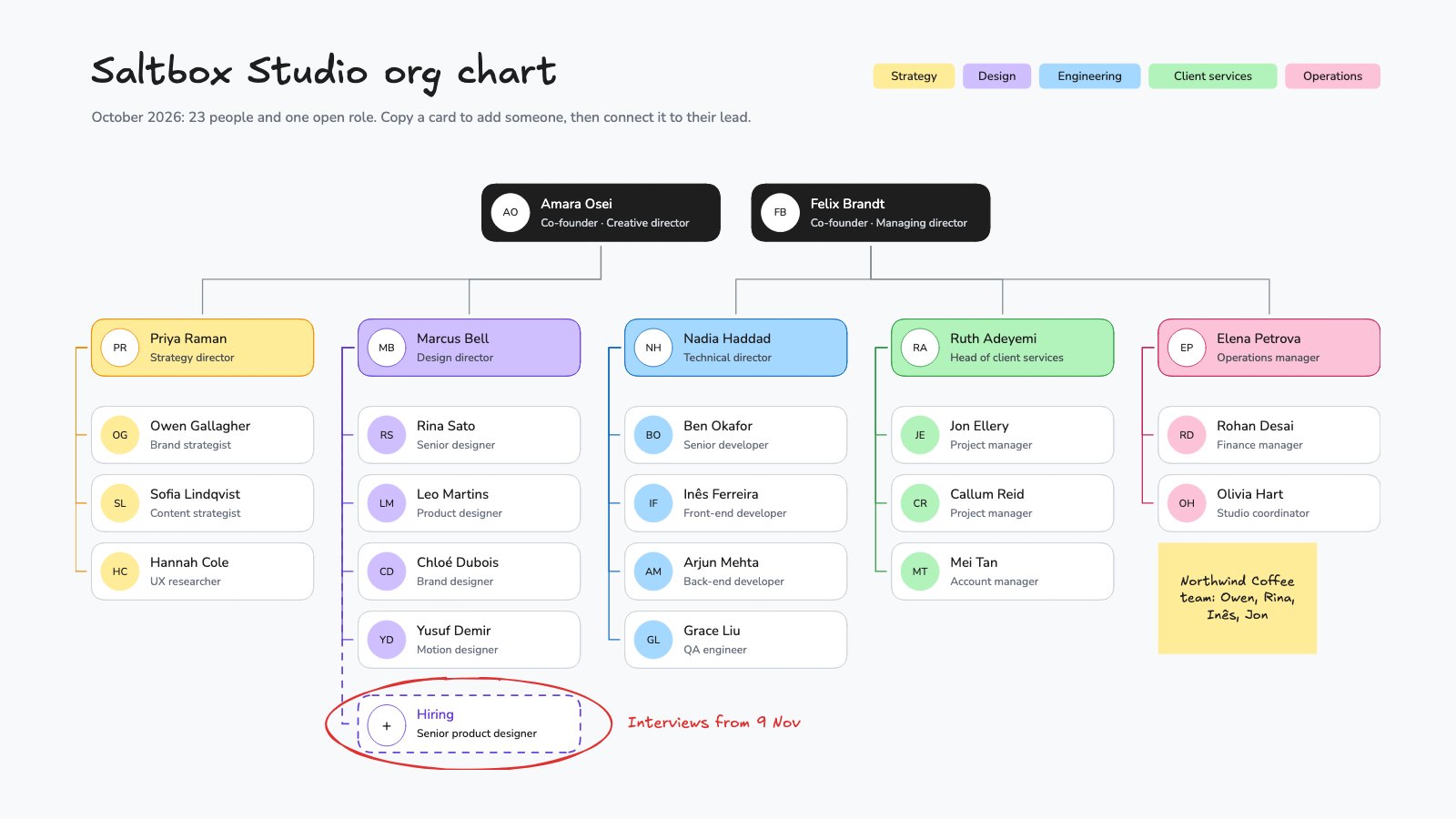
- Founders drawing their first org chart
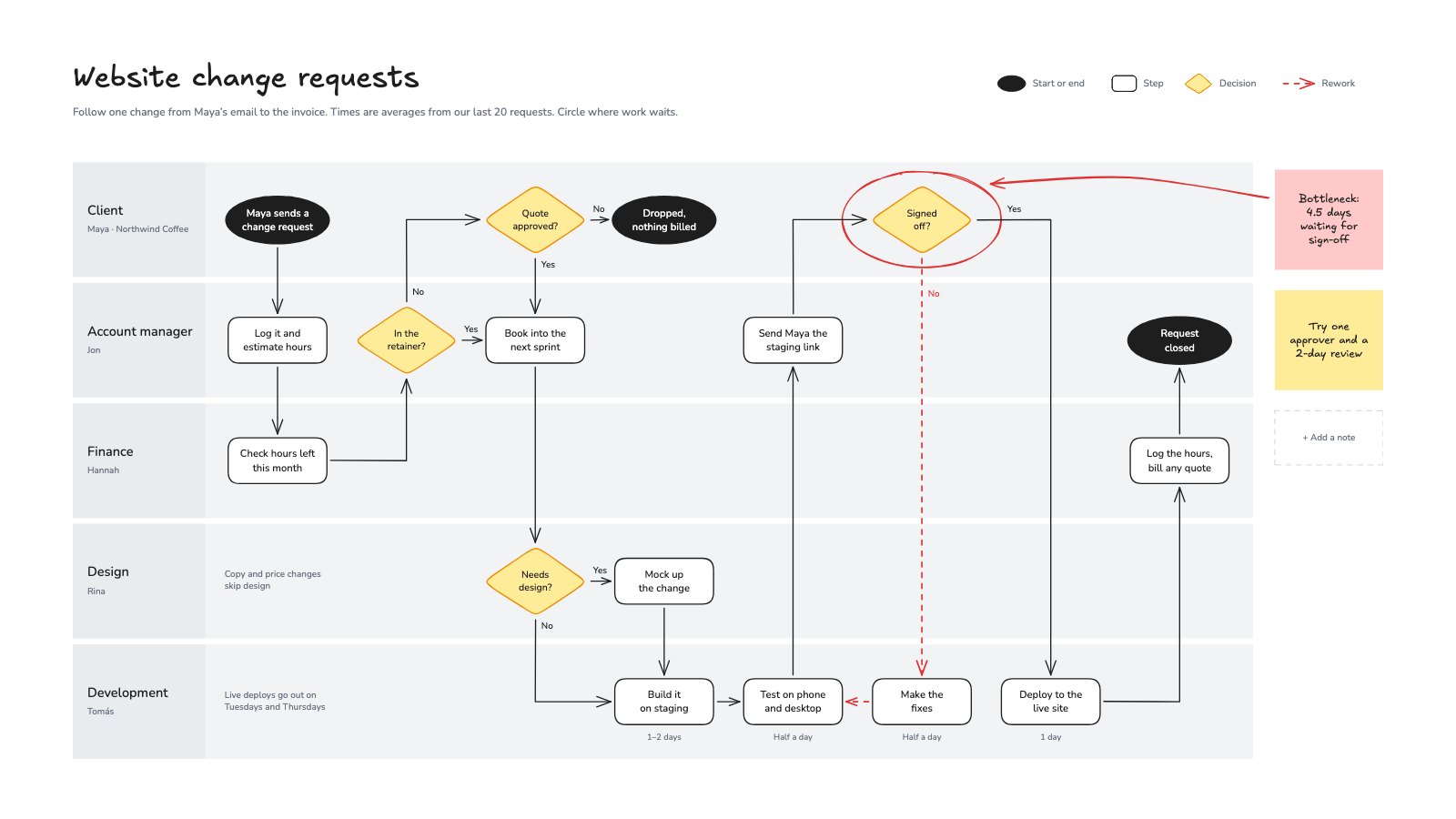
- Teams fixing a slow hand-off
Make it yours in four steps.
Open it in Whiteboard and work through it, or let Docsiv AI do the first pass with your details.
- Step 1
Write one specific, measured problem in the fish head.
- Step 2
Rename the six headings if your field uses others, then add each cause on its bone.
- Step 3
Give everyone three votes as violet dots and number the three causes with the most.
- Step 4
Fill in Check first with a test, an owner and a date for each, and strike out what the data rules out.
Start from the Fishbone Diagram now.
Questions about this template.
Something else on your mind? Ask us in the chat, bottom right of the page.
Is the Fishbone Diagram template free?
Yes. Create a free account and it opens in Docsiv's Whiteboard app, ready to edit and share. The Free plan includes every Docsiv app and 500 AI credits a month.
Can I change the colours, fonts and text?
Yes, all of it. The template uses Excalifont and Nunito with #ffc9c9, #a5d8ff, #6741d9, #e03131, #b2f2bb, #ffec99, and you can change any of them, rewrite every word and add or remove notes, shapes and connectors.
What can I export it as?
Whiteboard in Docsiv offers: Excalidraw boards, PNG and SVG exports. Once it's saved, you can also share it with a link.
Can Docsiv AI write the fishbone diagram for me?
Yes. Tell Docsiv AI about the client or project and it can draft the content in this template's style, which you then review and edit. AI uses credits; the Free plan includes 500 a month.
Org Chart
PreviewProcess Flowchart
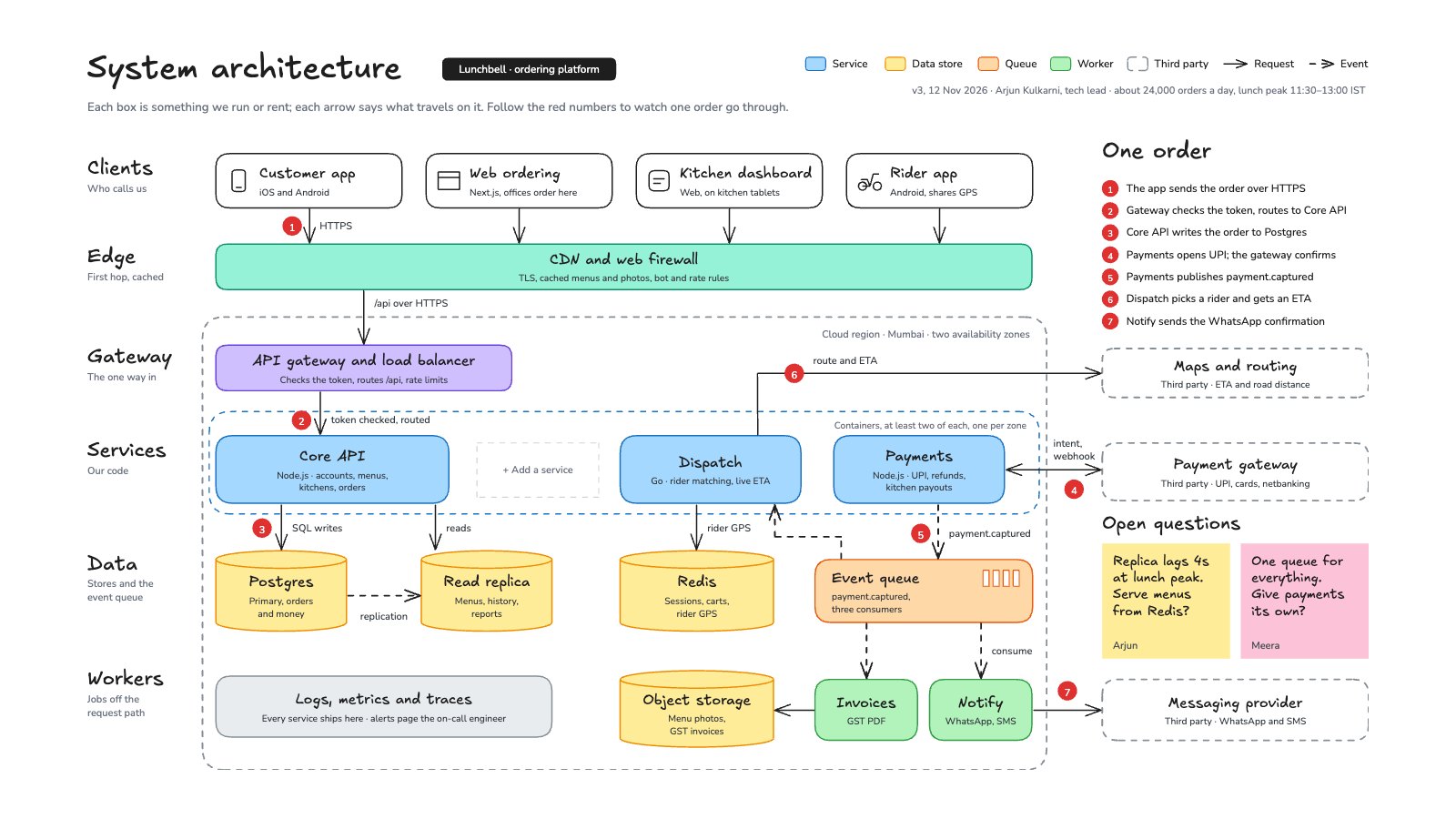
PreviewSystem Architecture
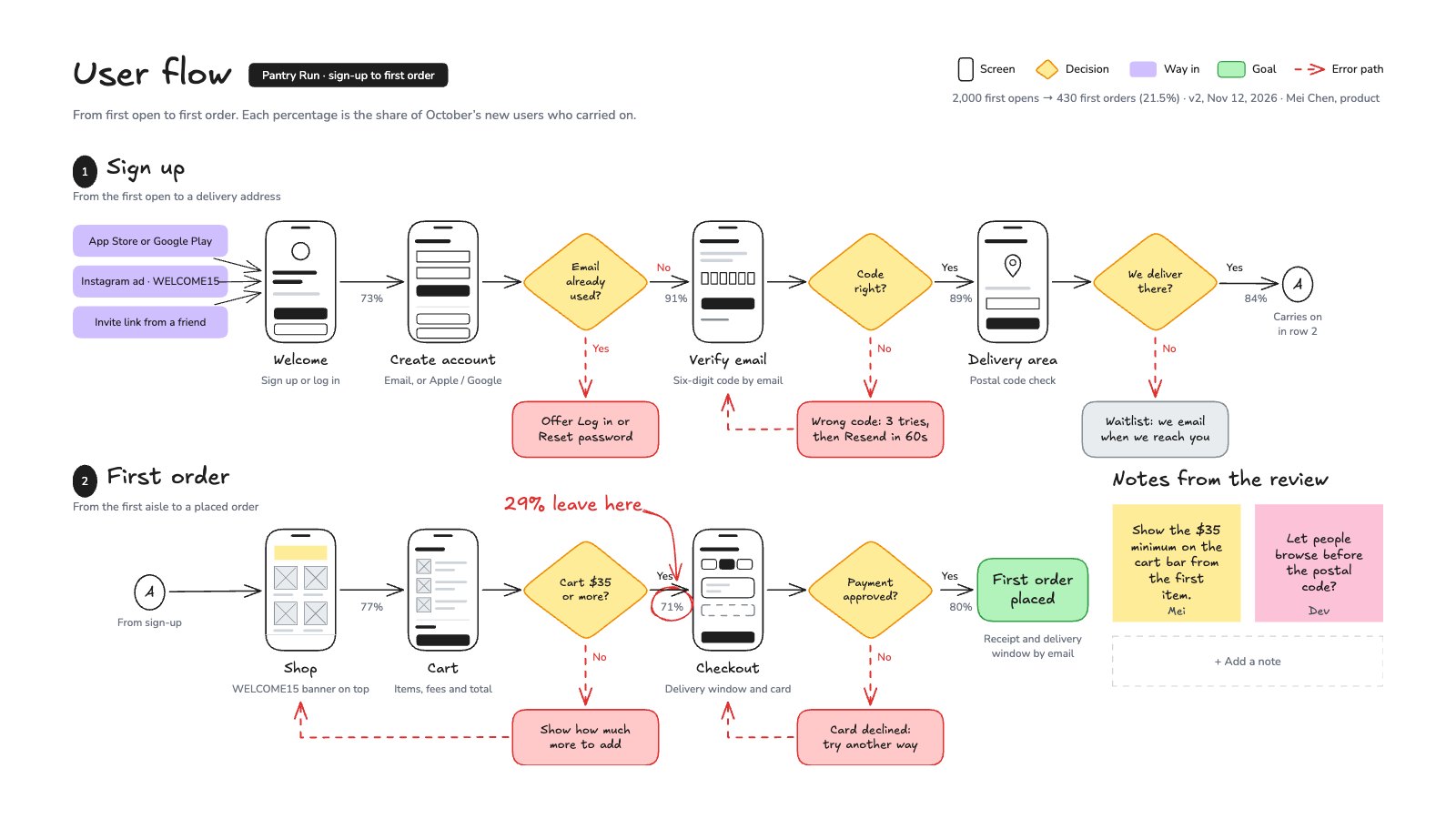
PreviewUser Flow
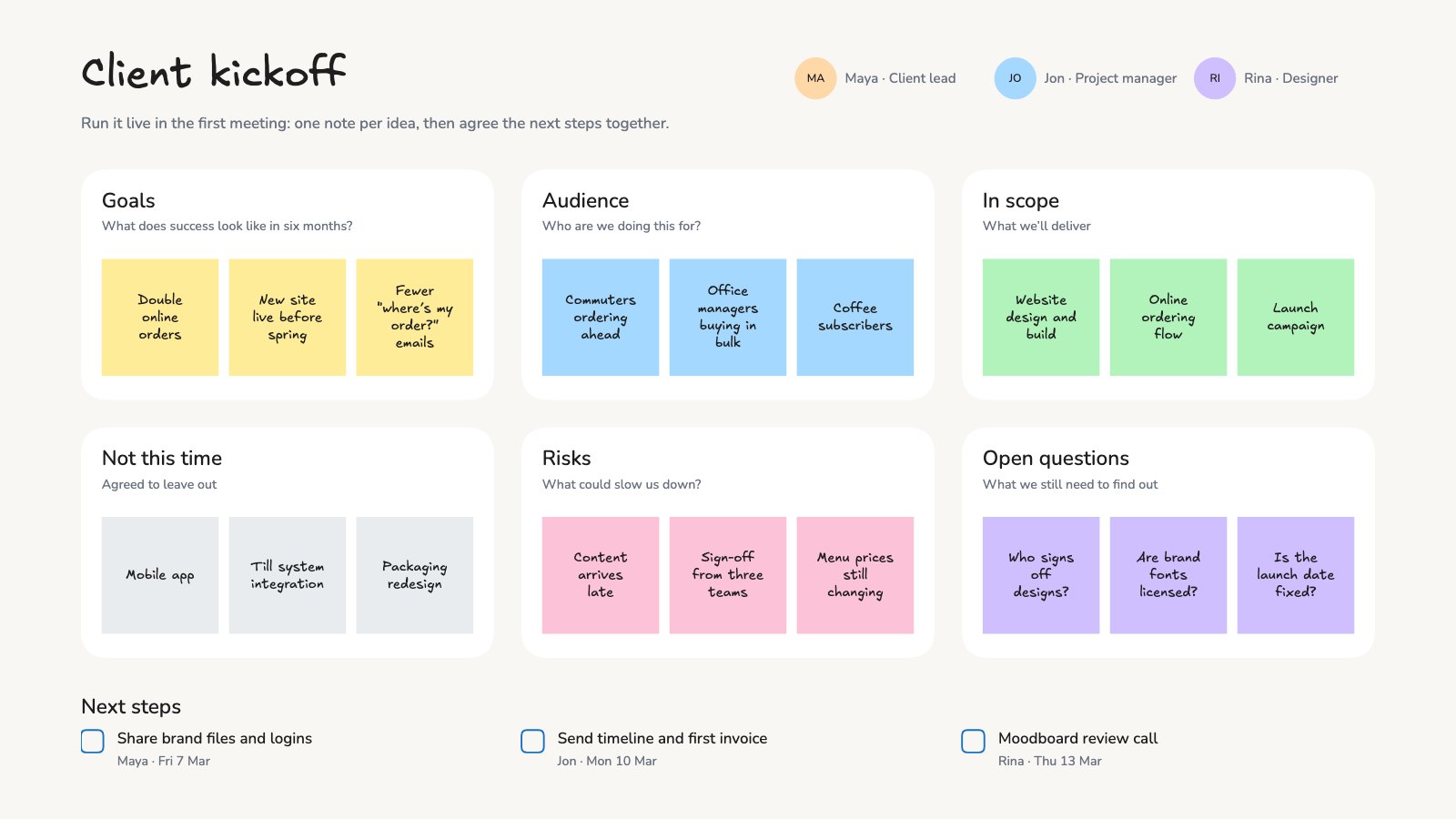
PreviewClient Kickoff Workshop
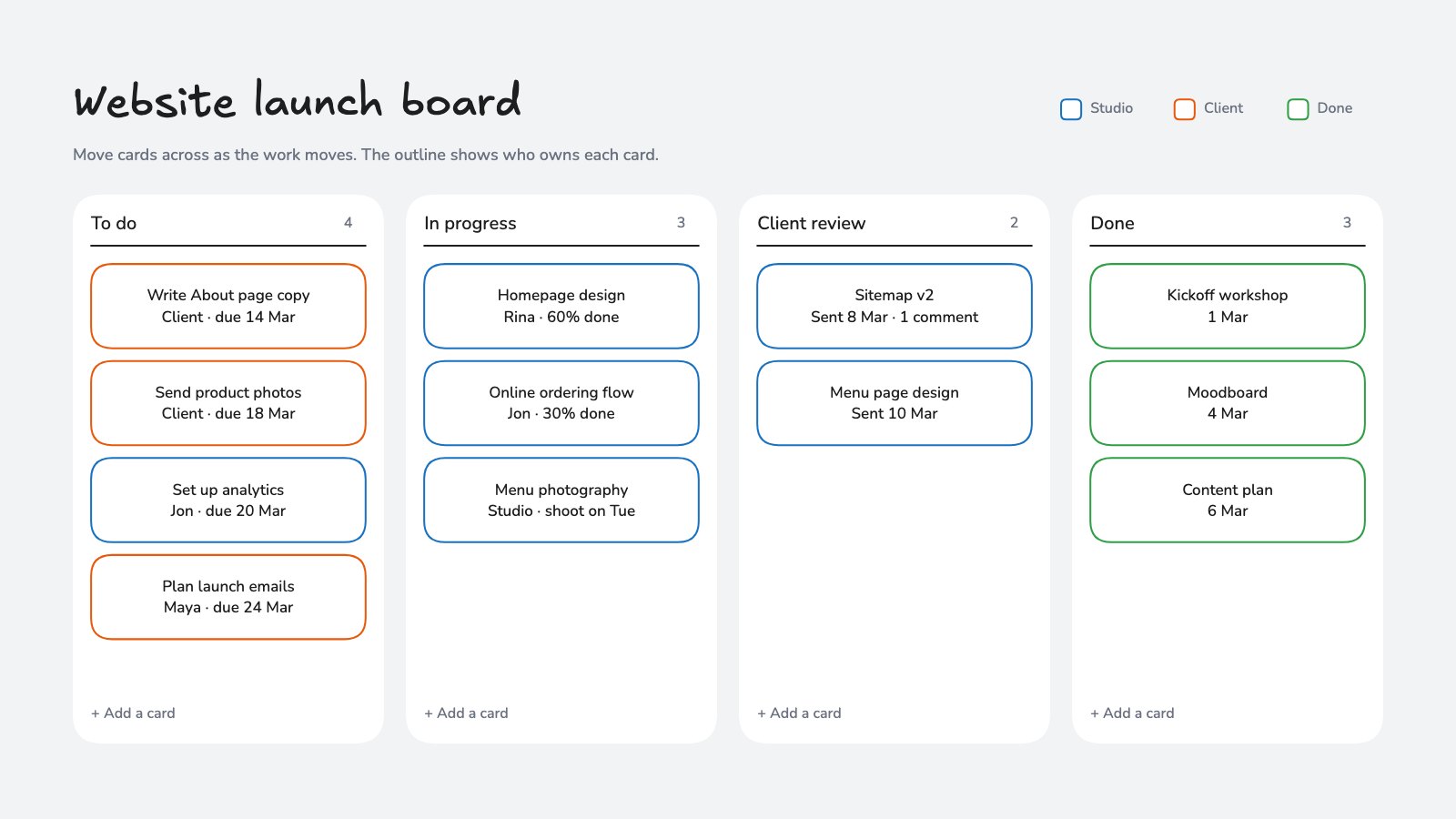
PreviewProject Kanban Board
Preview
Starting from a description instead? Try the Online whiteboard.
Start your diagram with Docsiv AI
Describe the client or the project and Docsiv AI writes a first draft of your fishbone diagram for you to edit, share and send.