

What’s inside the Fashion Shop App.
11 screens with real content in place. Rewrite them, reorder them, or add your own.
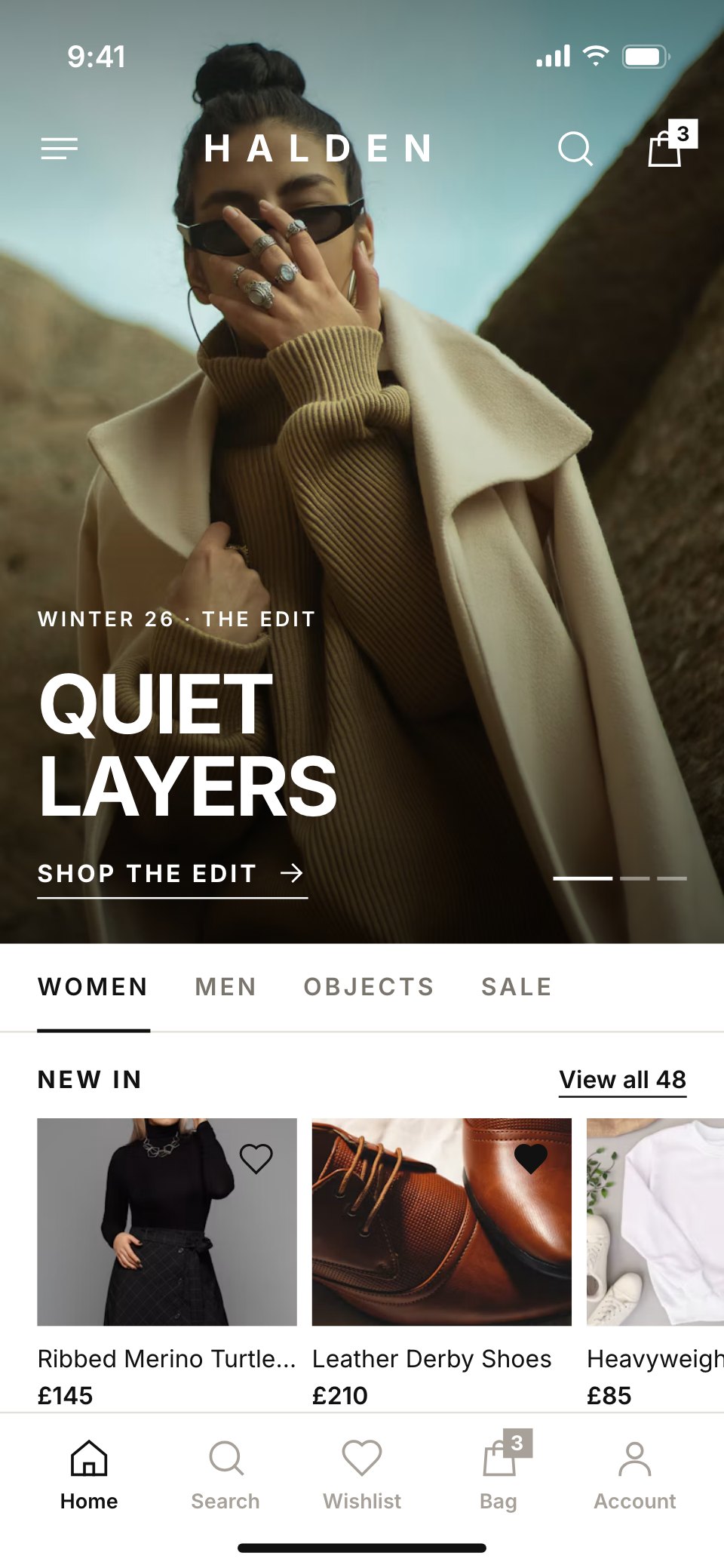
- 1Screen 1Home: a full-bleed campaign photo with the wordmark and 'Quiet layers', the Women, Men, Objects and Sale tabs and new arrivals
- 2Screen 2Category grid: Coats & Jackets in an edge-to-edge two-column grid, with fabric chips, filter and sort
- 3Screen 3Search and filters: recent searches, trending terms and a filter sheet for size, colour and price
- 4Screen 4Product detail: the double-faced wool coat with a photo gallery, colours, sizes (one sold out) and add to bag
- 5Screen 5Size picker: a sheet with sizes, stock left, fit notes and the size guide
- 6Screen 6Wishlist: saved pieces in a grid, with price drops and back-in-stock marks
- 7Screen 7Bag: three pieces with quantities, free next-day delivery unlocked, a promo code and the total
- 8Screen 8Checkout: delivery address, next-day slot, payment card and the order summary
- 9Screen 9Order confirmed: the order number, delivery date and what happens next
- 10Screen 10Orders and returns: past orders with status, and a return started
- 11Screen 11Account: Clara's details, Halden Club perks, addresses and settings
When to use it.
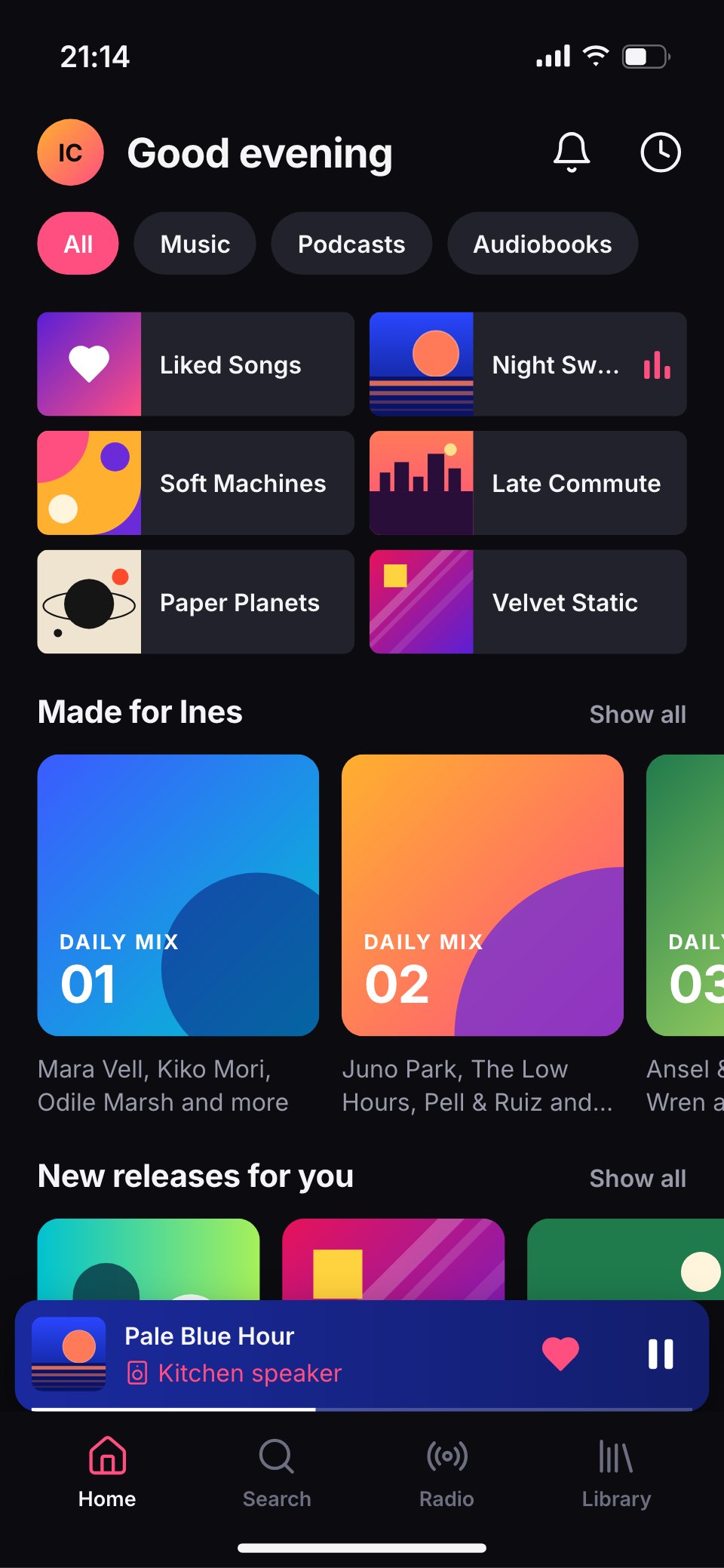
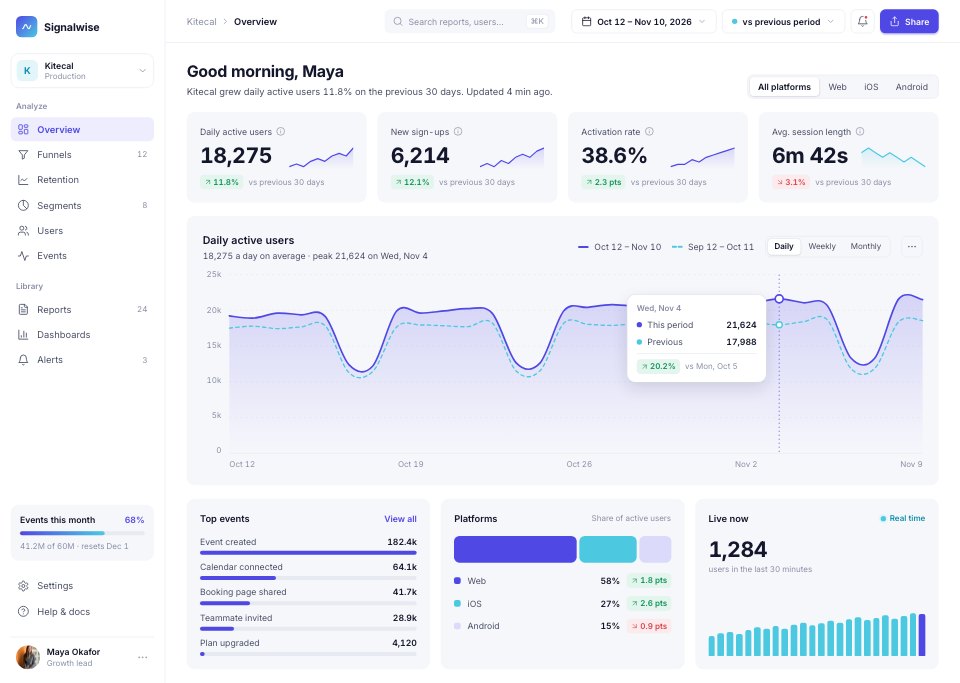
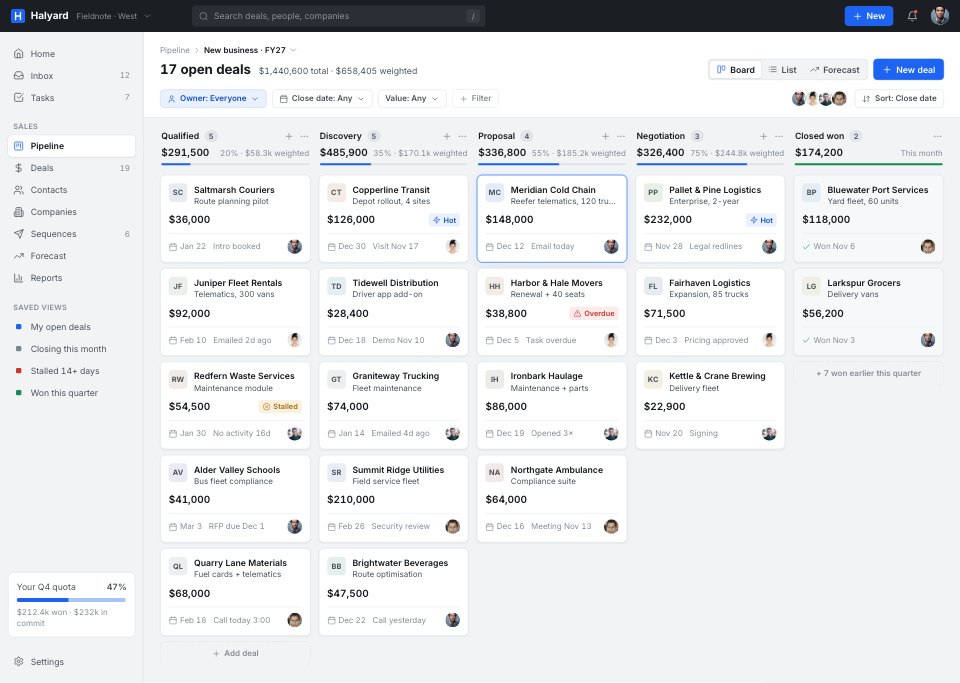
Fashion Shop App is an 11-screen phone shopping app design for fashion labels, boutiques and designers working on retail apps. It covers a campaign home, an edge-to-edge category grid, search and filters, a product page with a photo gallery, a size picker sheet, the wishlist, the bag, checkout, the order confirmation, orders and returns, and the account. It's monochrome and editorial: black, white and warm greys, big product photos, oversized uppercase Inter Bold, hairline rules and square corners throughout.
Made for
- Product designers starting a new app
- Startups pitching an app idea
- Agencies designing apps for clients
- Developers who need screens to build from
Make it yours in four steps.
Open it in UI design and work through it, or let Docsiv AI do the first pass with your details.
- Step 1
Put your label's wordmark in place of Halden and your own campaign photo on the home screen.
- Step 2
Swap the product photos, names, prices, sizes and stock for your collection.
- Step 3
Edit the delivery, returns and membership details to match your shop's policies.
- Step 4
Link the screens into a clickable prototype, or export them as FIG, SVG, PNG or PDF.
Start from the Fashion Shop App now.
Questions about this template.
Something else on your mind? Ask us in the chat, bottom right of the page.
Is the Fashion Shop App template free?
Yes. Create a free account and it opens in Docsiv's UI design app, ready to edit and share. The Free plan includes every Docsiv app and 500 AI credits a month.
Can I change the colours, fonts and text?
Yes, all of it. The template uses Inter with #111111, #ffffff, #efece7, #d9d4cc, #7a756d, and you can change any of them, rewrite every word and add or remove screens and layers.
What can I export it as?
UI design in Docsiv offers: FIG, SVG, PNG and PDF files. Once it's saved, you can also share it with a link.
Can Docsiv AI change it for me?
Yes. Tell Docsiv AI what you need, such as your brand's colours, new wording or another screen, and it makes the changes in UI design for you to review. AI uses credits; the Free plan includes 500 a month.



Start your app design with Docsiv AI
Describe the client or the project and Docsiv AI writes a first draft of your fashion app UI for you to edit, share and send.