

Mobile app UI templates
Complete phone app designs, from the first screen to checkout, drawn as editable frames and layers you can restyle, rearrange and turn into a clickable prototype.
Banking App
A 10-screen phone app for a digital bank, from a home screen with the balance, a stack of cards and recent activity to card controls, sending money on a keypad and the receipt, transactions and a payment's detail, spending insights, savings goals, the profile and notifications.PreviewFitness Tracker App
A 10-screen phone app for a training and activity tracker, from today's activity rings and the next workout to a live workout and its summary, the workout library and detail, weekly history, a training plan, recovery, profile and goals.PreviewFood Delivery App
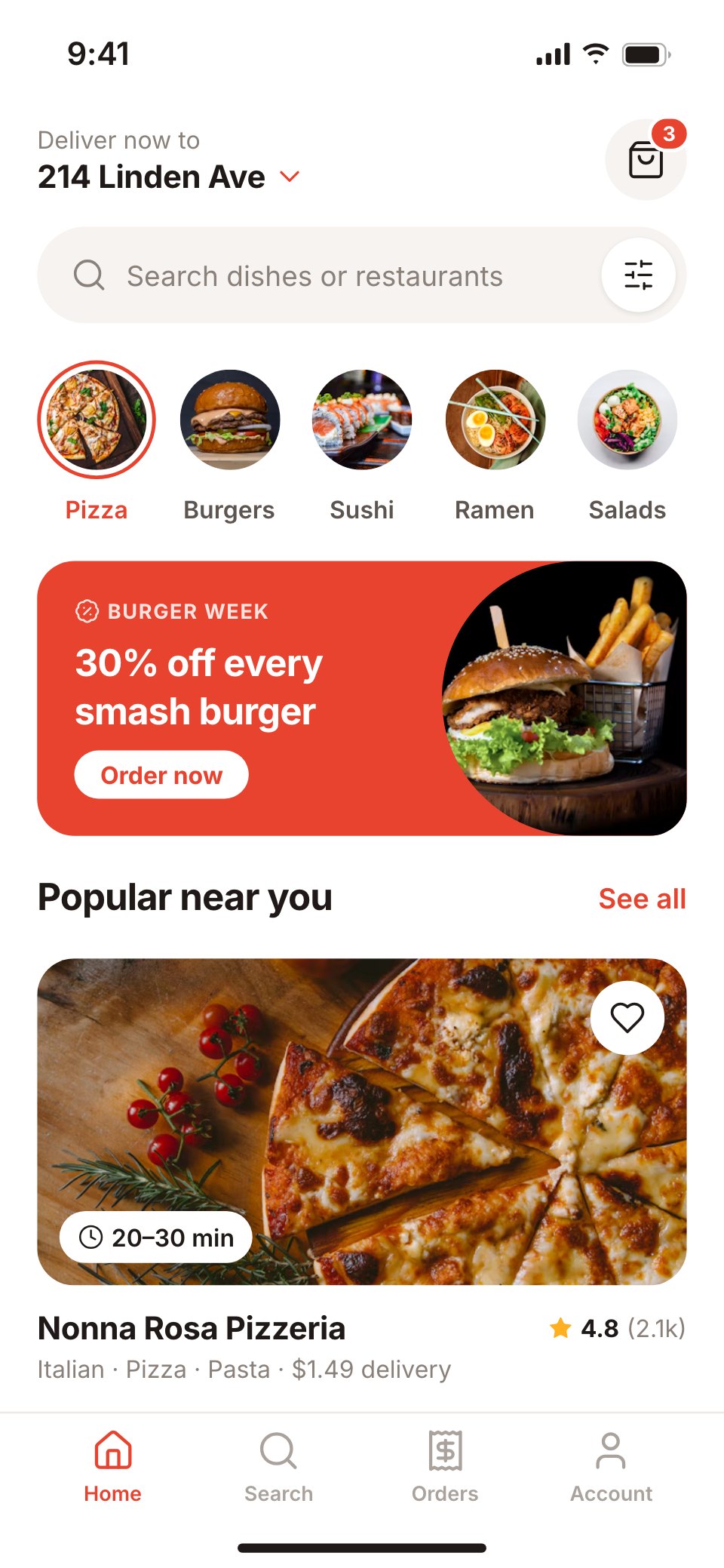
A 10-screen food delivery app for phones, from the home feed and search to a restaurant's menu, dish options, cart and checkout with a courier tip, the order confirmation, live tracking on a map, past orders and the account.PreviewMeditation App
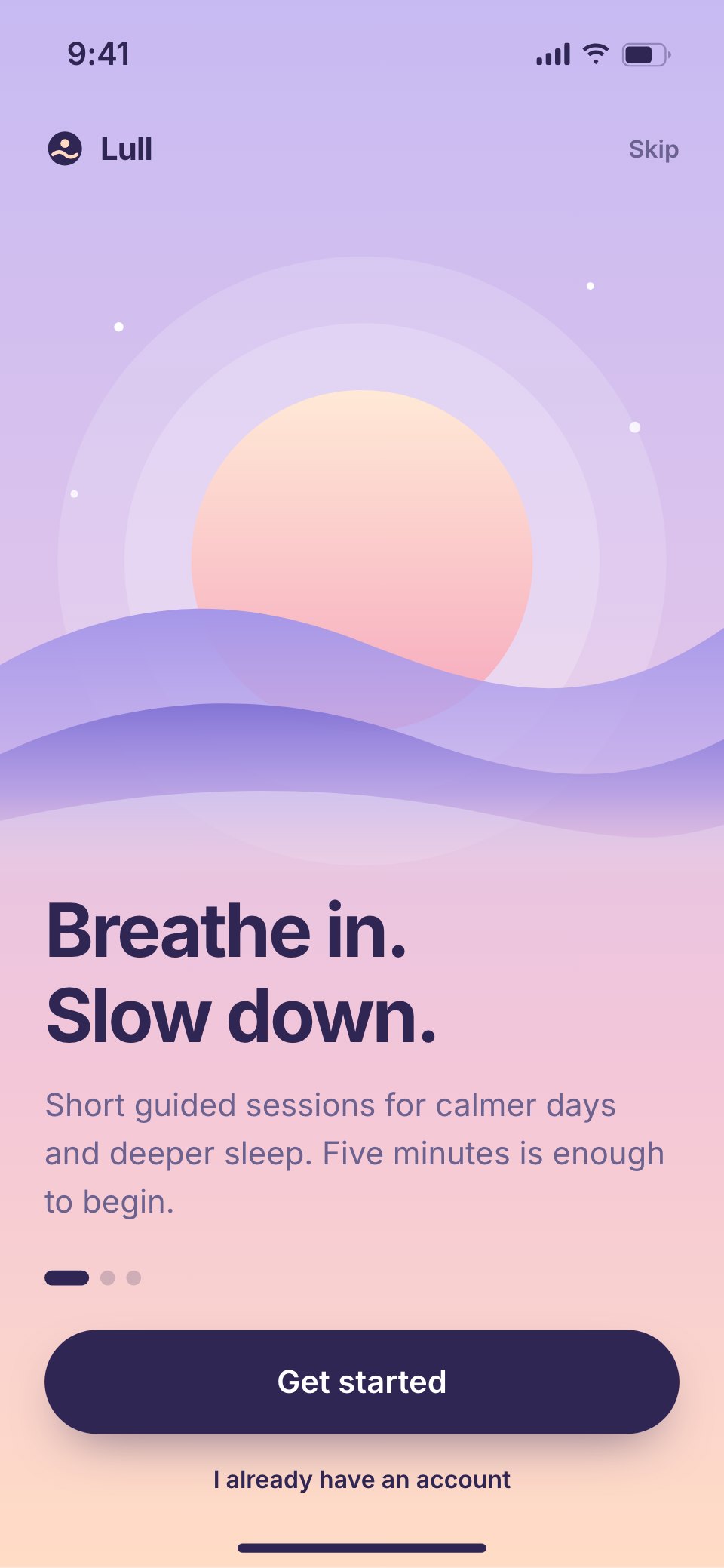
A 10-screen meditation and sleep app for phones, from a welcome and goal picker to a home with a mood check, a breathing session player and its finish, the library, night-time sleep stories, breathing exercises, a streak with weekly stats and reminders.PreviewTravel Booking App
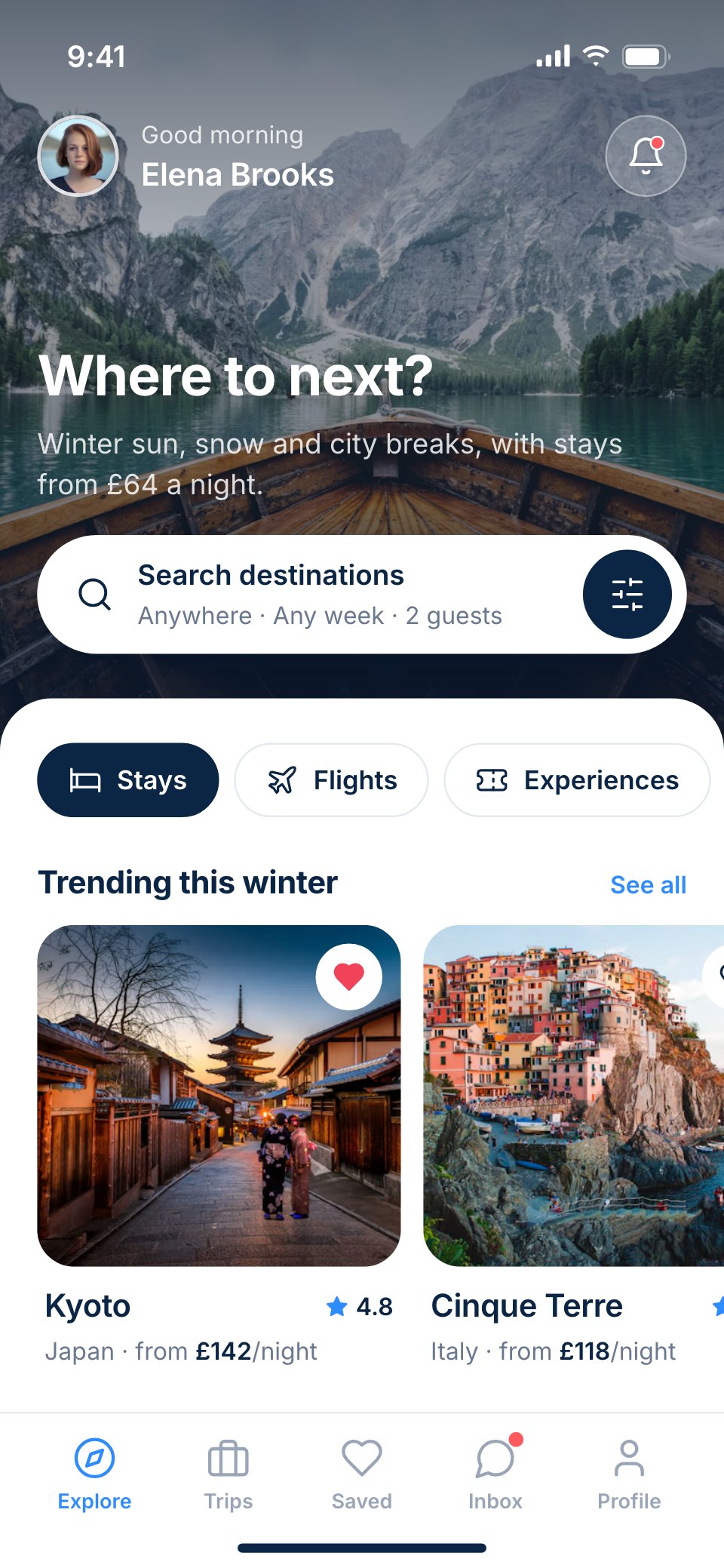
A 10-screen stays-and-trips booking app for phones, from exploring destinations and a hotel's detail page to choosing a room, picking dates, paying and keeping every upcoming trip in one place.PreviewFashion Shop App
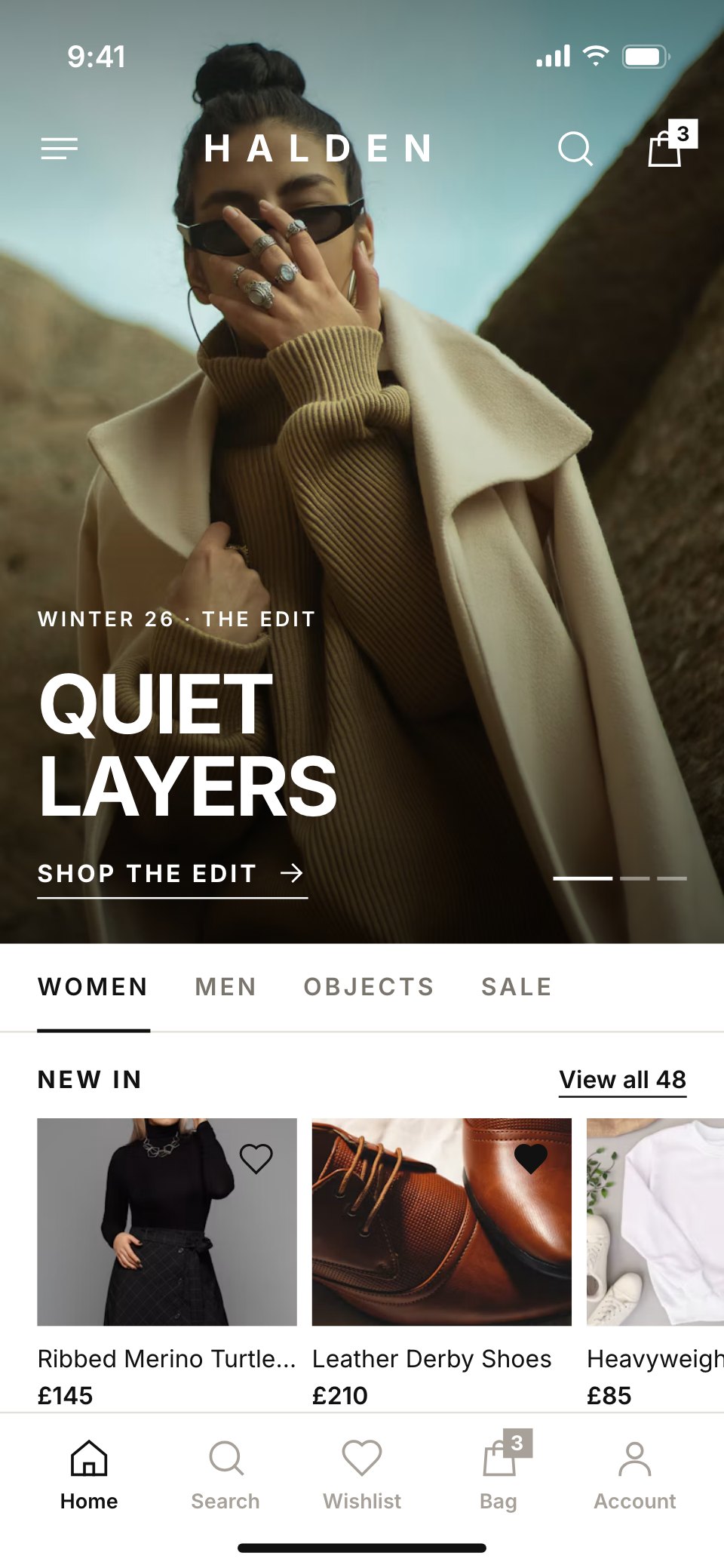
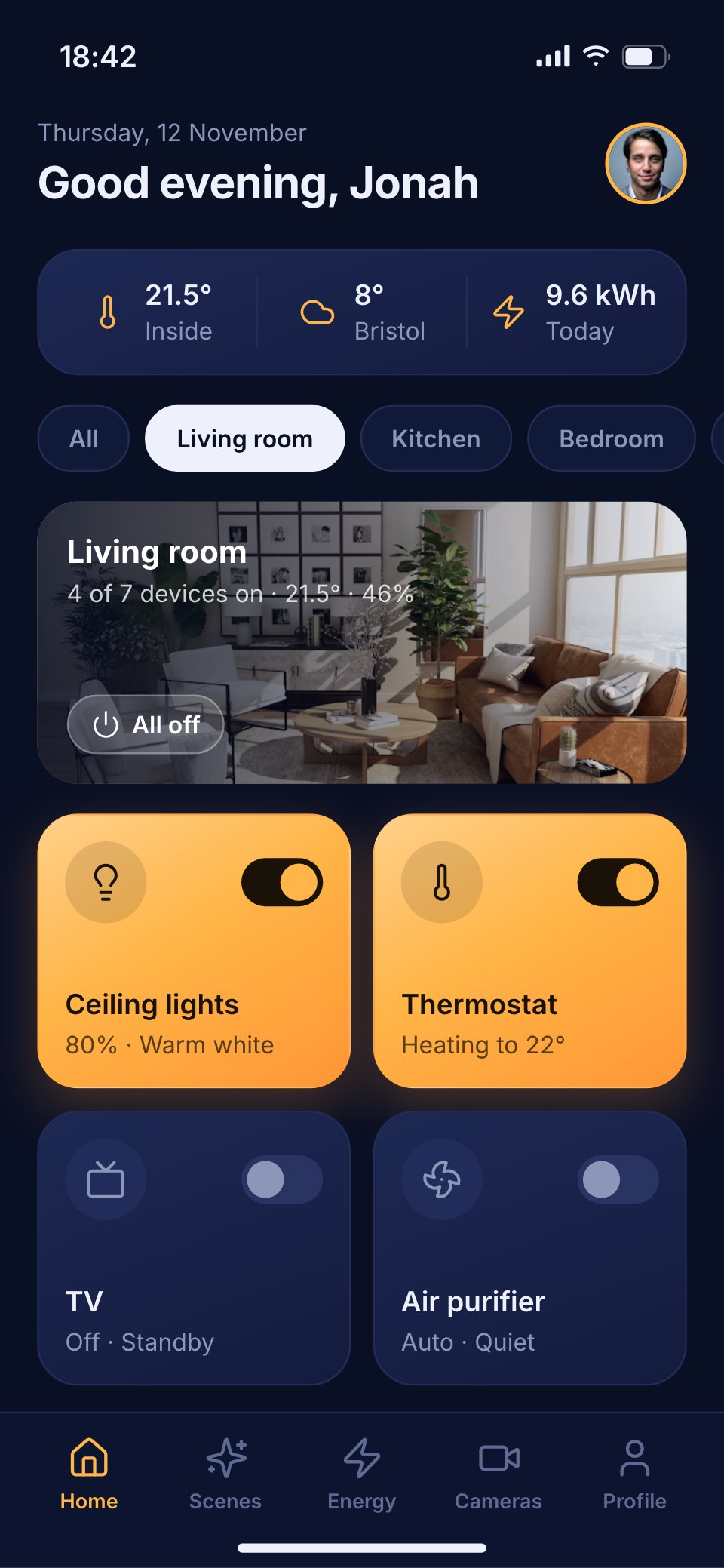
An 11-screen phone shopping app for a fashion label, from the campaign home and category grids to the product page, size picker, bag, checkout and orders.PreviewSmart Home App
A 10-screen smart-home app for phones that runs a house's rooms, lights, heating, energy use, scenes and cameras, with a thermostat dial and an energy chart.PreviewMusic Player App
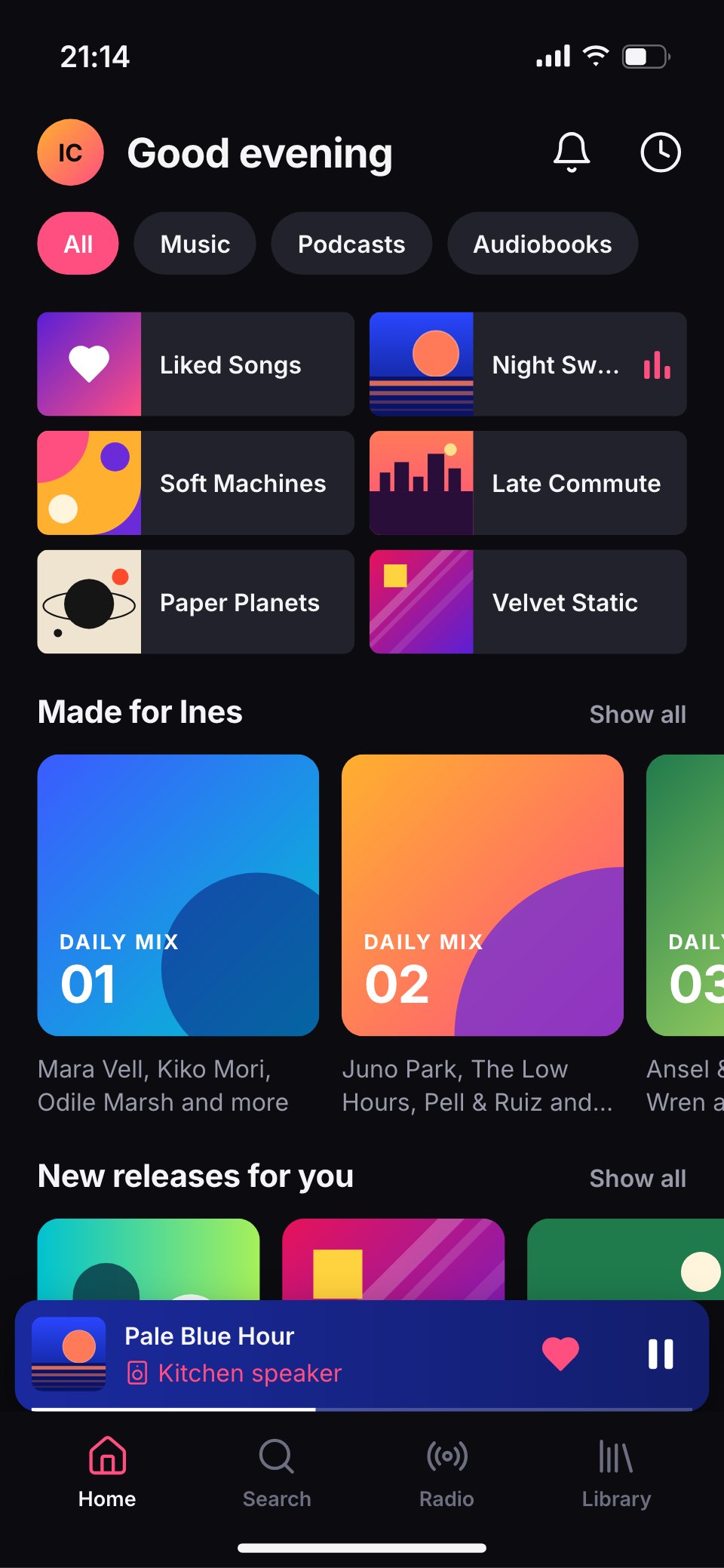
A 10-screen music streaming app for phones, from the home feed and an album page to the now-playing screen, lyrics, the queue and the library.Preview


A closer look at Banking App.
A 10-screen phone app for a digital bank, from a home screen with the balance, a stack of cards and recent activity to card controls, sending money on a keypad and the receipt, transactions and a payment's detail, spending insights, savings goals, the profile and notifications. Here it is screen by screen.
- 1Home: big total balance with money in and out, a stack of cards, quick actions and recent activity
- 2Card detail: the green debit card, freeze, details, PIN and replace, the monthly limit and card controls
- 3Send money: recent contacts, the recipient, the amount on a keypad, a note and the send button
- 4Transfer sent: a success state with the amount, the recipient and a share receipt button
- 5Transactions: search, filter chips and every payment grouped by day
- 6Transaction detail: merchant, map pin, category, card used, split and dispute
- 7Insights: spending this month against last, a six-month bar chart and categories
- 8Savings goals: goals with progress rings, round-ups and a new goal form
- 9Profile and settings: account details, security, statements and help
- 10Notifications: payments, salary, card and security alerts in one feed
About mobile app UI templates.
Something else on your mind? Ask us in the chat, bottom right of the page.
Are these mobile app UI templates free?
Yes. They open in Docsiv’s UI design app with a free account, where you can edit your copy, download it and share it with a link. The Free plan includes every Docsiv app and 500 AI credits a month.
Which app do they open in?
UI design: fIG, SVG, PNG and PDF files.
Can Docsiv AI write the app design for me?
Yes. Choose Customise with Docsiv AI on any template, tell it about the client or the project, and it drafts the content in that template’s style for you to review and edit. AI uses credits; the Free plan includes 500 a month.
Can I change the design?
Yes, all of it: the colours, fonts, photos and every word, and you can add or remove pages. Your brand kit’s colours are in every colour picker.












Describe the app design you need
Docsiv AI drafts it in the style of these templates, with your details in place, ready for you to edit.