

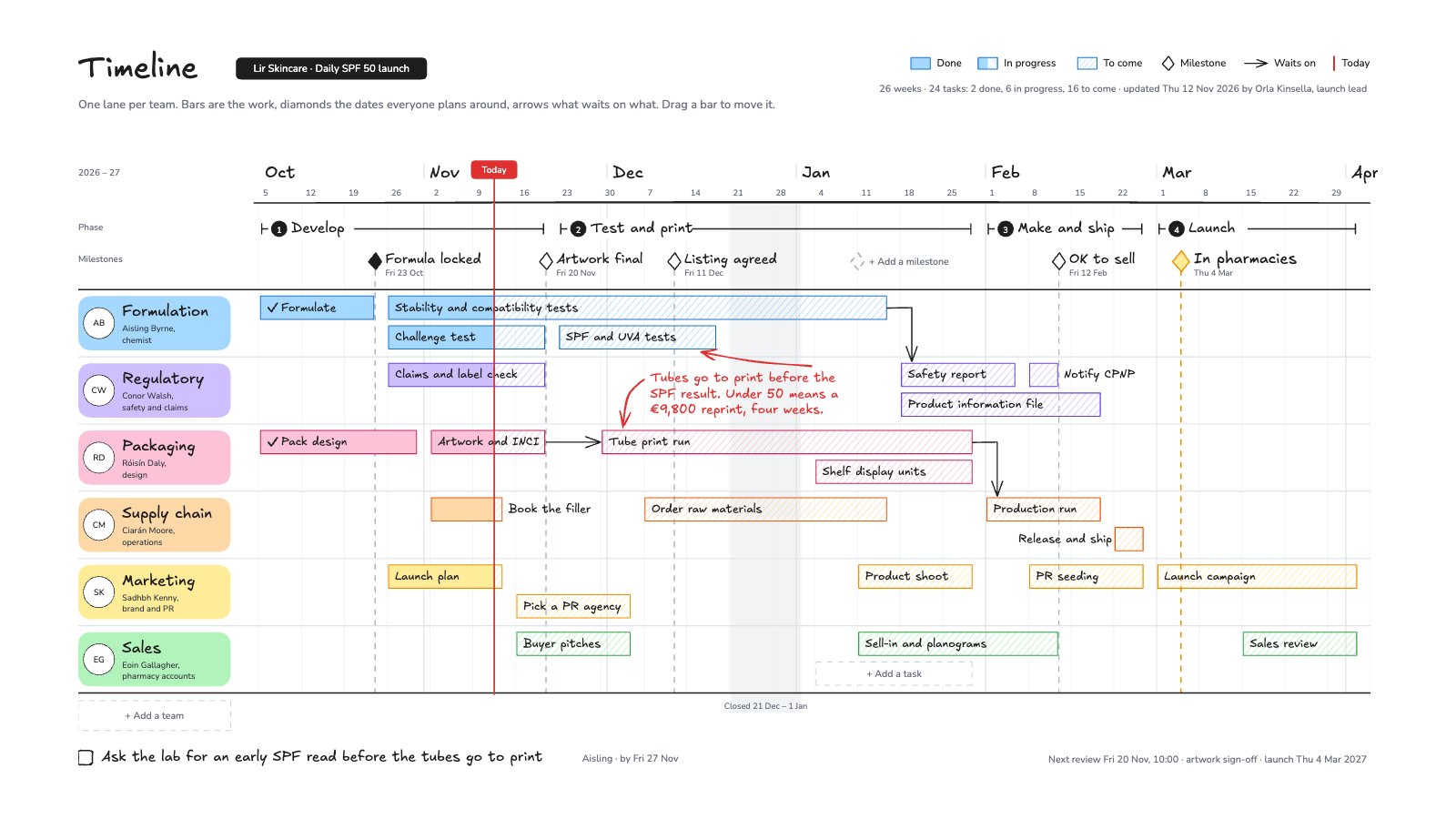
What’s inside the Timeline.
Real content in every part, ready to rewrite with your own.
- 1A week axis from 5 Oct 2026 to 2 Apr 2027 with the Christmas closedown shaded, and 4 phases as brackets
- 25 milestone diamonds with dashed drop lines, the launch in yellow
- 36 team lanes with their leads and 24 task bars: solid when done, hatched when to come
- 4Arrows for what waits on what, a red Today line and a red note on the one risk
- 5The next step with an owner, and empty slots for a task, a milestone and a team
When to use it.
Timeline is a swimlane whiteboard for planning a project across several teams. Each team gets its own lane with its lead, and every task is a bar on a week axis: solid when done, hatched when still to come, so in-progress work changes at the red Today line. Phases sit above as brackets, milestones are diamonds with dashed lines dropping through every lane, and arrows show what waits on what. A red note flags the one risk to the date. The example is a skincare launch, from formula to pharmacy shelves.
Made for
- Agencies running client projects
- Content and social teams
- Web designers and developers
- Project managers
Make it yours in four steps.
Open it in Whiteboard and work through it, or let Docsiv AI do the first pass with your details.
- Step 1
Set the first week and rename the lanes for your teams and leads.
- Step 2
Drag each bar to its dates and rename it; fill it in once the work is done.
- Step 3
Move the milestone diamonds to the dates everyone plans around, and draw arrows where one task waits on another.
- Step 4
Slide the Today line each week, note the biggest risk in red and write the next step with an owner.
Start from the Timeline now.
Questions about this template.
Something else on your mind? Ask us in the chat, bottom right of the page.
Is the Timeline template free?
Yes. Create a free account and it opens in Docsiv's Whiteboard app, ready to edit and share. The Free plan includes every Docsiv app and 500 AI credits a month.
Can I change the colours, fonts and text?
Yes, all of it. The template uses Excalifont and Nunito with #a5d8ff, #d0bfff, #fcc2d7, #ffd8a8, #ffec99, #b2f2bb, #e03131, and you can change any of them, rewrite every word and add or remove notes, shapes and connectors.
What can I export it as?
Whiteboard in Docsiv offers: Excalidraw boards, PNG and SVG exports. Once it's saved, you can also share it with a link.
Can Docsiv AI write the project timeline for me?
Yes. Tell Docsiv AI about the client or project and it can draft the content in this template's style, which you then review and edit. AI uses credits; the Free plan includes 500 a month.
Project Kanban Board
PreviewProject Roadmap
PreviewWebsite Sitemap
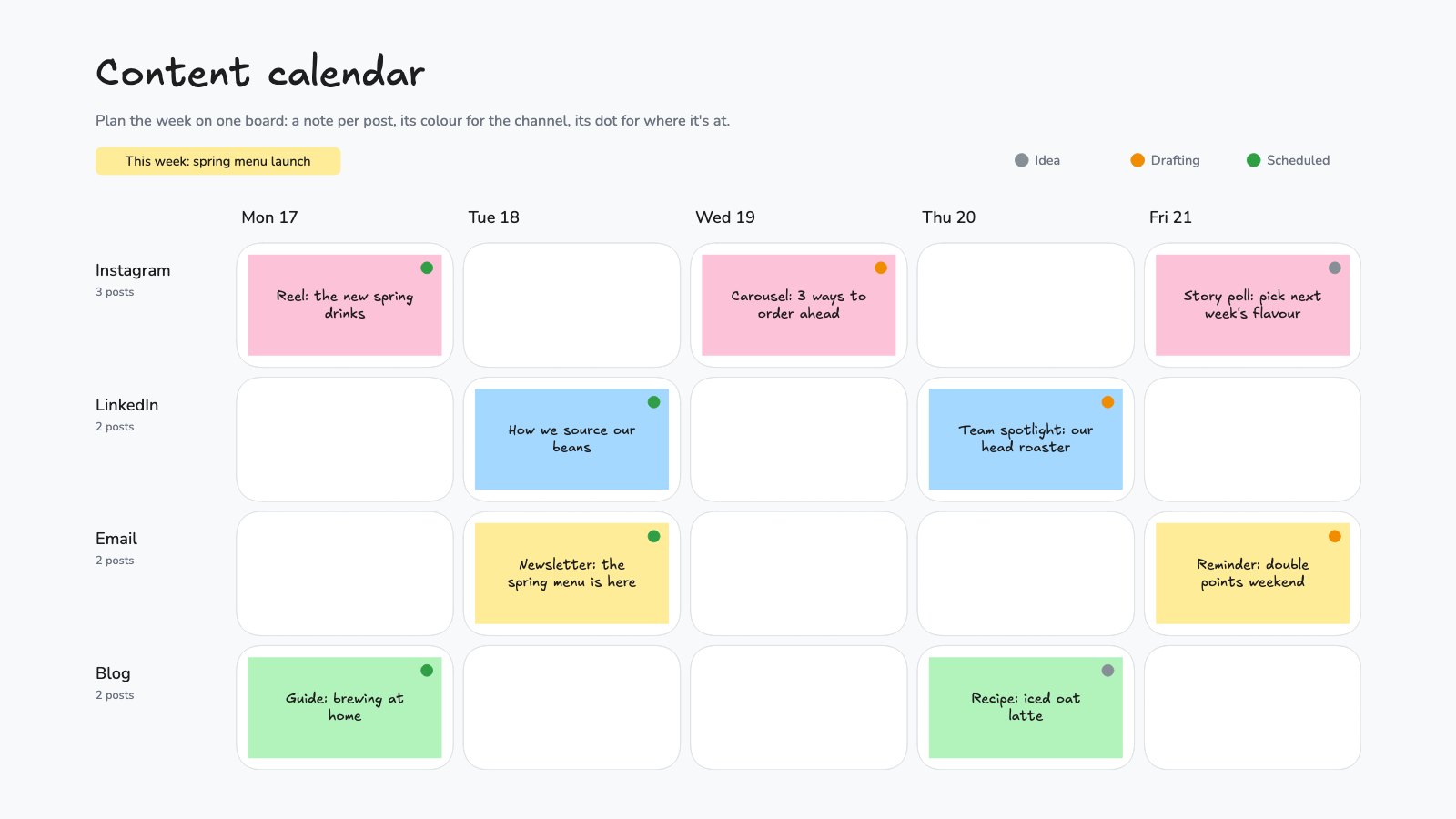
PreviewContent Calendar Board
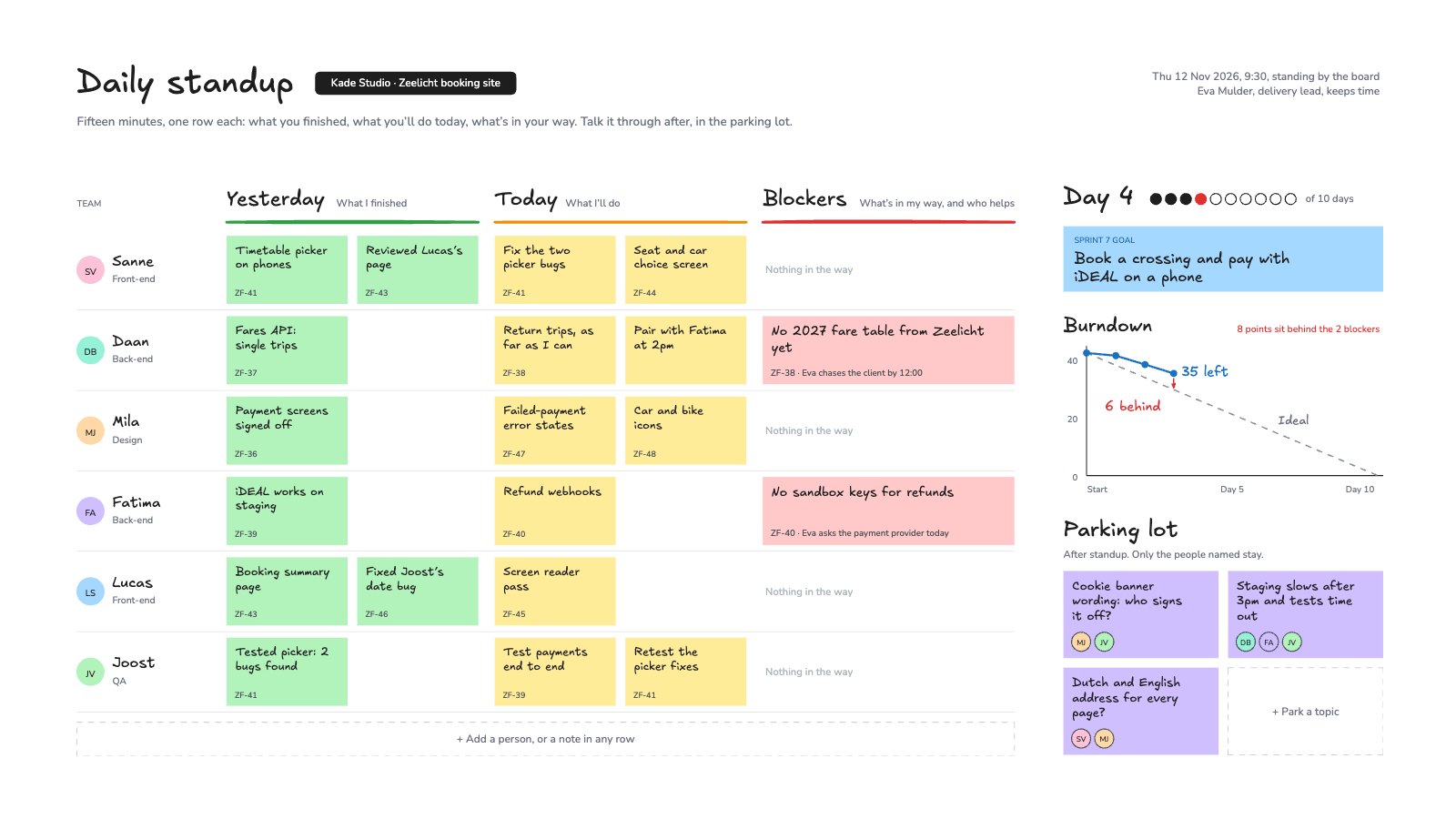
PreviewDaily Standup
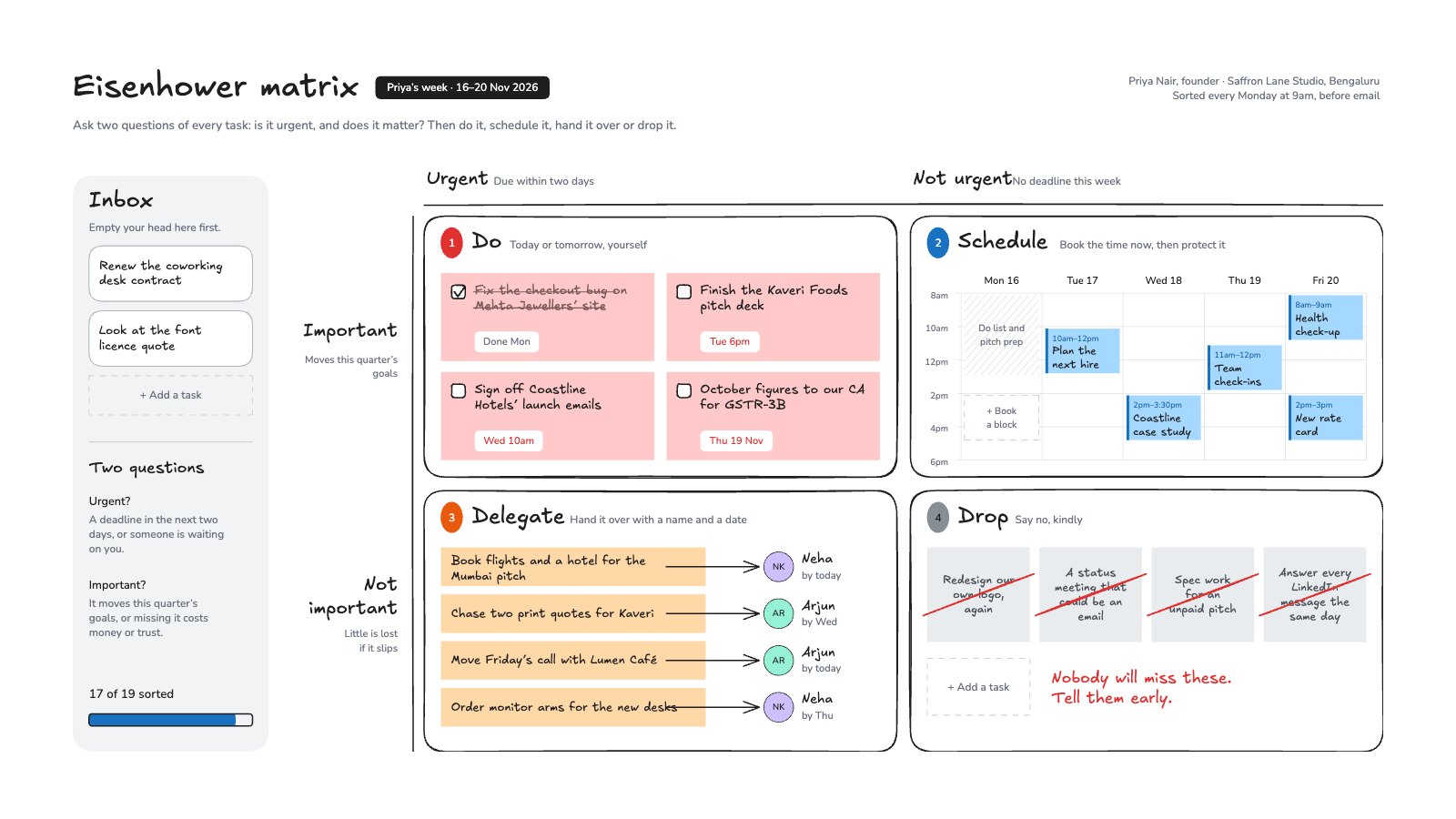
PreviewEisenhower Matrix
Preview
Starting from a description instead? Try the Online whiteboard.
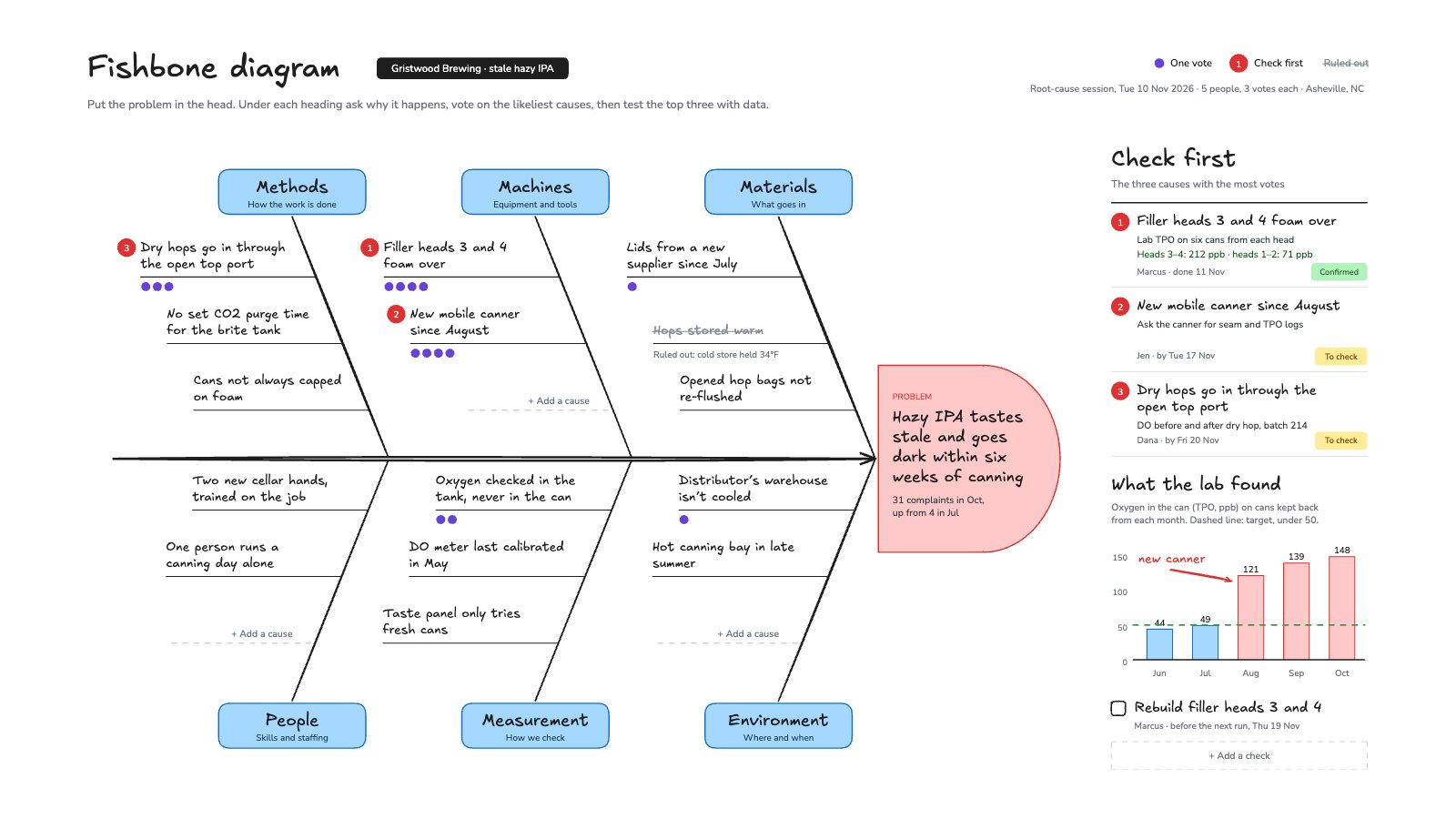
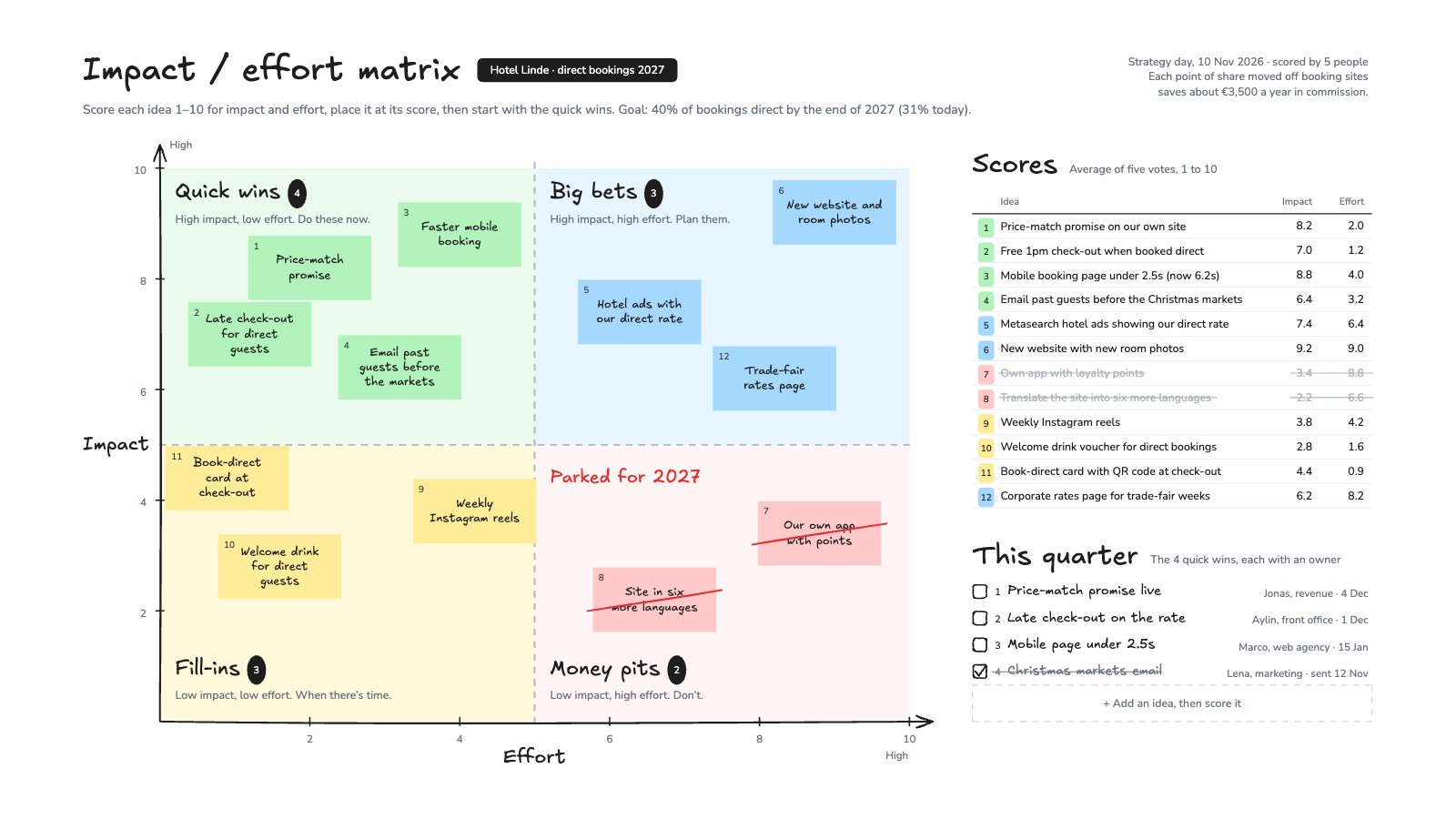
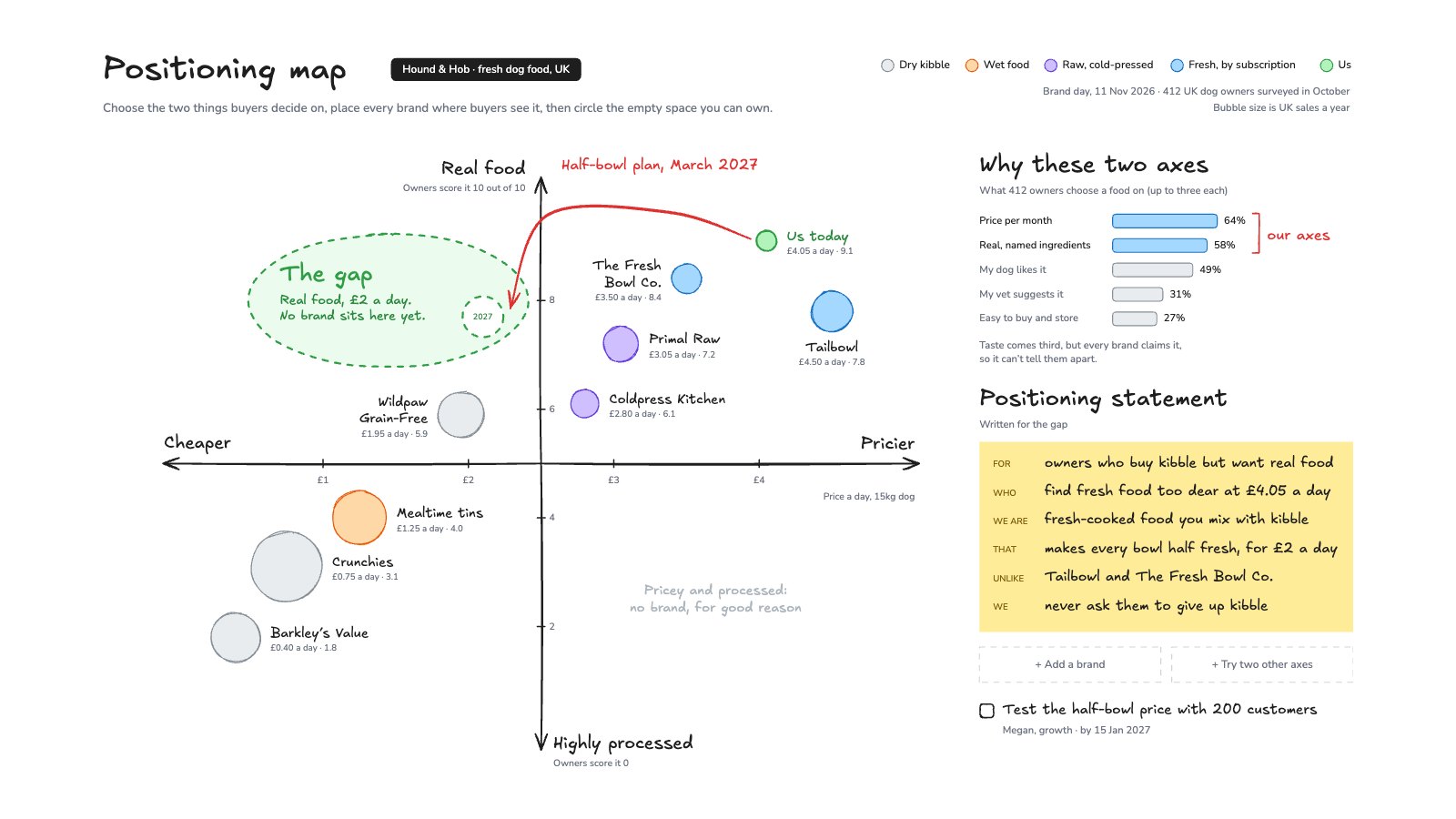
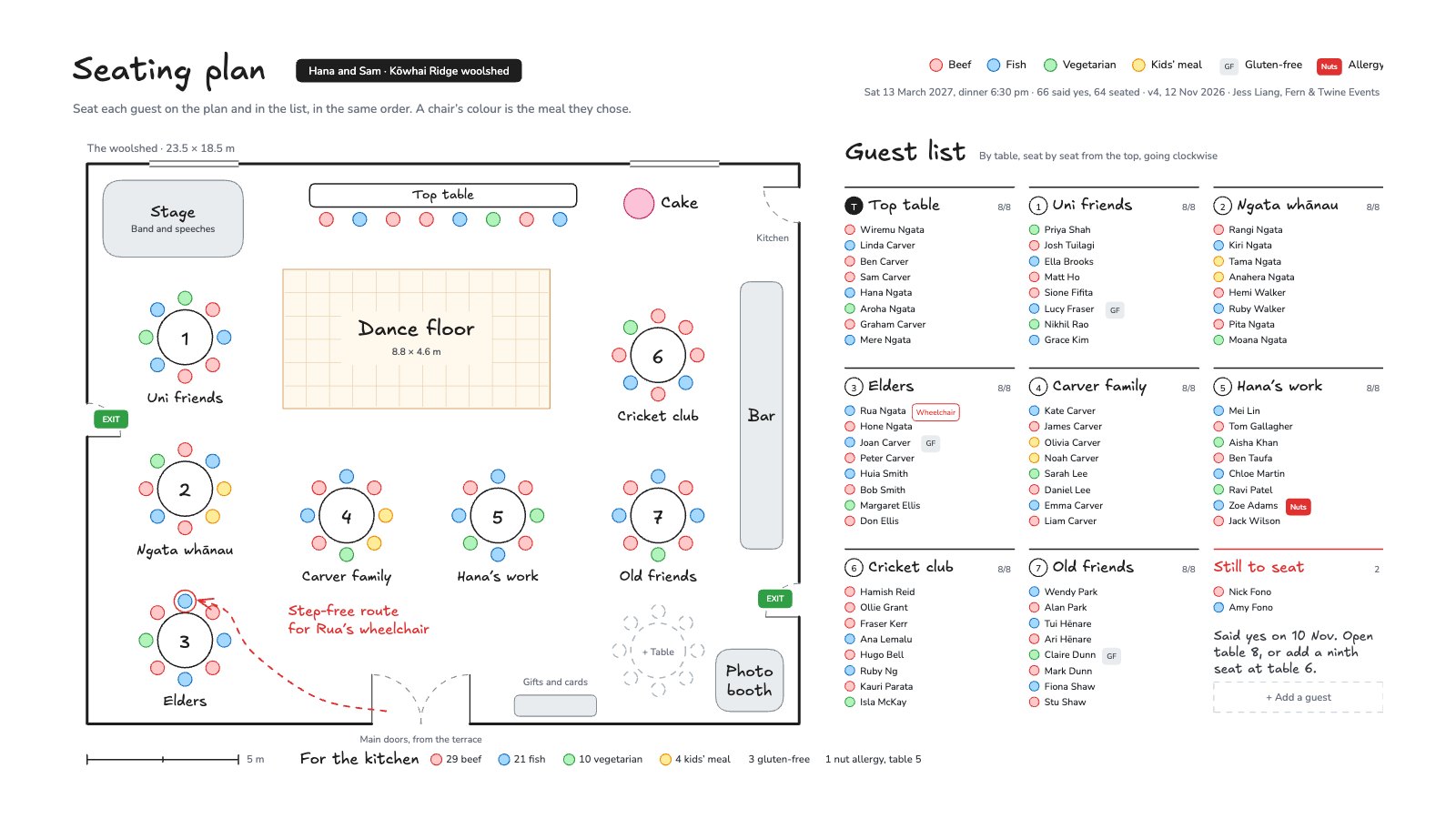
Start your plan with Docsiv AI
Describe the client or the project and Docsiv AI writes a first draft of your project timeline for you to edit, share and send.