

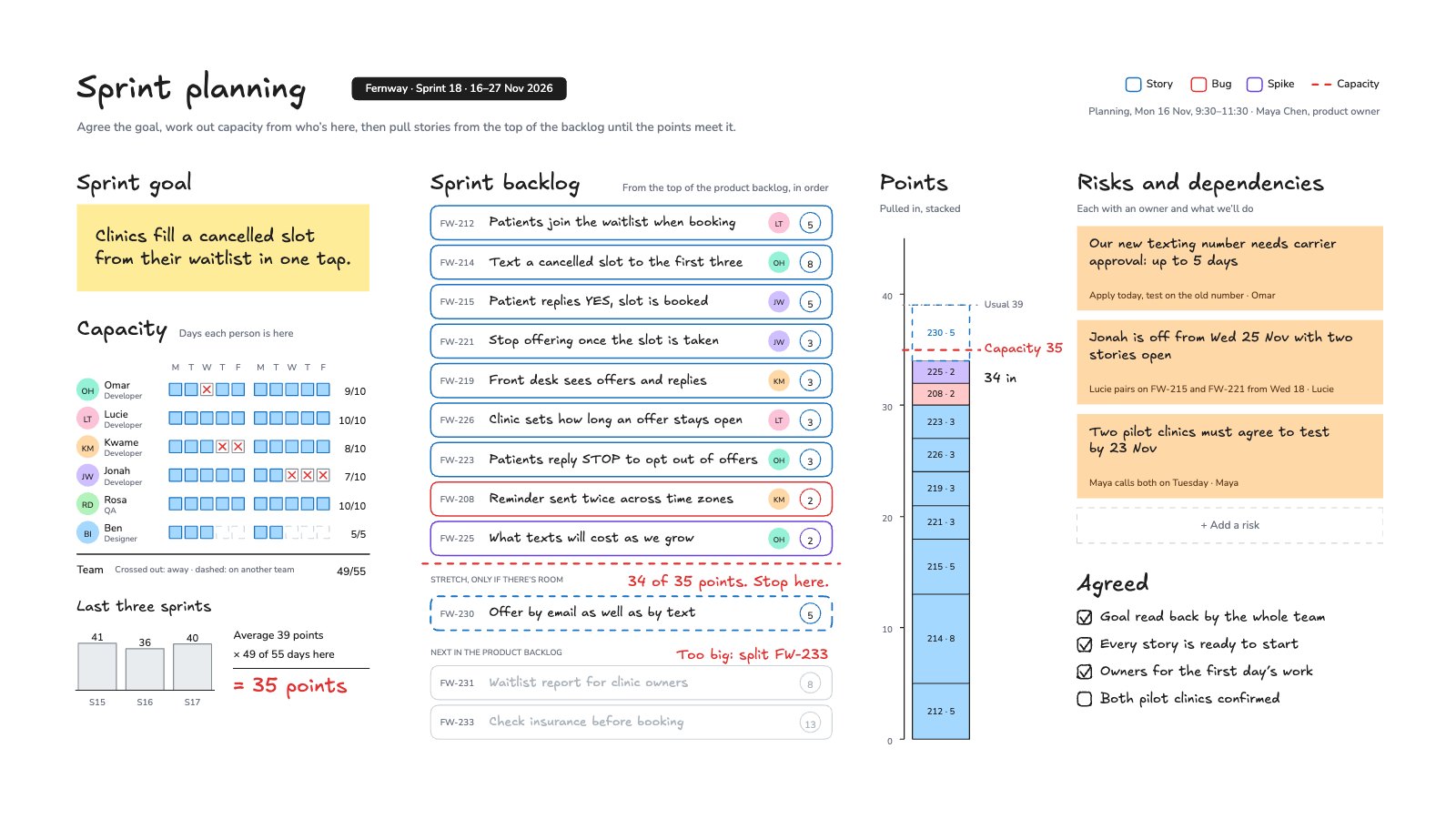
What’s inside the Sprint Planning.
Real content in every part, ready to rewrite with your own.
- 1The sprint goal on a yellow note
- 2Capacity from a ten-day calendar of who’s here (49 of 55 days) and the last three sprints’ velocity: 35 points
- 39 items pulled from the top of the backlog for 34 points, a red cut line, a stretch story and the next items greyed out
- 4The points stacked in one column against the capacity line and the usual velocity
- 5Risks and dependencies with an owner each, an empty slot for more, and the meeting’s checklist
When to use it.
Sprint Planning is a whiteboard that runs left to right the way a Scrum planning meeting does. It starts with the sprint goal, then works out capacity from a ten-day calendar of who’s here and the last three sprints’ velocity. Stories are pulled from the top of the product backlog until the points meet capacity, with a red cut line, a stretch story and the next items greyed out, and the points stack up in one column against the capacity line. Risks and dependencies each get an owner, and a short checklist closes the meeting. The example plans a two-week sprint for a dental-booking start-up.
Made for
- Agencies running client projects
- Content and social teams
- Web designers and developers
- Project managers
Make it yours in four steps.
Open it in Whiteboard and work through it, or let Docsiv AI do the first pass with your details.
- Step 1
Write the sprint goal on the yellow note in one sentence.
- Step 2
Mark who’s away on each day, then multiply your average velocity by the share of days here.
- Step 3
Pull cards from the top of your backlog until the points reach capacity, and move the red cut line under the last one.
- Step 4
Add each risk with what you’ll do and who owns it, and tick the checklist before you close.
Start from the Sprint Planning now.
Questions about this template.
Something else on your mind? Ask us in the chat, bottom right of the page.
Is the Sprint Planning template free?
Yes. Create a free account and it opens in Docsiv's Whiteboard app, ready to edit and share. The Free plan includes every Docsiv app and 500 AI credits a month.
Can I change the colours, fonts and text?
Yes, all of it. The template uses Excalifont and Nunito with #ffec99, #1971c2, #e03131, #6741d9, #ffd8a8, #a5d8ff, and you can change any of them, rewrite every word and add or remove notes, shapes and connectors.
What can I export it as?
Whiteboard in Docsiv offers: Excalidraw boards, PNG and SVG exports. Once it's saved, you can also share it with a link.
Can Docsiv AI write the sprint planning for me?
Yes. Tell Docsiv AI about the client or project and it can draft the content in this template's style, which you then review and edit. AI uses credits; the Free plan includes 500 a month.
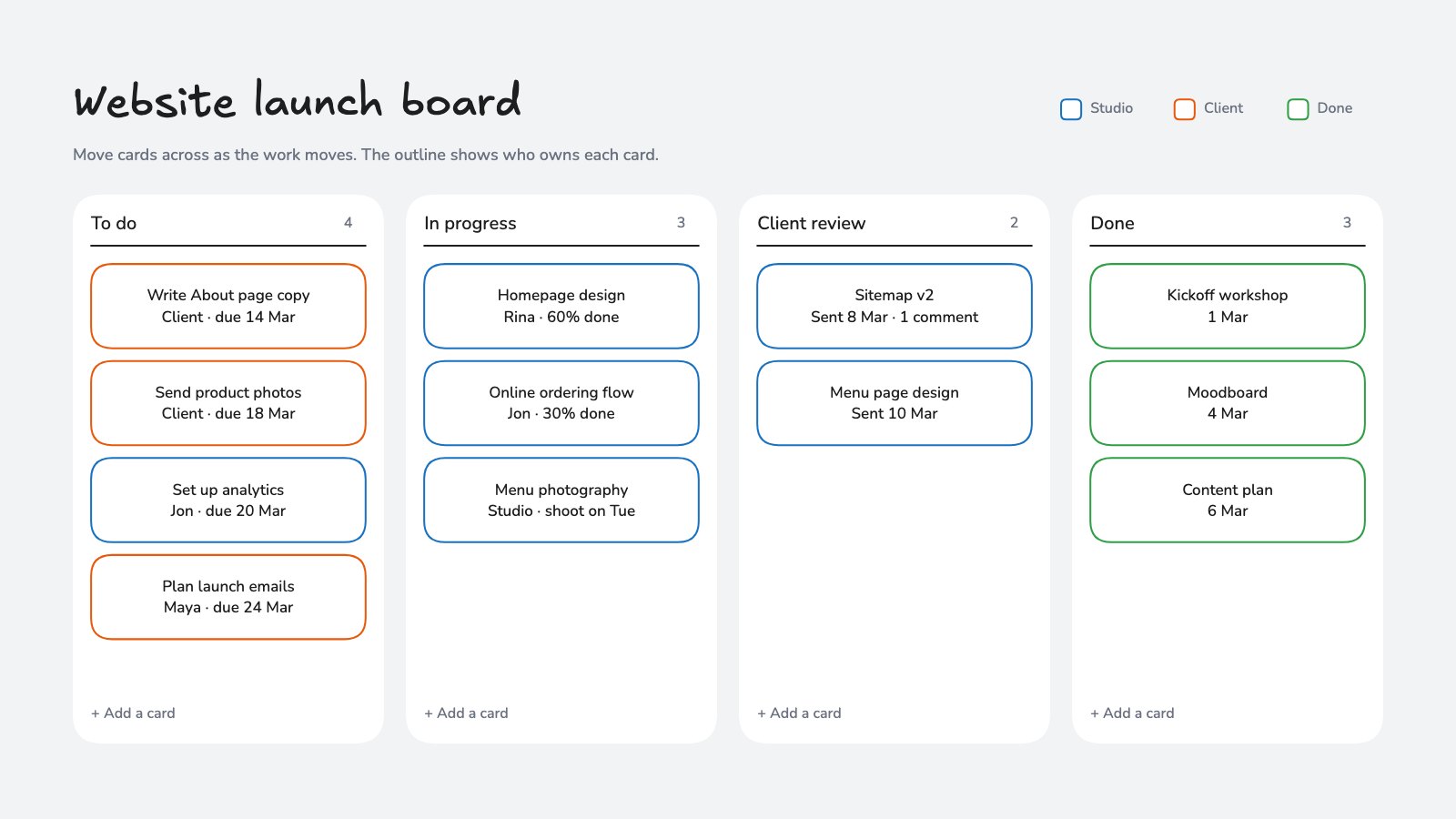
Project Kanban Board
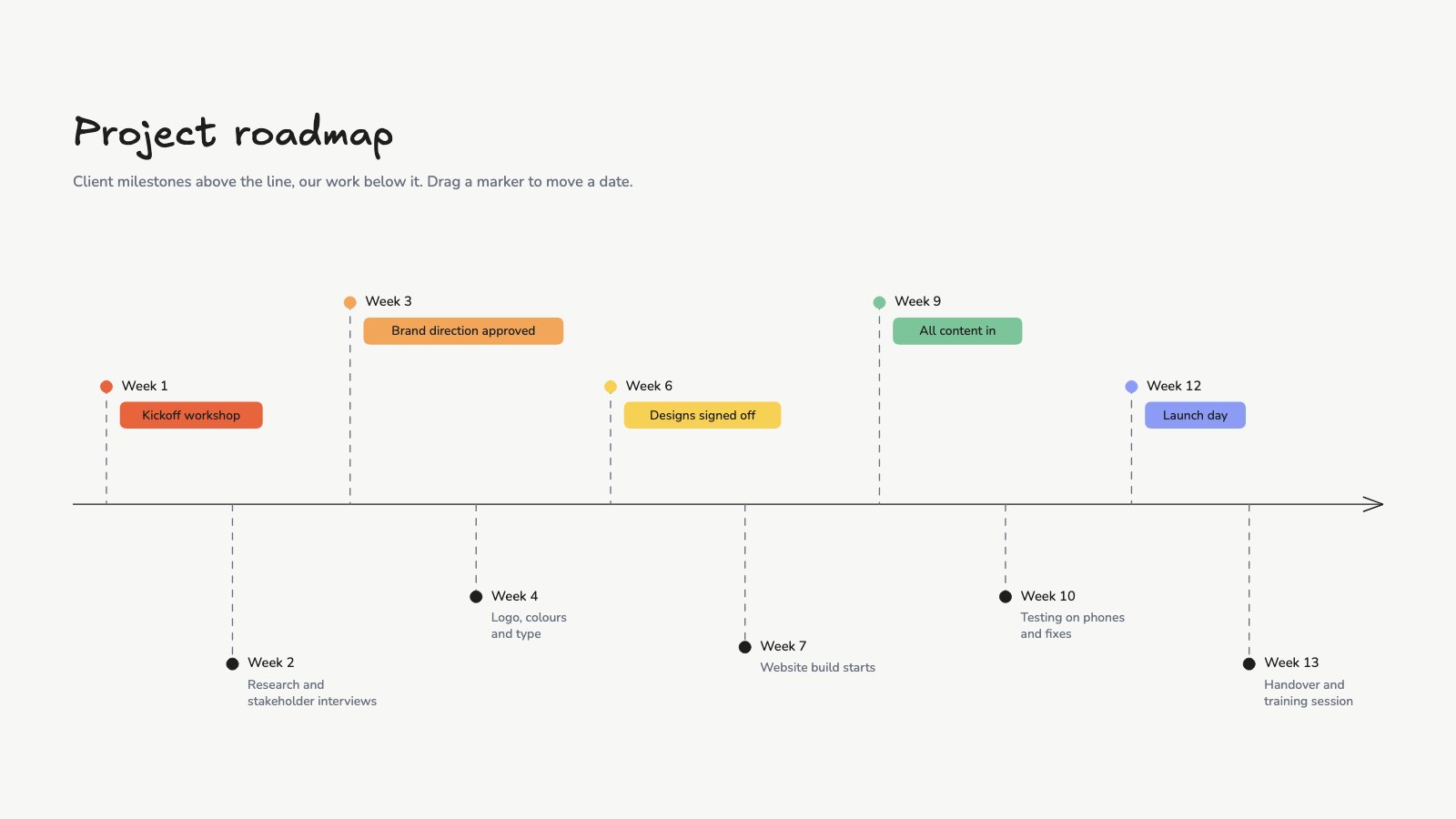
PreviewProject Roadmap
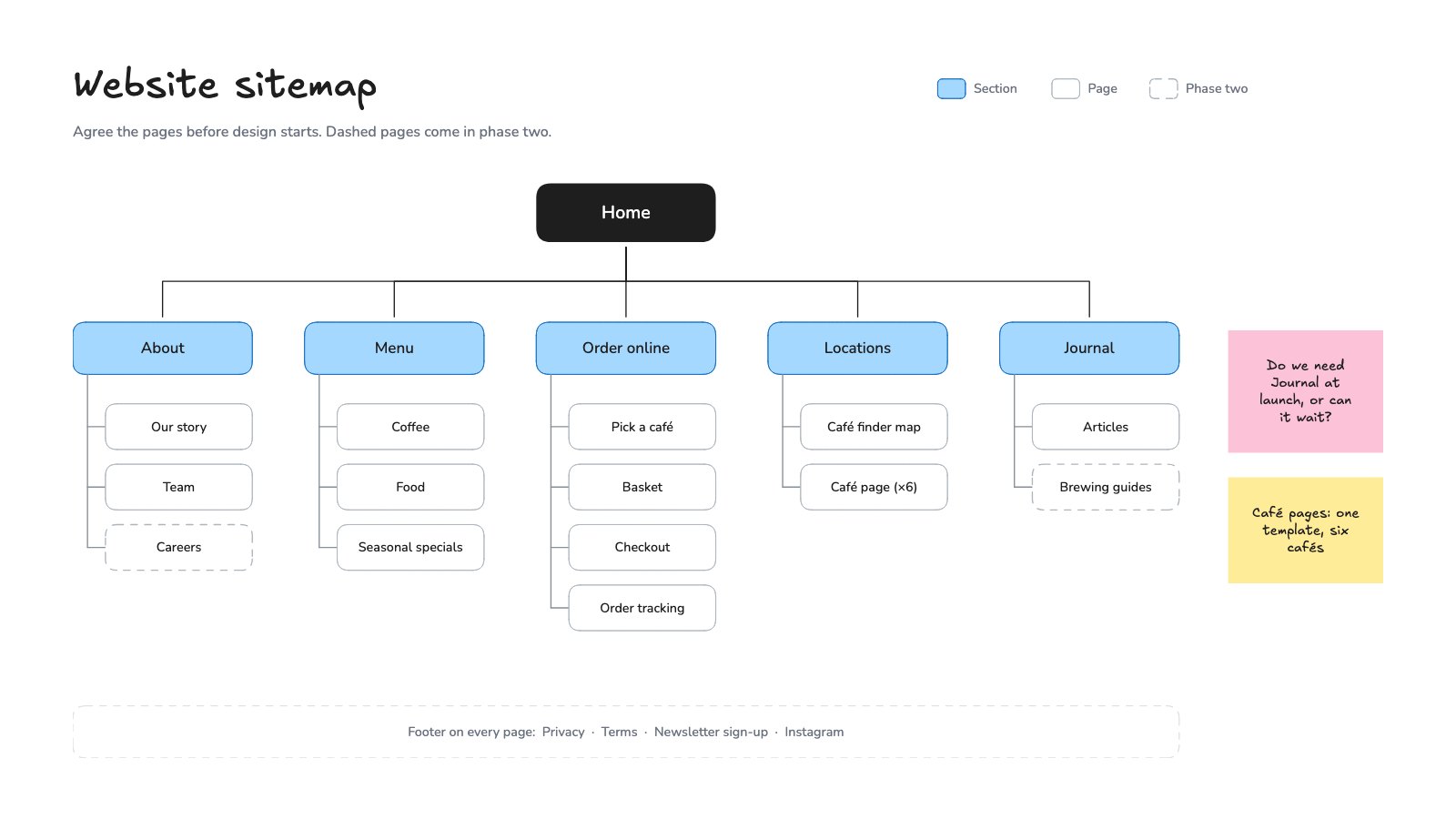
PreviewWebsite Sitemap
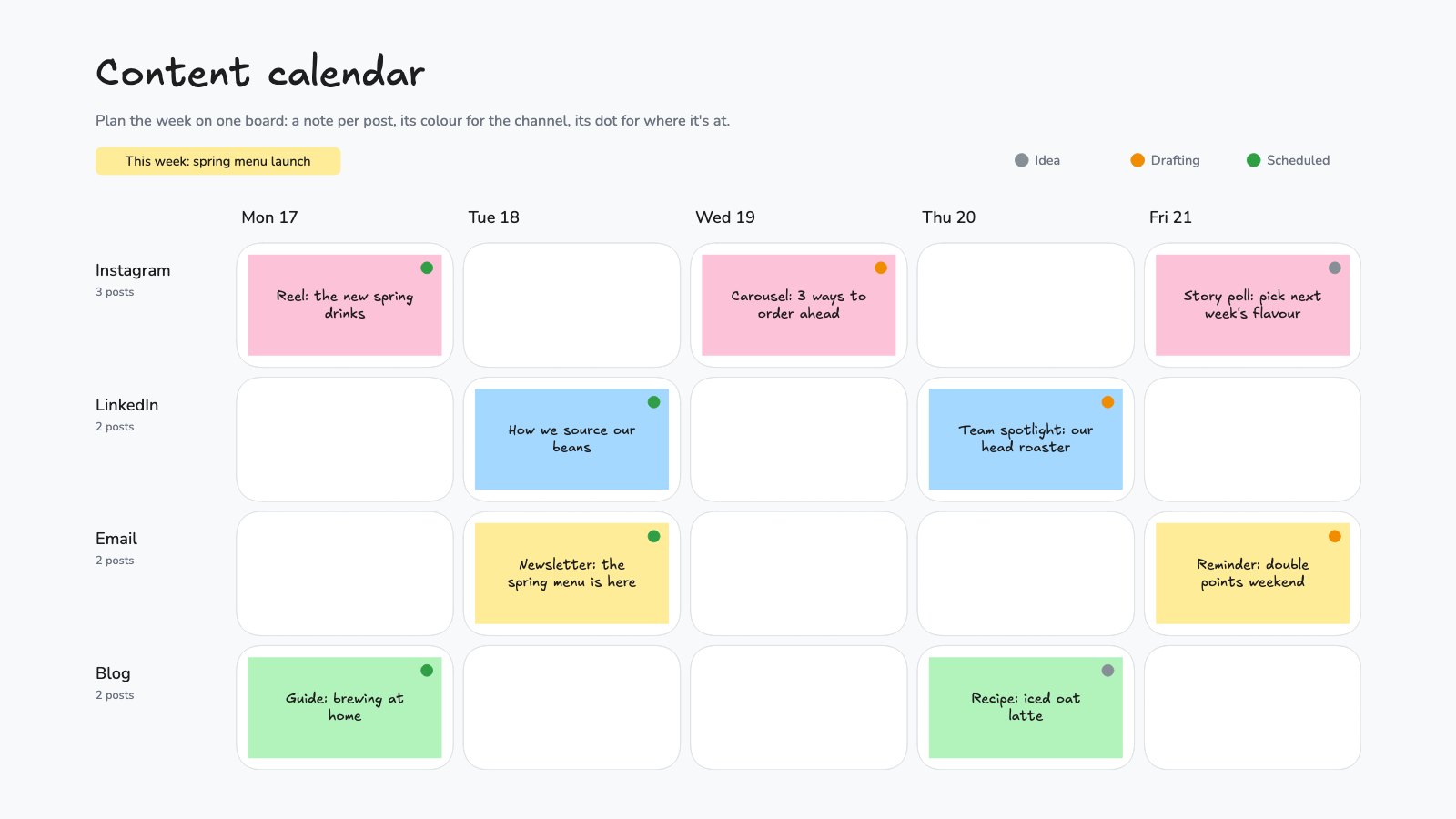
PreviewContent Calendar Board
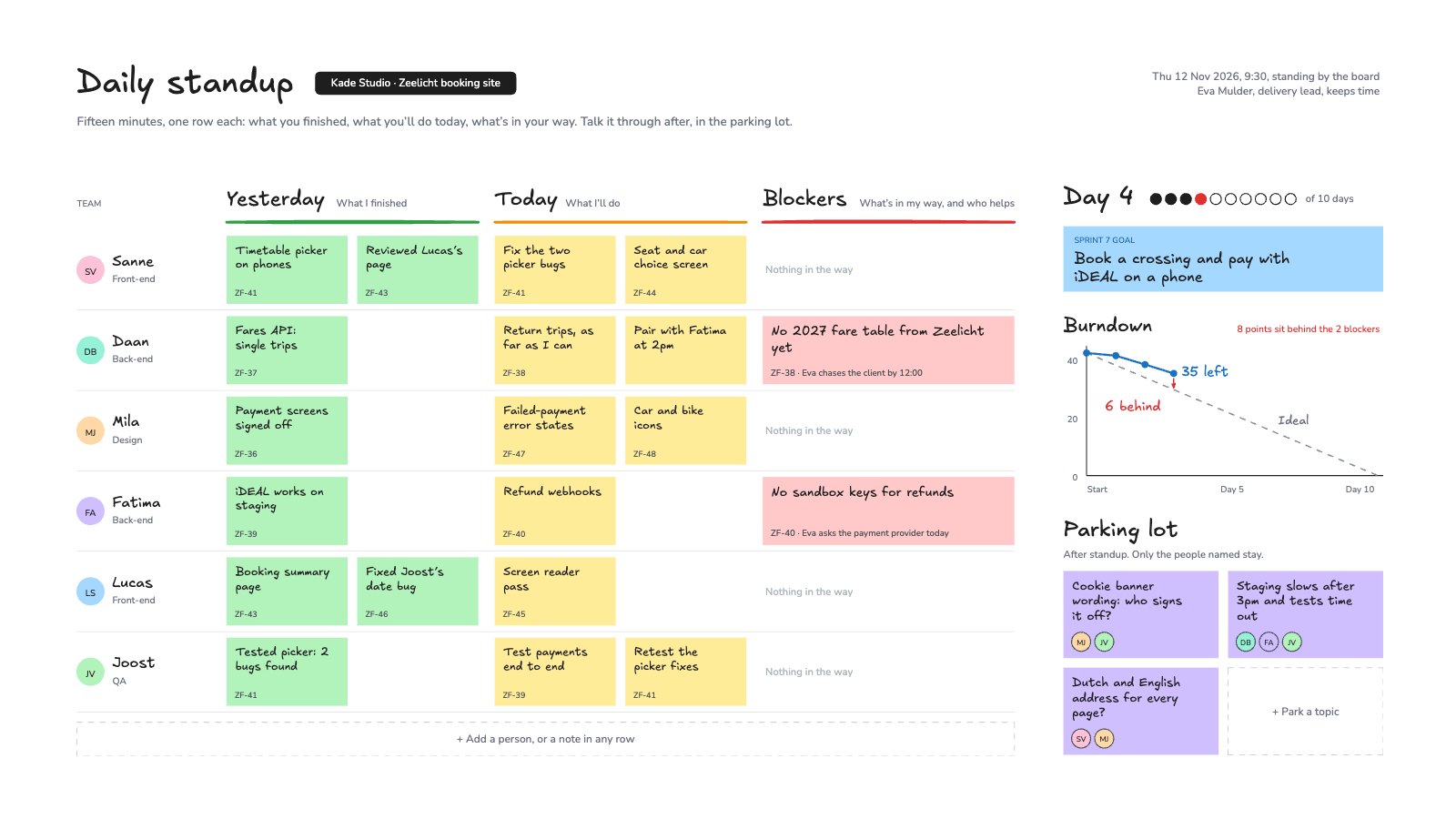
PreviewDaily Standup
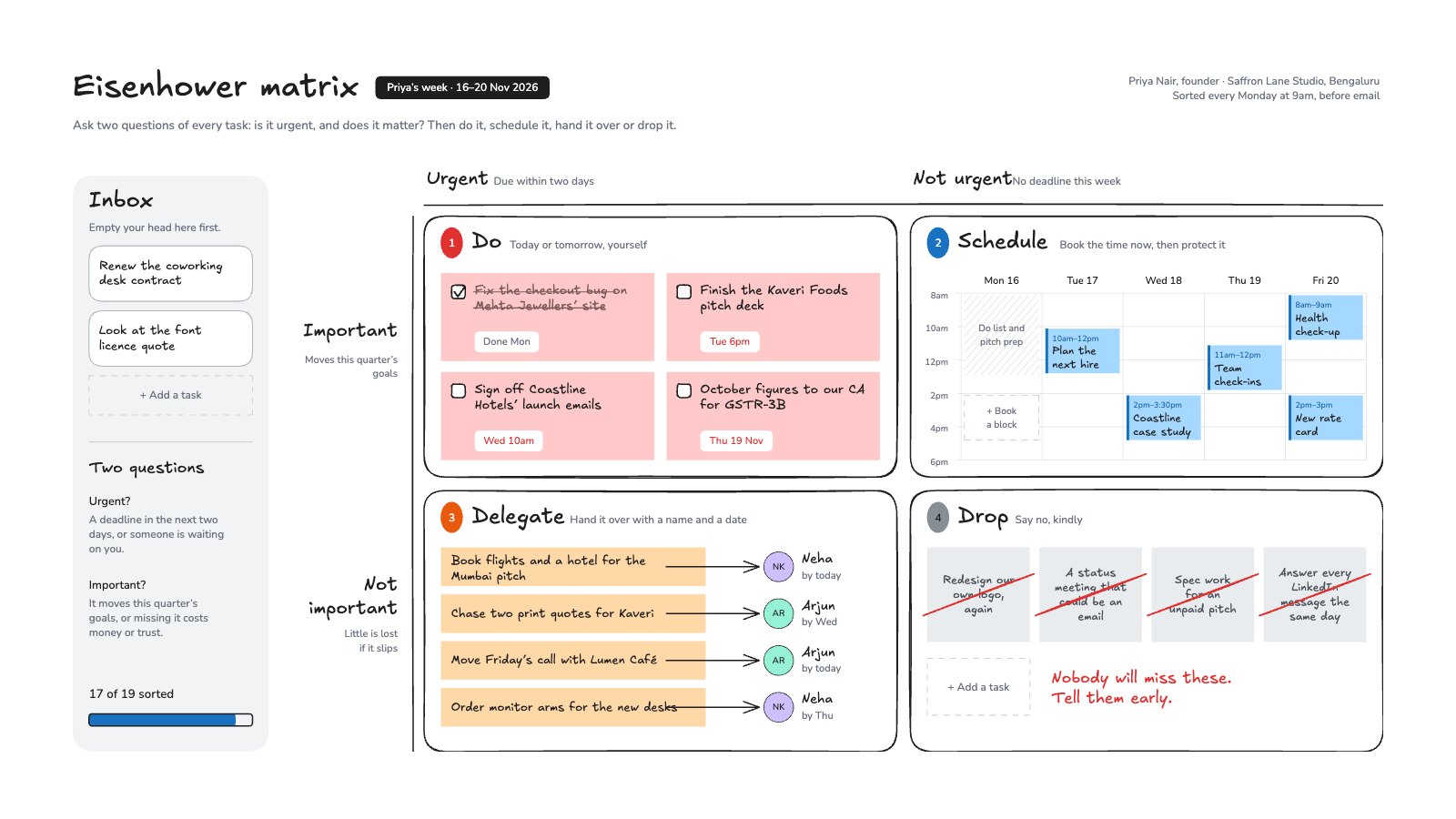
PreviewEisenhower Matrix
Preview
Starting from a description instead? Try the Online whiteboard.
Start your plan with Docsiv AI
Describe the client or the project and Docsiv AI writes a first draft of your sprint planning for you to edit, share and send.