

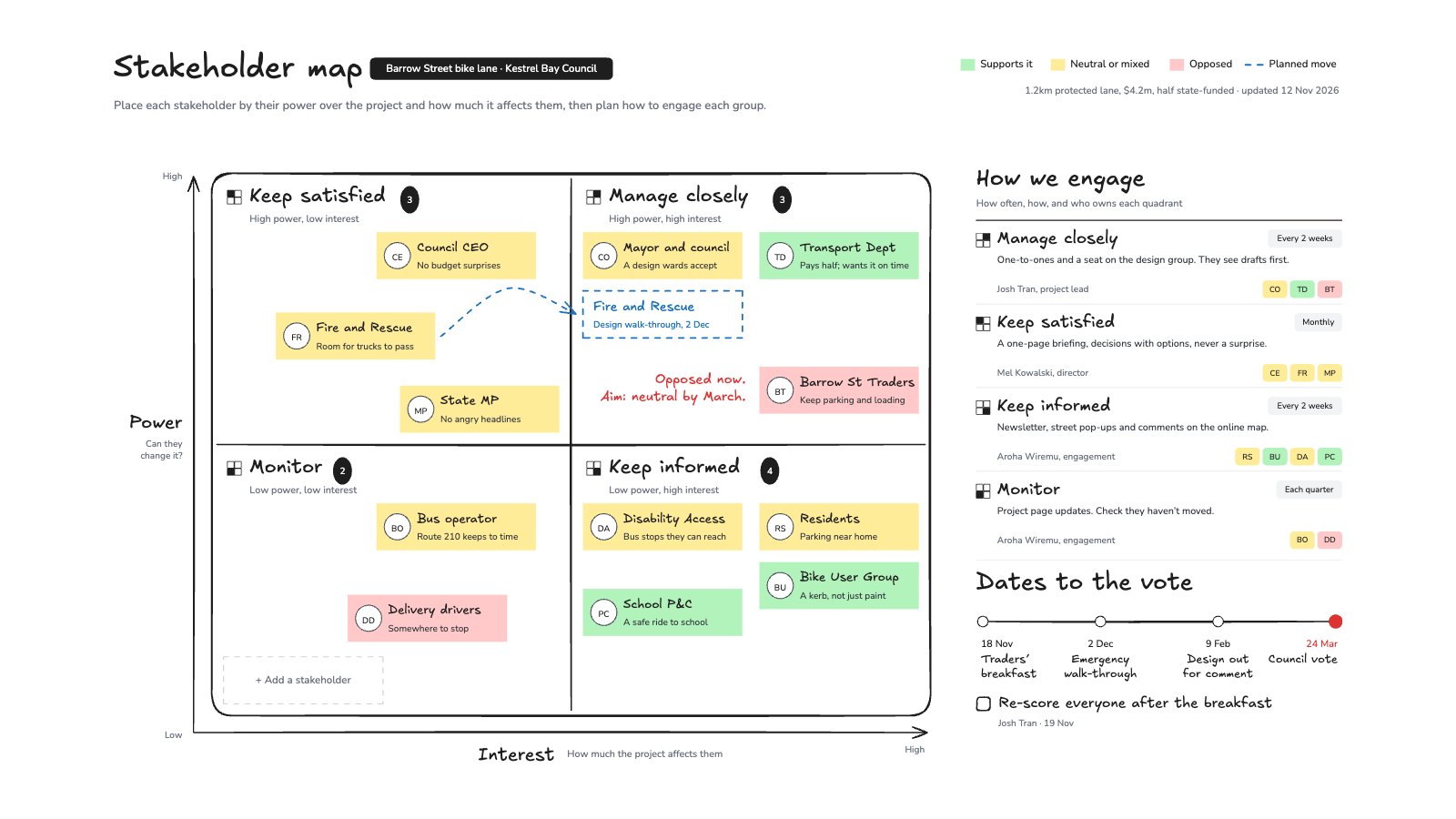
What’s inside the Stakeholder Map.
Real content in every part, ready to rewrite with your own.
- 1A power/interest grid with 12 stakeholders placed by score and coloured by stance: supports, neutral or opposed
- 2Manage closely, keep satisfied, keep informed and monitor, each named and counted
- 3A planned move drawn as a dashed arrow, and the aim for the opposed traders
- 4How the team engages each quadrant: how often, how, who owns it and the names in it
- 5A date line to the council vote, the next step, and an empty slot to add a stakeholder
When to use it.
Stakeholder Map is a whiteboard built on the power/interest grid, for projects that need people on side before a decision. Each stakeholder is a note placed by how much power they have over the project and how much it affects them, coloured by whether they support it, sit on the fence or oppose it. The four quadrants (manage closely, keep satisfied, keep informed, monitor) are counted, and a panel says how often and how the team engages each one, and who owns it. A dashed arrow shows a planned move, and a date line runs to the decision. The example maps a council bike-lane project.
Made for
- Agencies running client projects
- Content and social teams
- Web designers and developers
- Project managers
Make it yours in four steps.
Open it in Whiteboard and work through it, or let Docsiv AI do the first pass with your details.
- Step 1
Score each stakeholder 0–10 for power and interest, and move their note to that spot.
- Step 2
Colour each note by where they stand today: supports, neutral or opposed.
- Step 3
Agree how often and how you’ll engage each quadrant, and who owns it.
- Step 4
Draw the moves you need before your decision date, and add the dates that lead to it.
Start from the Stakeholder Map now.
Questions about this template.
Something else on your mind? Ask us in the chat, bottom right of the page.
Is the Stakeholder Map template free?
Yes. Create a free account and it opens in Docsiv's Whiteboard app, ready to edit and share. The Free plan includes every Docsiv app and 500 AI credits a month.
Can I change the colours, fonts and text?
Yes, all of it. The template uses Excalifont and Nunito with #b2f2bb, #ffec99, #ffc9c9, #1971c2, #1e1e1e, #e03131, and you can change any of them, rewrite every word and add or remove notes, shapes and connectors.
What can I export it as?
Whiteboard in Docsiv offers: Excalidraw boards, PNG and SVG exports. Once it's saved, you can also share it with a link.
Can Docsiv AI write the stakeholder map for me?
Yes. Tell Docsiv AI about the client or project and it can draft the content in this template's style, which you then review and edit. AI uses credits; the Free plan includes 500 a month.
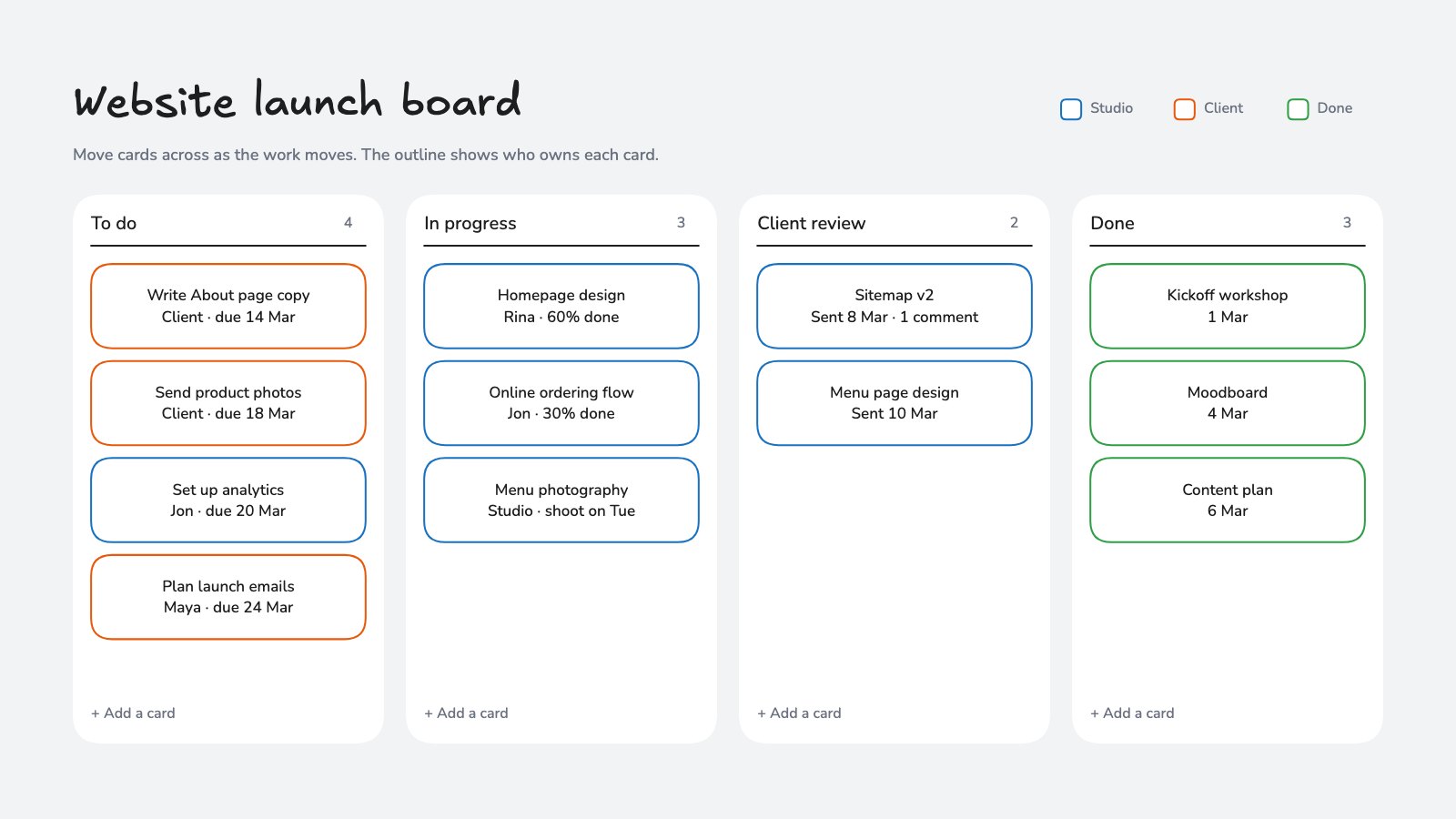
Project Kanban Board
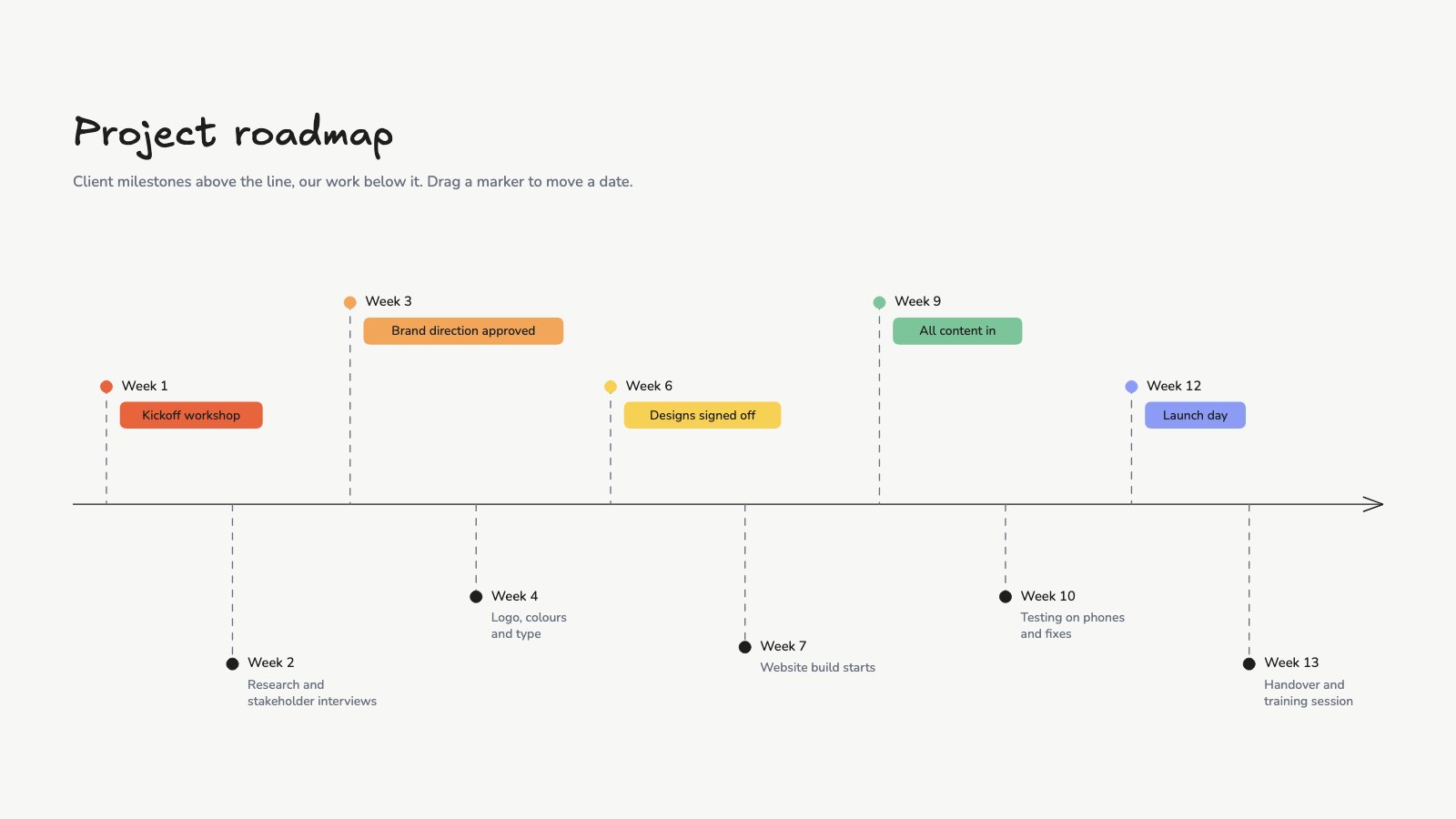
PreviewProject Roadmap
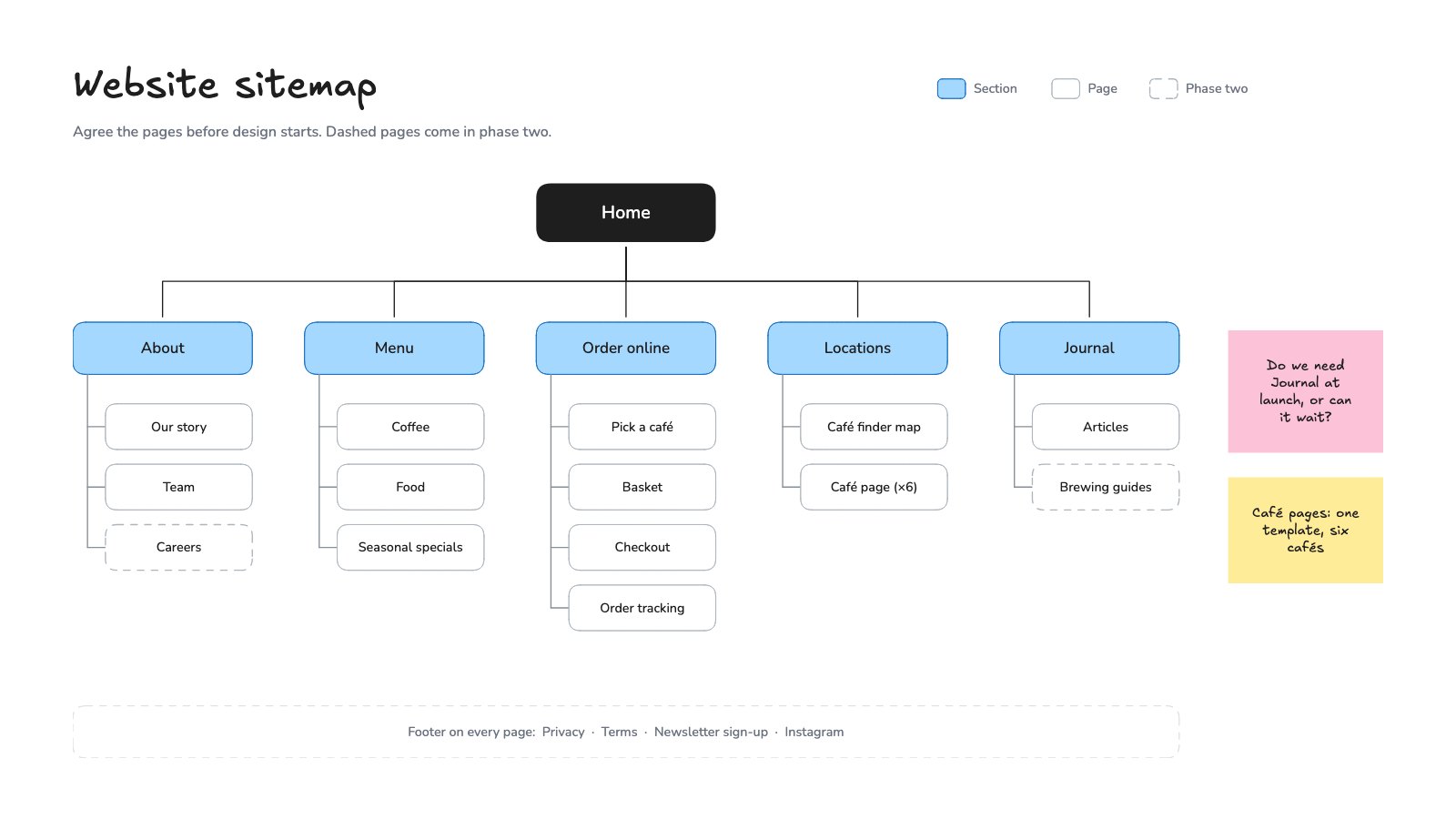
PreviewWebsite Sitemap
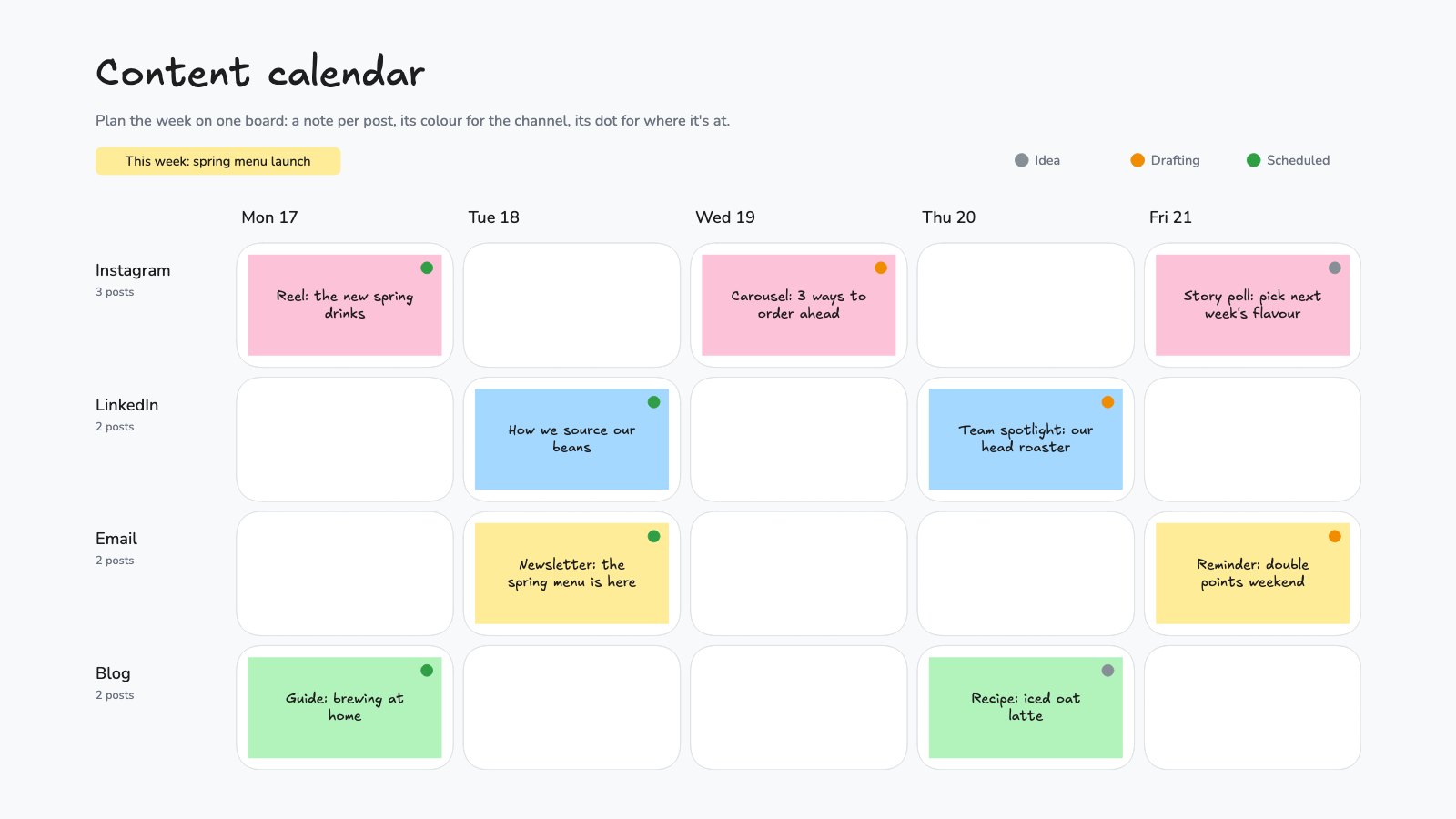
PreviewContent Calendar Board
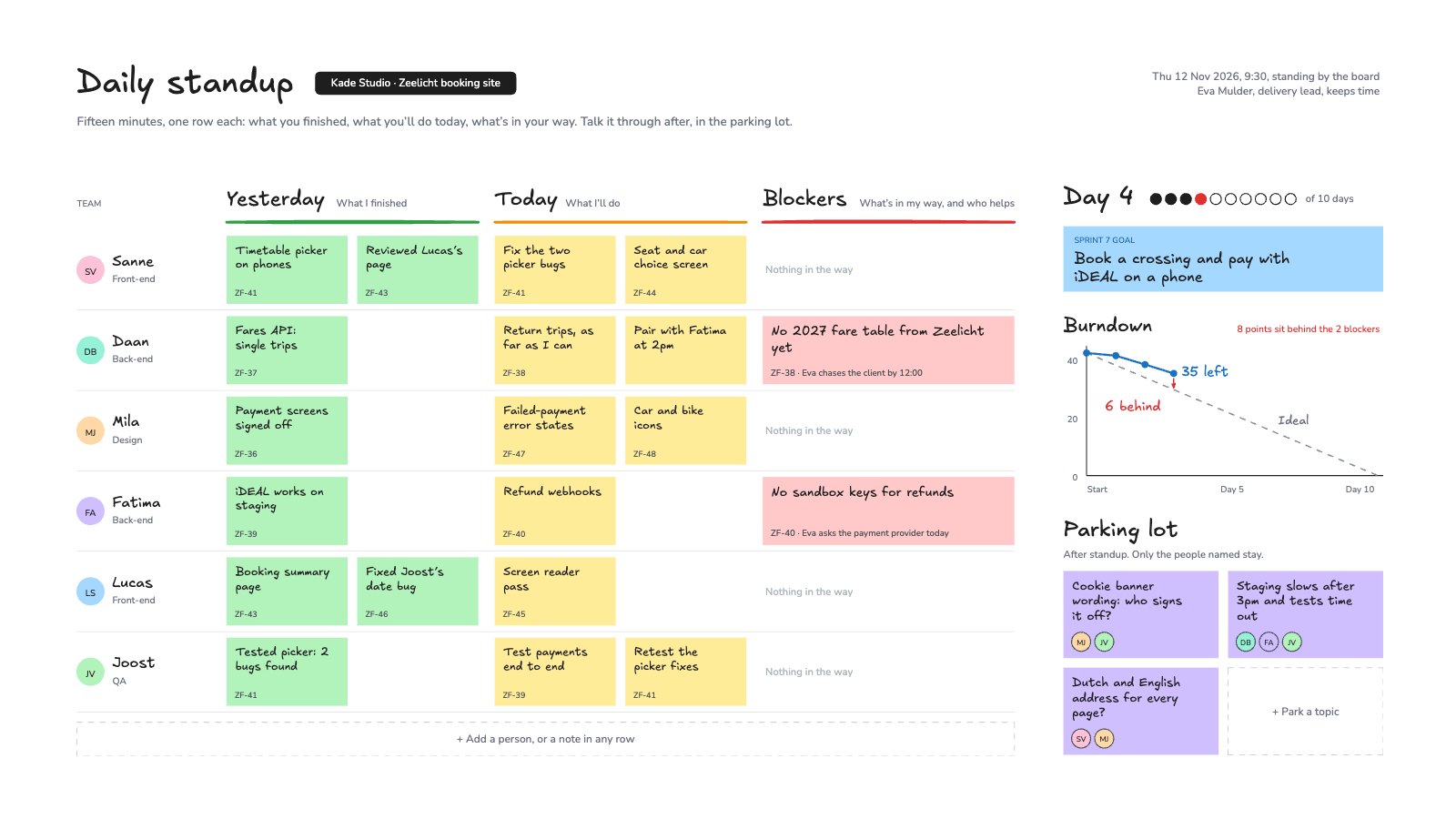
PreviewDaily Standup
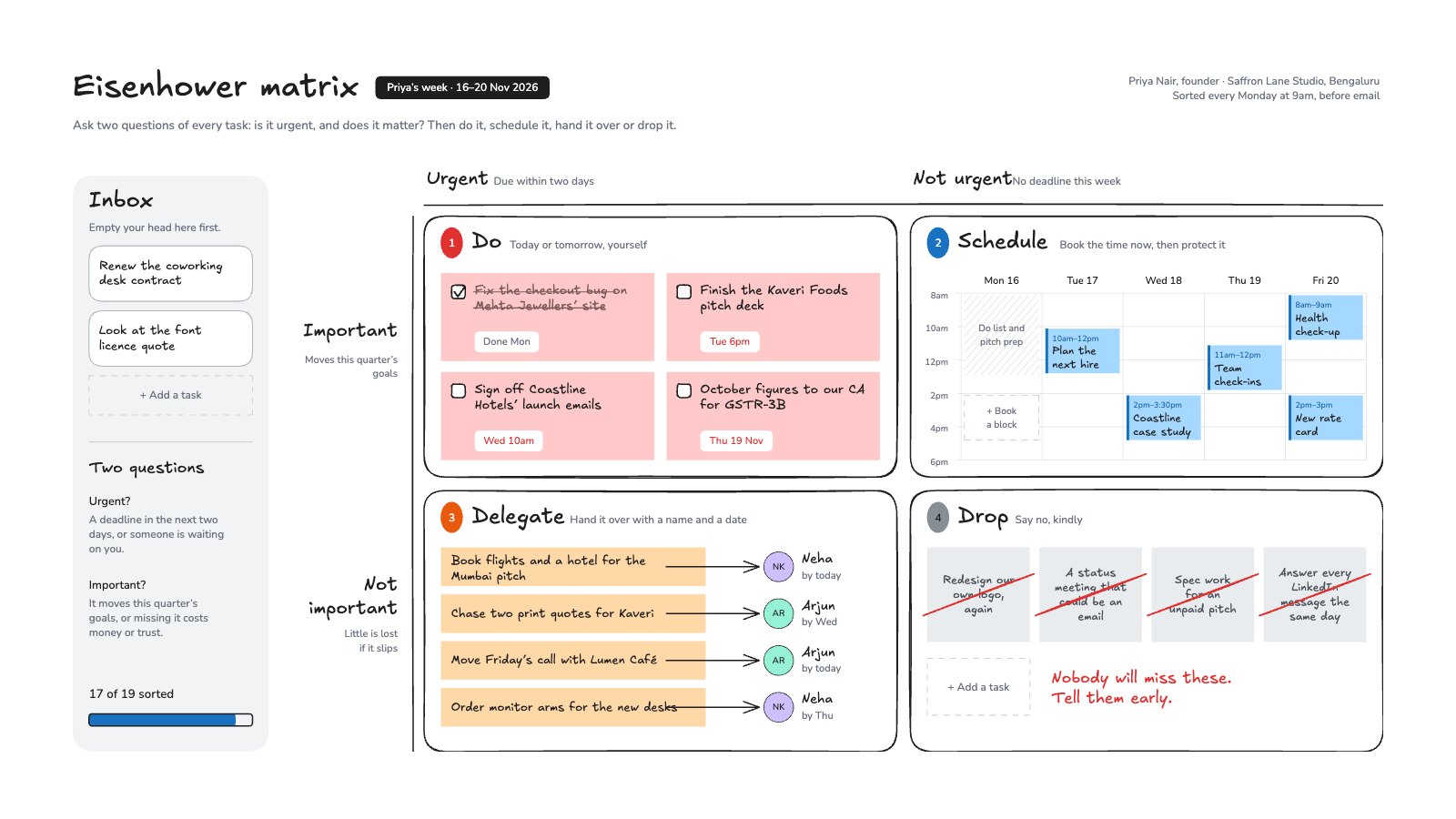
PreviewEisenhower Matrix
Preview
Starting from a description instead? Try the Online whiteboard.
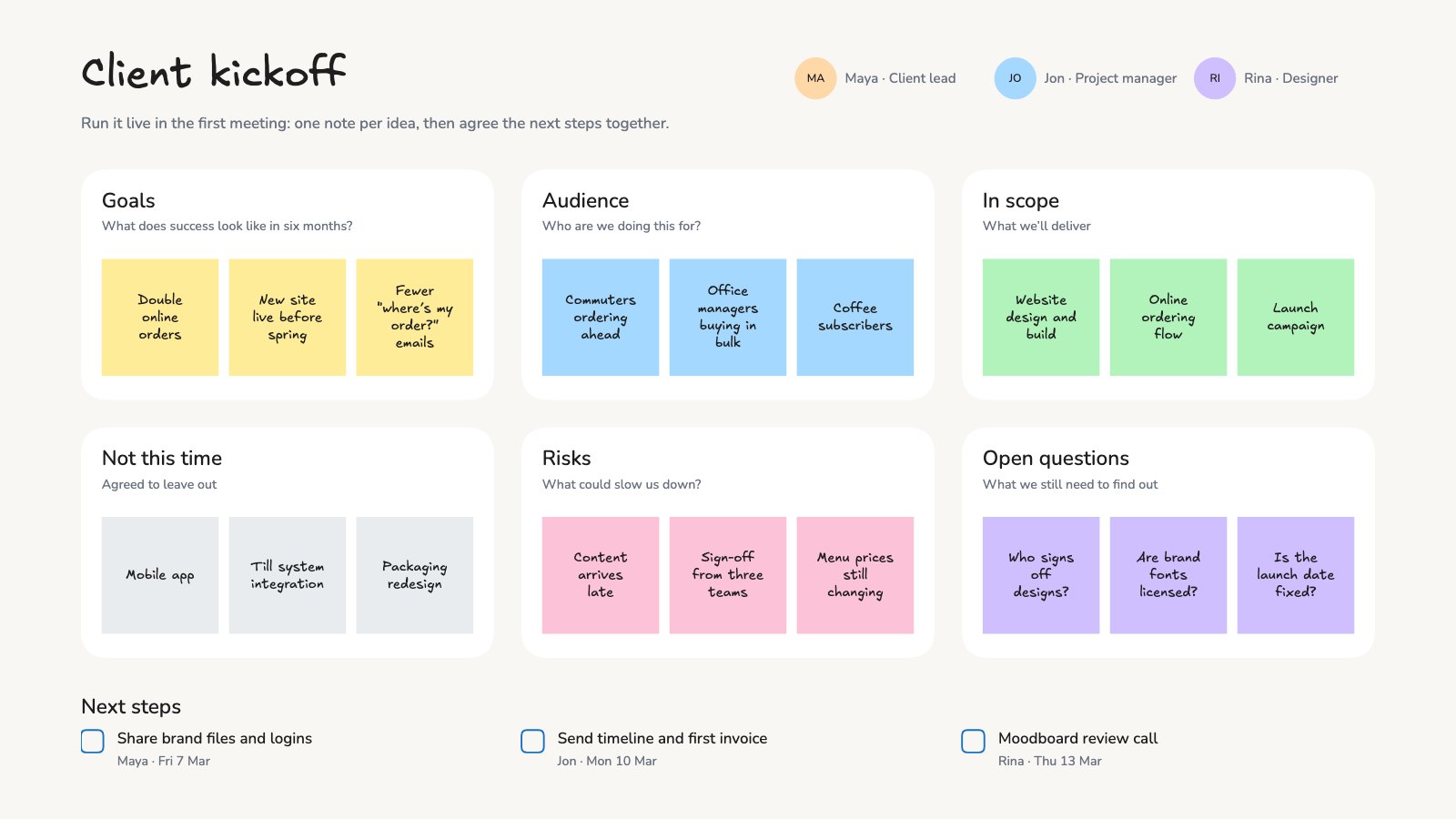
Start your plan with Docsiv AI
Describe the client or the project and Docsiv AI writes a first draft of your stakeholder map for you to edit, share and send.