

What’s inside the Value Proposition Canvas.
Real content in every part, ready to rewrite with your own.
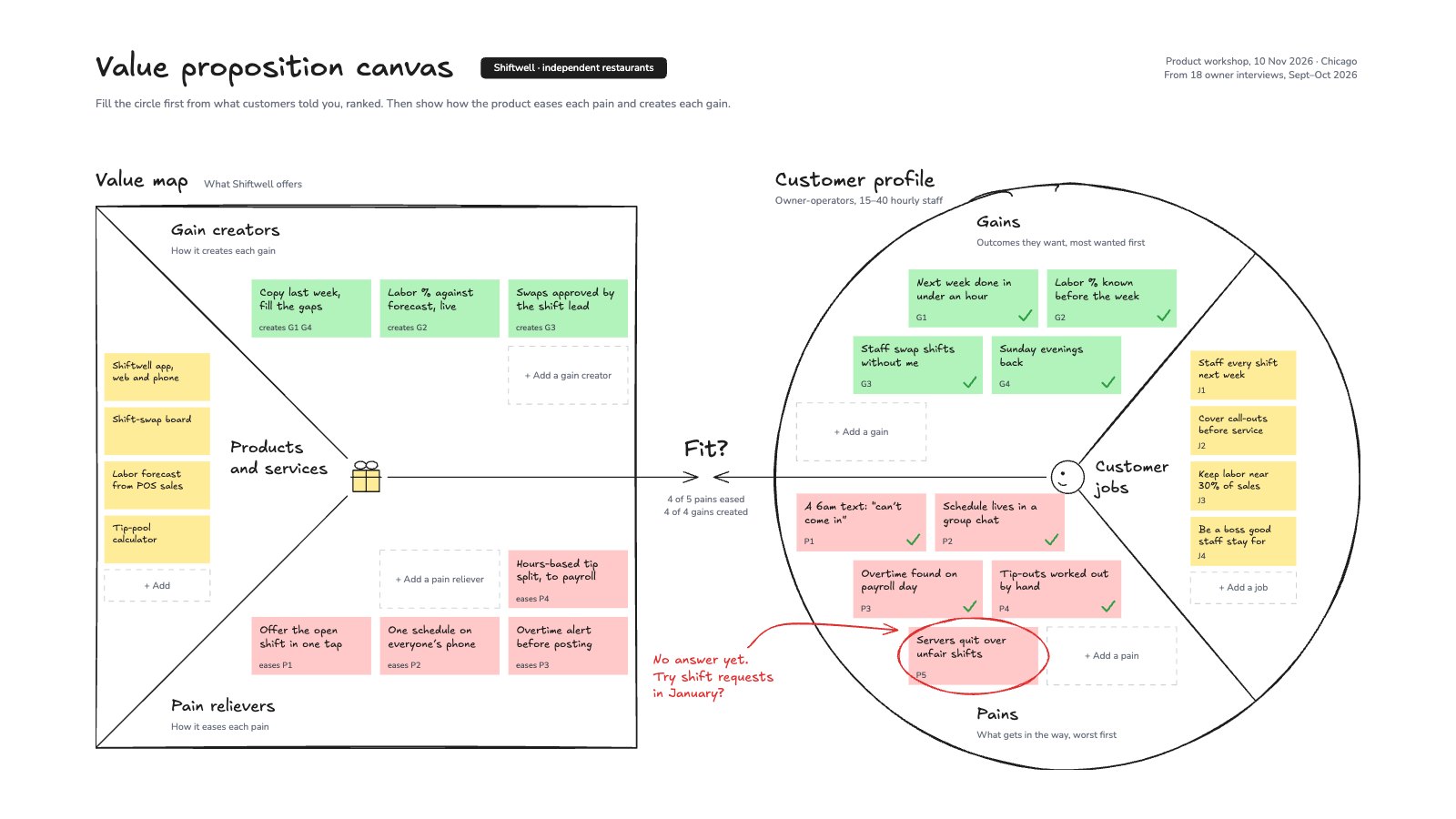
- 1The value map square (products and services, gain creators, pain relievers) and the customer profile circle (gains, pains, customer jobs) in Strategyzer’s layout
- 213 customer notes ranked from 18 interviews, and 11 value-map notes that each name the pain or gain they answer
- 3Green ticks where the fit is, a red ring on the pain with no answer yet, and the fit counted in the middle
- 4An empty note in every zone to add your own
When to use it.
Value Proposition Canvas is a whiteboard in Strategyzer’s square-and-circle layout for checking that a product answers what customers need. The circle is the customer profile: jobs, pains and gains, filled first from interviews and ranked. The square is the value map: products and services, pain relievers and gain creators, each naming the pain or gain it answers. Green ticks show where the fit is, a red ring marks a pain with no answer yet, and the fit is counted in the middle. The example is filled in for a restaurant scheduling app from 18 owner interviews.
Made for
- Leadership teams presenting the year and the choice ahead
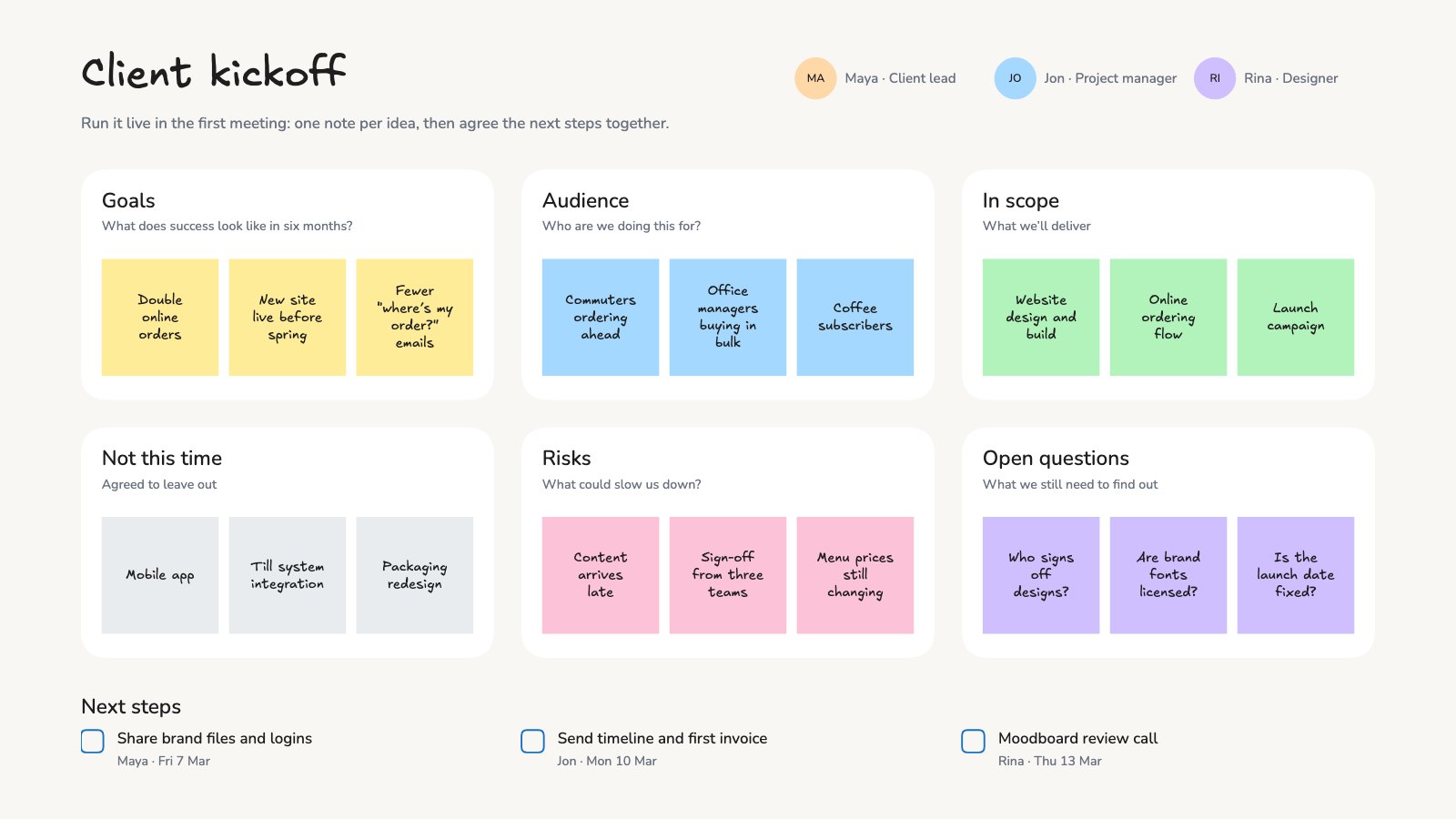
- Agencies taking a client through a strategy
- Founders testing a new idea
- Product and innovation teams
Make it yours in four steps.
Open it in Whiteboard and work through it, or let Docsiv AI do the first pass with your details.
- Step 1
Fill the circle first: your customer’s jobs, pains and gains, from what they told you.
- Step 2
Rank each list and number the notes, so J1, P1 and G1 matter most.
- Step 3
Add your products, then a pain reliever or gain creator for each, naming the P or G it answers.
- Step 4
Tick what’s answered, circle what isn’t, and update the fit count in the middle.
Start from the Value Proposition Canvas now.
Questions about this template.
Something else on your mind? Ask us in the chat, bottom right of the page.
Is the Value Proposition Canvas template free?
Yes. Create a free account and it opens in Docsiv's Whiteboard app, ready to edit and share. The Free plan includes every Docsiv app and 500 AI credits a month.
Can I change the colours, fonts and text?
Yes, all of it. The template uses Excalifont and Nunito with #ffec99, #ffc9c9, #b2f2bb, #1e1e1e, #2f9e44, #e03131, and you can change any of them, rewrite every word and add or remove notes, shapes and connectors.
What can I export it as?
Whiteboard in Docsiv offers: Excalidraw boards, PNG and SVG exports. Once it's saved, you can also share it with a link.
Can Docsiv AI write the value proposition canvas for me?
Yes. Tell Docsiv AI about the client or project and it can draft the content in this template's style, which you then review and edit. AI uses credits; the Free plan includes 500 a month.
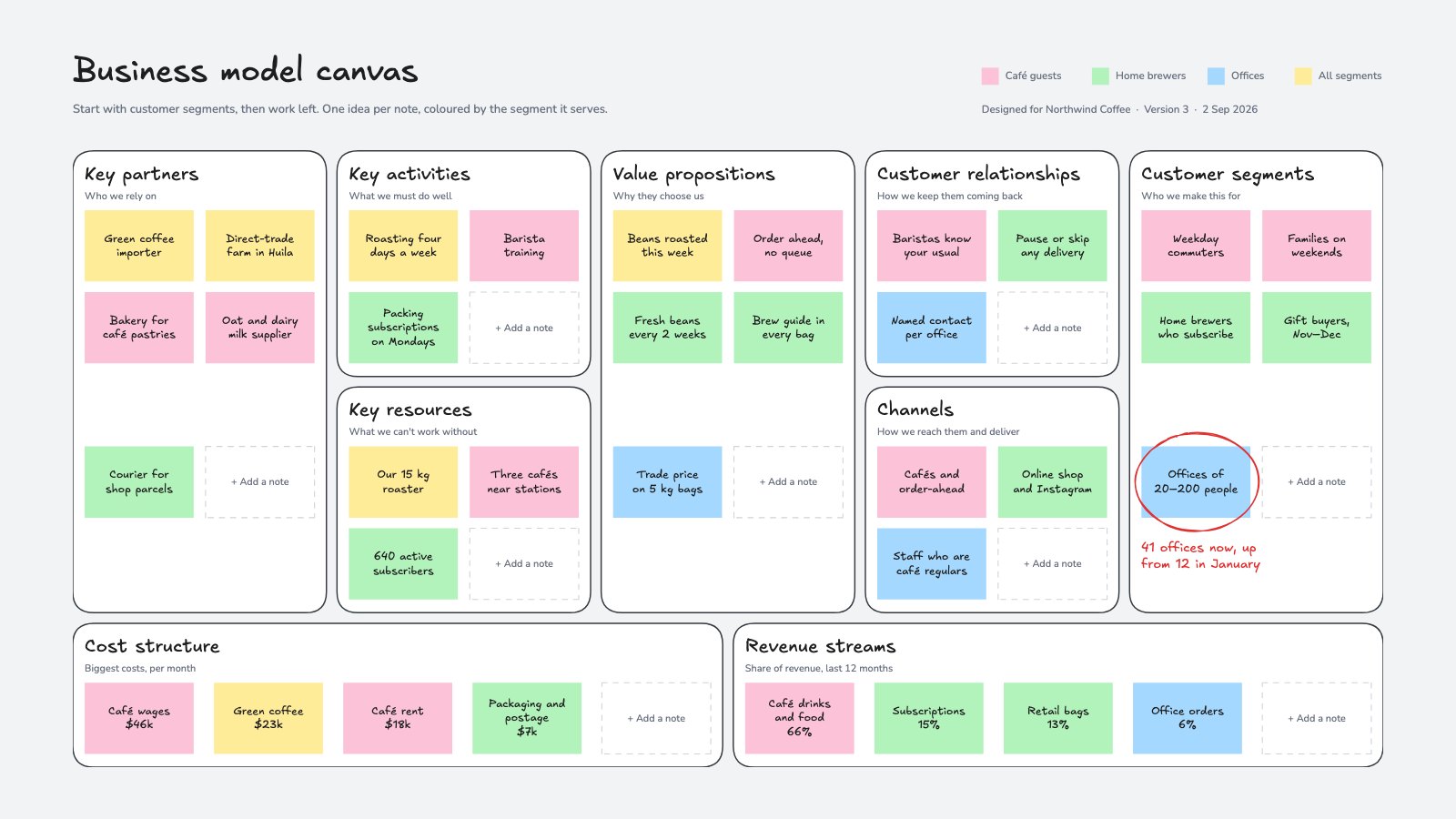
Business Model Canvas
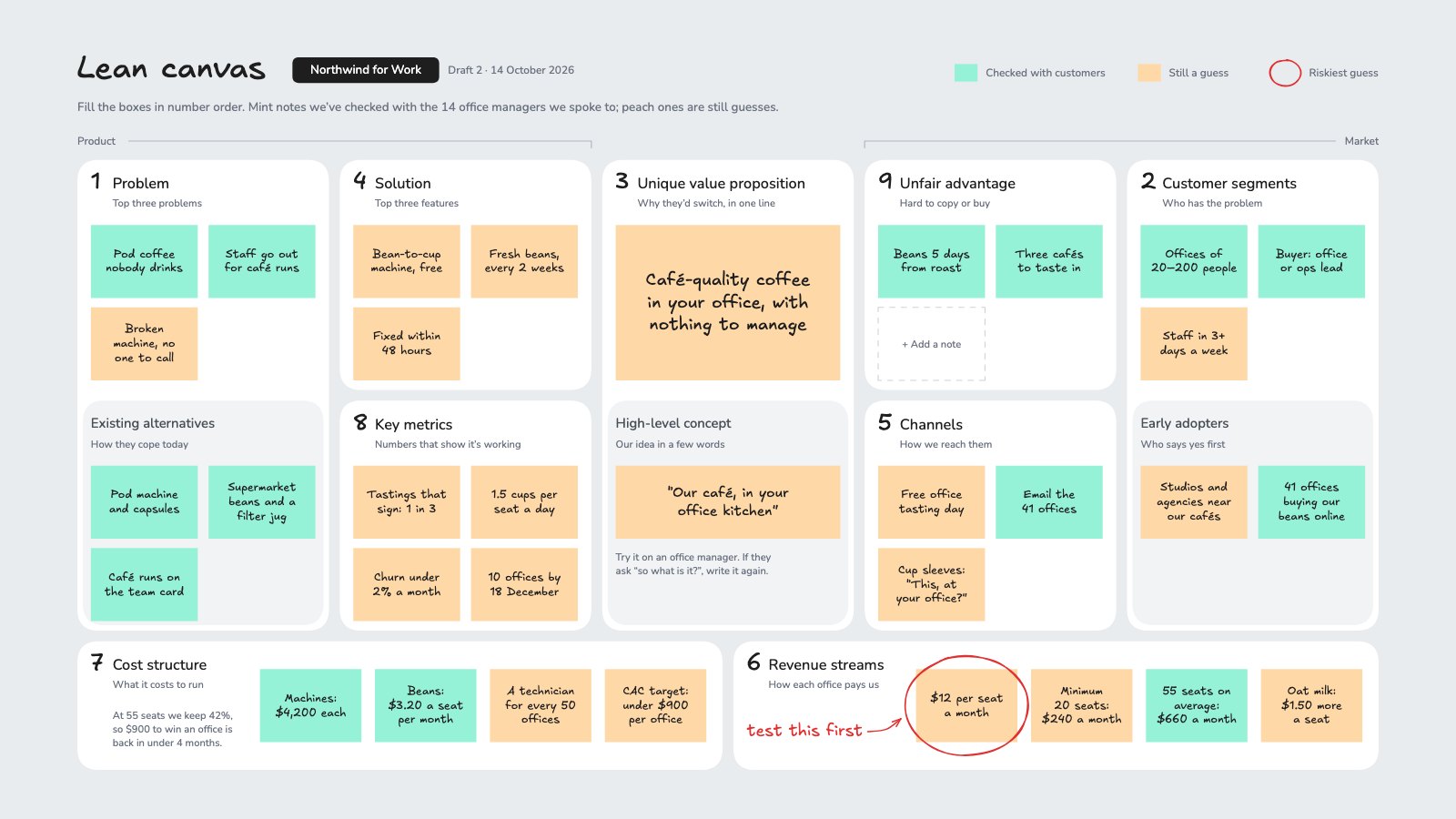
PreviewLean Canvas
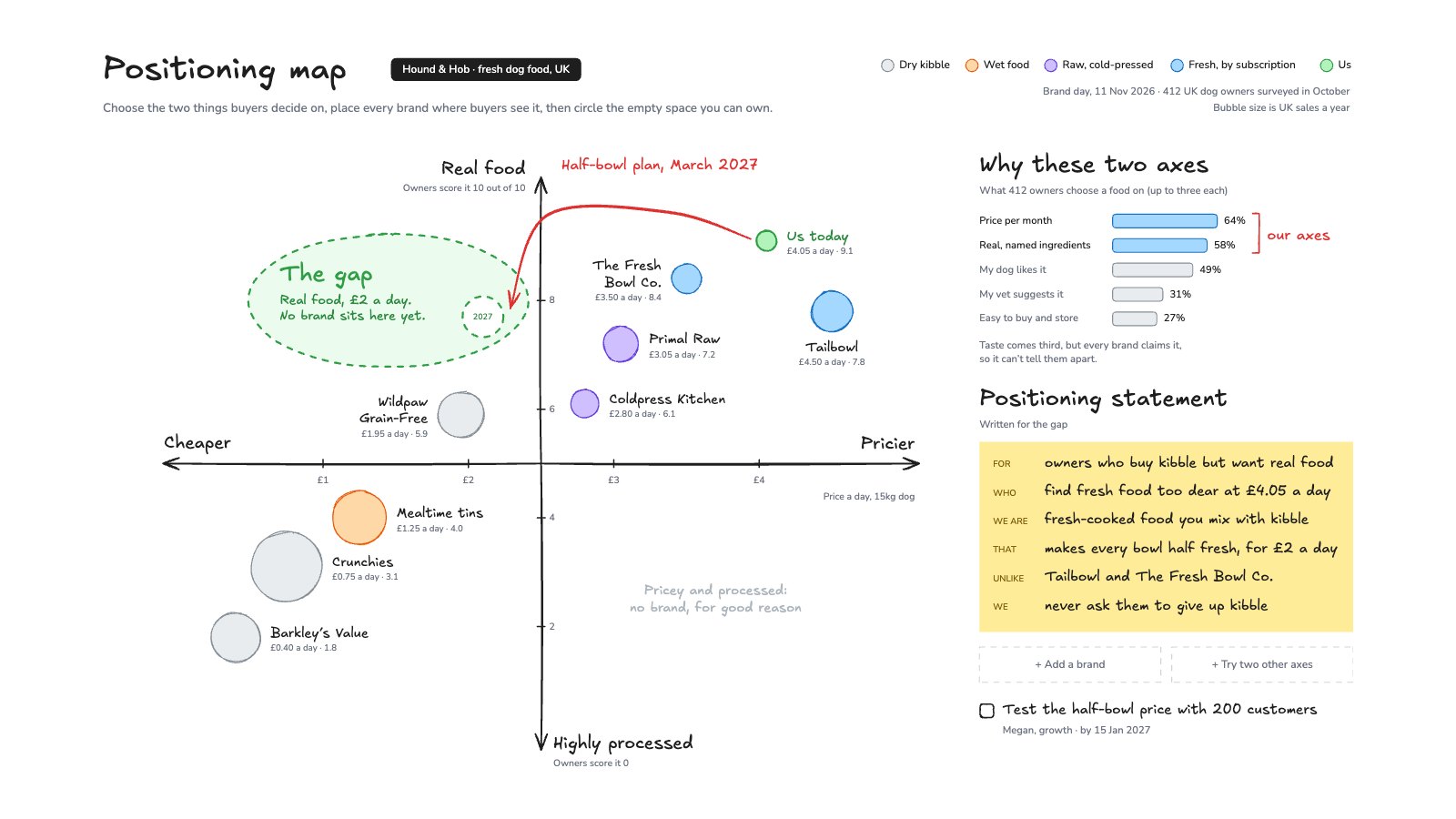
PreviewPositioning Map
PreviewTablet
PreviewSignal
PreviewCartesian
Preview
Starting from a description instead? Try the Online whiteboard.
Start your strategy with Docsiv AI
Describe the client or the project and Docsiv AI writes a first draft of your value proposition canvas for you to edit, share and send.