

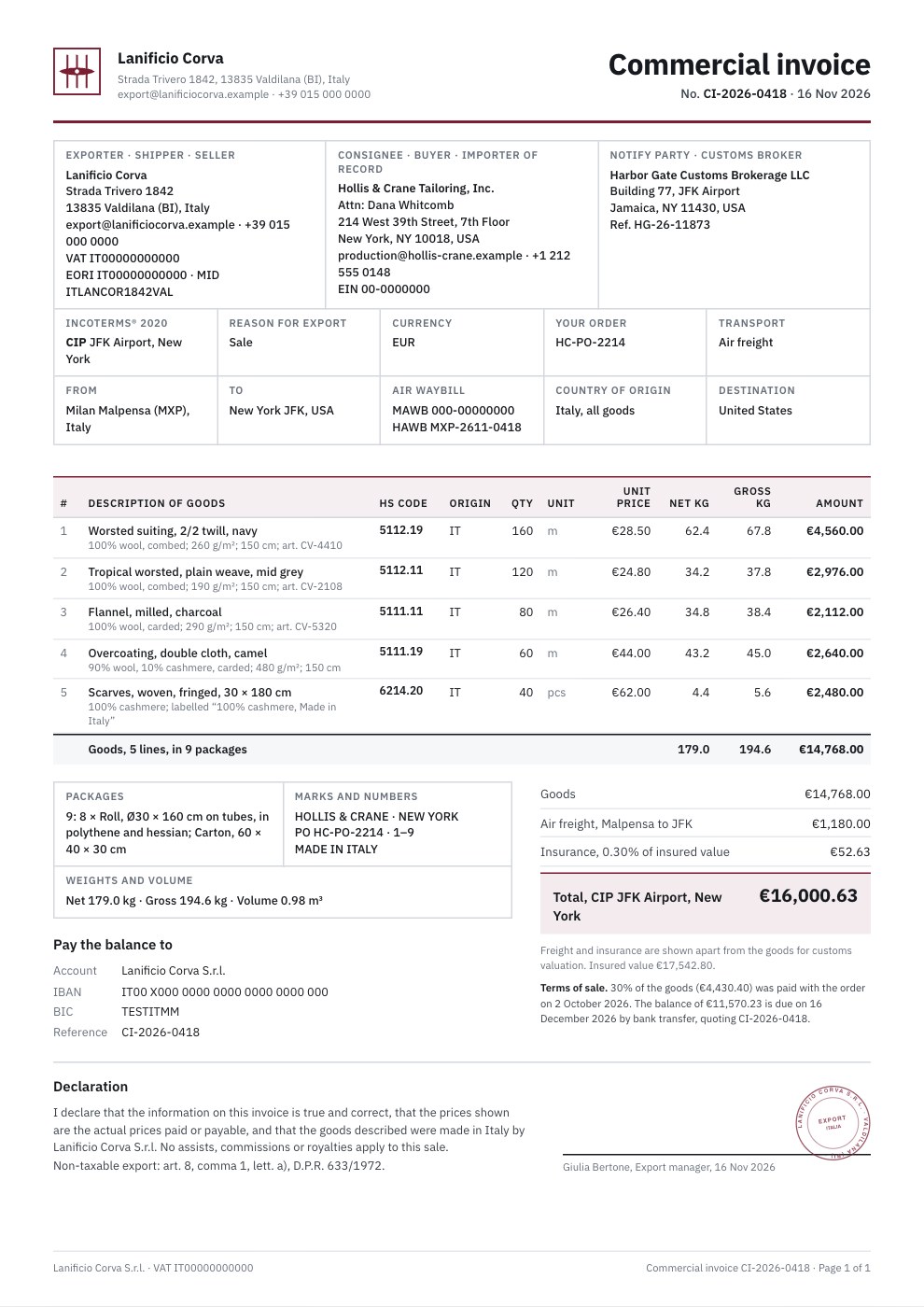
What’s inside the Commercial Invoice.
Real content in every part, ready to rewrite with your own.
- 1Header: the mill's mark and details, Commercial invoice, its number and date
- 2Exporter with VAT, EORI and manufacturer ID, and the consignee and importer of record with its EIN
- 3Customs broker, Incoterms® 2020 CIP with the named place, terms of payment, reason for export and currency
- 4Order, air freight route, air waybill, country of origin and destination
- 5Five goods lines with fibre content, weave, weight and width, HS code, origin, quantity, unit price, net and gross weight
- 6Packages, shipping marks, weights and volume beside the goods, freight and insurance and the CIP total
- 7The signed declaration with the VAT export exemption and a company stamp
- 8Bank details for the balance and the deposit-and-balance terms
When to use it.
Commercial Invoice is an export invoice template for manufacturers and sellers shipping goods abroad. It carries what customs at both ends need: the exporter's VAT number, EORI and manufacturer ID, the consignee and importer of record, the customs broker, Incoterms® 2020 with the named place, and the route and air waybill. Each line gives a full description of the goods, the HS code, country of origin, quantity, unit price, and net and gross weight. Packages, shipping marks, weights and volume sit beside the totals, freight and insurance are shown apart from the goods for customs valuation, and a signed declaration closes it.
Made for
- Freelancers who bill by the hour or day
- Agencies billing projects and retainers
- Consultants and advisers
- Studios quoting before work starts
Make it yours in four steps.
Open it in Invoices and work through it, or let Docsiv AI do the first pass with your details.
- Step 1
Add your logo, brand colour and company details with your VAT, EORI and other customs IDs, then the buyer and their customs broker.
- Step 2
Choose the Incoterms® rule and named place, and fill in the route, carrier and air waybill or bill of lading number.
- Step 3
Describe each product as customs need it, with its HS code, origin, quantity, price and weights, and add freight and insurance as charge lines.
- Step 4
List the packages and shipping marks, check the declaration and signature, and send the PDF to your forwarder with the goods.
Start from the Commercial Invoice now.
Questions about this template.
Something else on your mind? Ask us in the chat, bottom right of the page.
Is the Commercial Invoice template free?
Yes. Create a free account and it opens in Docsiv's Invoices app, ready to edit and share. The Free plan includes every Docsiv app and 500 AI credits a month.
Can I change the colours, fonts and text?
Yes, all of it. The template uses IBM Plex Sans with #7b1e32, #16191d, #68707b, and you can change any of them, rewrite every word and add or remove pages.
What can I export it as?
Invoices in Docsiv offers: Invoices and PDF exports. Once it's saved, you can also share it with a link.
Can Docsiv AI write the commercial invoice for me?
Yes. Tell Docsiv AI about the client or project and it can draft the content in this template's style, which you then review and edit. AI uses credits; the Free plan includes 500 a month.
Hourly Invoice
PreviewProject Invoice
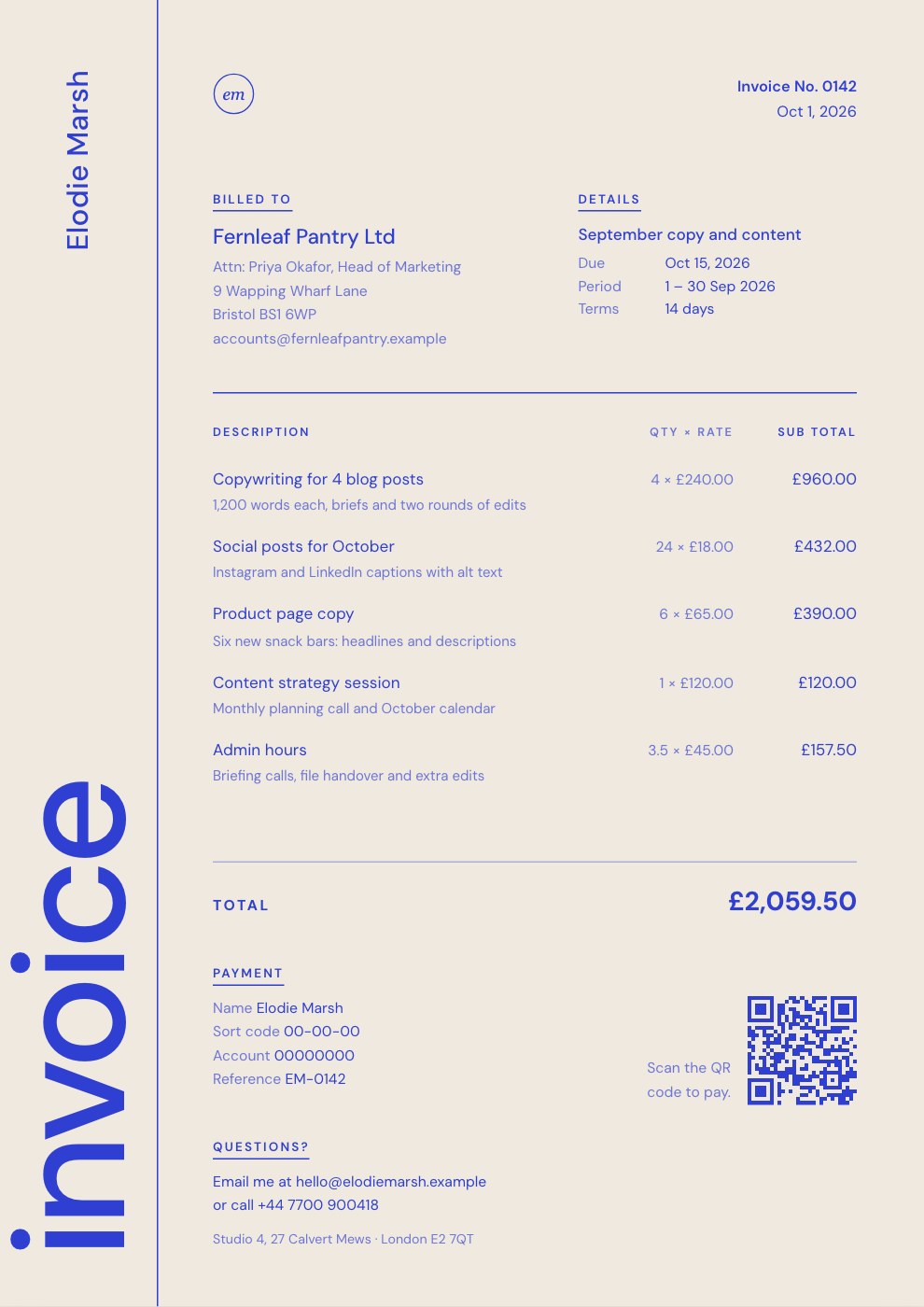
PreviewRetainer Invoice
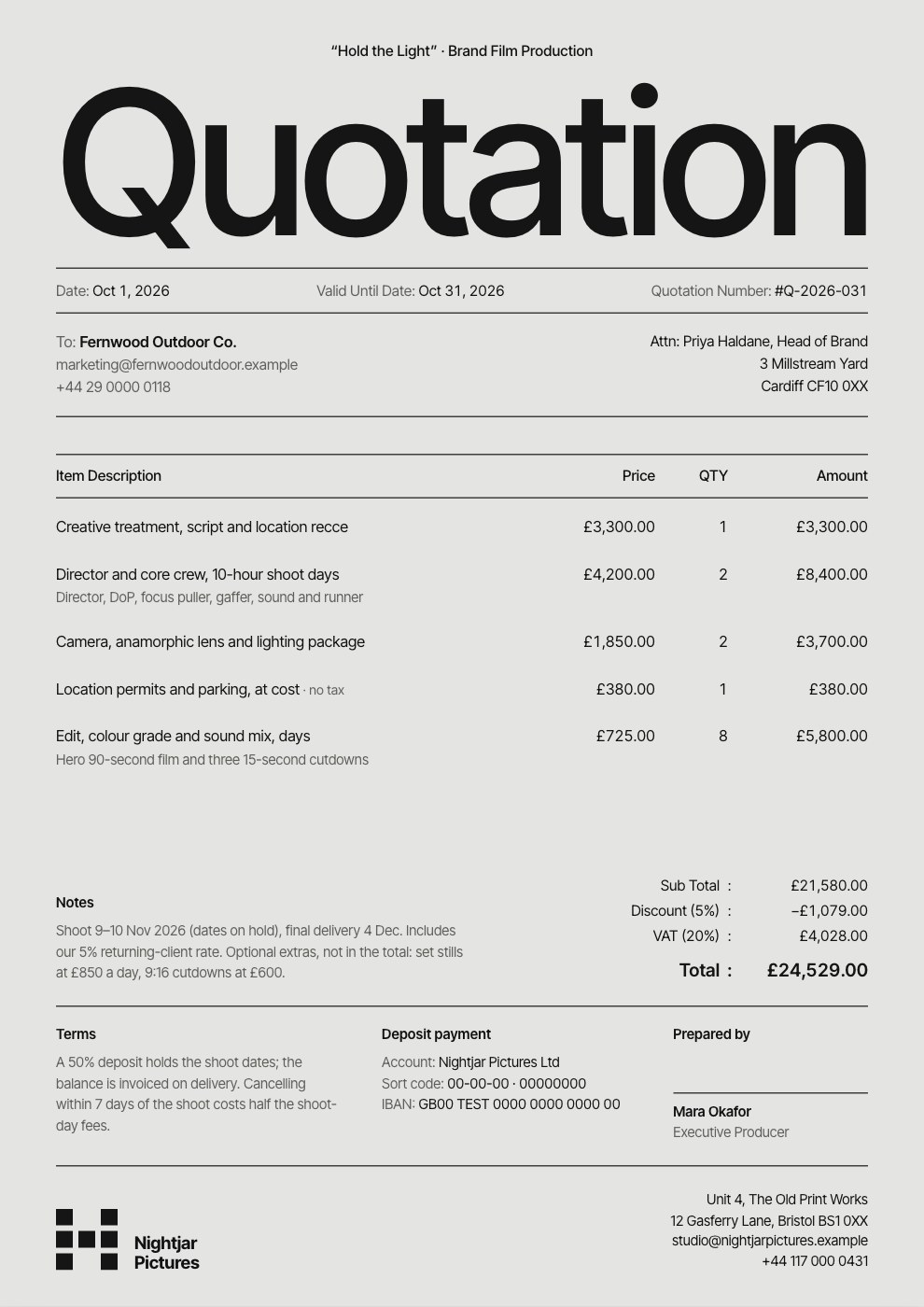
PreviewQuote / Estimate
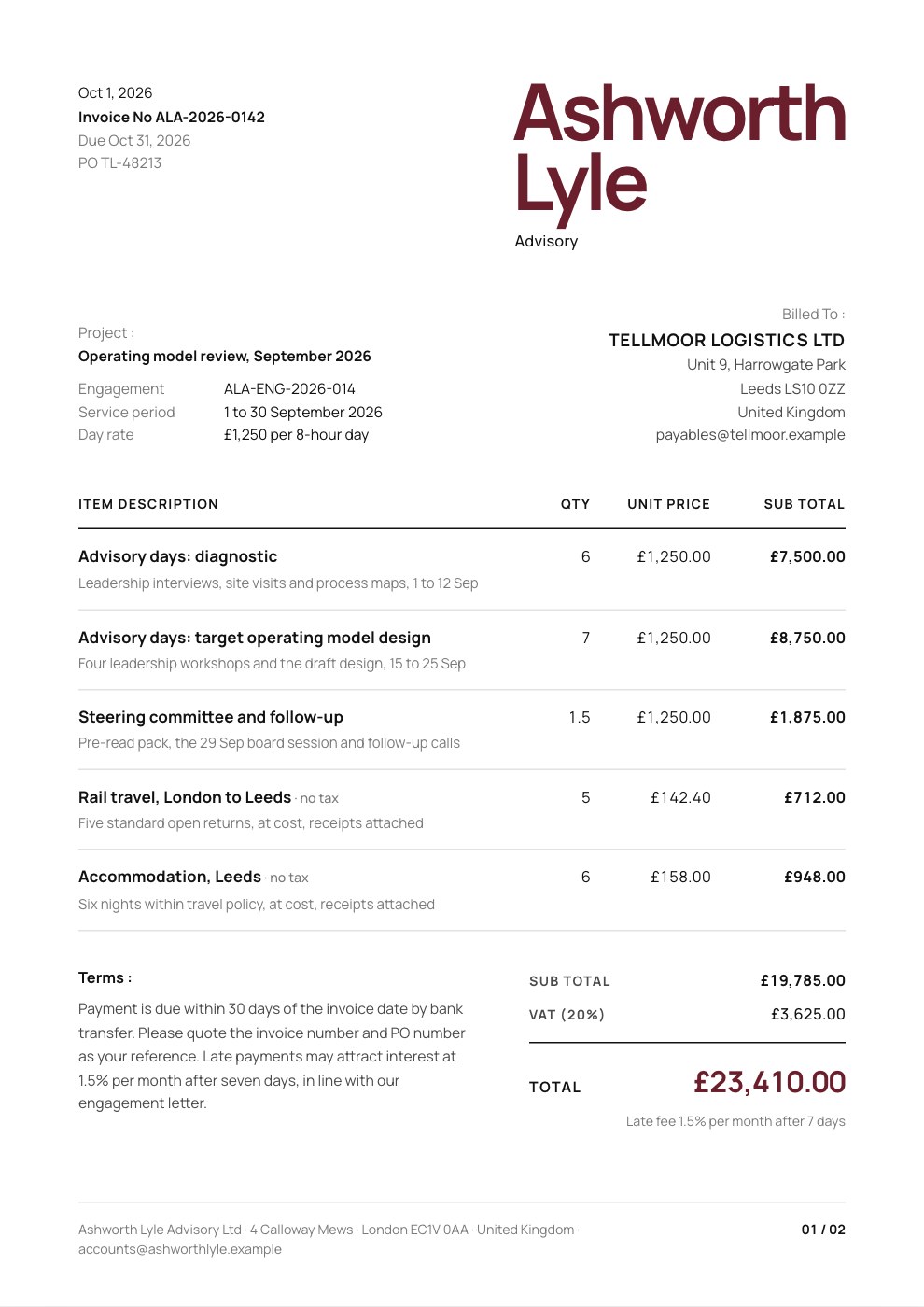
PreviewConsulting Invoice
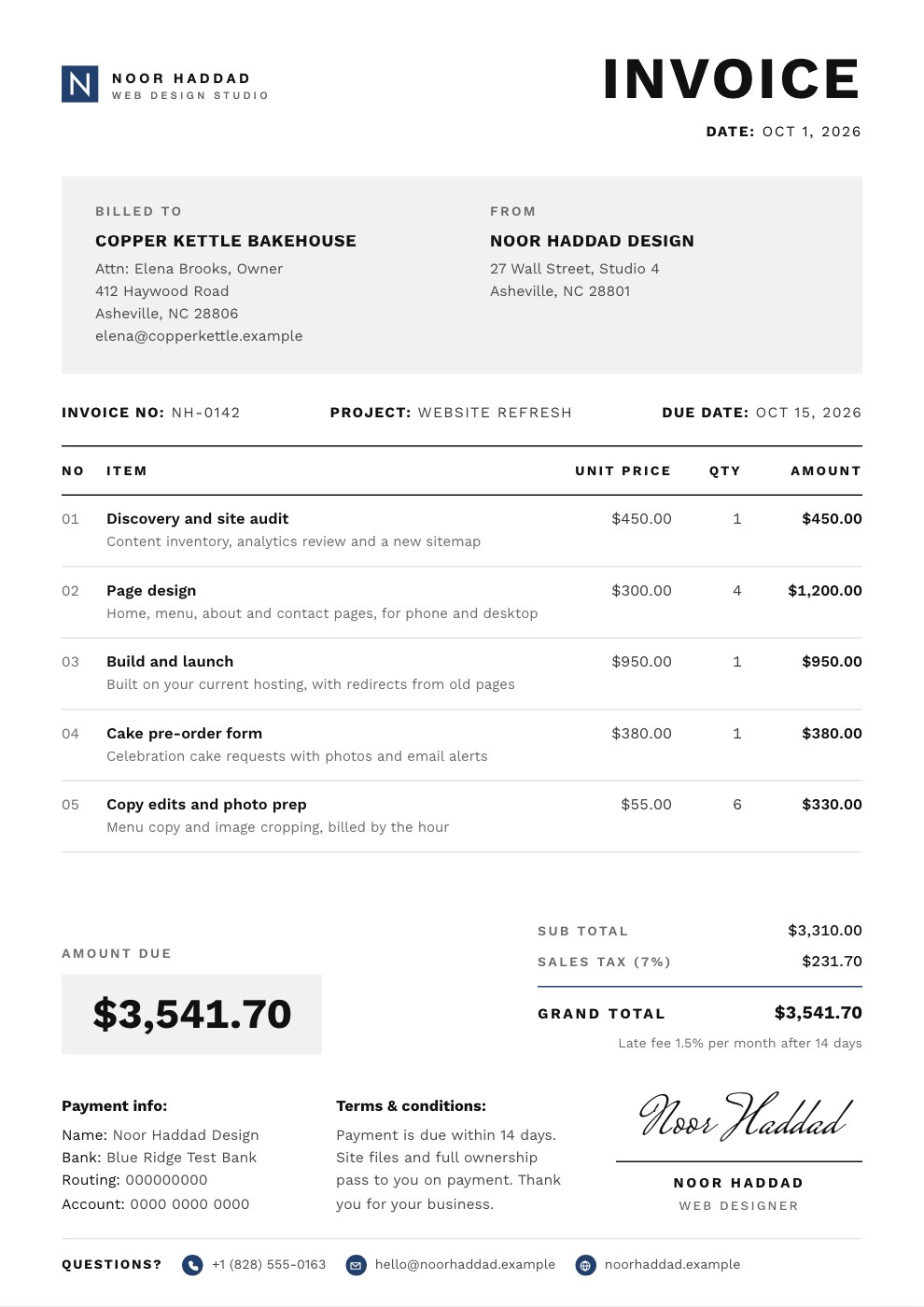
PreviewSimple Invoice
Preview
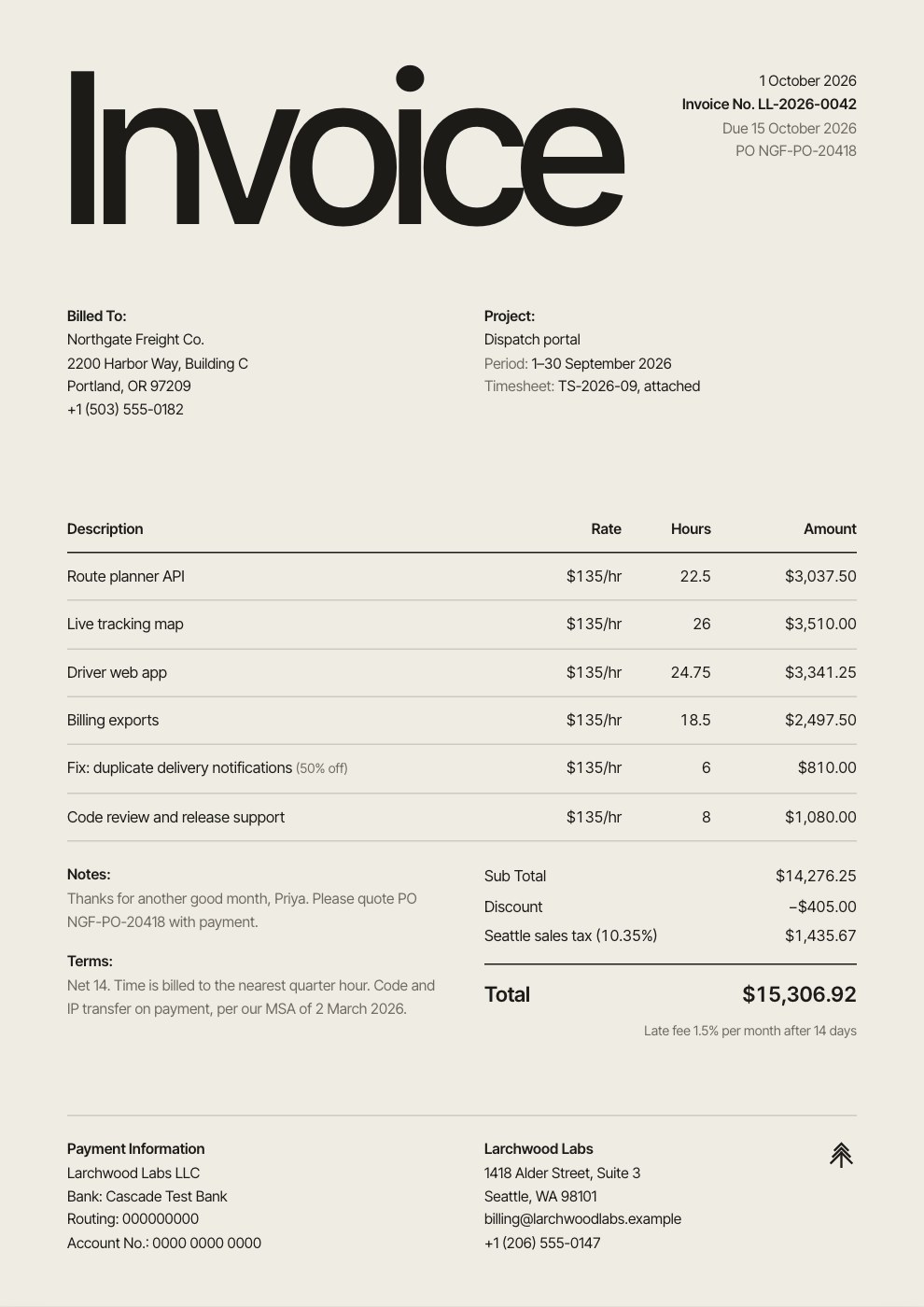
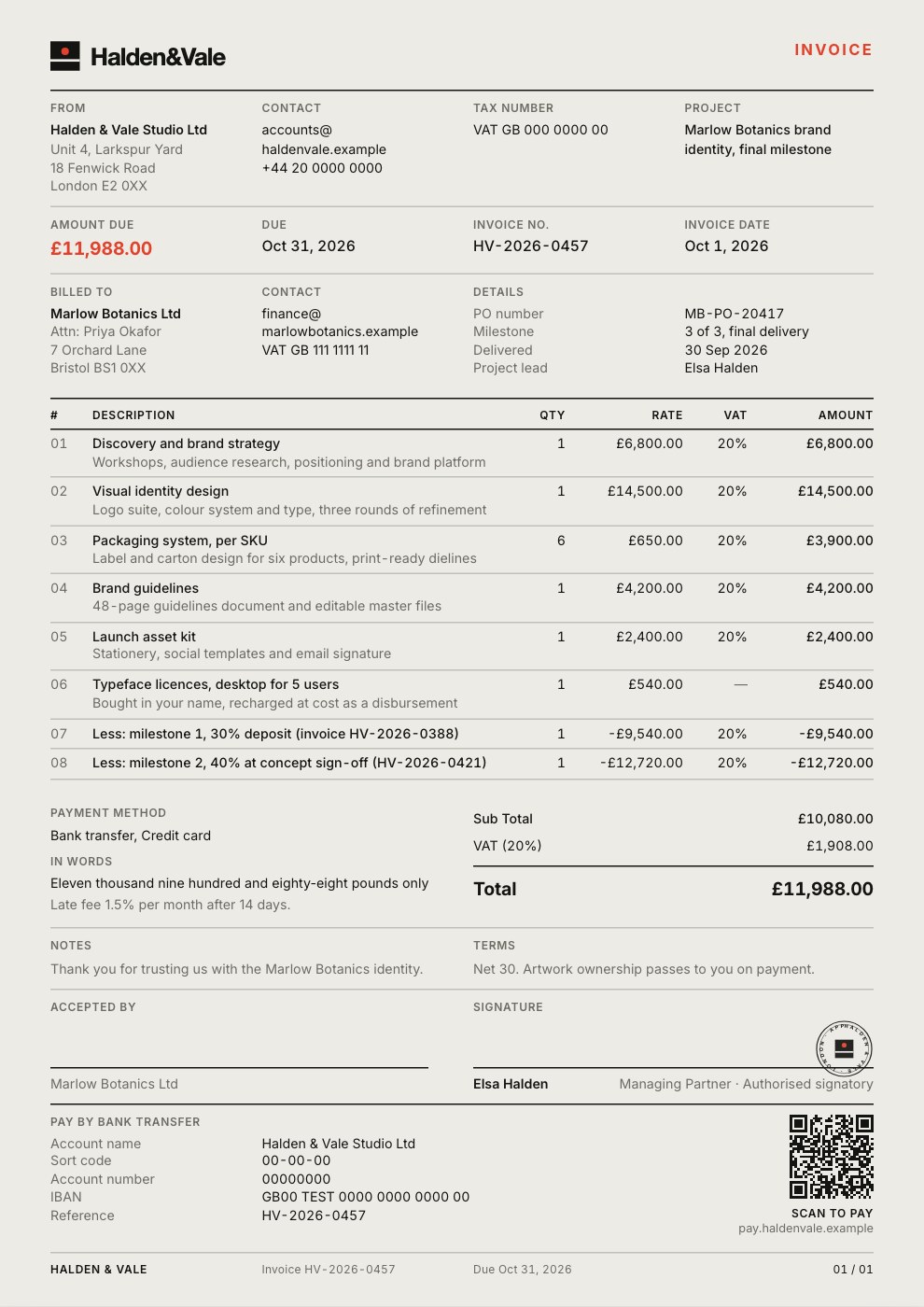
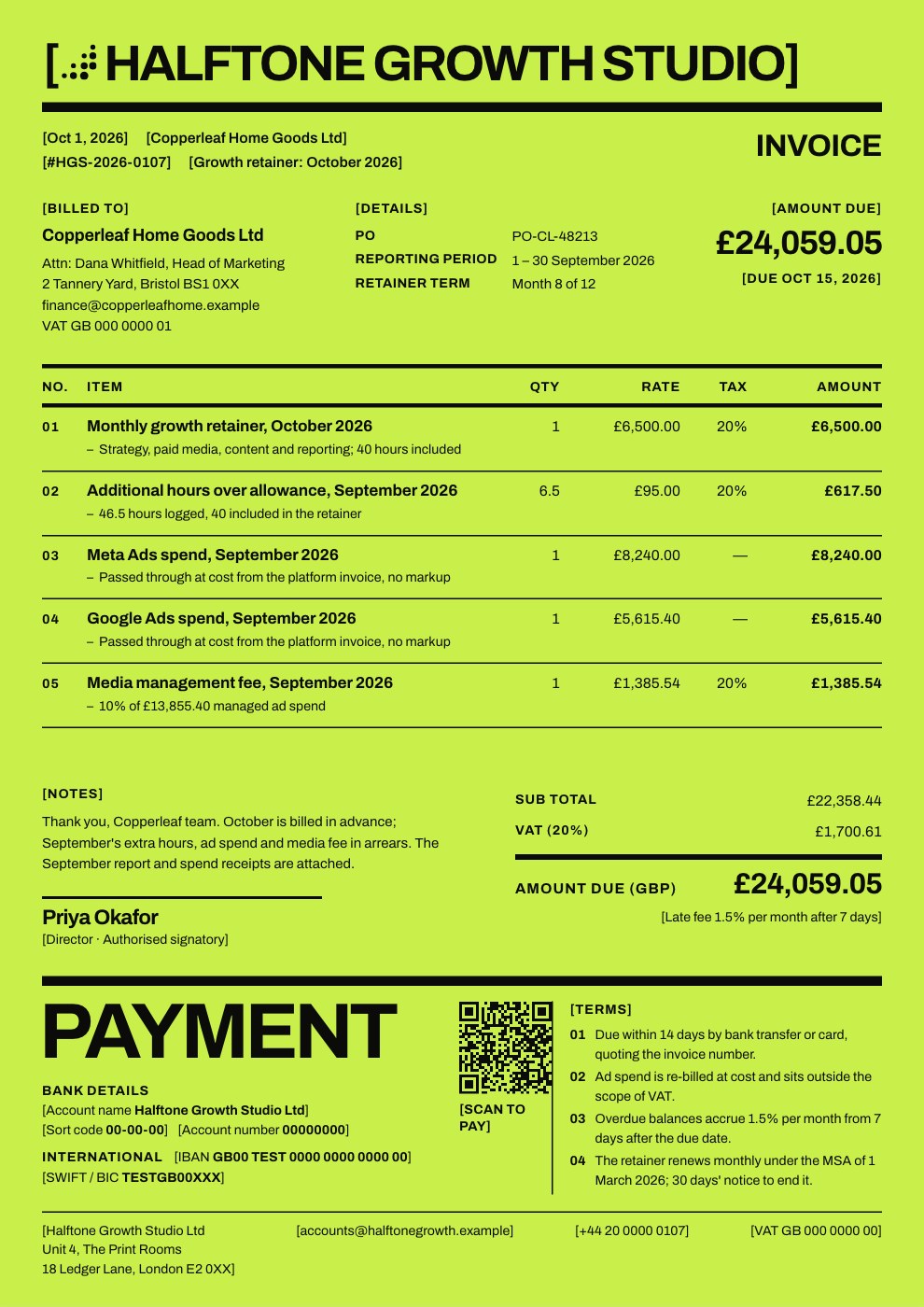
Starting from a description instead? Try the Invoice generator.
Start your invoice with Docsiv AI
Describe the client or the project and Docsiv AI writes a first draft of your commercial invoice for you to edit, share and send.