

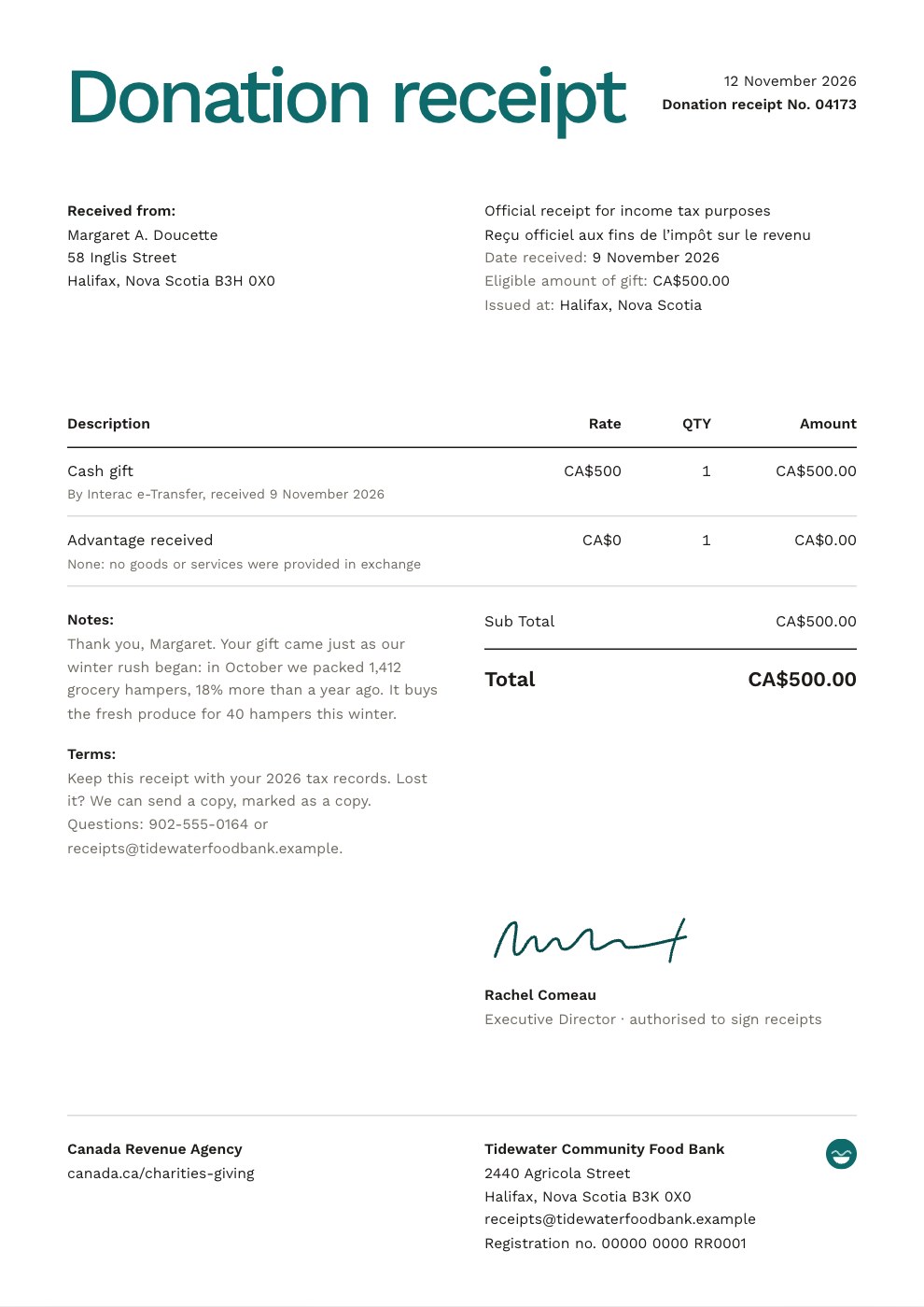
What’s inside the Donation Receipt.
Real content in every part, ready to rewrite with your own.
- 1A huge teal Donation receipt title with the issue date and serial number; the donor’s full name and address beside the official-receipt statement in English and French, the date received, the eligible amount and where it was issued; the cash gift and the advantage received (none: no goods or services in exchange); a thank-you note and how to keep the receipt beside the totals; the executive director’s handwritten signature; and the CRA’s name and website, the registration number and the charity’s address at the foot
When to use it.
Donation Receipt is an official donation receipt for registered charities, food banks and other nonprofits whose donors claim their gifts at tax time. Written for a Canadian food bank, it carries every element the Canada Revenue Agency asks for on a cash gift: the official-receipt statement, a serial number, the charity’s name, address and registration number, the donor’s full name and address, the date received, the amount, the advantage (none) and the eligible amount, where and when it was issued, a signature and the CRA’s website. A short thank-you tells the donor what their gift buys, under a large teal title on white.
Made for
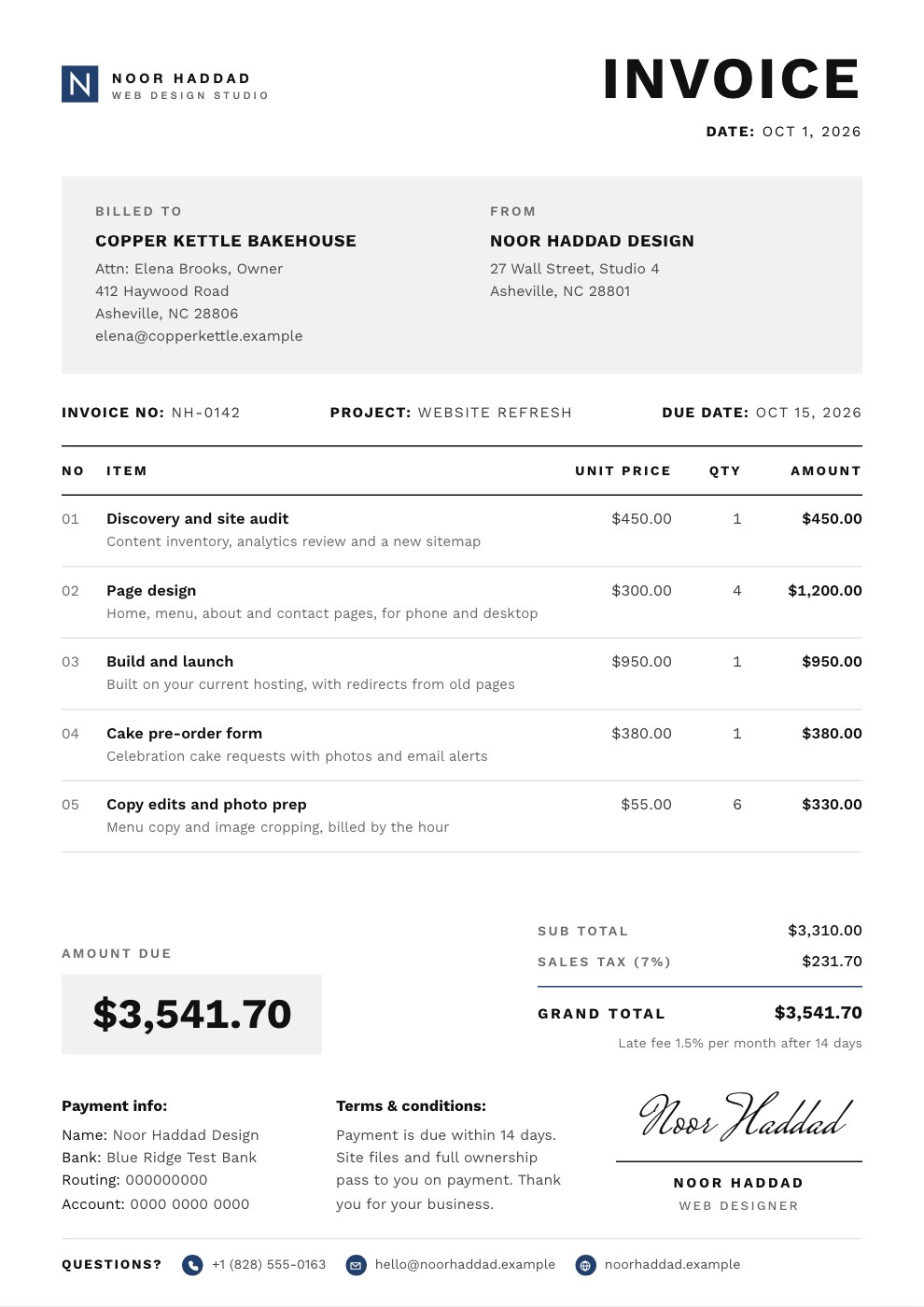
- Freelancers who bill by the hour or day
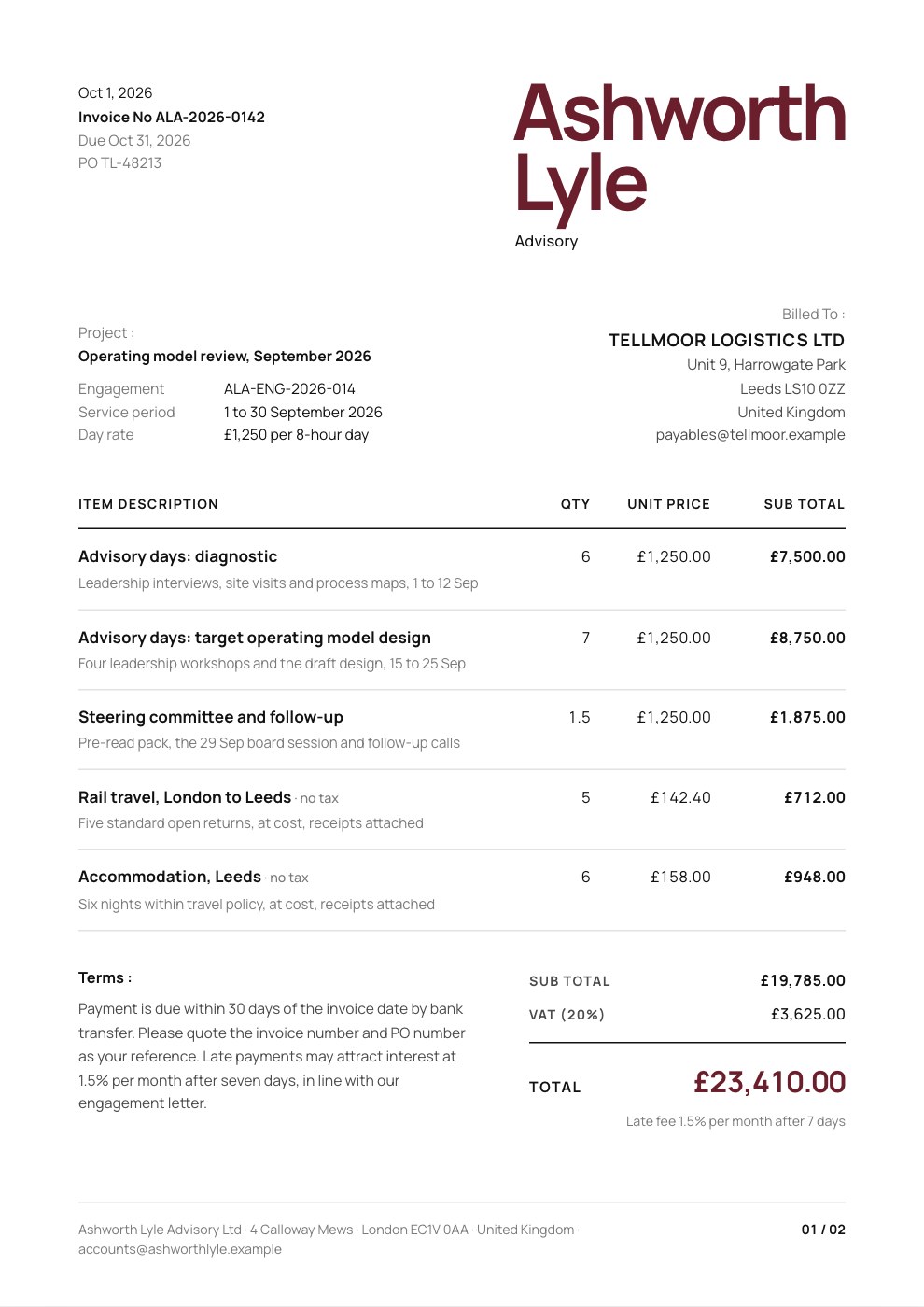
- Agencies billing projects and retainers
- Consultants and advisers
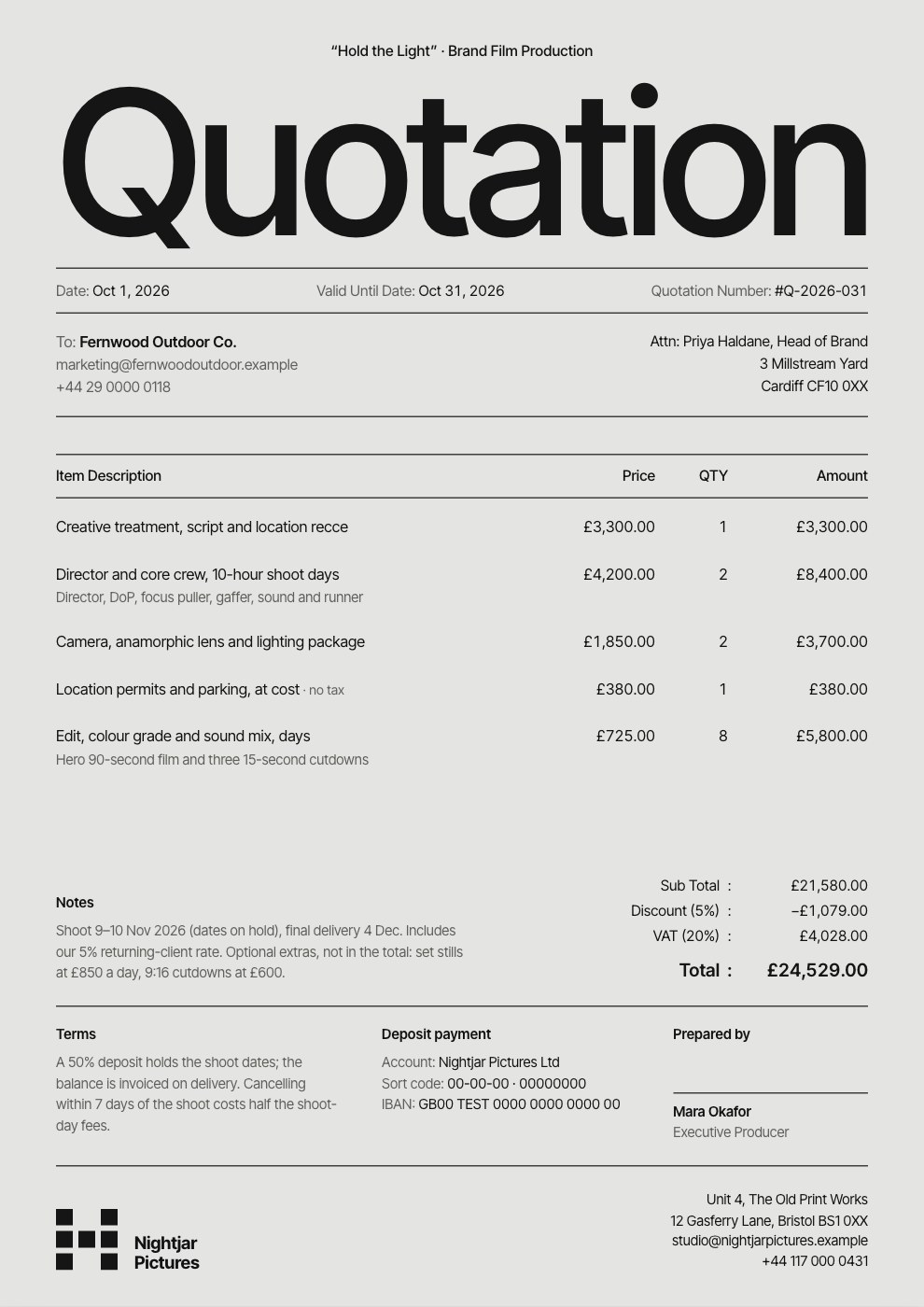
- Studios quoting before work starts
Make it yours in five steps.
Open it in Invoices and work through it, or let Docsiv AI do the first pass with your details.
- Step 1
Add your charity’s name and address exactly as your tax authority has them, your registration number and your logo.
- Step 2
Give every receipt its own serial number, then enter the donor’s full name and address and the date the gift arrived.
- Step 3
Enter the gift amount. If the donor got something back, such as a gala dinner, enter its value as a negative amount on the advantage line and update the eligible amount.
- Step 4
Rewrite the thank-you note for your donor and what their gift pays for.
- Step 5
Have someone authorised to sign receipts sign it, keep a copy, and send it or download the PDF.
Start from the Donation Receipt now.
Questions about this template.
Something else on your mind? Ask us in the chat, bottom right of the page.
Is the Donation Receipt template free?
Yes. Create a free account and it opens in Docsiv's Invoices app, ready to edit and share. The Free plan includes every Docsiv app and 500 AI credits a month.
Can I change the colours, fonts and text?
Yes, all of it. The template uses Work Sans with #0f6b6b, #a9d6d2, #0a4d4d, #1c1b18, #ffffff, and you can change any of them, rewrite every word and add or remove pages.
What can I export it as?
Invoices in Docsiv offers: Invoices and PDF exports. Once it's saved, you can also share it with a link.
Can Docsiv AI write the donation receipt for me?
Yes. Tell Docsiv AI about the client or project and it can draft the content in this template's style, which you then review and edit. AI uses credits; the Free plan includes 500 a month.
Hourly Invoice
PreviewProject Invoice
PreviewRetainer Invoice
PreviewQuote / Estimate
PreviewConsulting Invoice
PreviewSimple Invoice
Preview
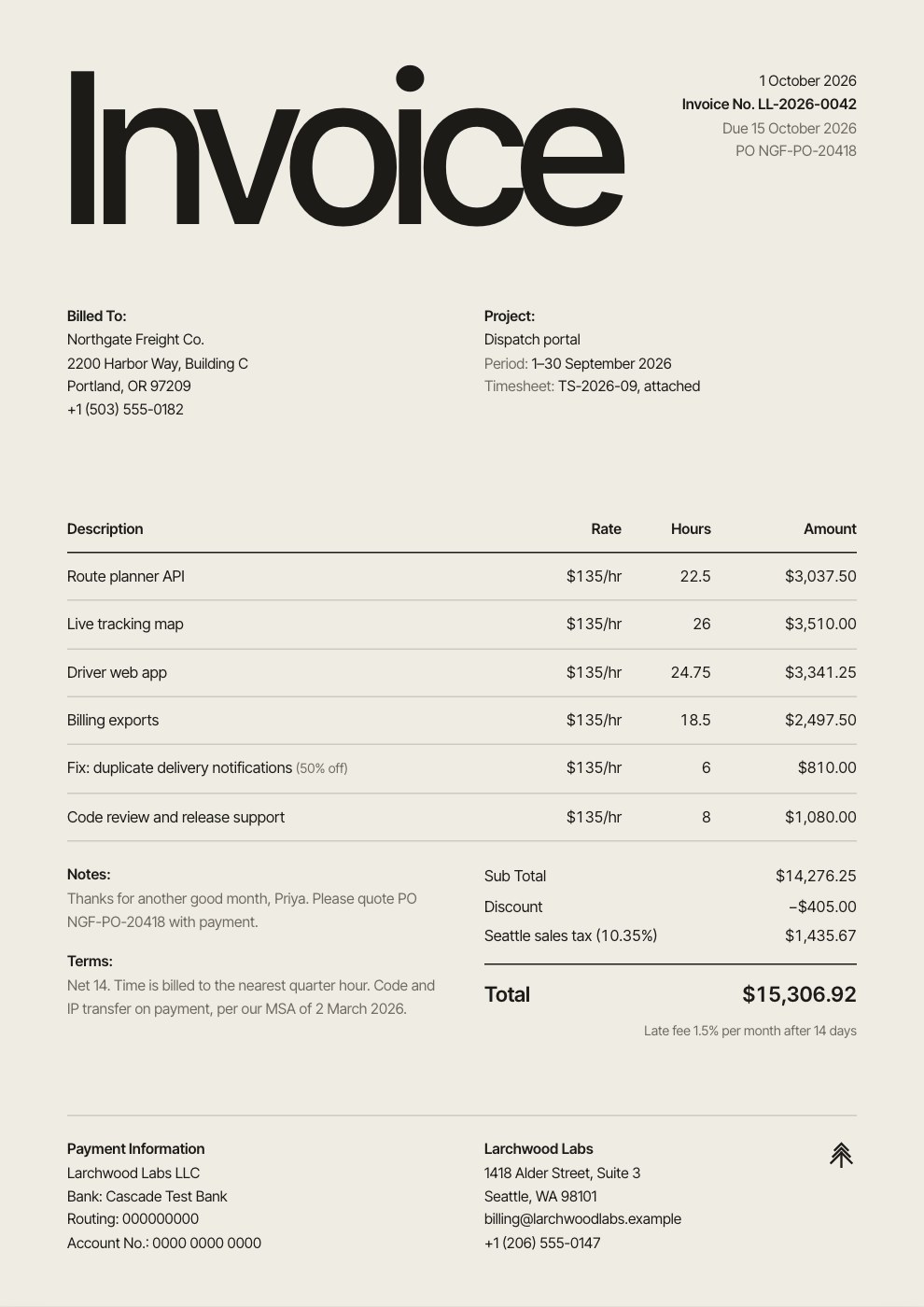
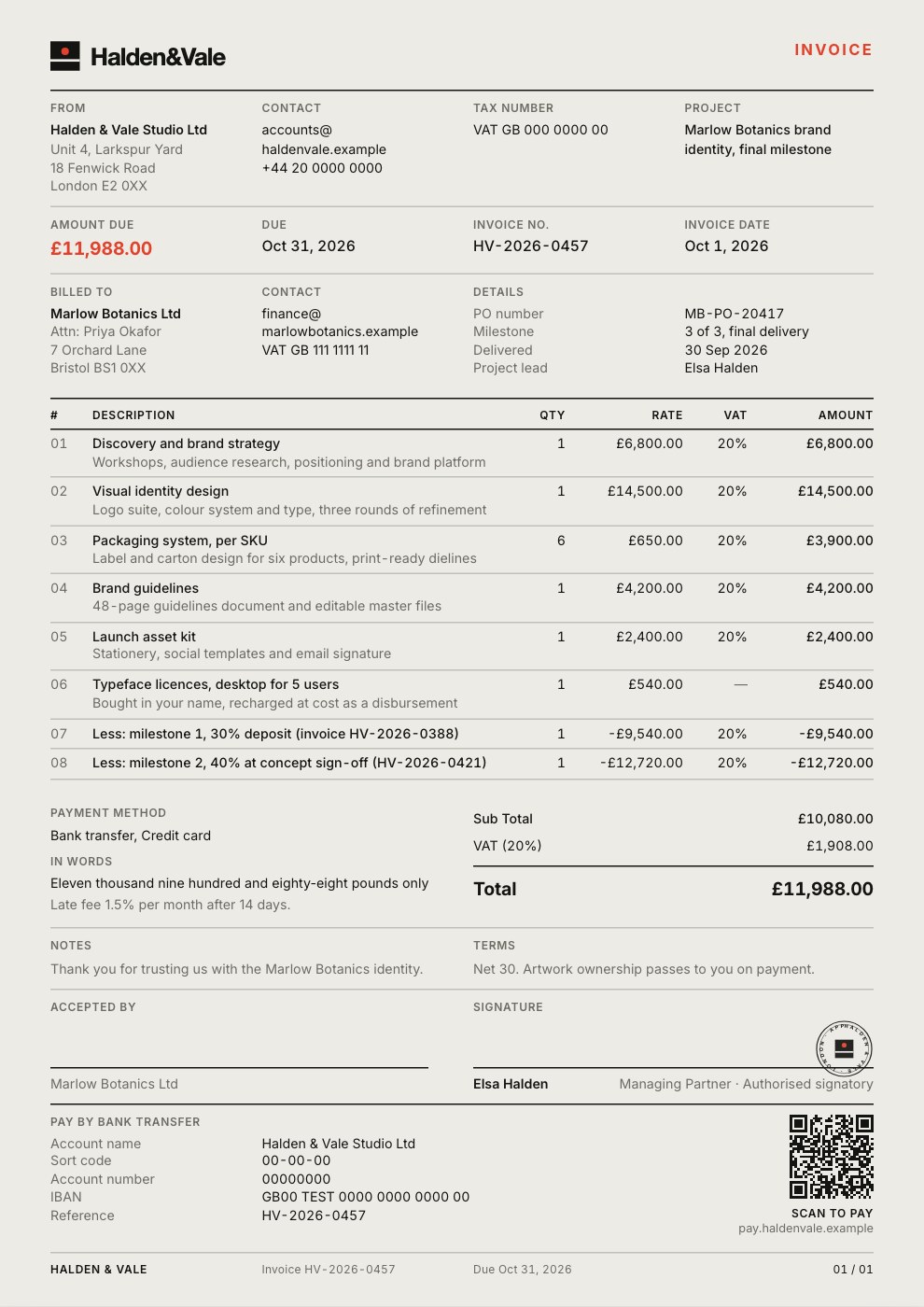
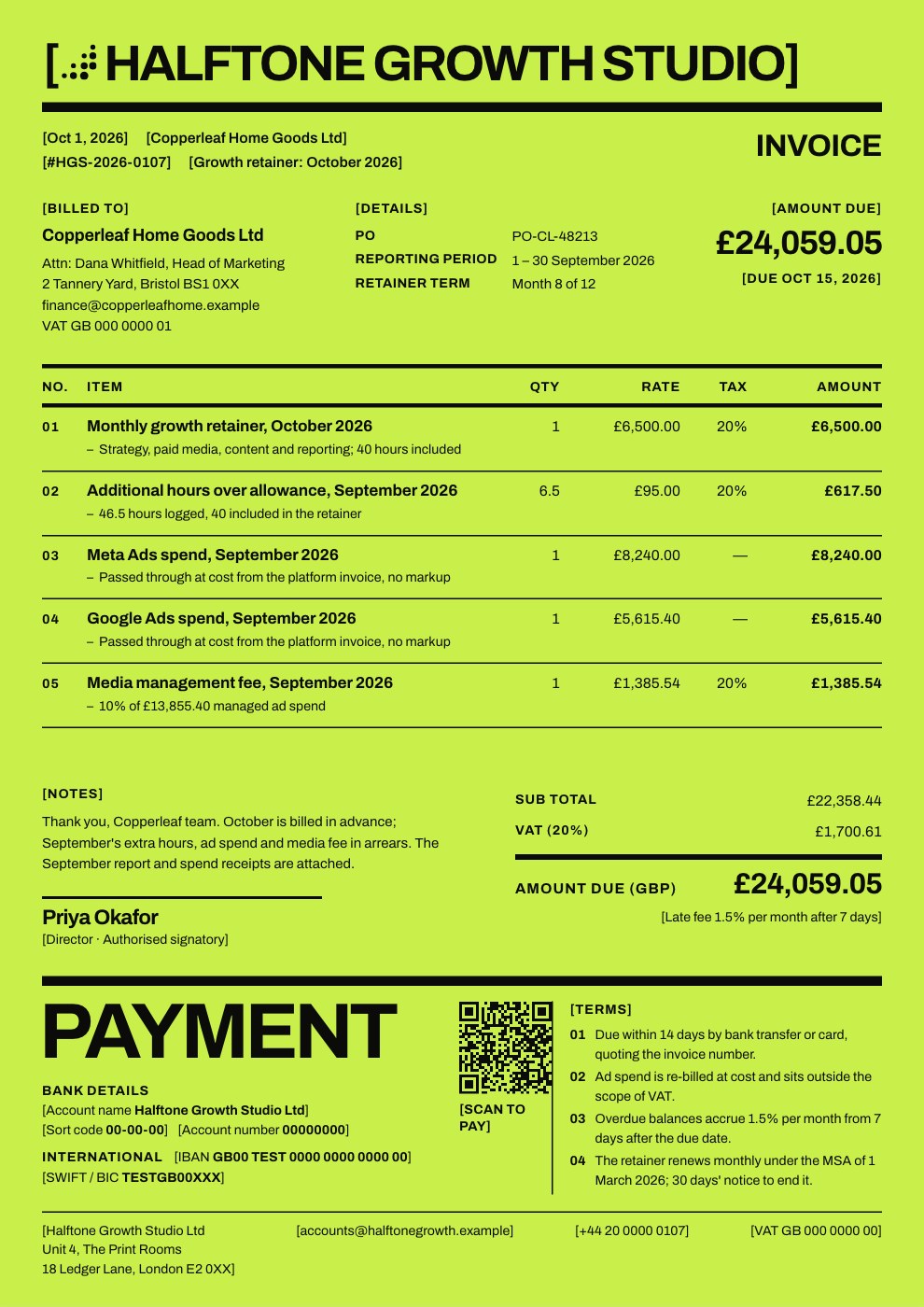
Starting from a description instead? Try the Invoice generator.
Start your invoice with Docsiv AI
Describe the client or the project and Docsiv AI writes a first draft of your donation receipt for you to edit, share and send.