

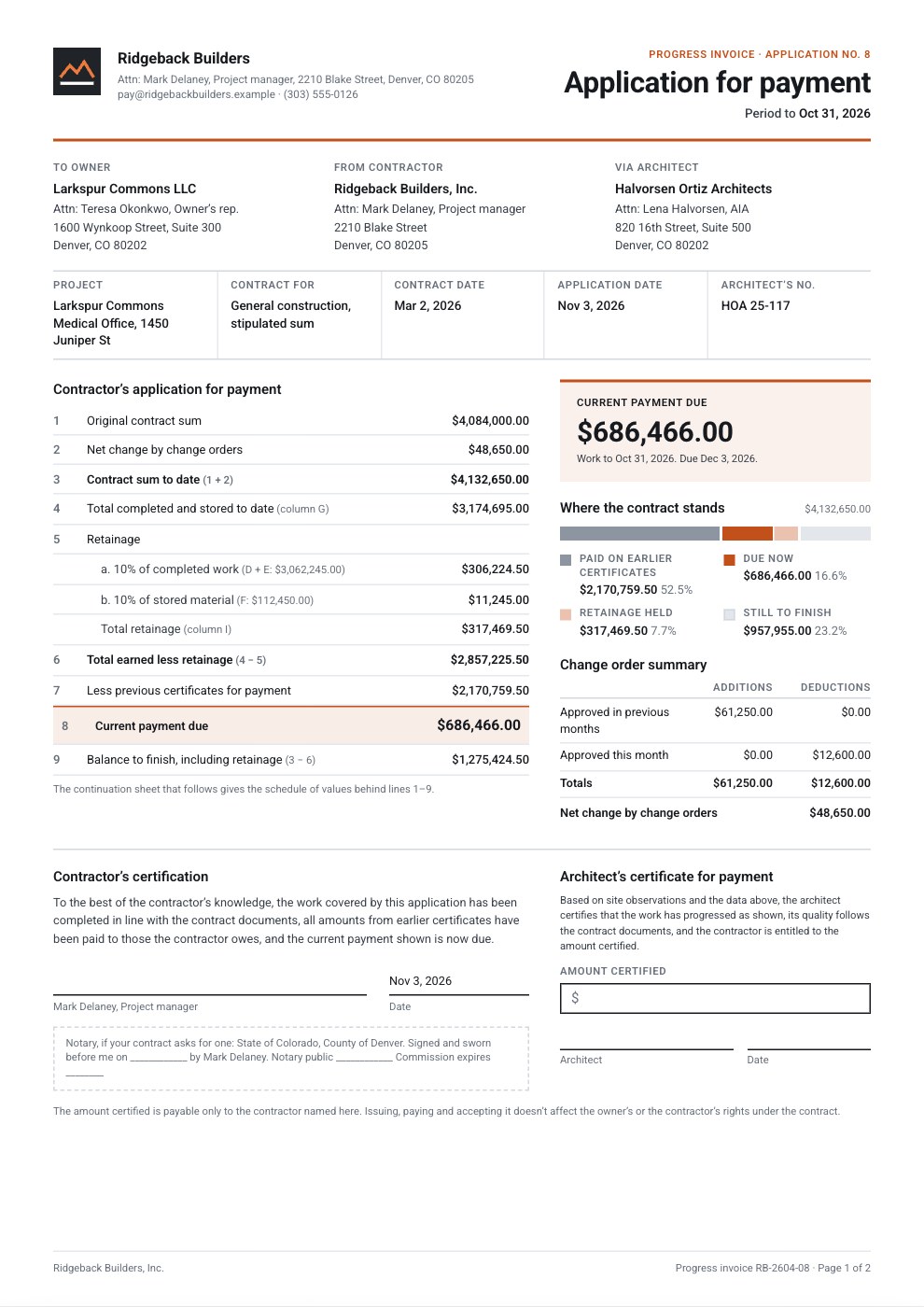
What’s inside the Progress Invoice.
Real content in every part, ready to rewrite with your own.
- 1Application for payment: the contractor's mark, Application No. 8 and the period, owner, contractor and architect, project, contract and application dates, lines 1–9 with retainage on work and stored materials, the current payment due, a bar of where the contract stands, the change order summary, the contractor's certification with a notary block, and the architect's certificate
- 2Continuation sheet: the schedule of values by CSI division and three change orders in columns A–I (scheduled value, previous applications, this period, stored, completed and stored, percent, balance to finish, retainage) with subtotals and a grand total, how the totals tie to the application, the stored materials, ACH details, lien waivers and terms
When to use it.
Progress Invoice is a construction pay application template for general contractors billing a stipulated-sum contract month by month, laid out like the AIA G702 and G703. Page 1 is the application for payment: owner, contractor and architect, lines 1 to 9 from the contract sum to the current payment due, retainage on work and on stored materials, the change order summary, and the contractor's and architect's certificates. Page 2 is the continuation sheet: the schedule of values with work from previous applications, this period, stored materials, percent complete, balance to finish and retainage, all added up for you.
Made for
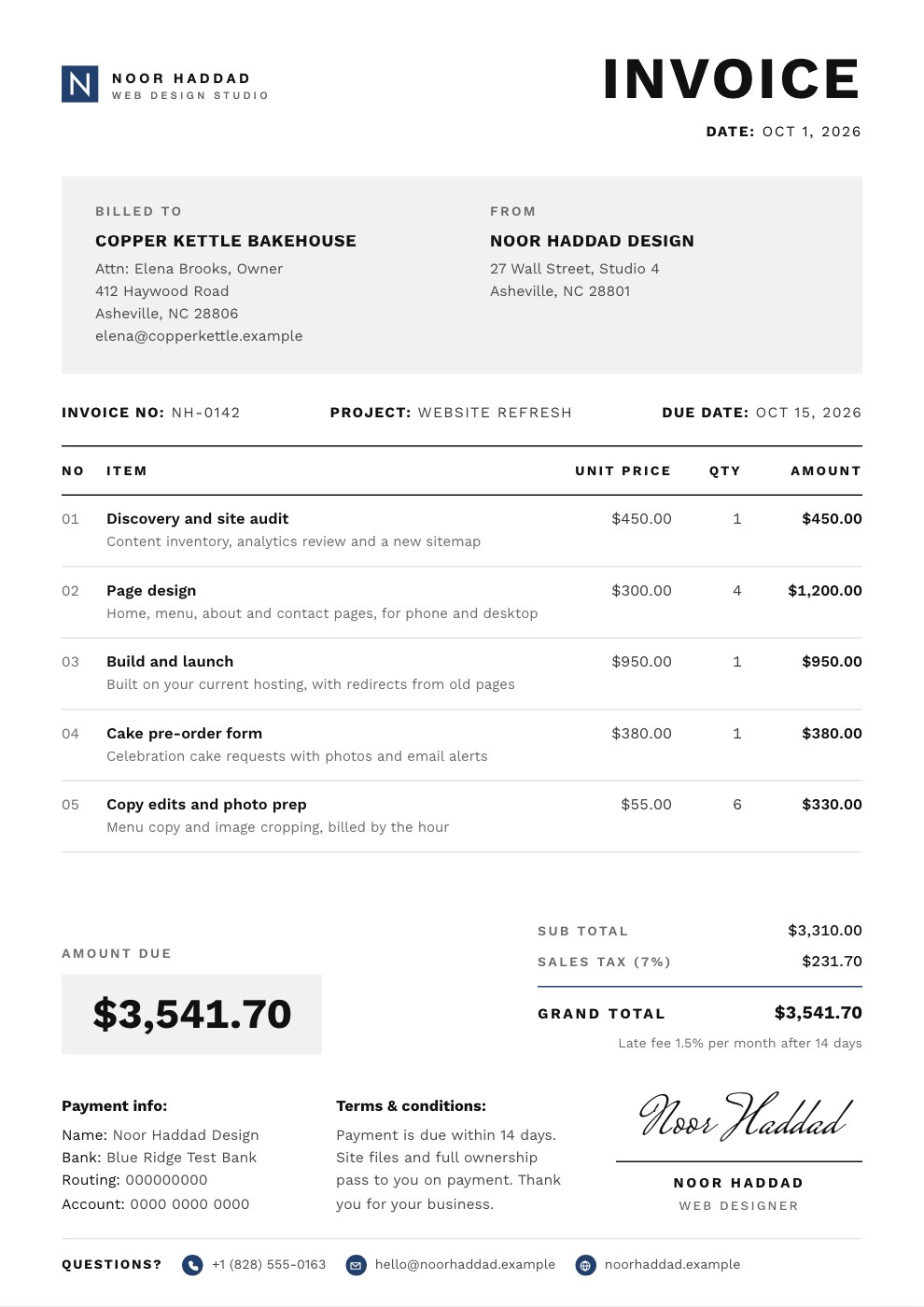
- Freelancers who bill by the hour or day
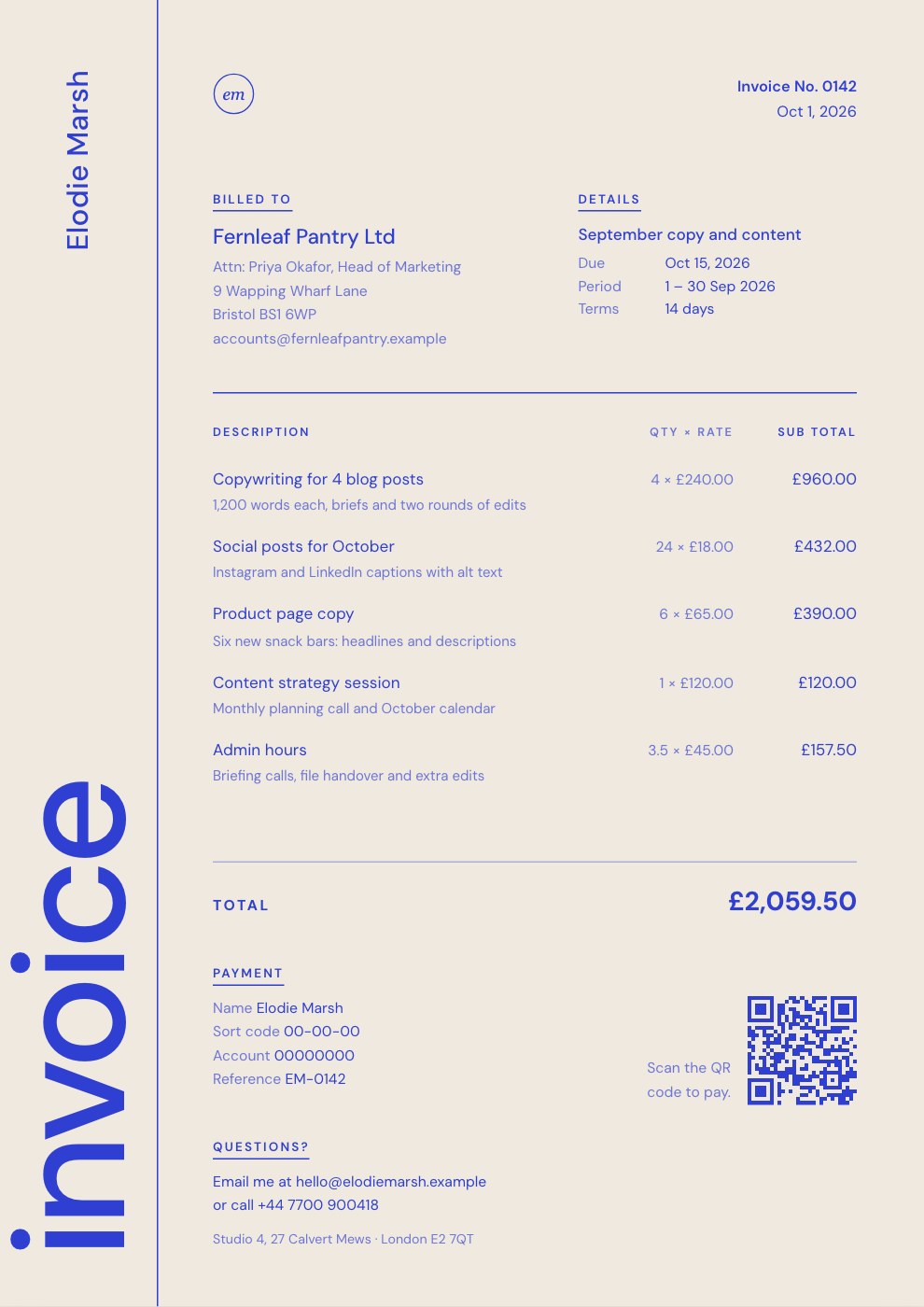
- Agencies billing projects and retainers
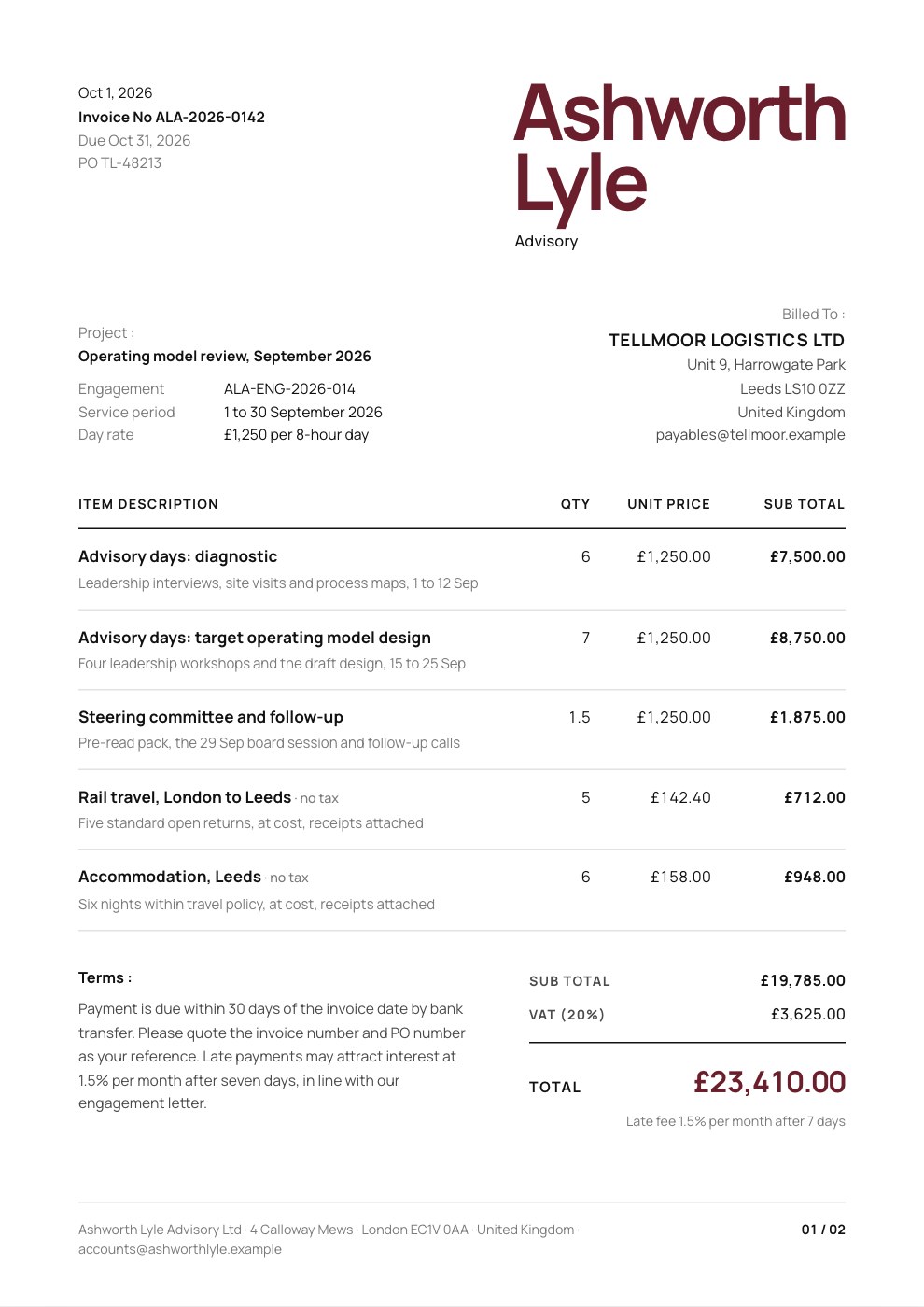
- Consultants and advisers
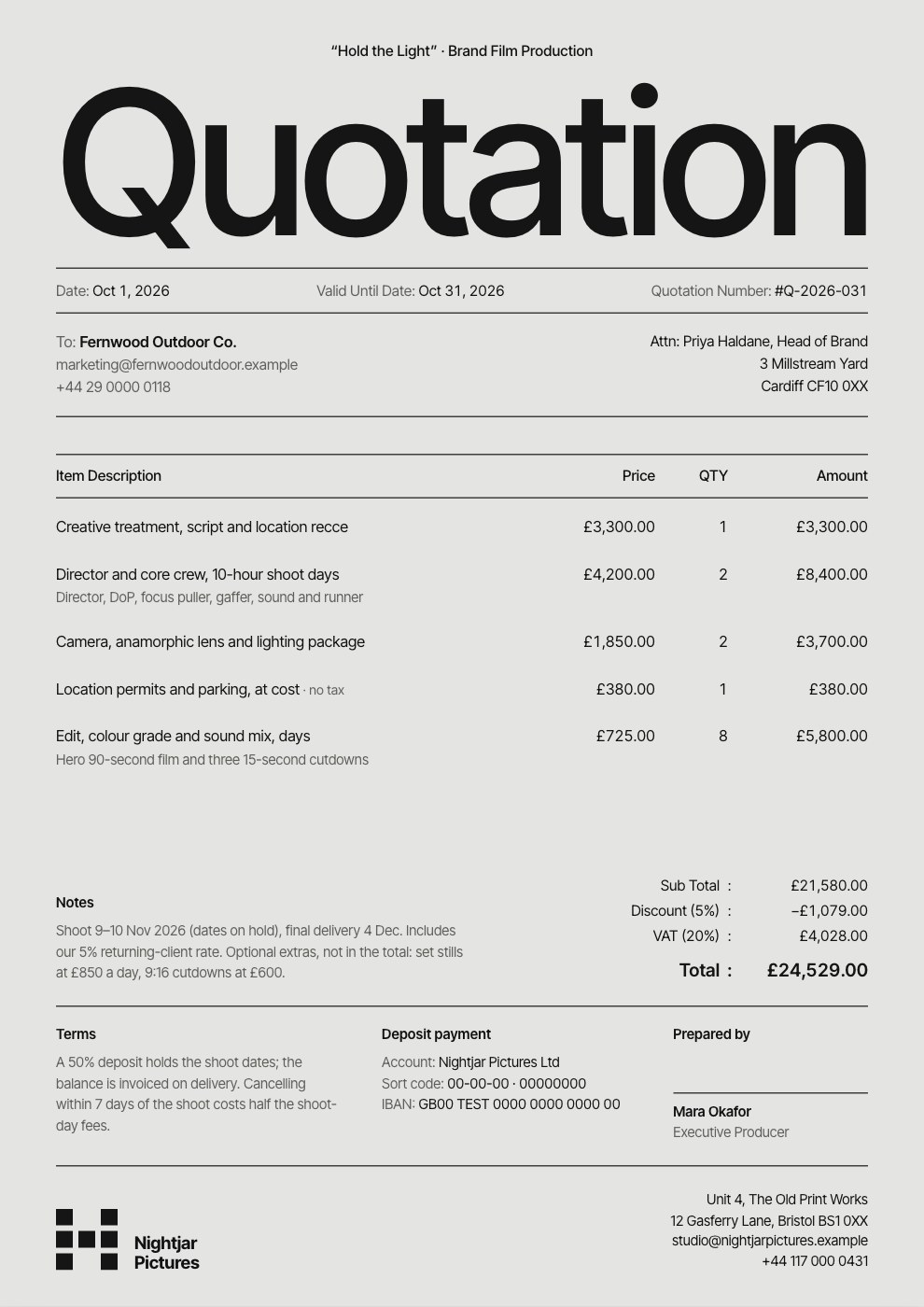
- Studios quoting before work starts
Make it yours in four steps.
Open it in Invoices and work through it, or let Docsiv AI do the first pass with your details.
- Step 1
Add your logo, brand colour and company details, then the owner, architect, project and contract date.
- Step 2
Enter your schedule of values: each line's scheduled value and what earlier applications have billed.
- Step 3
Each month, fill in the work done this period and the materials stored; percentages, retainage and the payment due work themselves out.
- Step 4
Add approved change orders as their own lines, note the lien waivers, sign the certification and send it to the architect.
Start from the Progress Invoice now.
Questions about this template.
Something else on your mind? Ask us in the chat, bottom right of the page.
Is the Progress Invoice template free?
Yes. Create a free account and it opens in Docsiv's Invoices app, ready to edit and share. The Free plan includes every Docsiv app and 500 AI credits a month.
Can I change the colours, fonts and text?
Yes, all of it. The template uses Roboto with #c2501b, #16191d, #8d96a0, and you can change any of them, rewrite every word and add or remove pages.
What can I export it as?
Invoices in Docsiv offers: Invoices and PDF exports. Once it's saved, you can also share it with a link.
Can Docsiv AI write the progress invoice for me?
Yes. Tell Docsiv AI about the client or project and it can draft the content in this template's style, which you then review and edit. AI uses credits; the Free plan includes 500 a month.
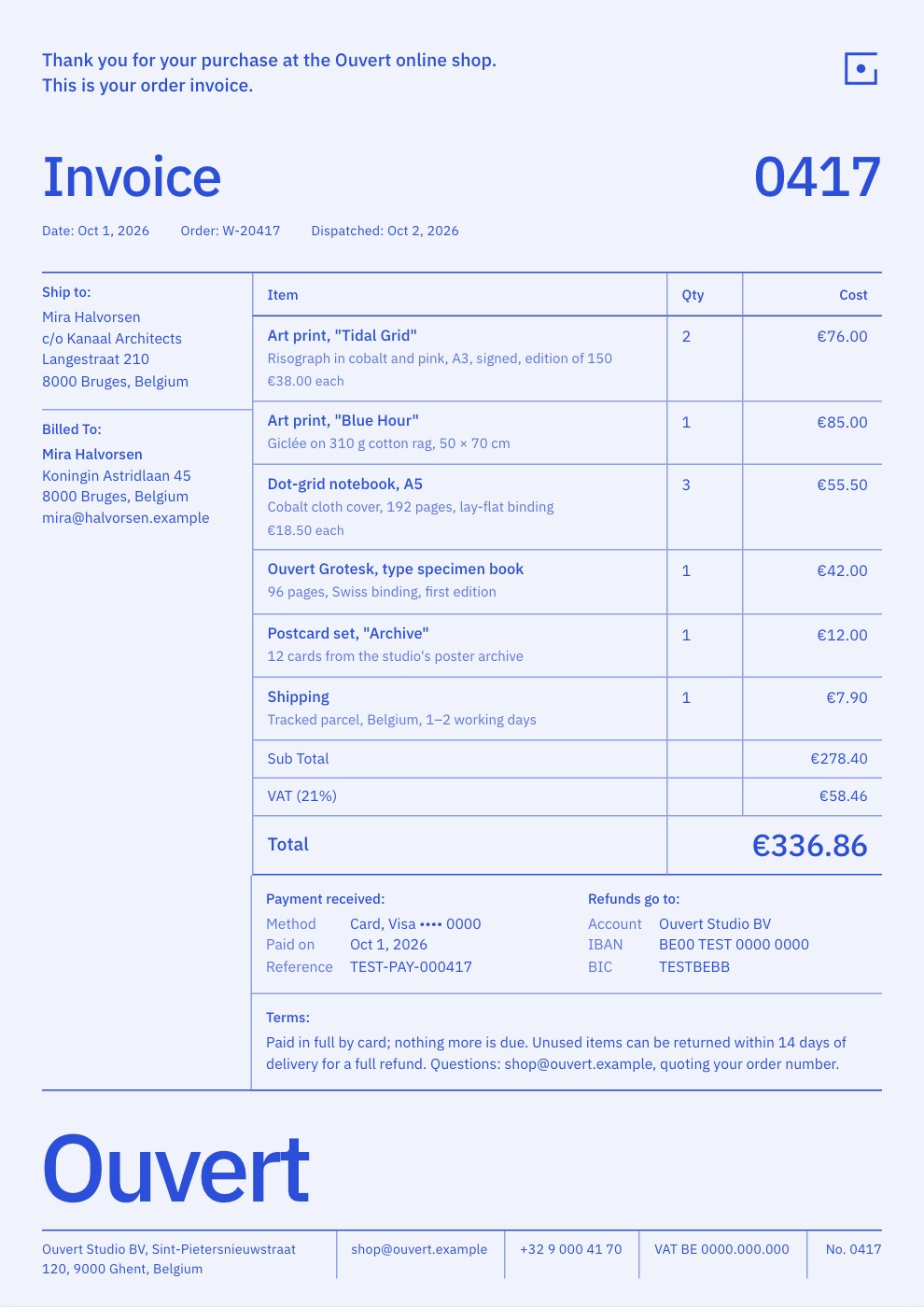
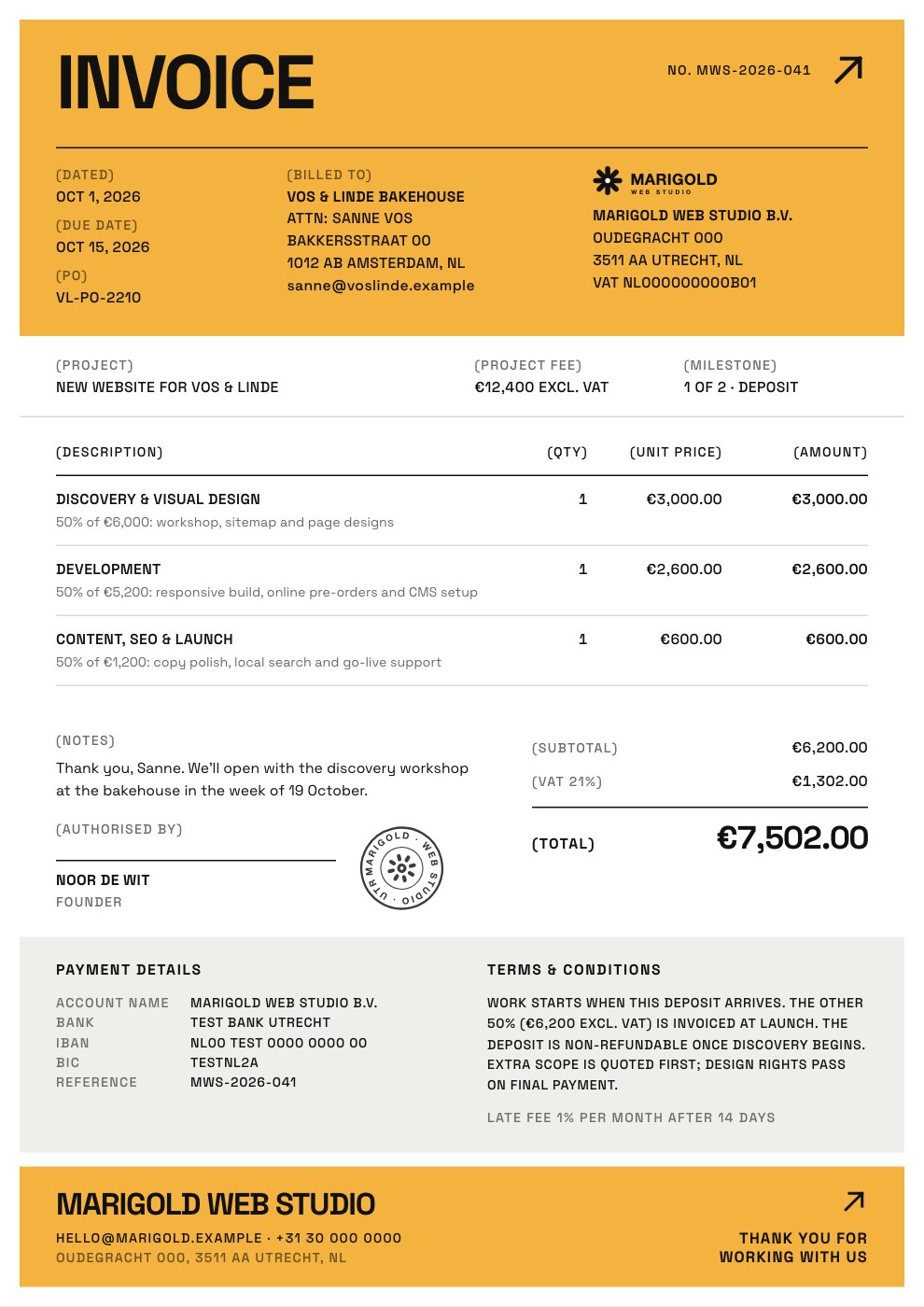
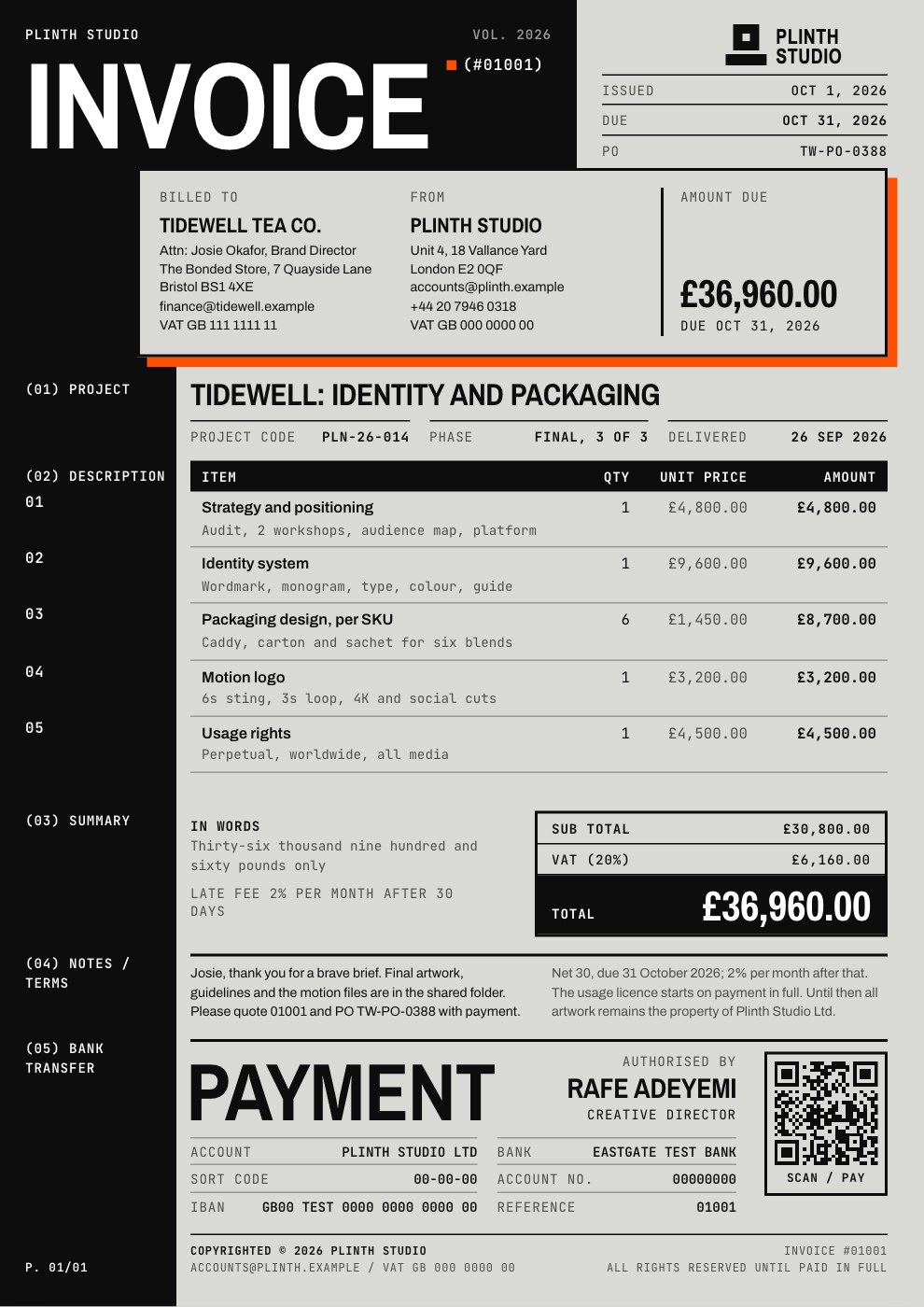
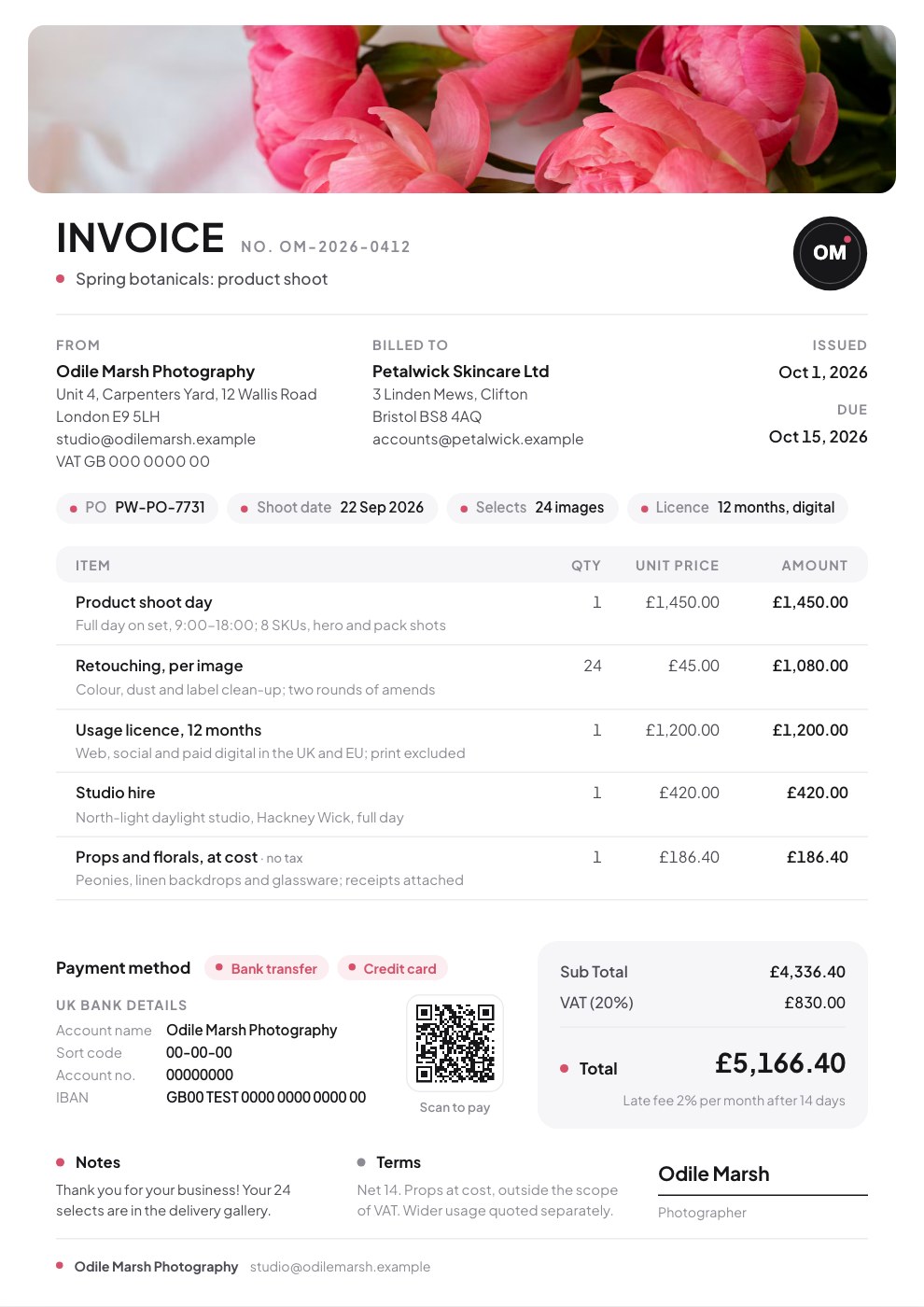
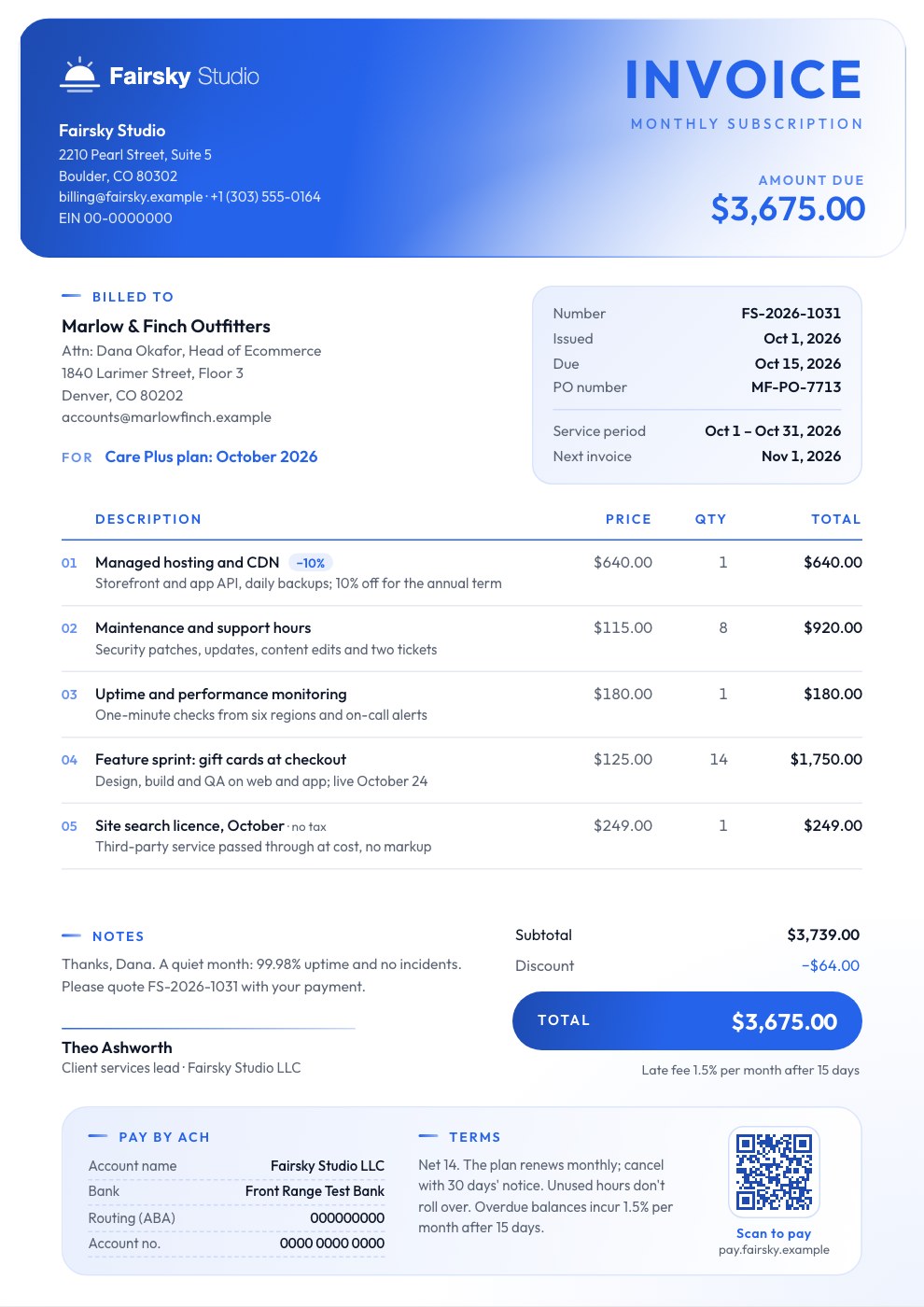
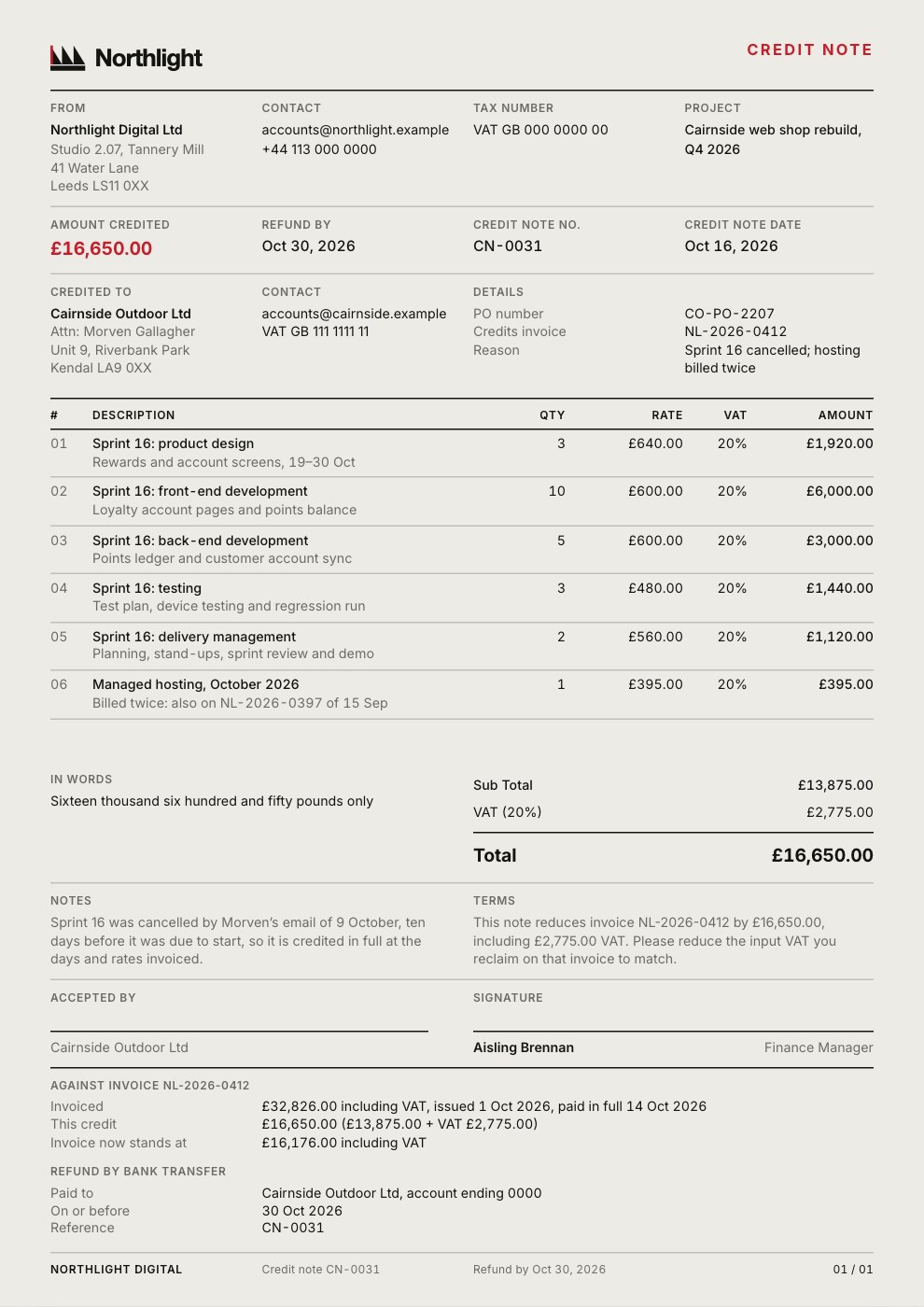
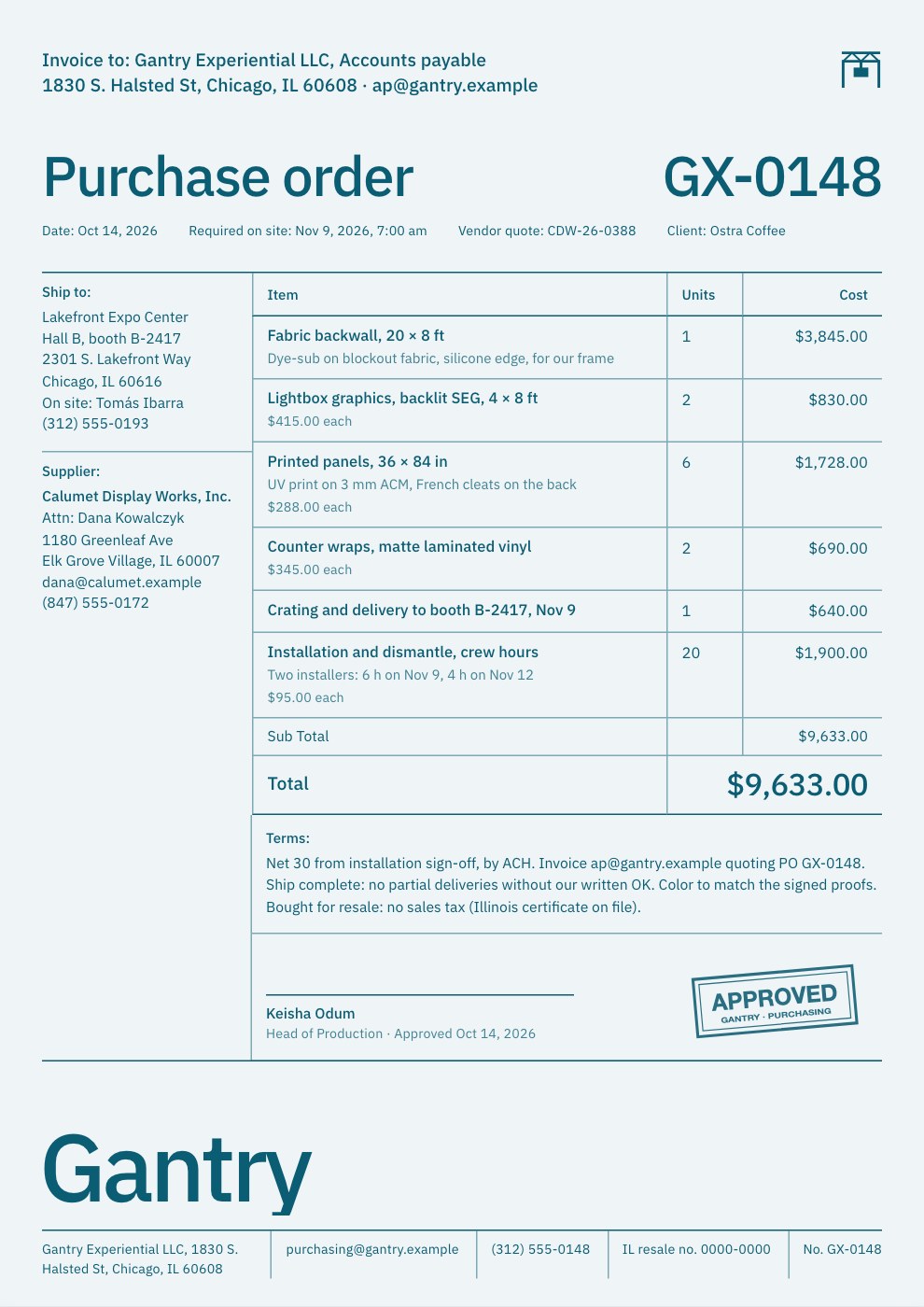
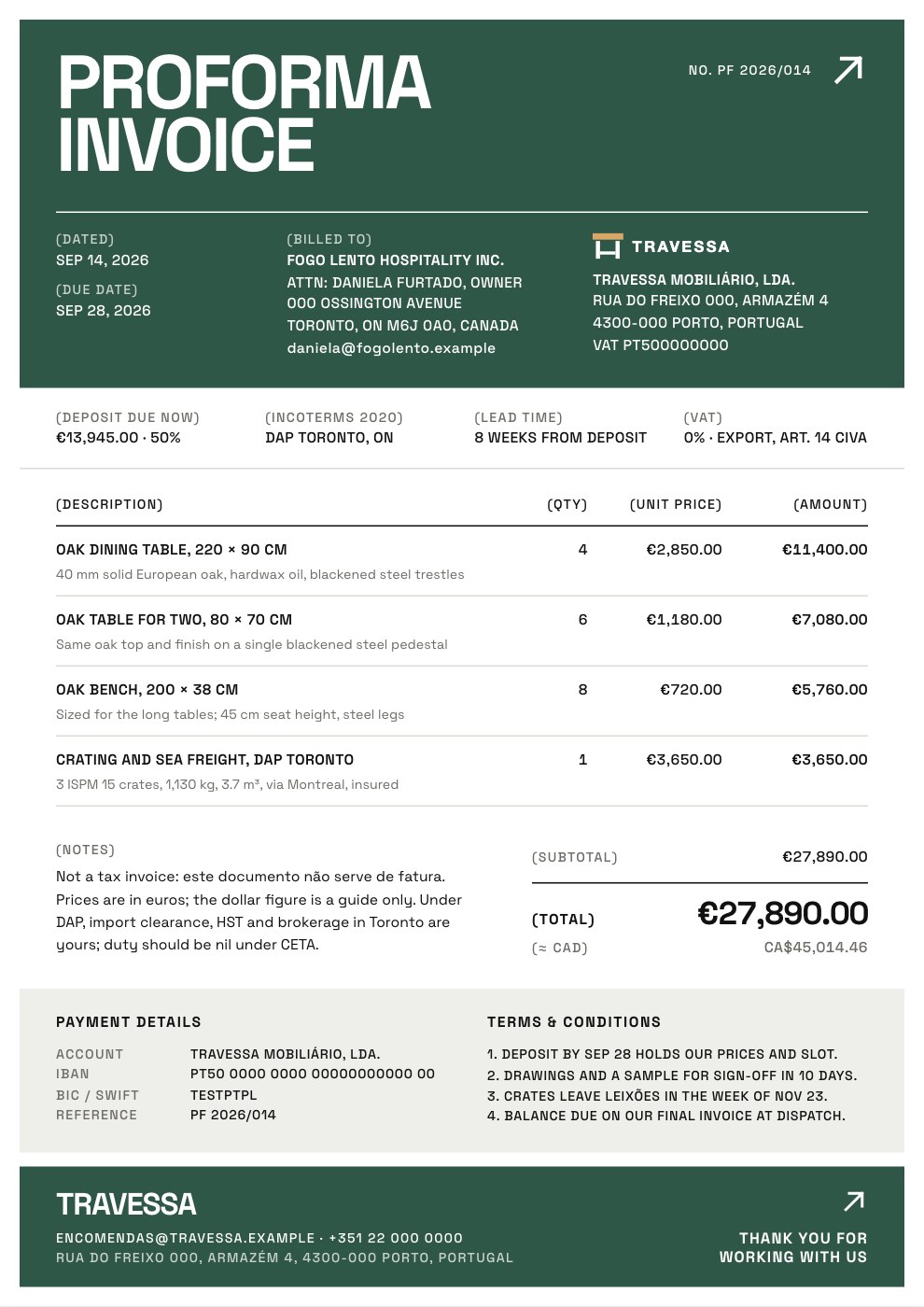
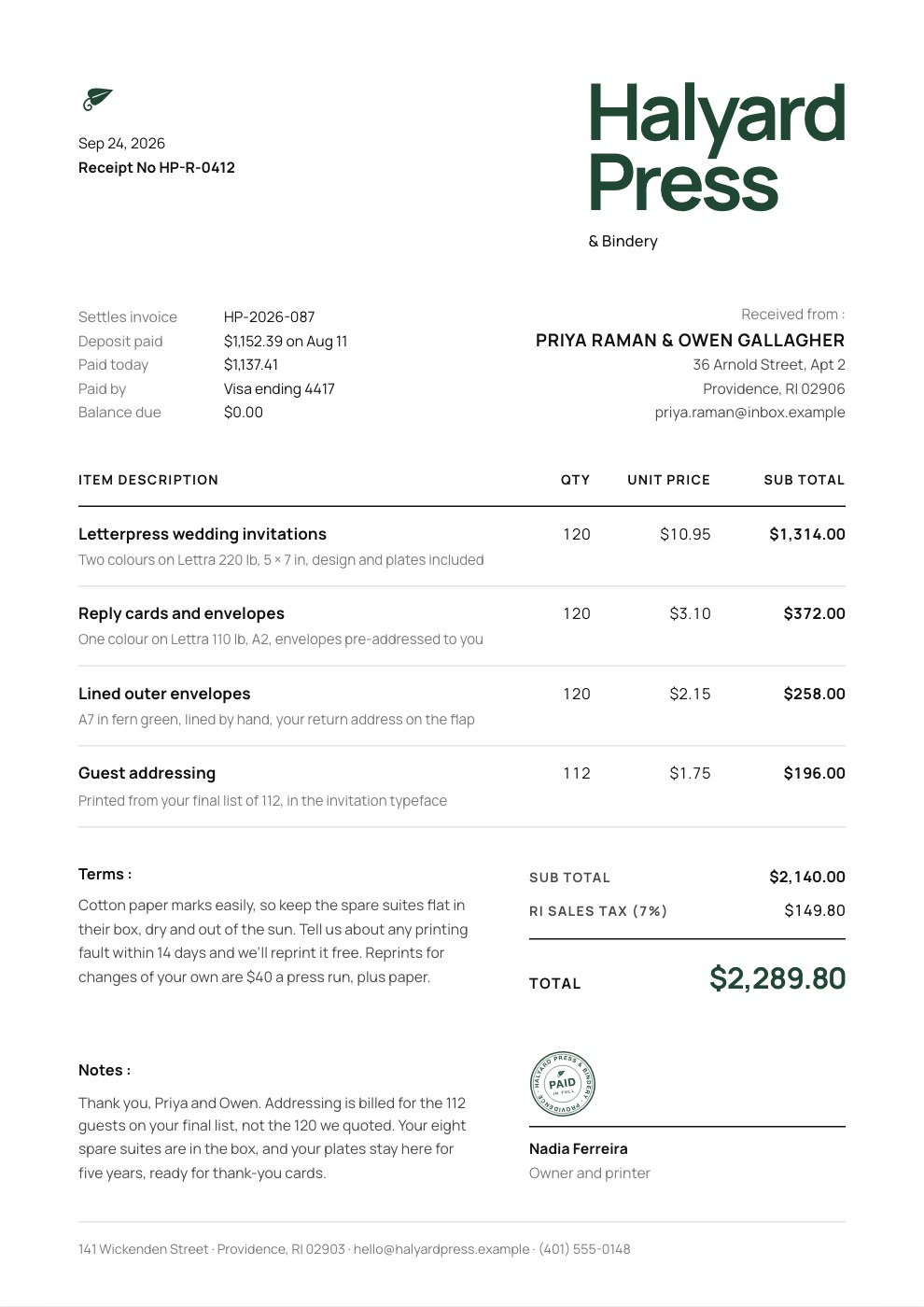
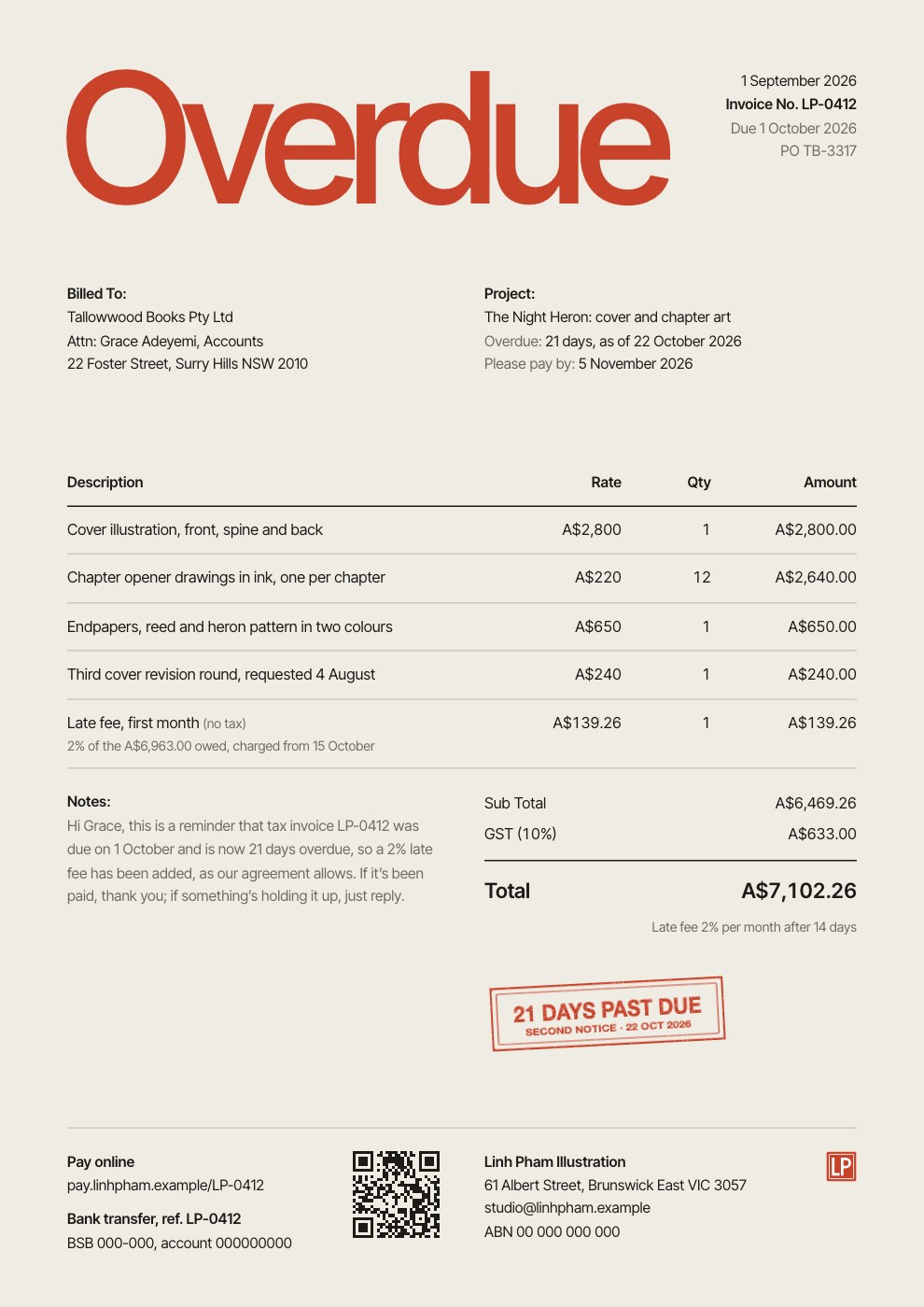
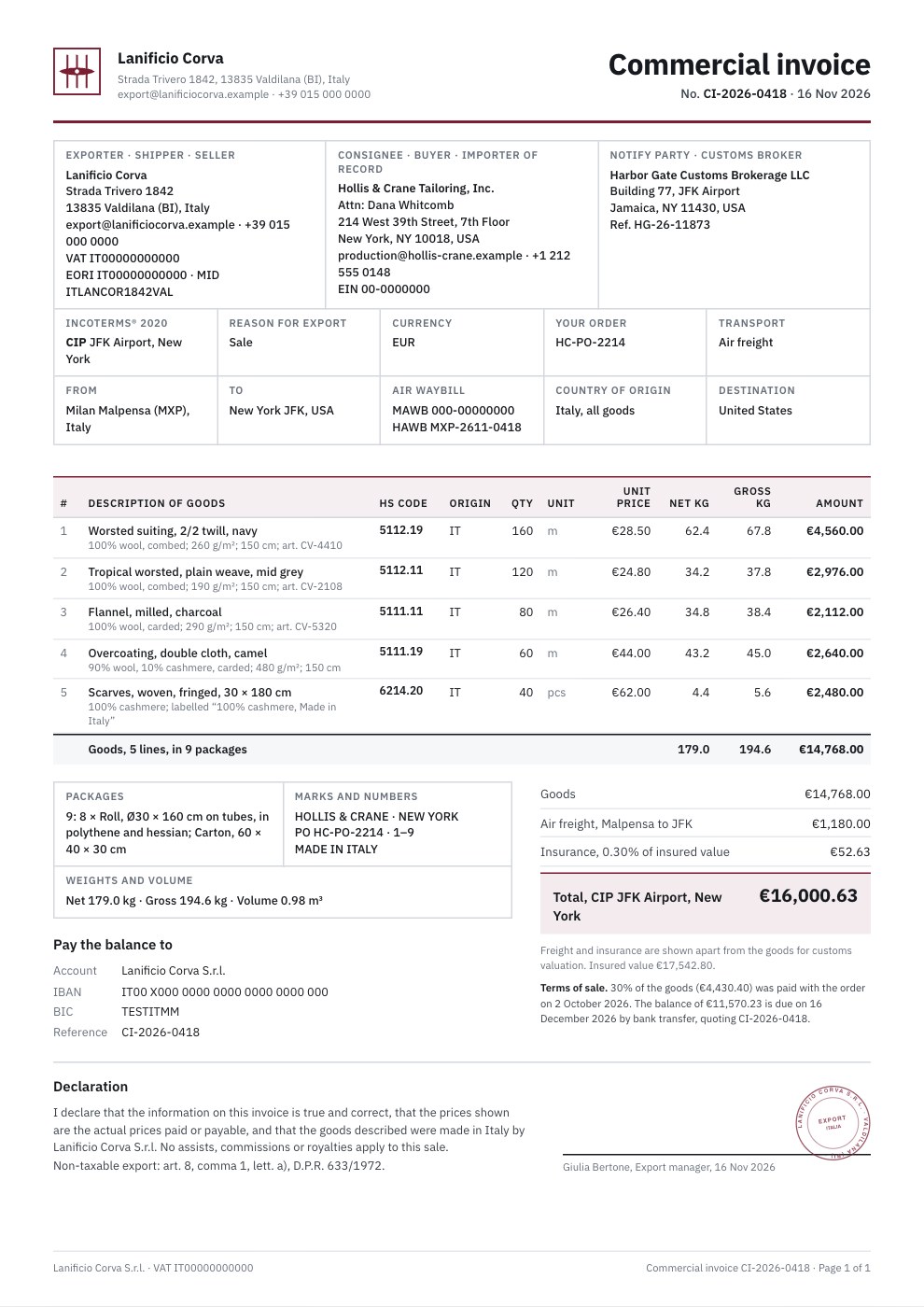
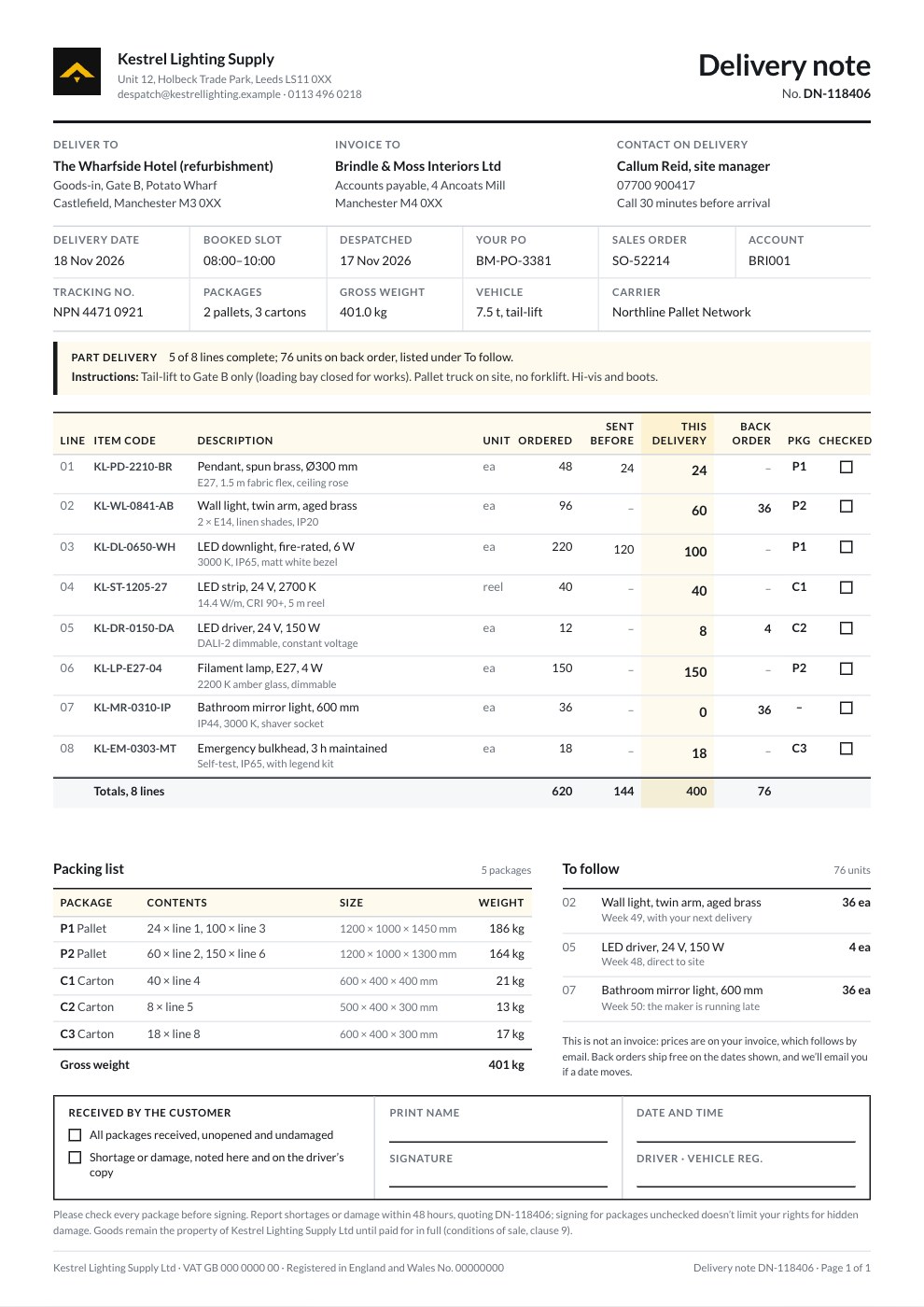
Hourly Invoice
PreviewProject Invoice
PreviewRetainer Invoice
PreviewQuote / Estimate
PreviewConsulting Invoice
PreviewSimple Invoice
Preview
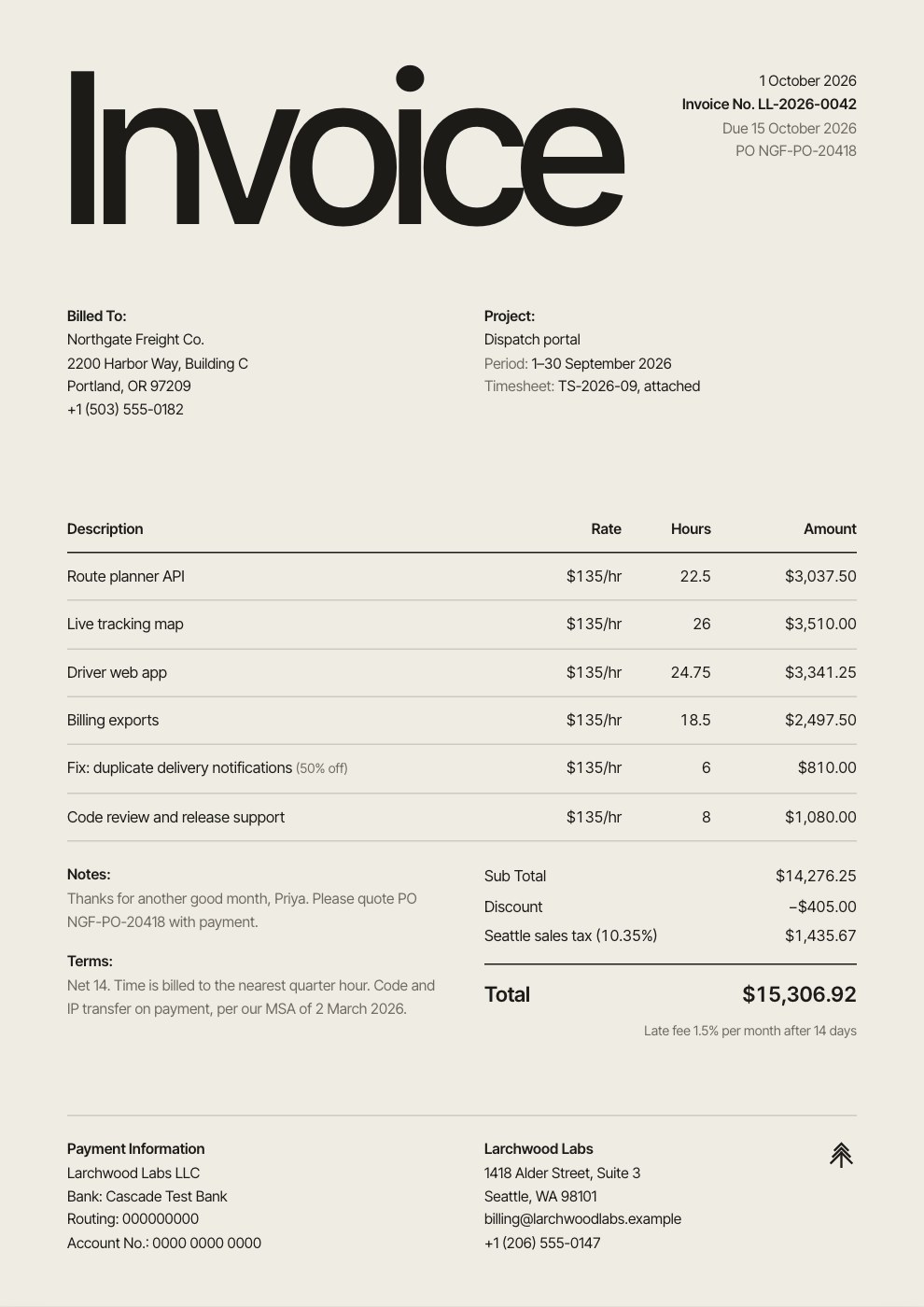
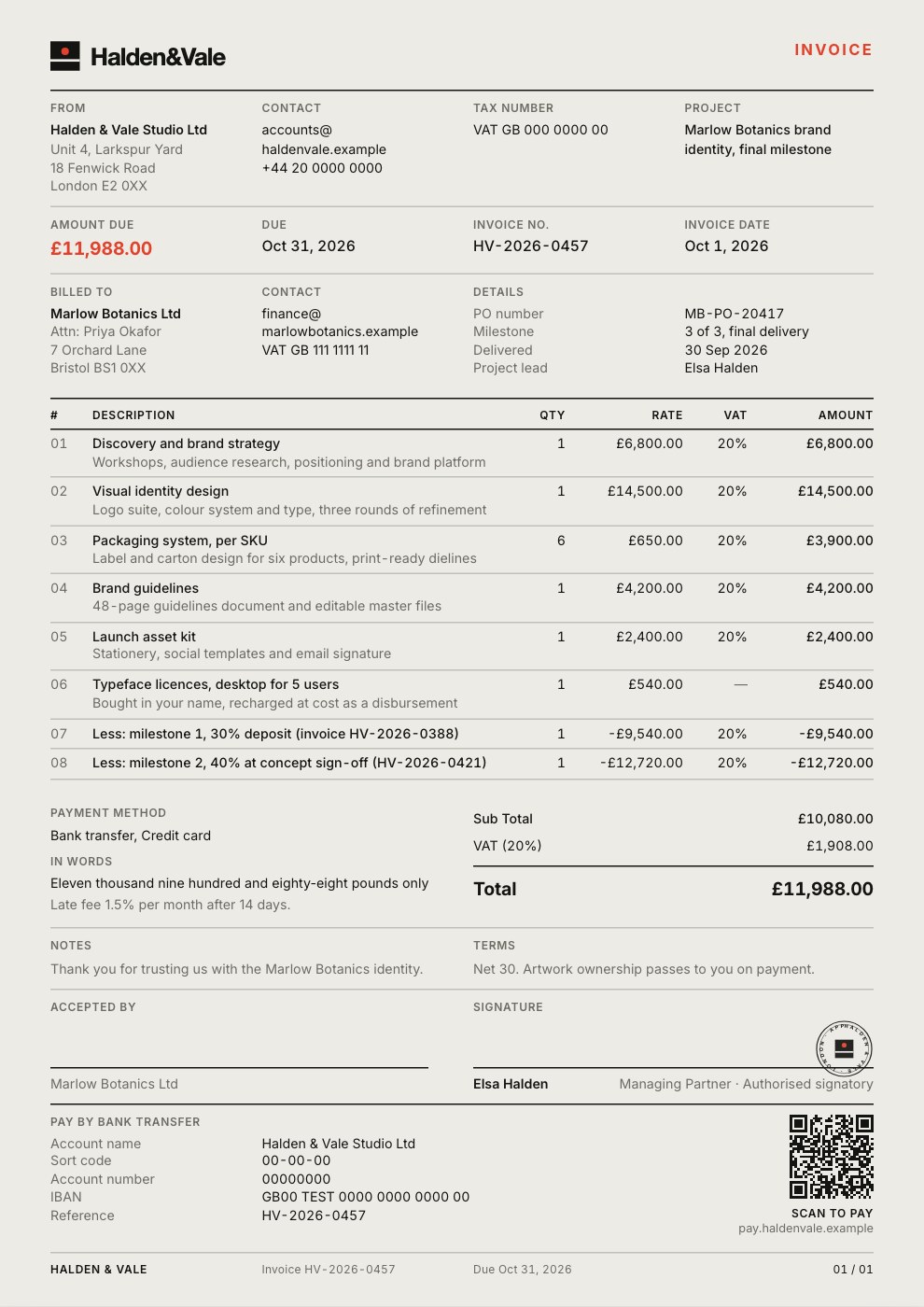
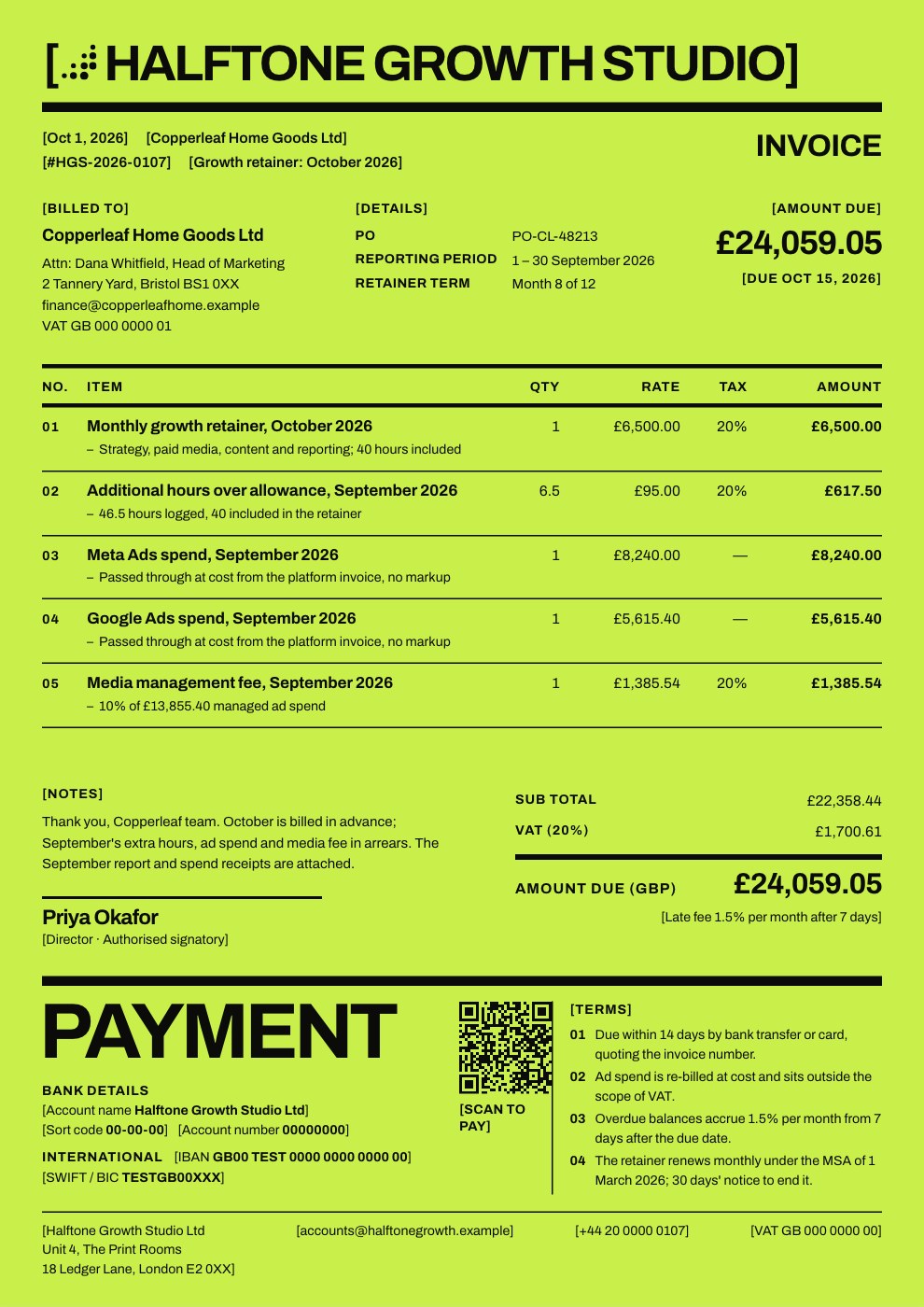
Starting from a description instead? Try the Invoice generator.
Start your invoice with Docsiv AI
Describe the client or the project and Docsiv AI writes a first draft of your progress invoice for you to edit, share and send.