

What’s inside the Rent Invoice.
Real content in every part, ready to rewrite with your own.
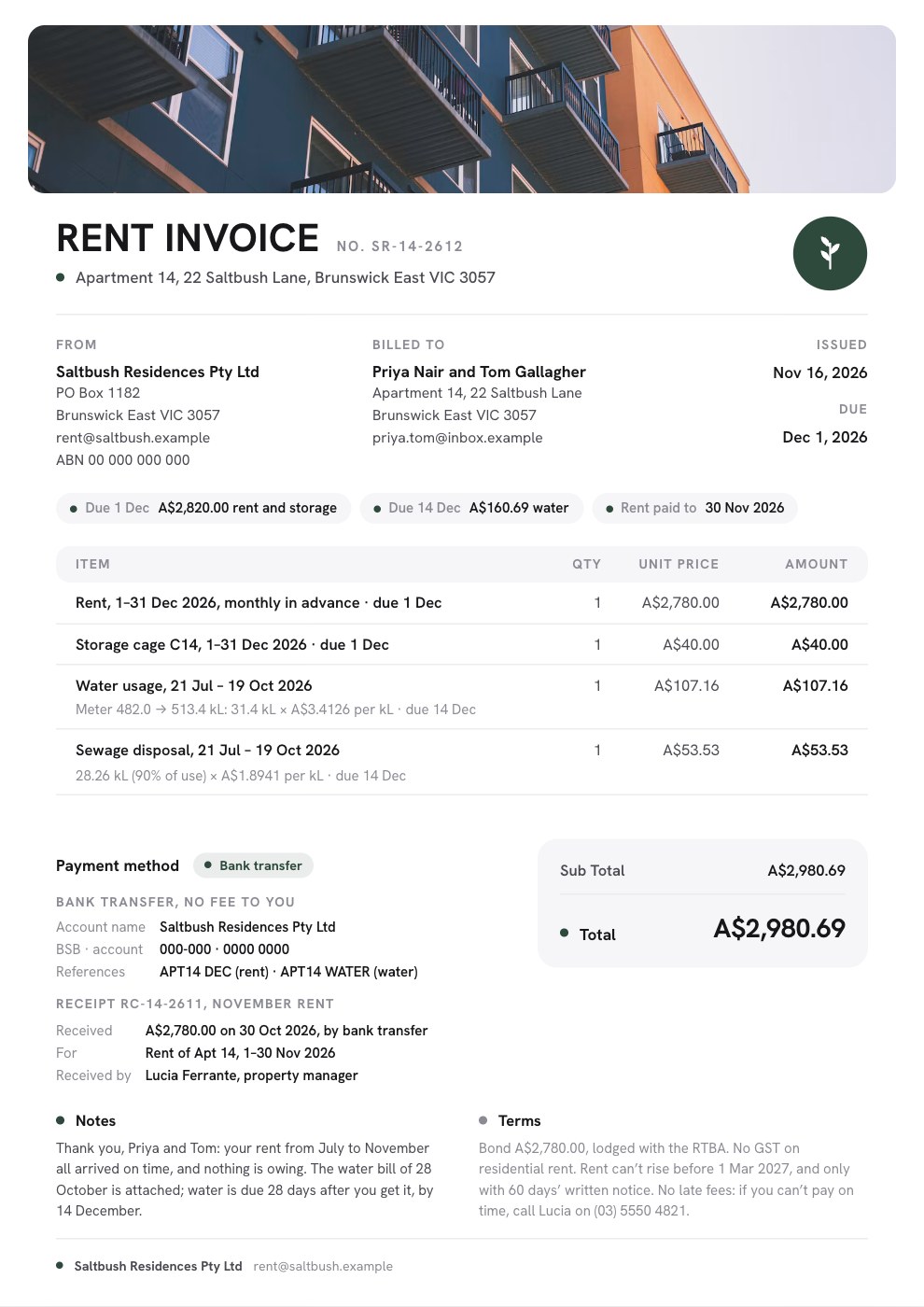
- 1A photo of the apartment building across the top, the rent invoice number, the premises and a round saltbush badge; the rental provider with its ABN and address for service, the renters and the dates; chips for the rent period, what’s due on the 1st and on the 14th, rent paid to, the tenancy and the bond; four charges (December rent in advance, a storage cage, and water usage and sewage disposal from the meter readings); fee-free bank details with payment references and November’s rent receipt beside the totals; notes and terms on GST, the bond, rent increases and late rent, and the property manager’s signature
When to use it.
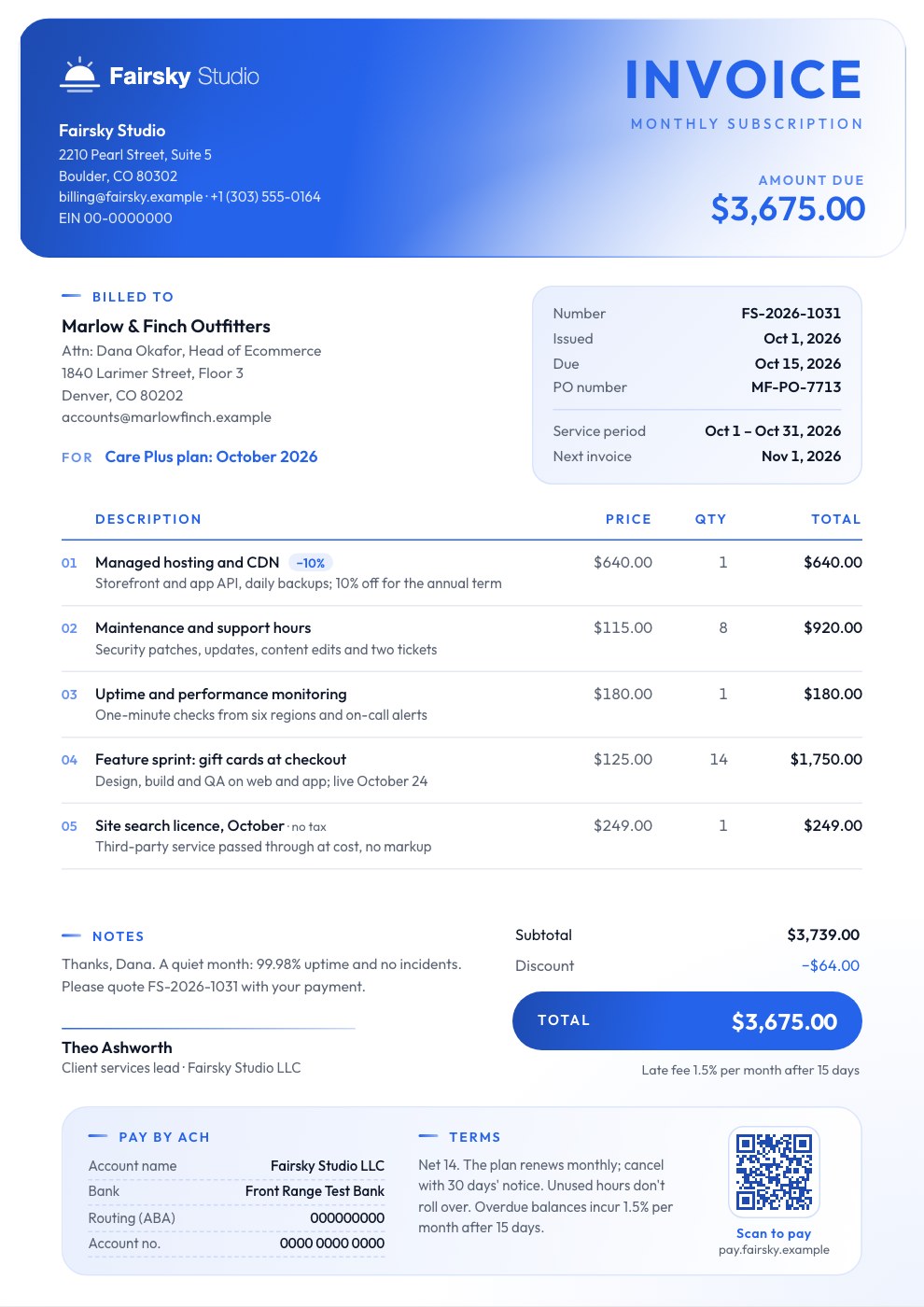
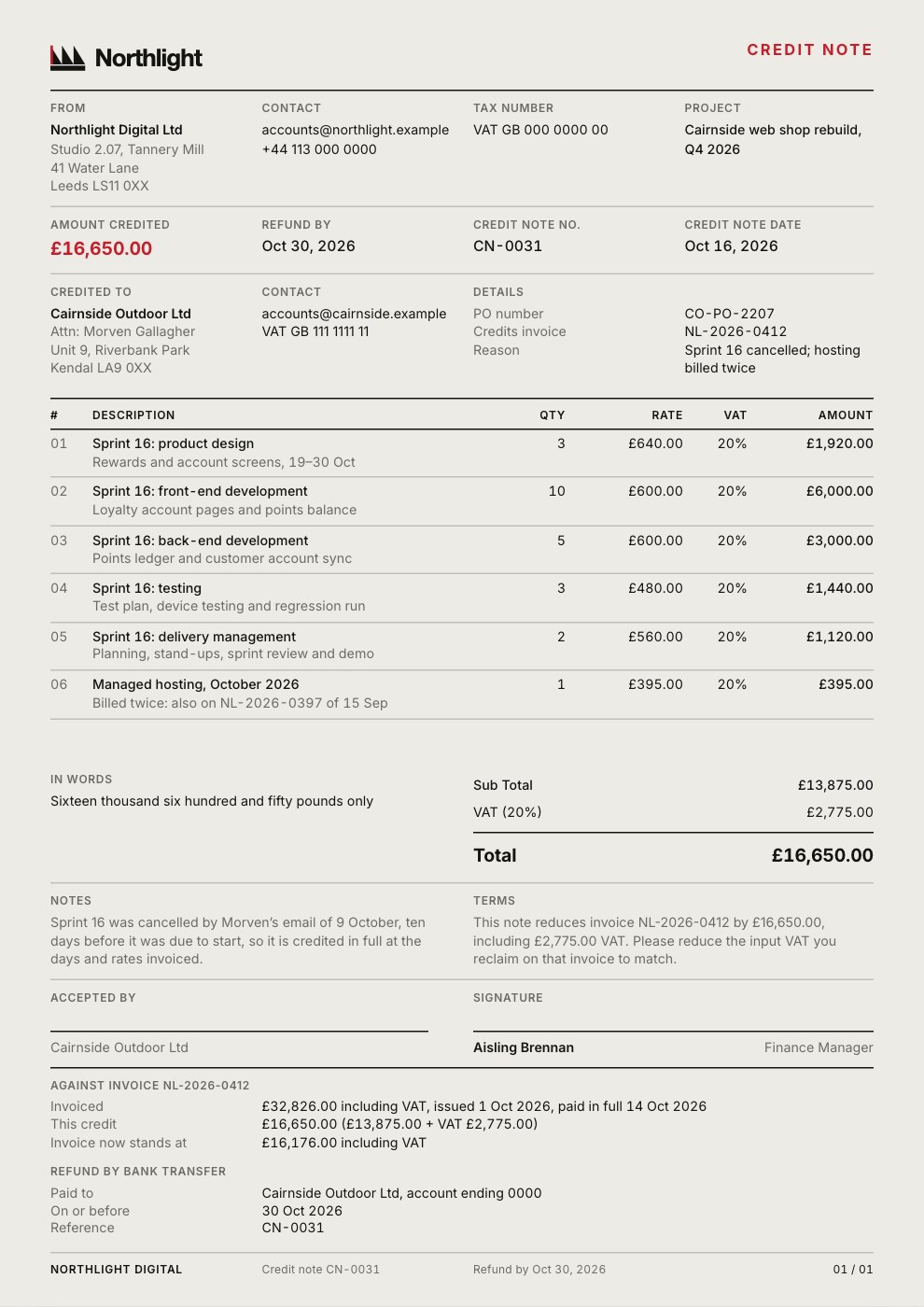
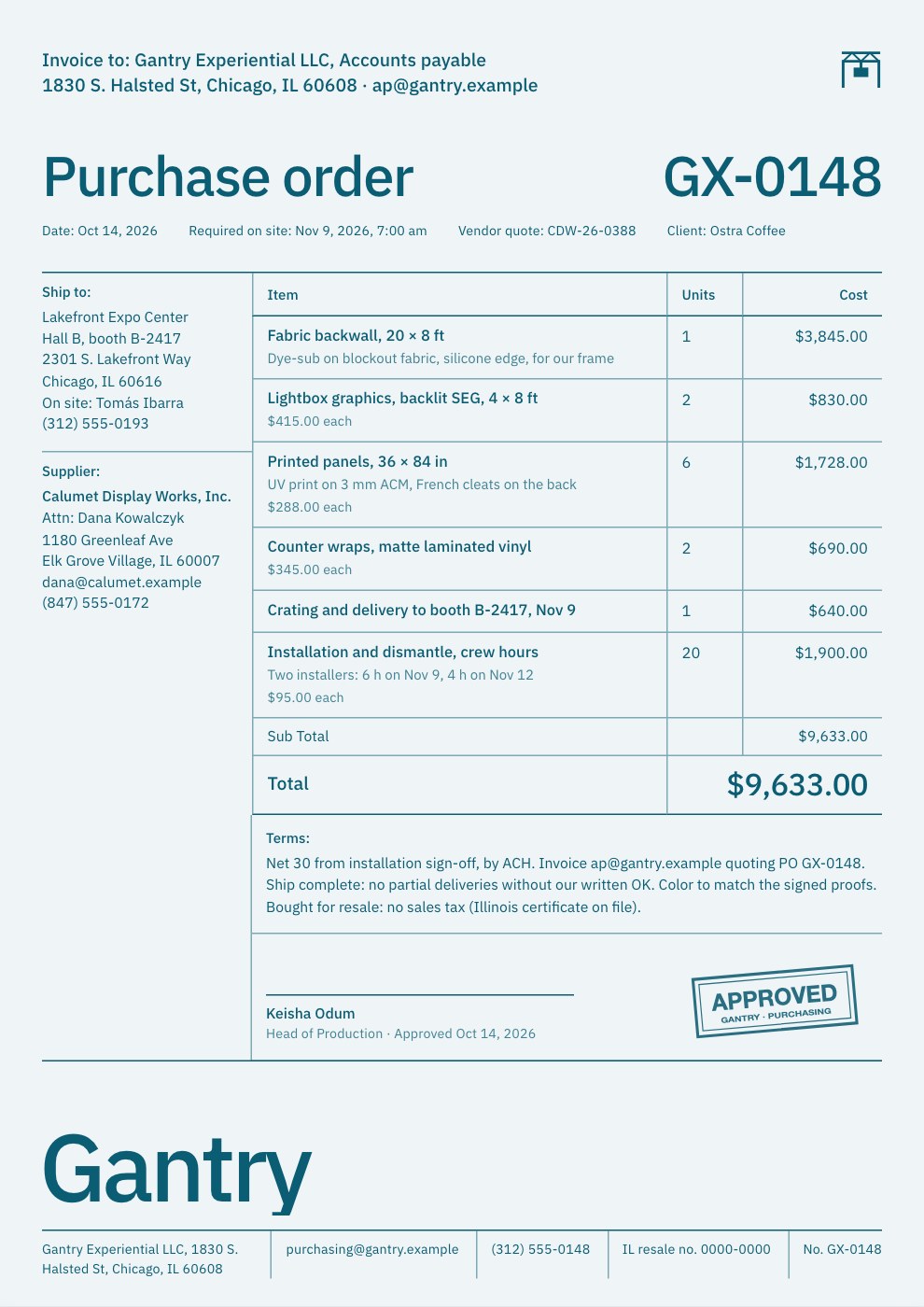
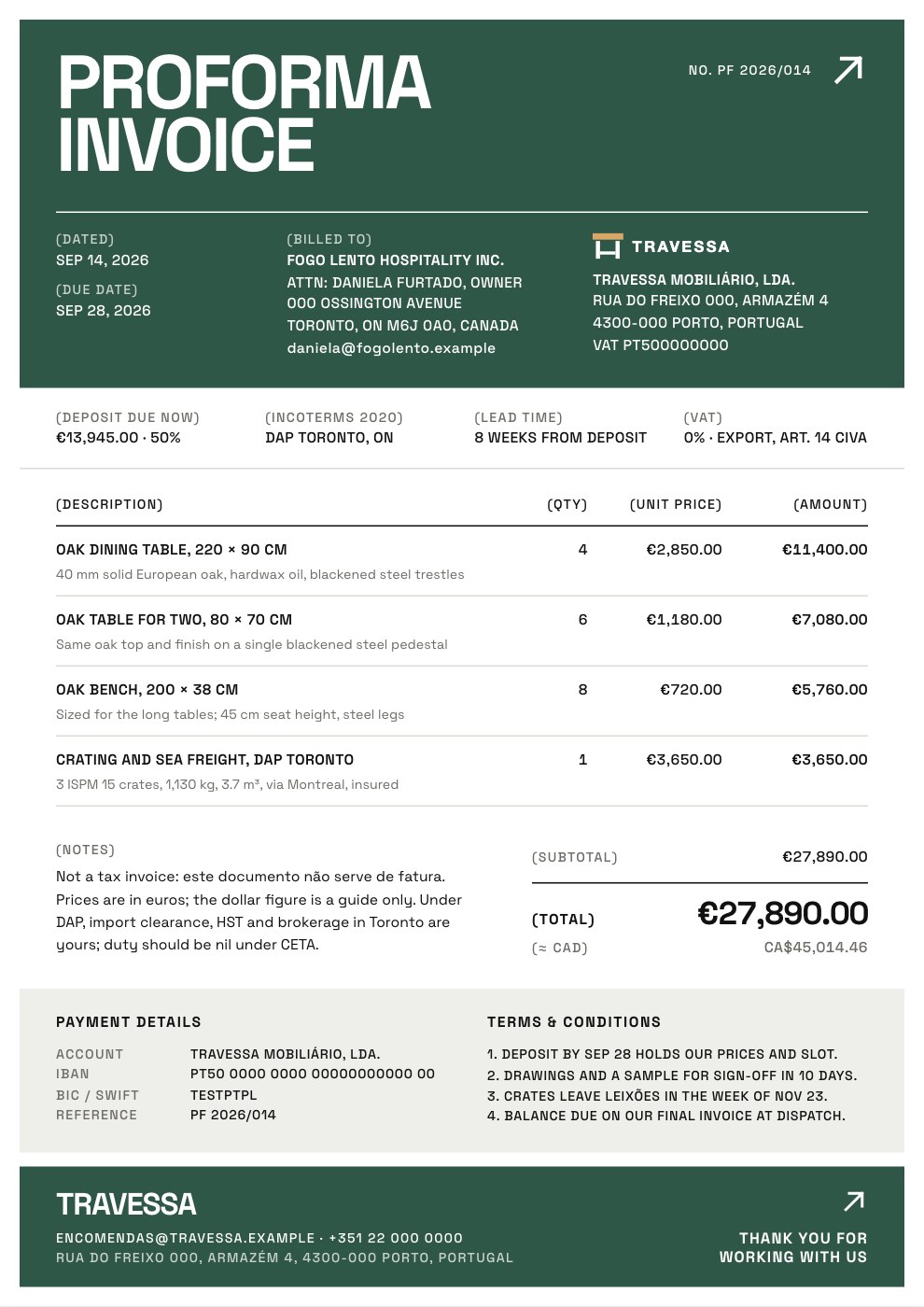
Rent Invoice is a monthly rent invoice for landlords, property managers and owners of small apartment buildings. Written for a Melbourne apartment, it bills next month’s rent in advance and a storage cage, then passes on water usage and sewage disposal from the meter readings on the water bill, with their own due date. Chips show what’s due on each date and the date rent is paid to. Fee-free bank details with payment references sit beside the totals, last month’s rent receipt is recorded, and the terms cover the bond, GST, rent increases and late rent. A photo of your building runs across the top.
Made for
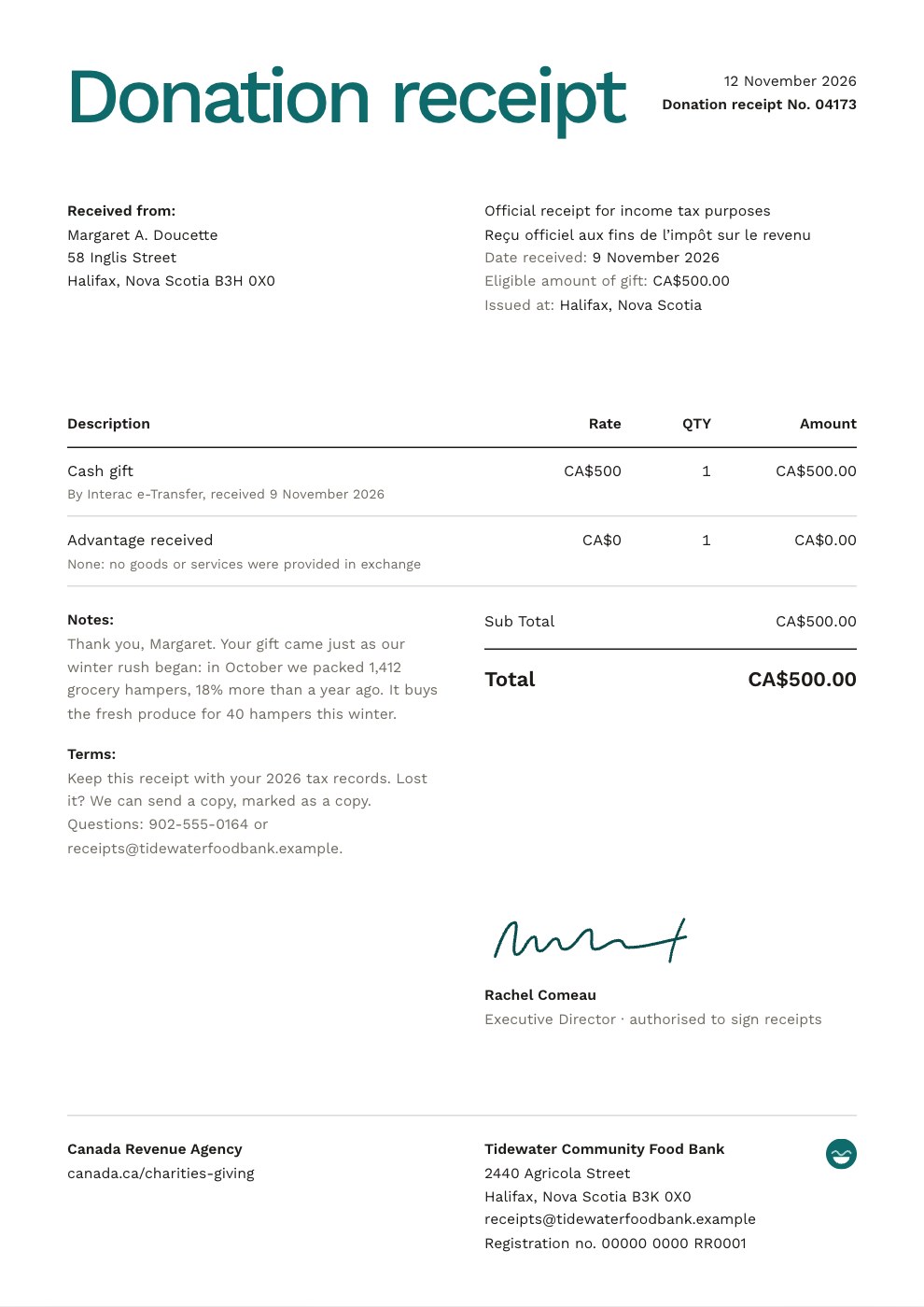
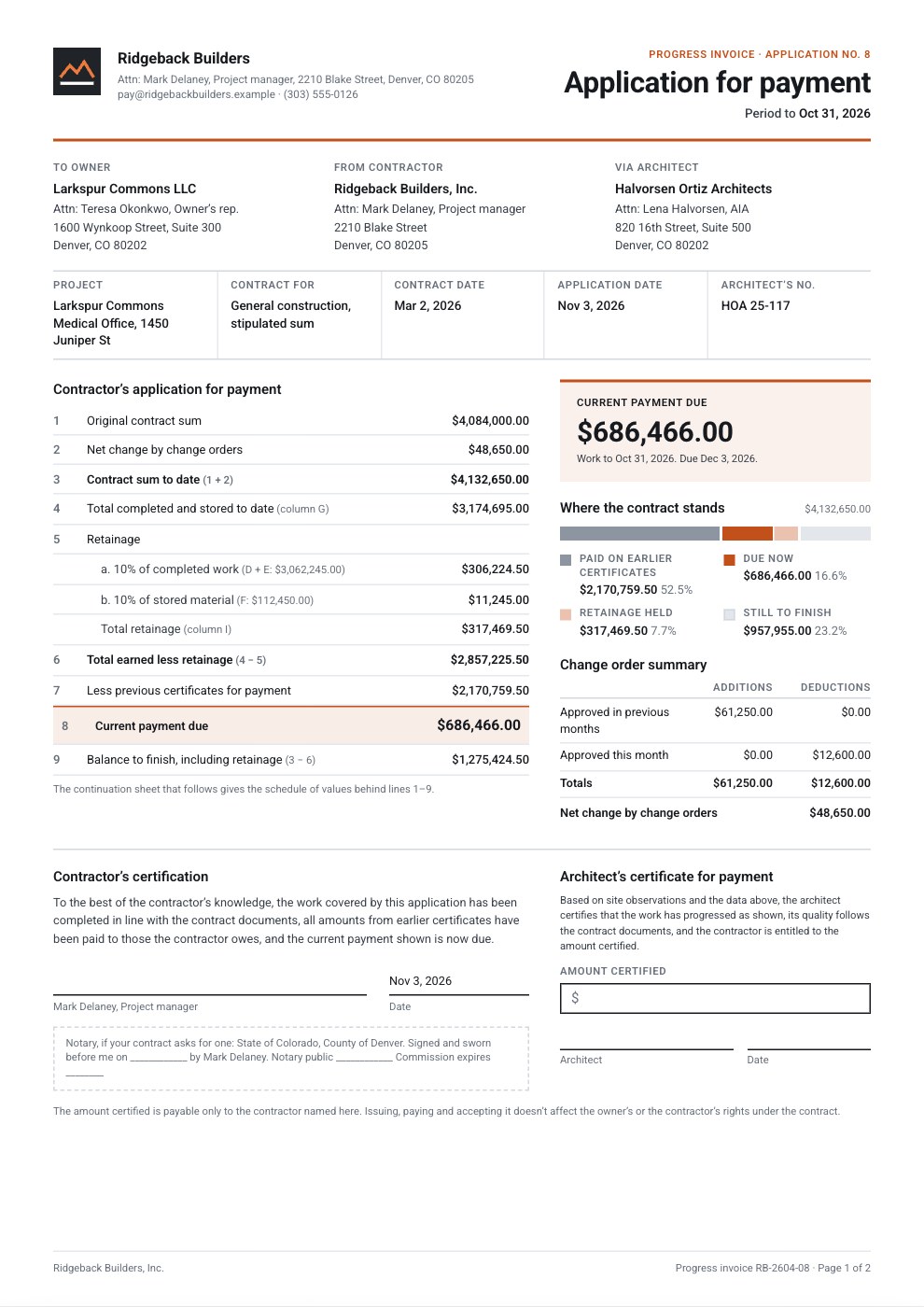
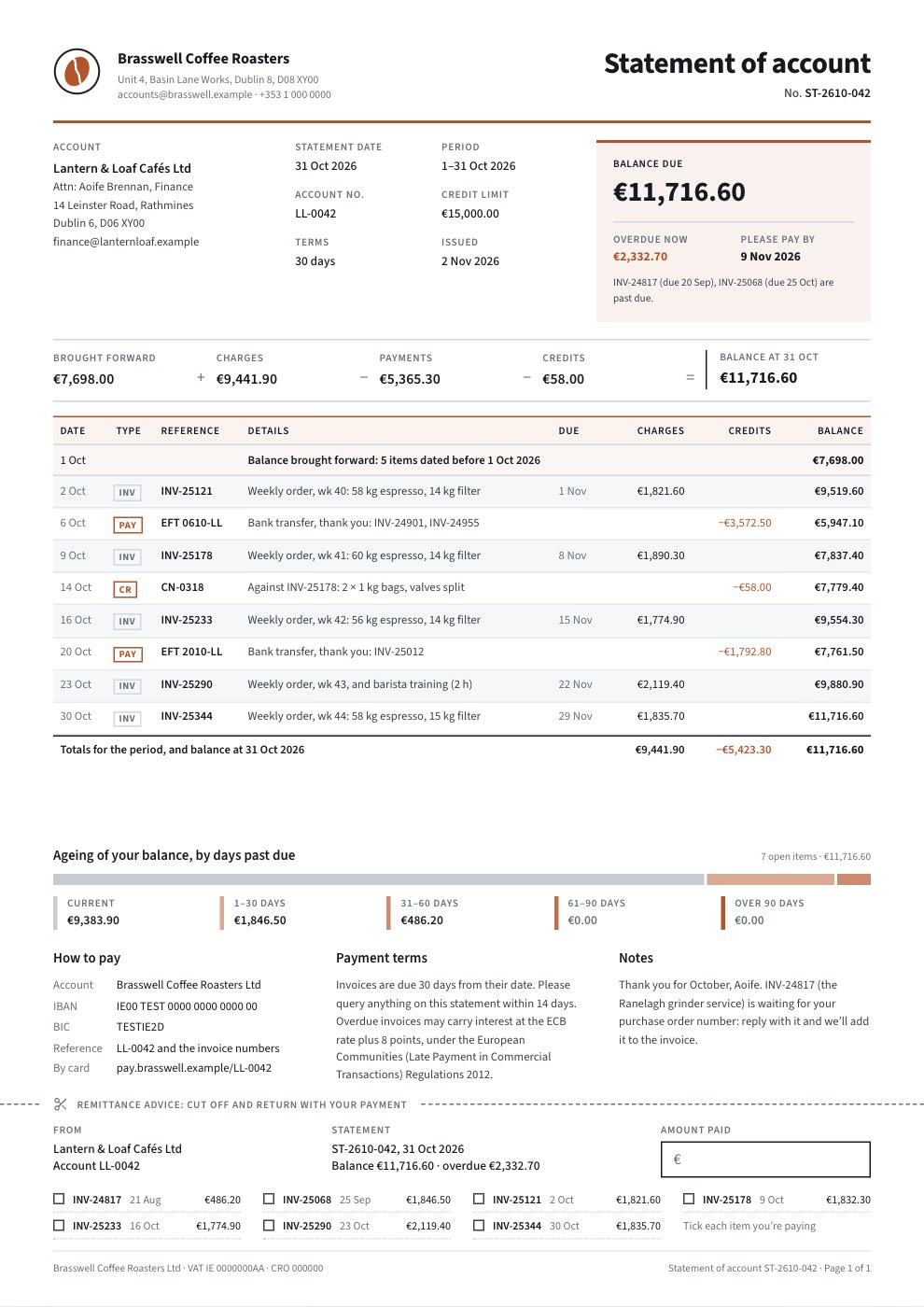
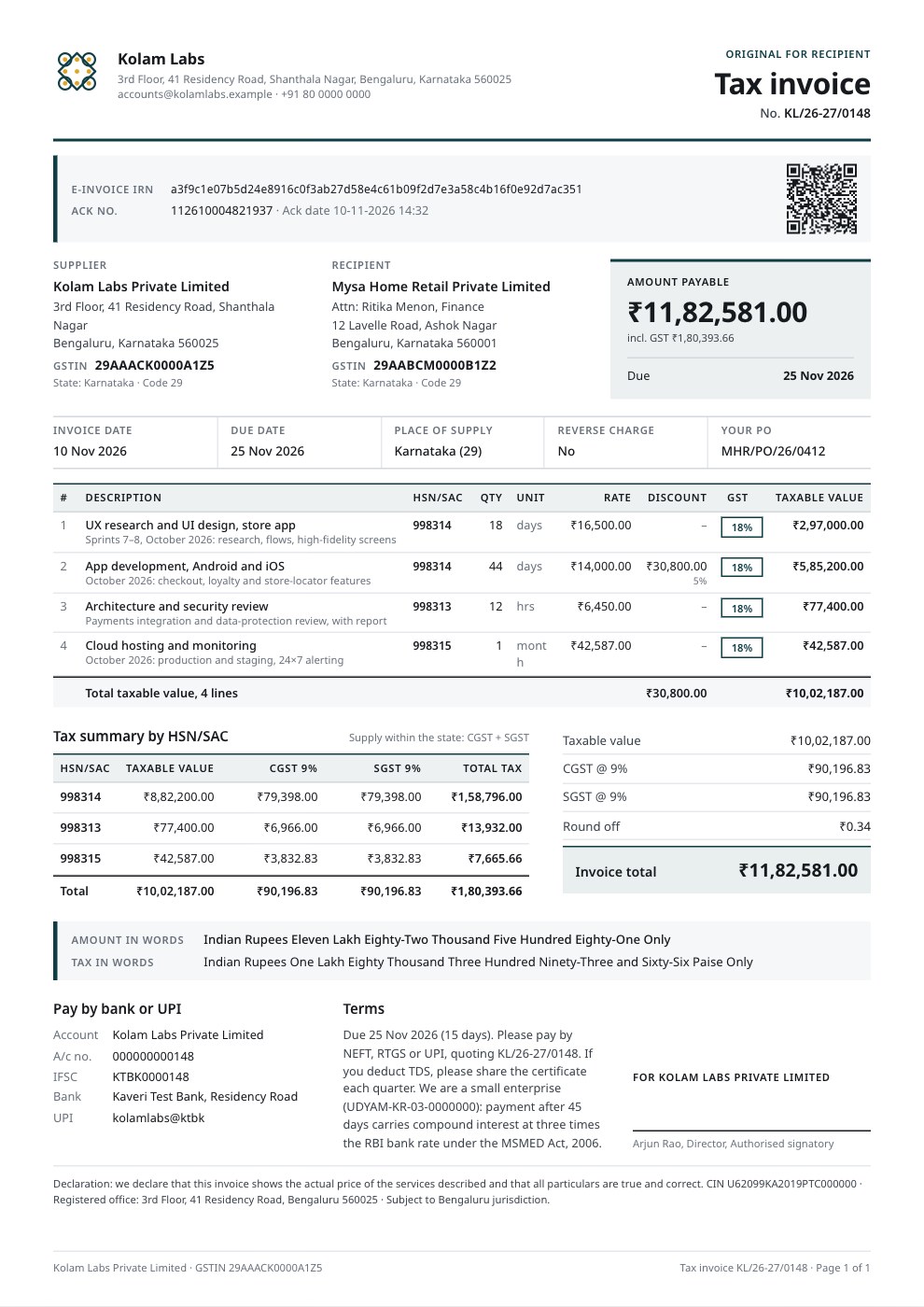
- Freelancers who bill by the hour or day
- Agencies billing projects and retainers
- Consultants and advisers
- Studios quoting before work starts
Make it yours in five steps.
Open it in Invoices and work through it, or let Docsiv AI do the first pass with your details.
- Step 1
Swap the header photo for one of your building, and add your logo, brand colour and ABN.
- Step 2
Enter the renters, the premises, the rent period and the date the rent is due.
- Step 3
Change the rent and other charges, and copy the meter readings and rates from the water bill into the water lines.
- Step 4
Update the bank details, payment references and last month’s receipt, then set the invoice to repeat monthly.
- Step 5
Check your state’s rules on bonds, rent increases and passing on utility charges, then send it.
Start from the Rent Invoice now.
Questions about this template.
Something else on your mind? Ask us in the chat, bottom right of the page.
Is the Rent Invoice template free?
Yes. Create a free account and it opens in Docsiv's Invoices app, ready to edit and share. The Free plan includes every Docsiv app and 500 AI credits a month.
Can I change the colours, fonts and text?
Yes, all of it. The template uses Hanken Grotesk with #2e4a3d, #17171a, #f6f6f8, #ffffff, and you can change any of them, rewrite every word and add or remove pages.
What can I export it as?
Invoices in Docsiv offers: Invoices and PDF exports. Once it's saved, you can also share it with a link.
Can Docsiv AI write the rent invoice for me?
Yes. Tell Docsiv AI about the client or project and it can draft the content in this template's style, which you then review and edit. AI uses credits; the Free plan includes 500 a month.
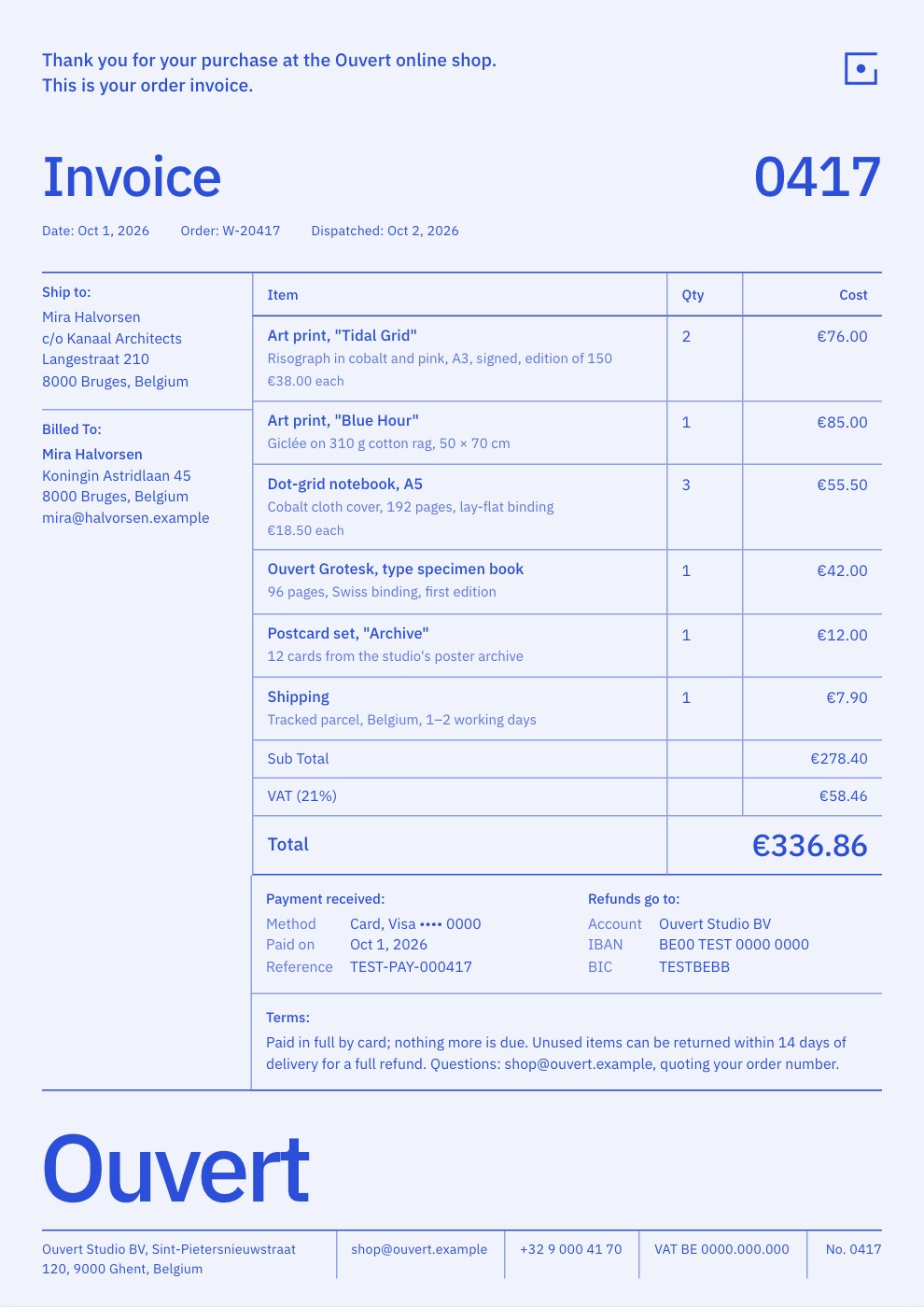
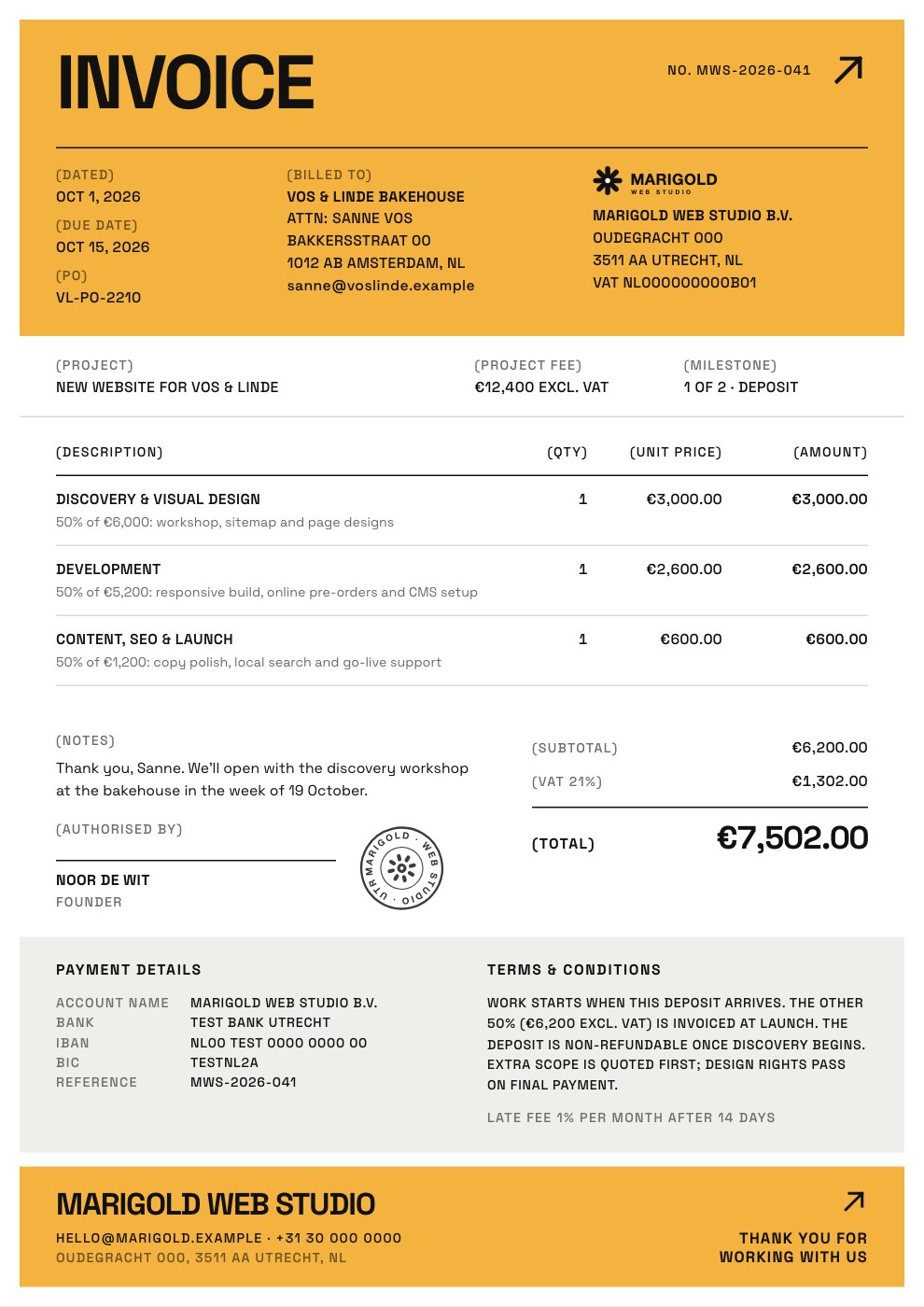
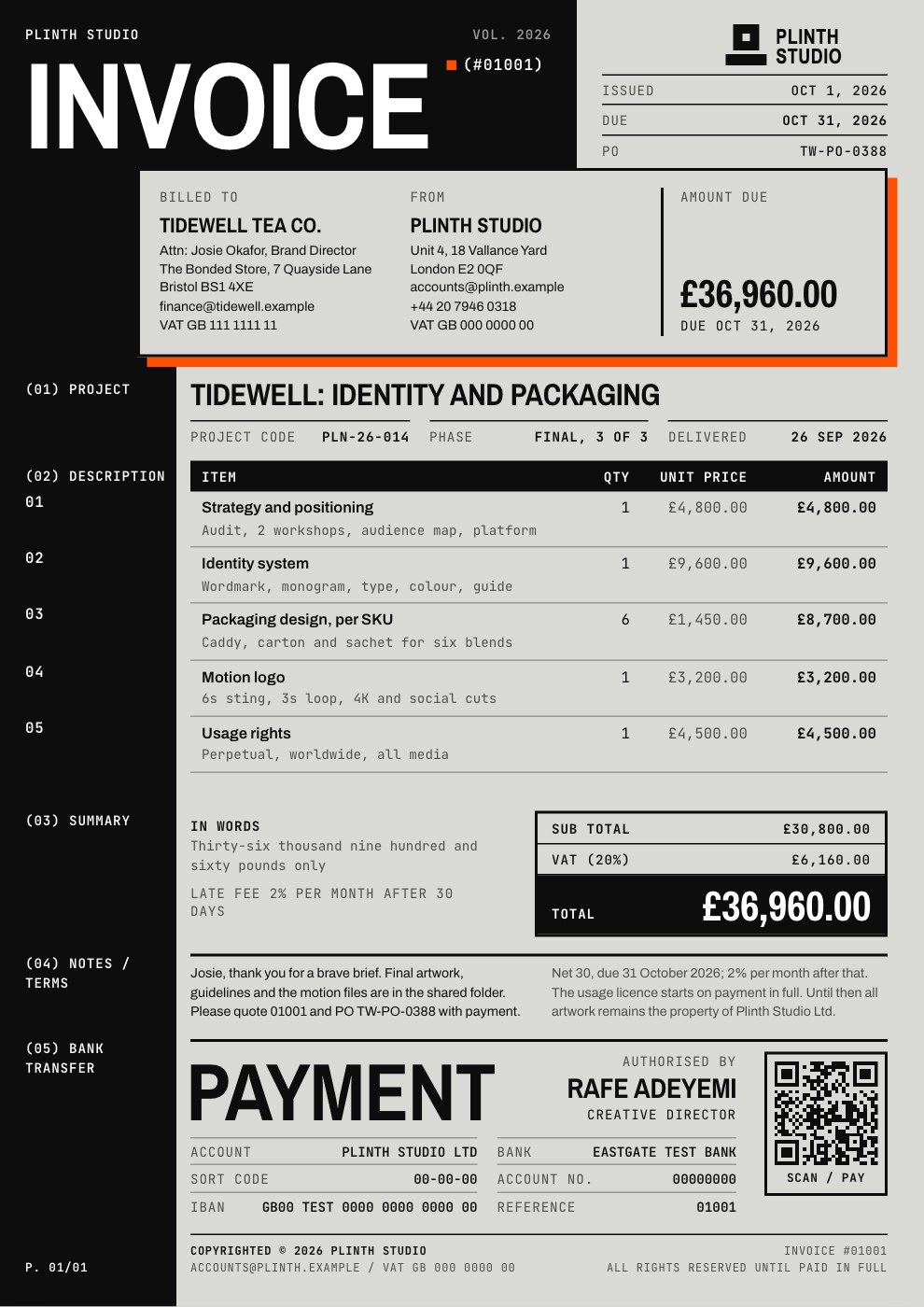
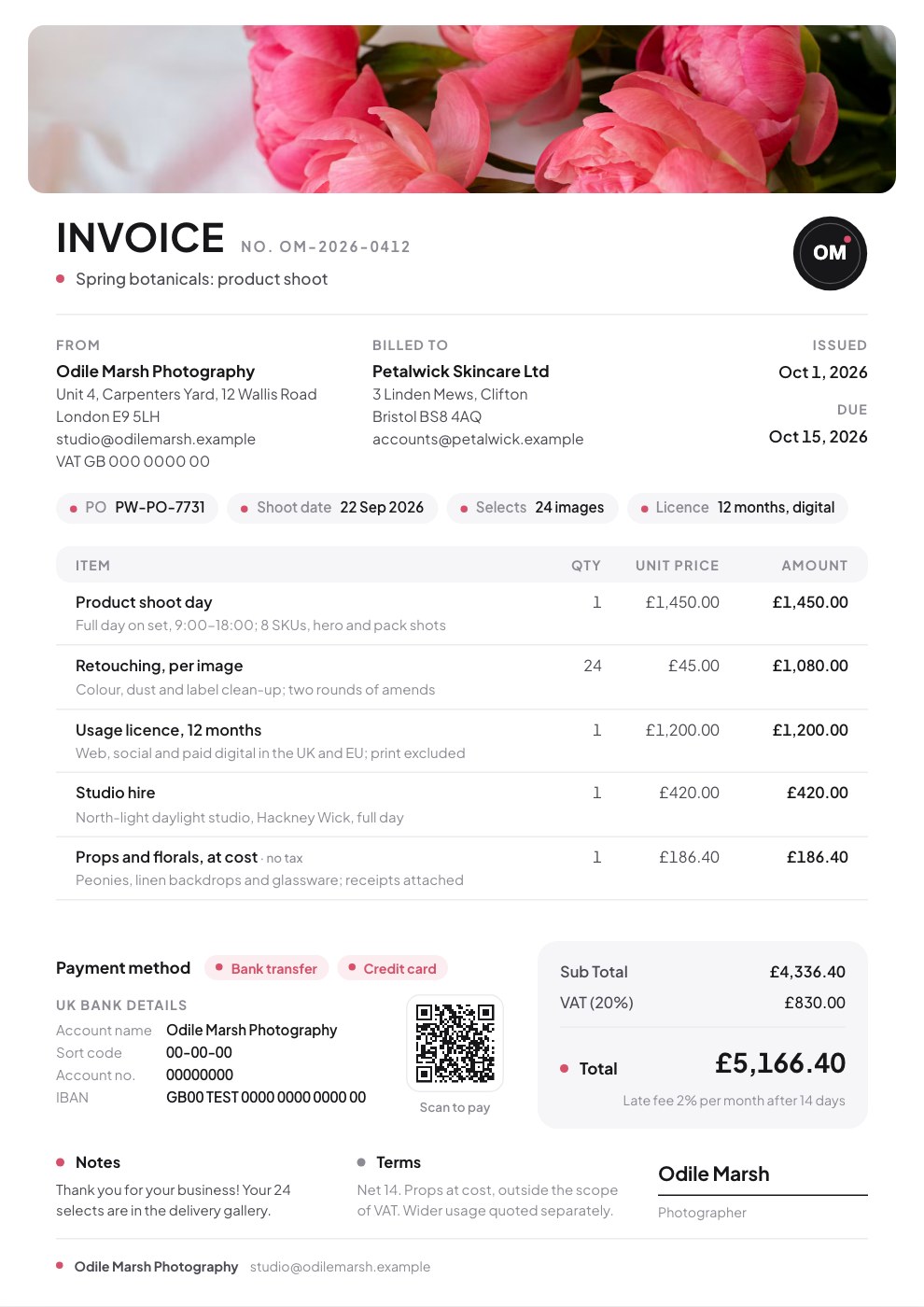
Hourly Invoice
PreviewProject Invoice
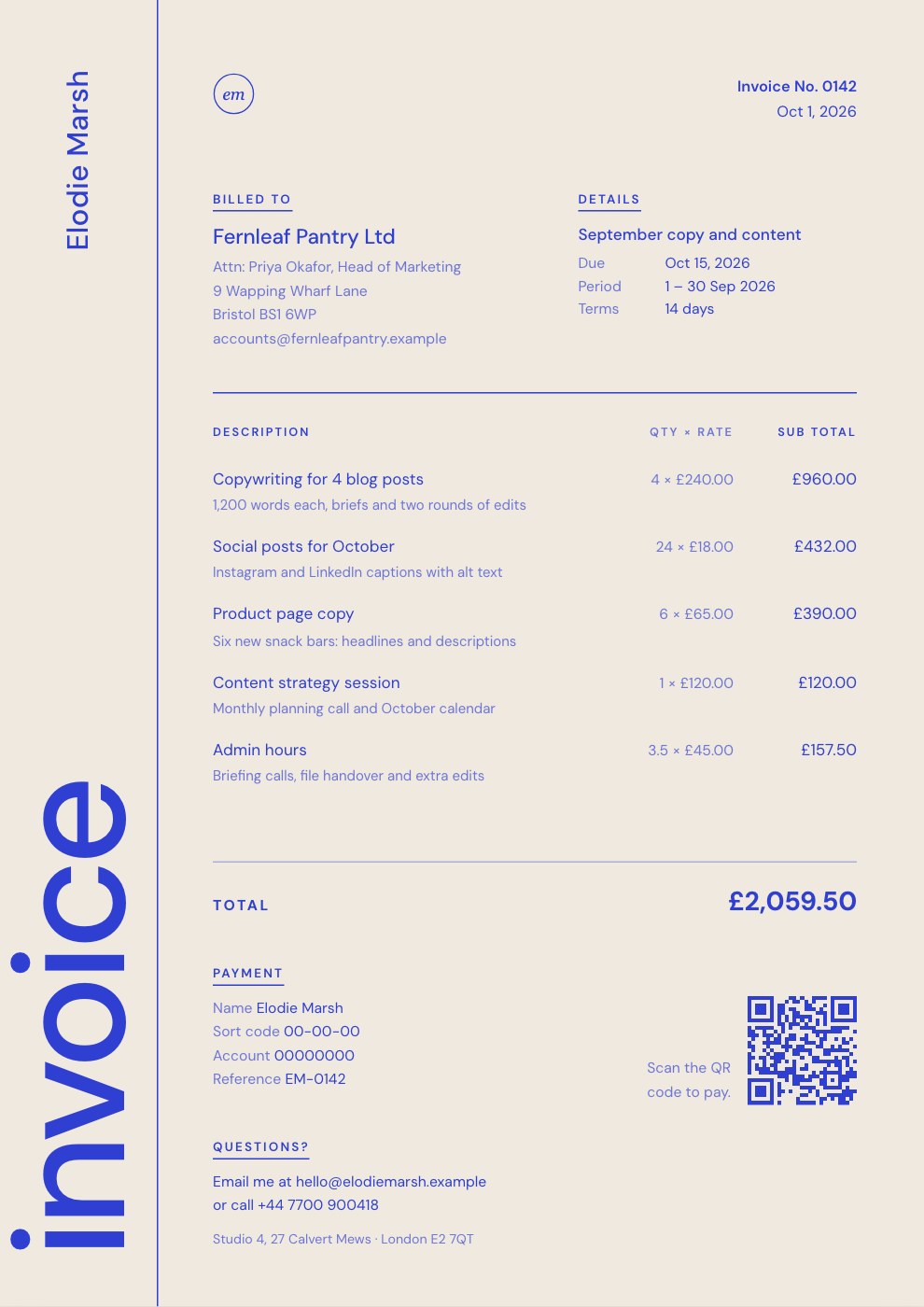
PreviewRetainer Invoice
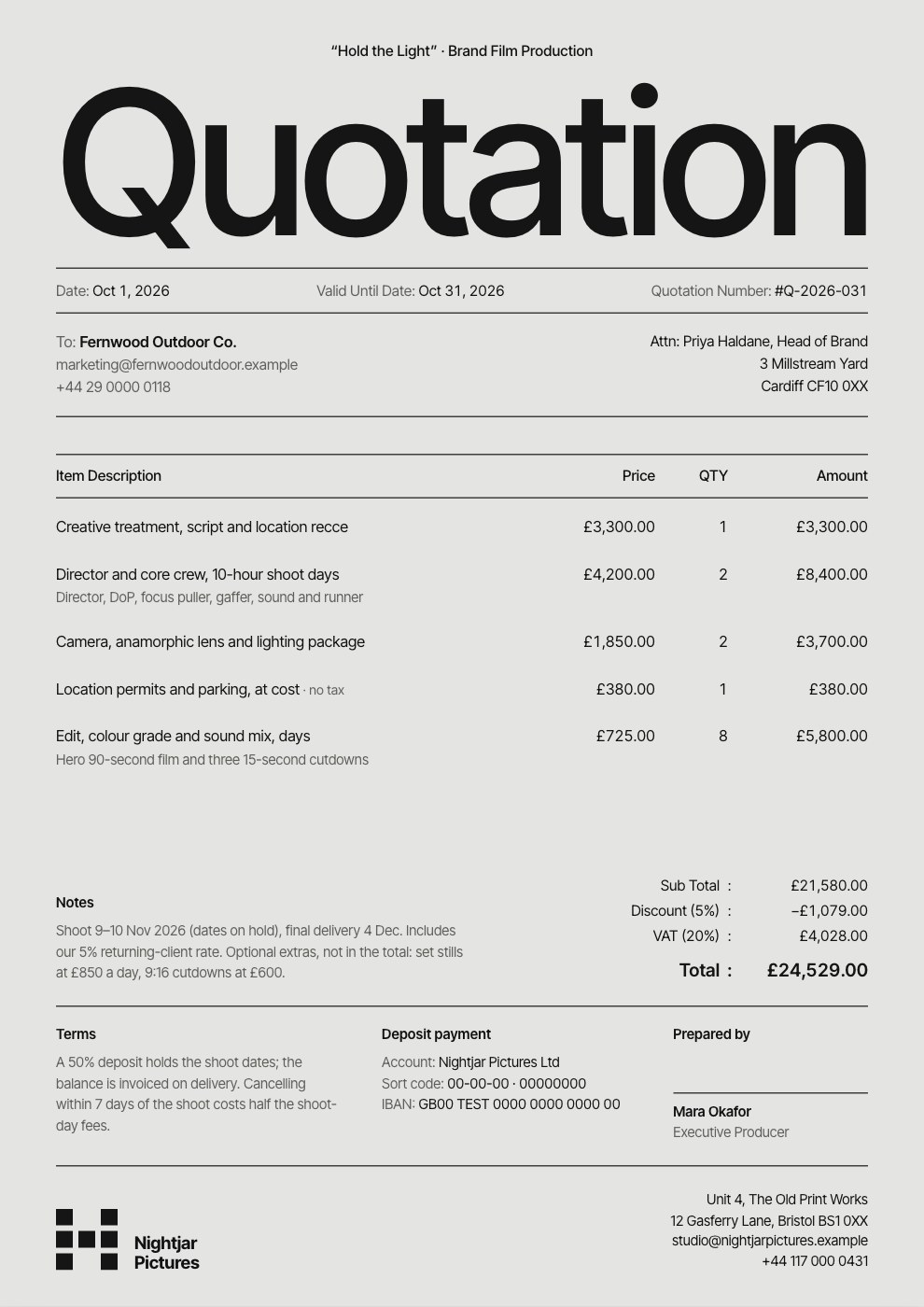
PreviewQuote / Estimate
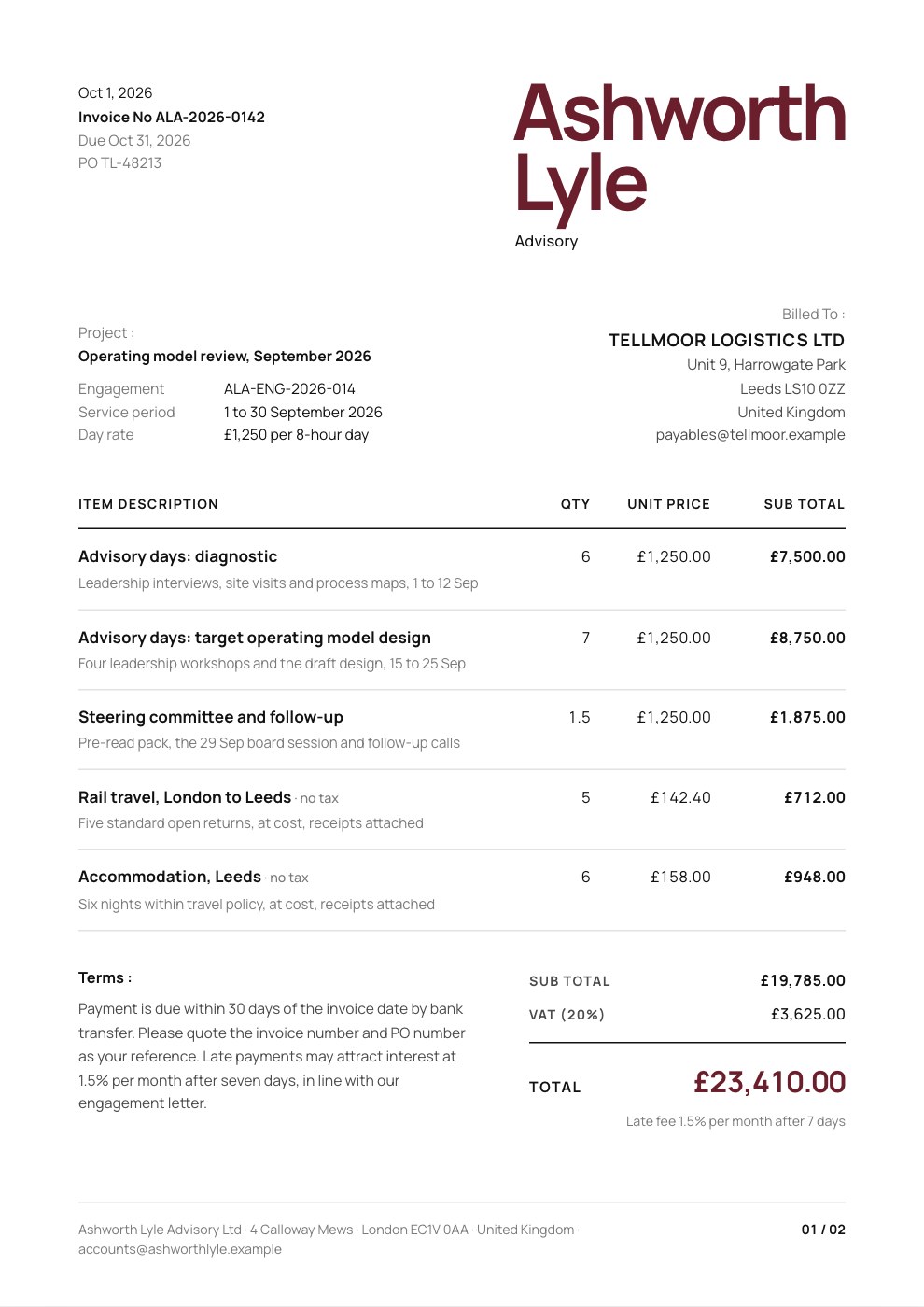
PreviewConsulting Invoice
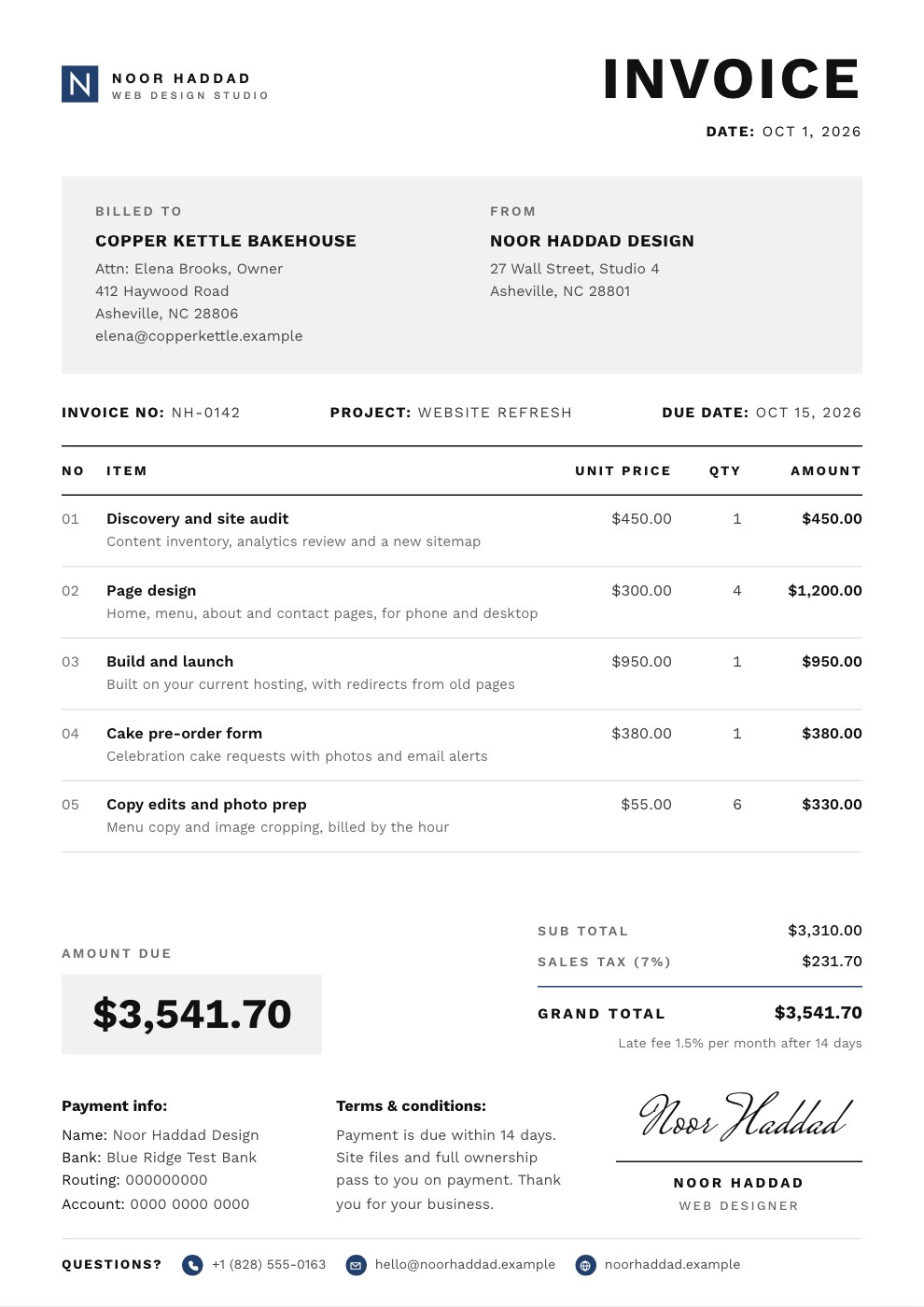
PreviewSimple Invoice
Preview
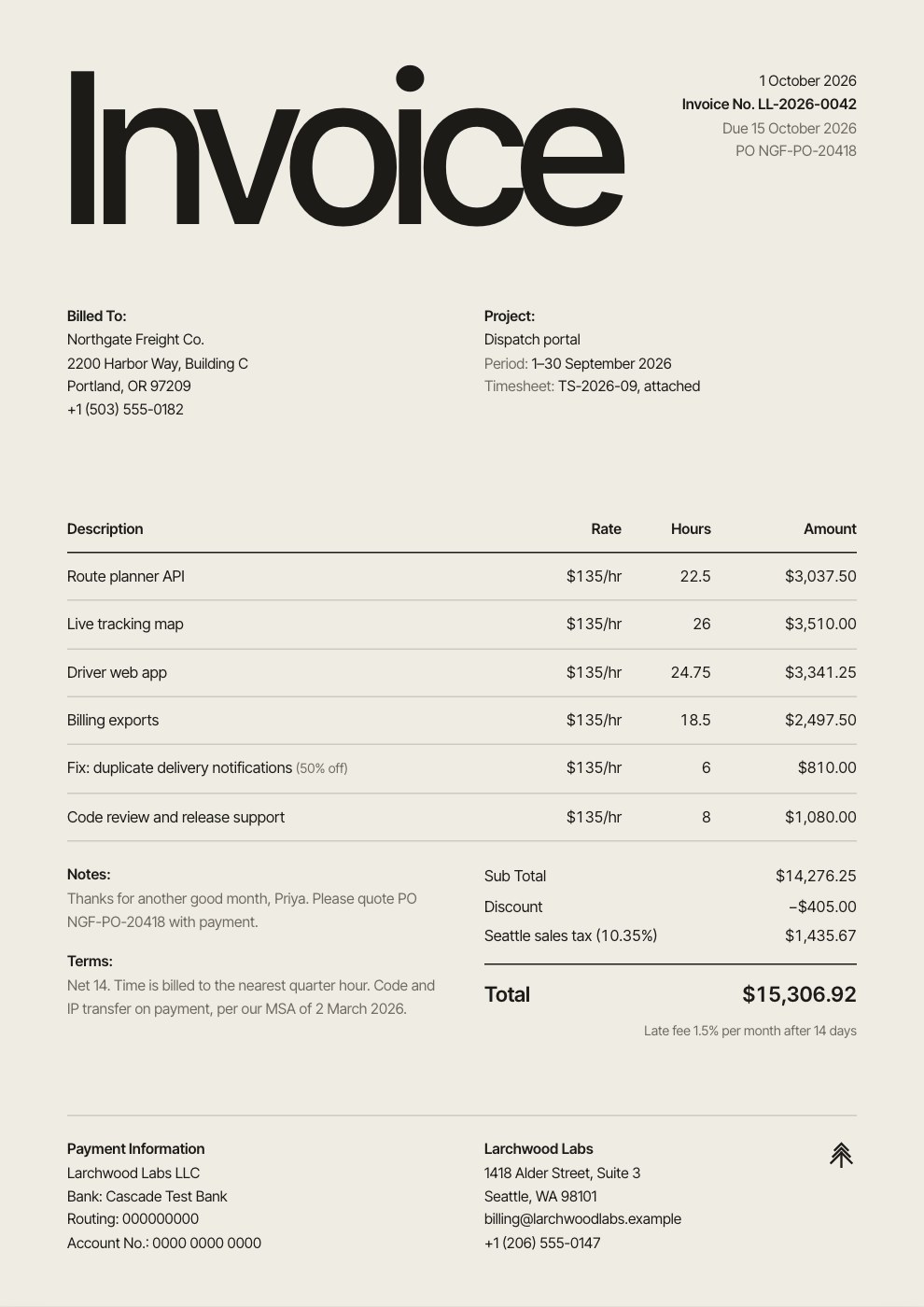
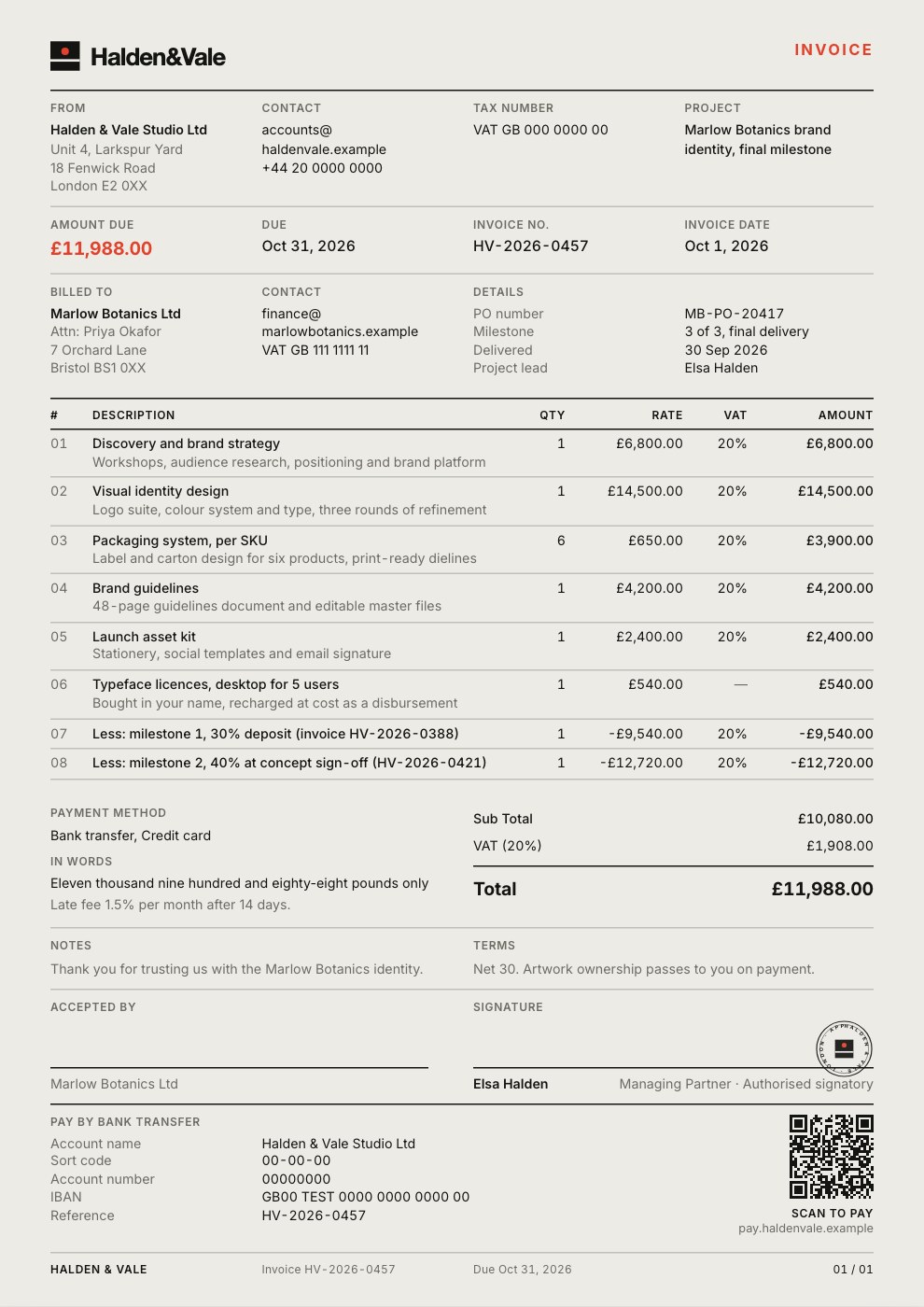
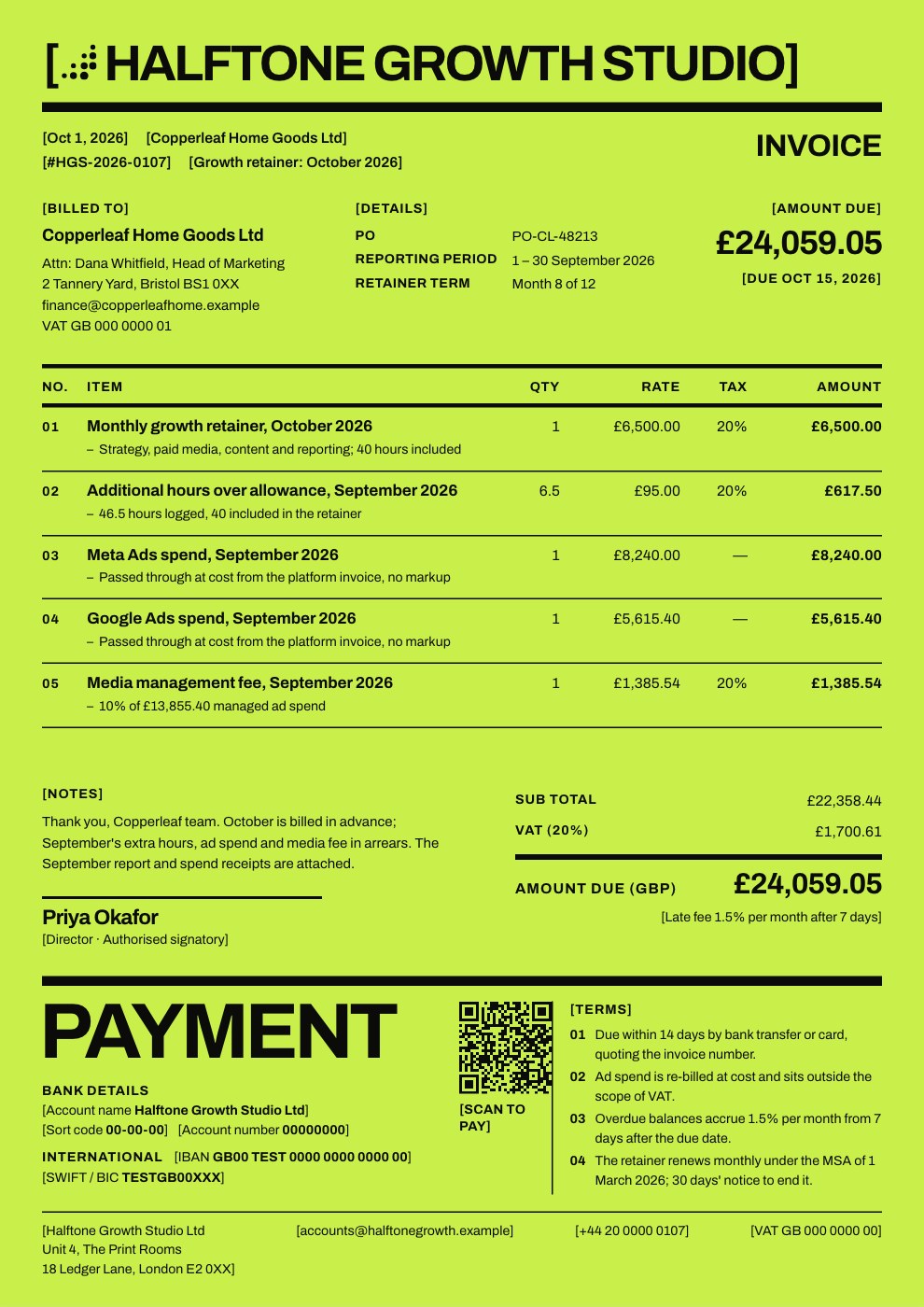
Starting from a description instead? Try the Invoice generator.
Start your invoice with Docsiv AI
Describe the client or the project and Docsiv AI writes a first draft of your rent invoice for you to edit, share and send.