

What’s inside the Inventory Tracker.
Real content in every part, ready to rewrite with your own.
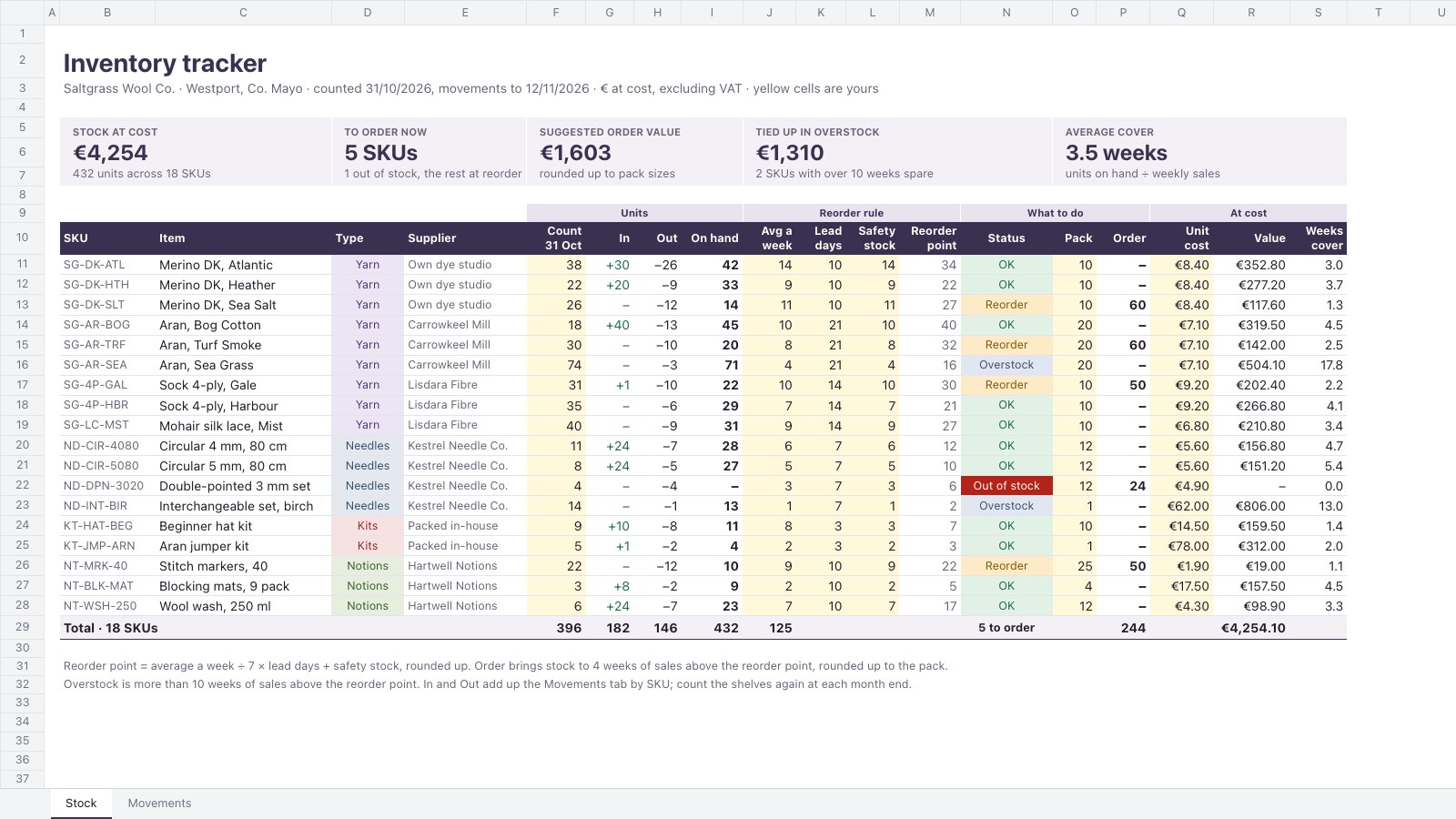
- 1Stock: 18 SKUs in four product types with supplier, count, units in and out from the log, on hand, the reorder rule (weekly sales, lead days, safety stock), a status flag, a suggested order rounded to the pack size, unit cost, value and weeks of cover, with tiles for stock value, SKUs to order, the order value, overstock and average cover
- 2Movements: the log of receipts, the weekly sales export, returns, a write-off, a kit build and a count correction, each with its reference, units, value at cost and running balance, with empty rows for the next entries and tiles totalling the month by movement type
When to use it.
Inventory Tracker is a two-tab spreadsheet for shops, makers and webshops that want to know what is on the shelf and what to order. The Stock tab lists every SKU with its last count, units in and out, on hand, a reorder point worked out from weekly sales, lead time and safety stock, and a status of Out of stock, Reorder, OK or Overstock. It suggests an order rounded up to the supplier's pack size and shows value at cost and weeks of cover. The Movements tab logs deliveries, sales, returns, write-offs and kit builds with running balances.
Made for
- Finance and accounts teams
- Operations managers
- In-house marketing and design teams
- Founders running their own back office
Make it yours in four steps.
Open it in Spreadsheets and work through it, or let Docsiv AI do the first pass with your details.
- Step 1
Replace the SKUs with your own products, with their supplier, pack size and unit cost.
- Step 2
Type your last stock count, then each product's average weekly sales, lead time and safety stock.
- Step 3
Log every delivery, weekly sales export, return and write-off on the Movements tab as it happens.
- Step 4
Check the Reorder and Out of stock rows each week and place the suggested orders.
Start from the Inventory Tracker now.
Questions about this template.
Something else on your mind? Ask us in the chat, bottom right of the page.
Is the Inventory Tracker template free?
Yes. Create a free account and it opens in Docsiv's Spreadsheets app, ready to edit and share. The Free plan includes every Docsiv app and 500 AI credits a month.
Can I change the colours, fonts and text?
Yes, all of it. The template uses Roboto with #3a3150, #f3f1f6, #b42318, #fdebc8, #fff8db, and you can change any of them, rewrite every word and add or remove rows and columns.
What can I export it as?
Spreadsheets in Docsiv offers: XLSX, CSV and PDF exports. Once it's saved, you can also share it with a link.
Can Docsiv AI write the inventory tracker for me?
Yes. Tell Docsiv AI about the client or project and it can draft the content in this template's style, which you then review and edit. AI uses credits; the Free plan includes 500 a month.
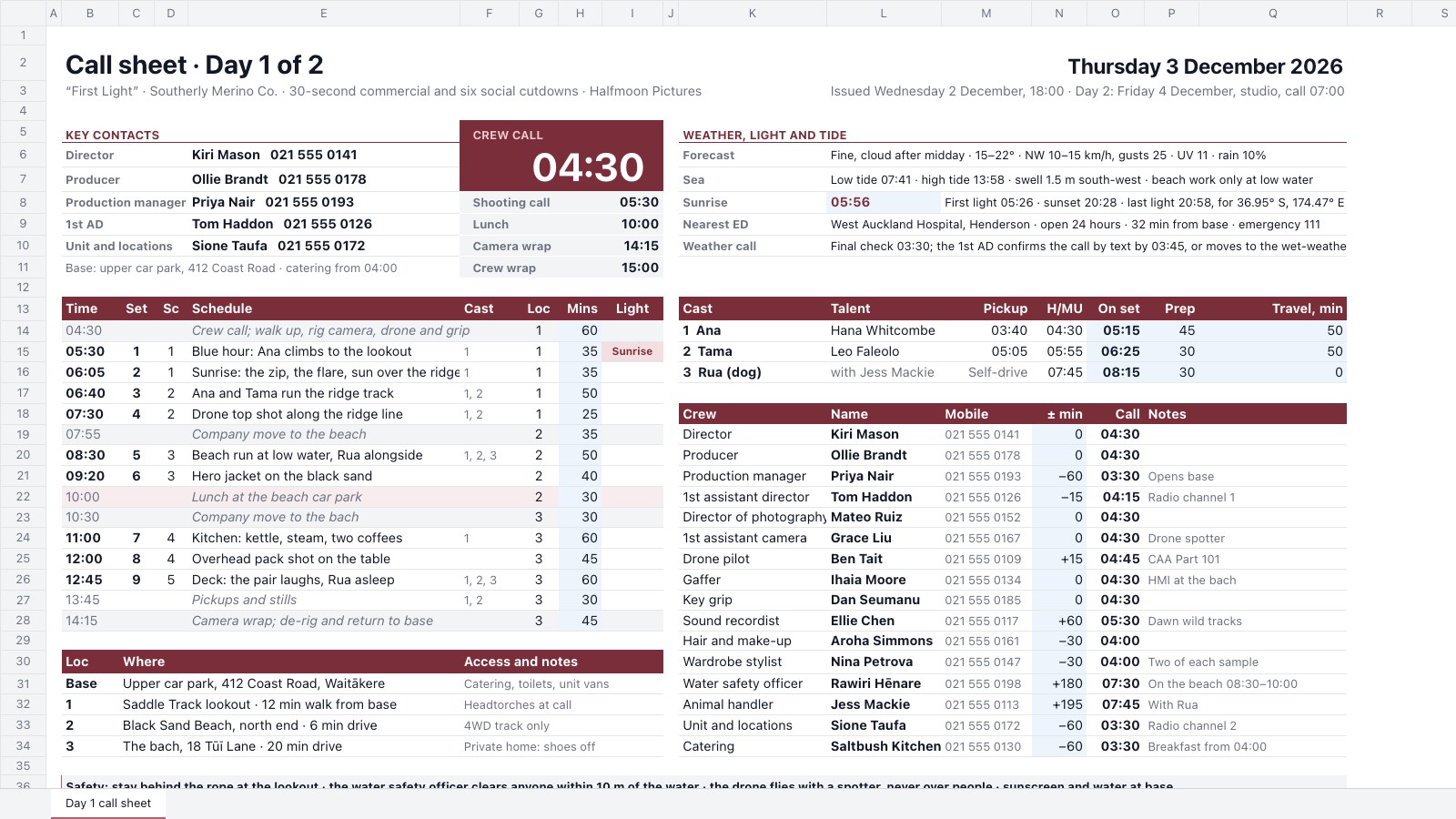
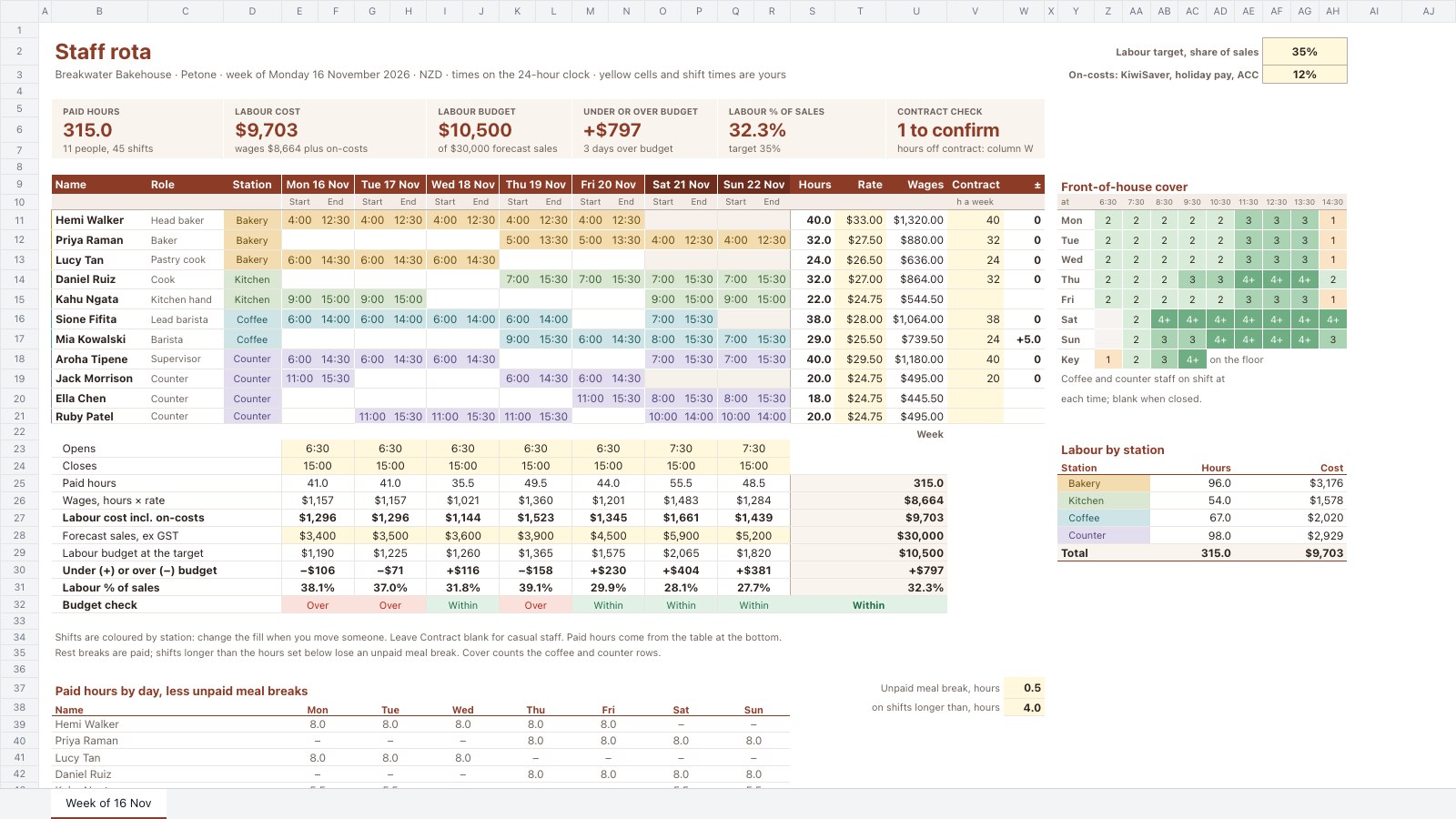
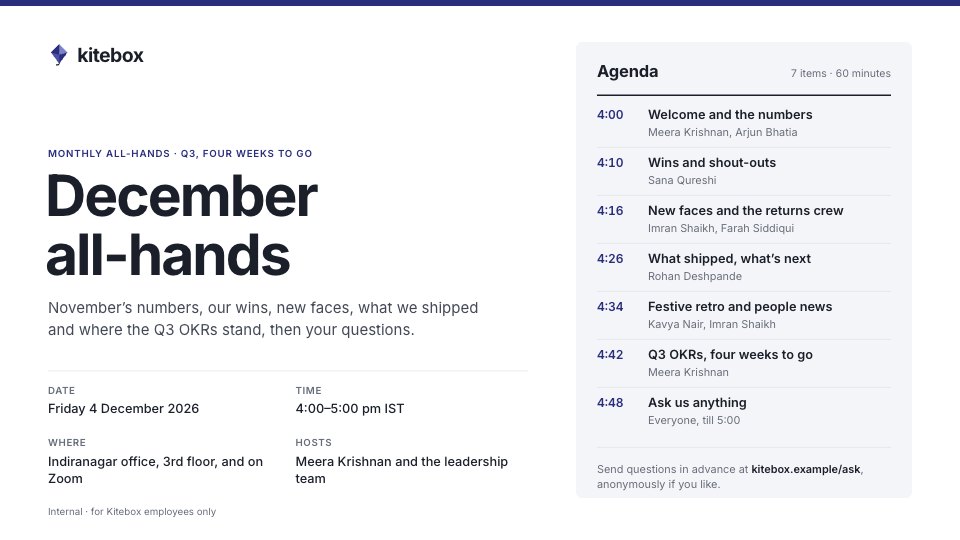
Start your document or form with Docsiv AI
Describe the client or the project and Docsiv AI writes a first draft of your inventory tracker for you to edit, share and send.