

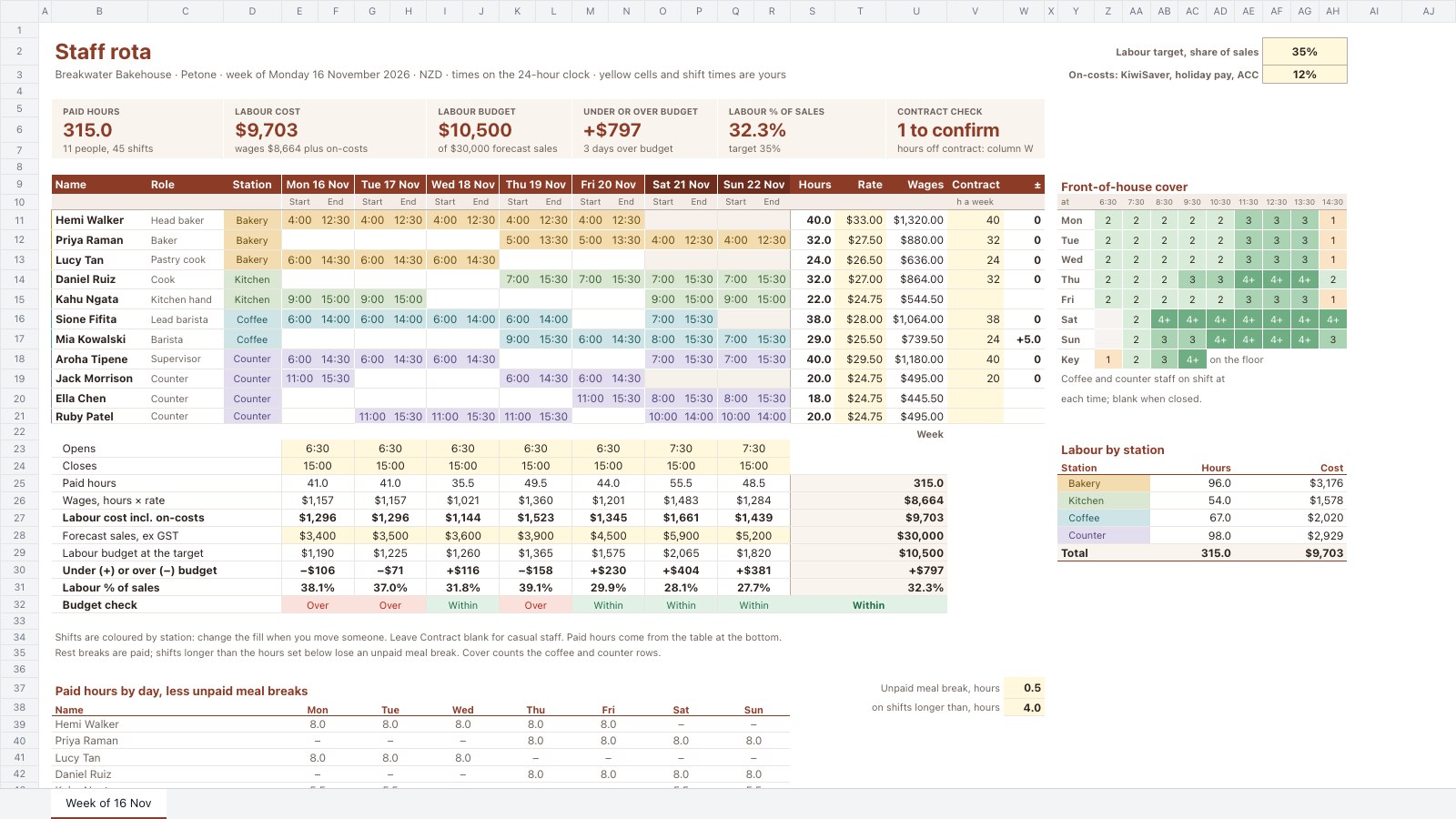
What’s inside the Staff Rota.
Real content in every part, ready to rewrite with your own.
- 1Rota: eleven people in four stations with Monday-to-Sunday start and end times, weekly paid hours less unpaid meal breaks, rate, wages and a contract check; each day’s opening hours, paid hours, wages, labour cost with on-costs, forecast sales, labour budget, the gap, labour % and a Within / Over check; front-of-house cover by hour; labour by station; a paid-hours table by person and day; tiles for hours, cost, budget, the gap, labour % and contracts to confirm
When to use it.
Staff Rota is a weekly shift planner for cafés, bakeries, shops and small restaurants. Each person's start and end times sit in their station's colour, so the week reads like a timeline. The sheet works out paid hours less unpaid meal breaks, wages at each person's rate and how far each person is from their contracted hours. Under the rota, every day's labour cost with on-costs is set against a budget at your target share of forecast sales, and beside it a cover grid shows how many staff are on the floor each hour, with labour by station.
Made for
- Finance and accounts teams
- Operations managers
- In-house marketing and design teams
- Founders running their own back office
Make it yours in four steps.
Open it in Spreadsheets and work through it, or let Docsiv AI do the first pass with your details.
- Step 1
Replace the team with your own people, their station, hourly rate and contracted hours.
- Step 2
Set your opening hours, labour target, on-costs and meal break rule.
- Step 3
Type each shift's start and end time on the 24-hour clock, and change the fill when someone moves station.
- Step 4
Enter the forecast sales for each day, then trim shifts on any day marked Over before you publish the rota.
Start from the Staff Rota now.
Questions about this template.
Something else on your mind? Ask us in the chat, bottom right of the page.
Is the Staff Rota template free?
Yes. Create a free account and it opens in Docsiv's Spreadsheets app, ready to edit and share. The Free plan includes every Docsiv app and 500 AI credits a month.
Can I change the colours, fonts and text?
Yes, all of it. The template uses Inter with #8c3b26, #f3ddb0, #d9e7d3, #cfe4e6, #e3ddf0, #fff8dc, and you can change any of them, rewrite every word and add or remove rows and columns.
What can I export it as?
Spreadsheets in Docsiv offers: XLSX, CSV and PDF exports. Once it's saved, you can also share it with a link.
Can Docsiv AI write the staff rota for me?
Yes. Tell Docsiv AI about the client or project and it can draft the content in this template's style, which you then review and edit. AI uses credits; the Free plan includes 500 a month.
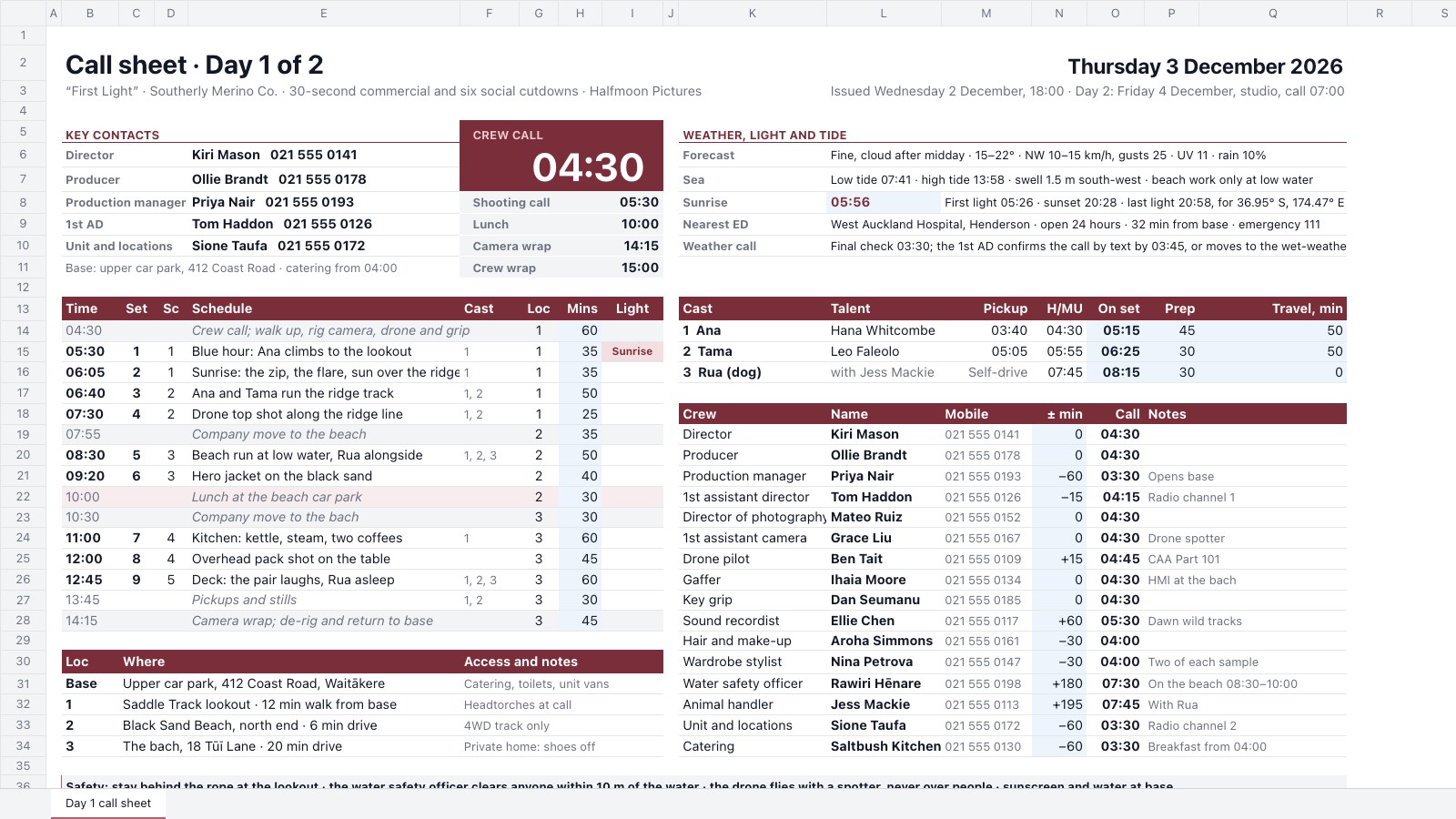
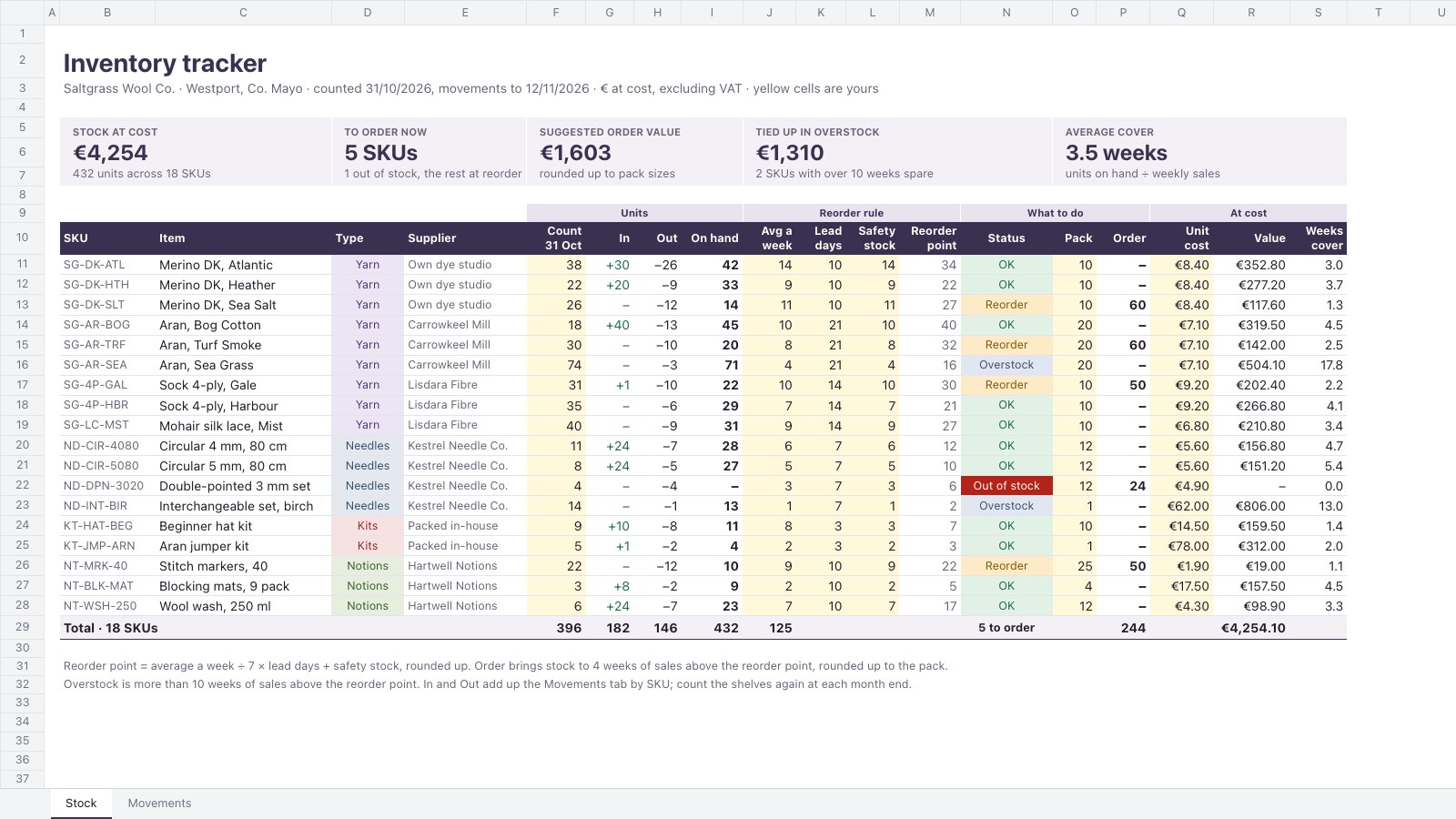
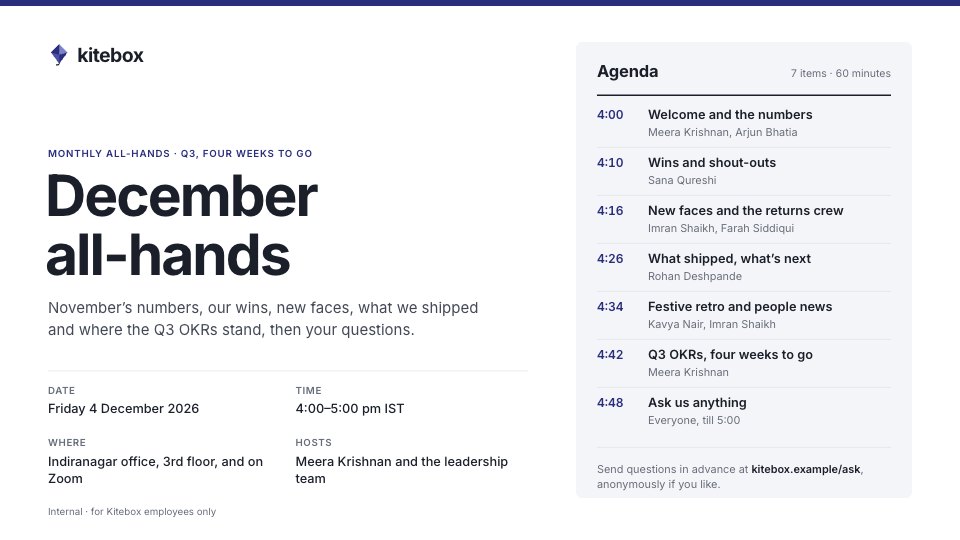
Start your document or form with Docsiv AI
Describe the client or the project and Docsiv AI writes a first draft of your staff rota for you to edit, share and send.