

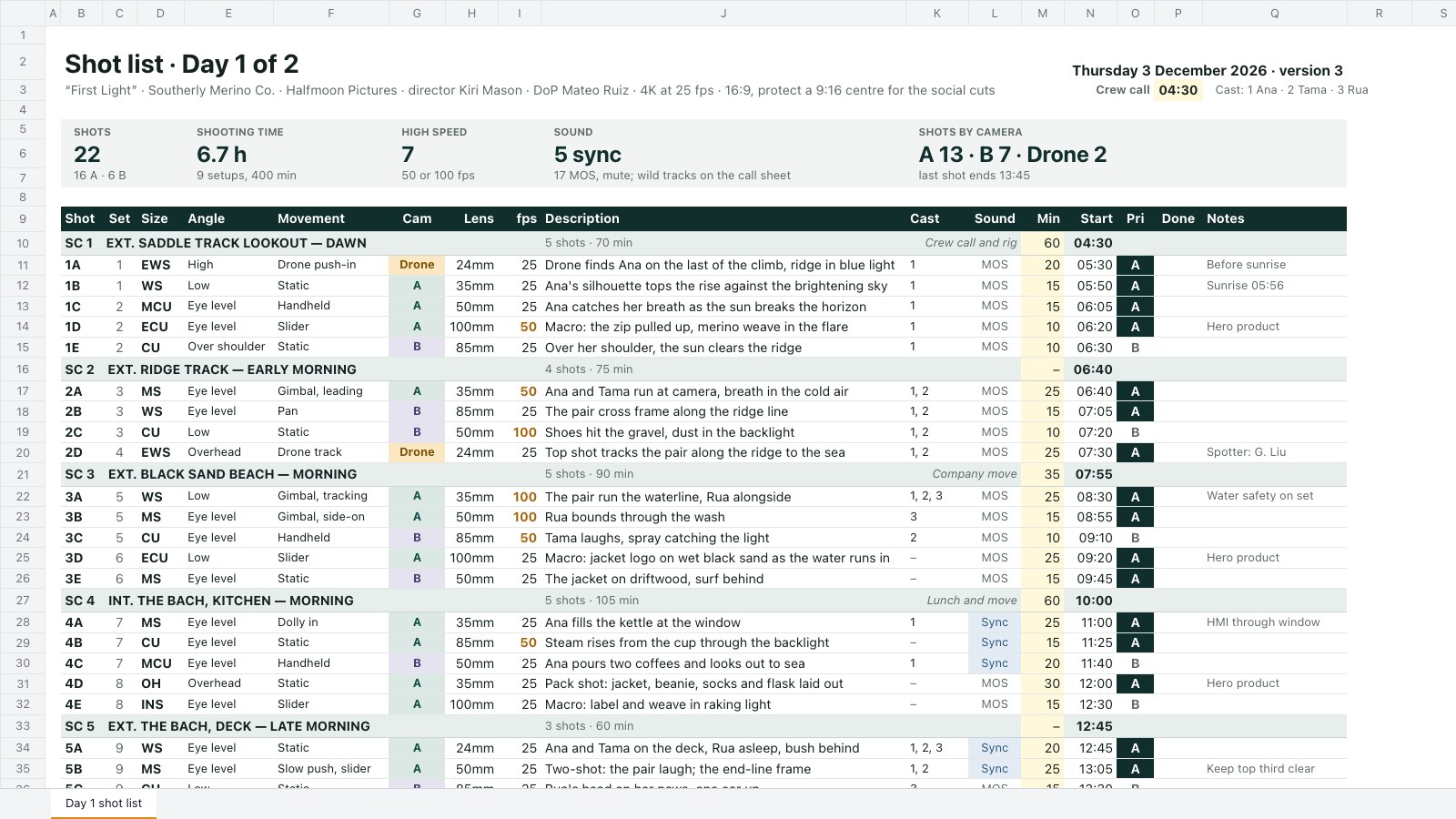
What’s inside the Shot List.
Real content in every part, ready to rewrite with your own.
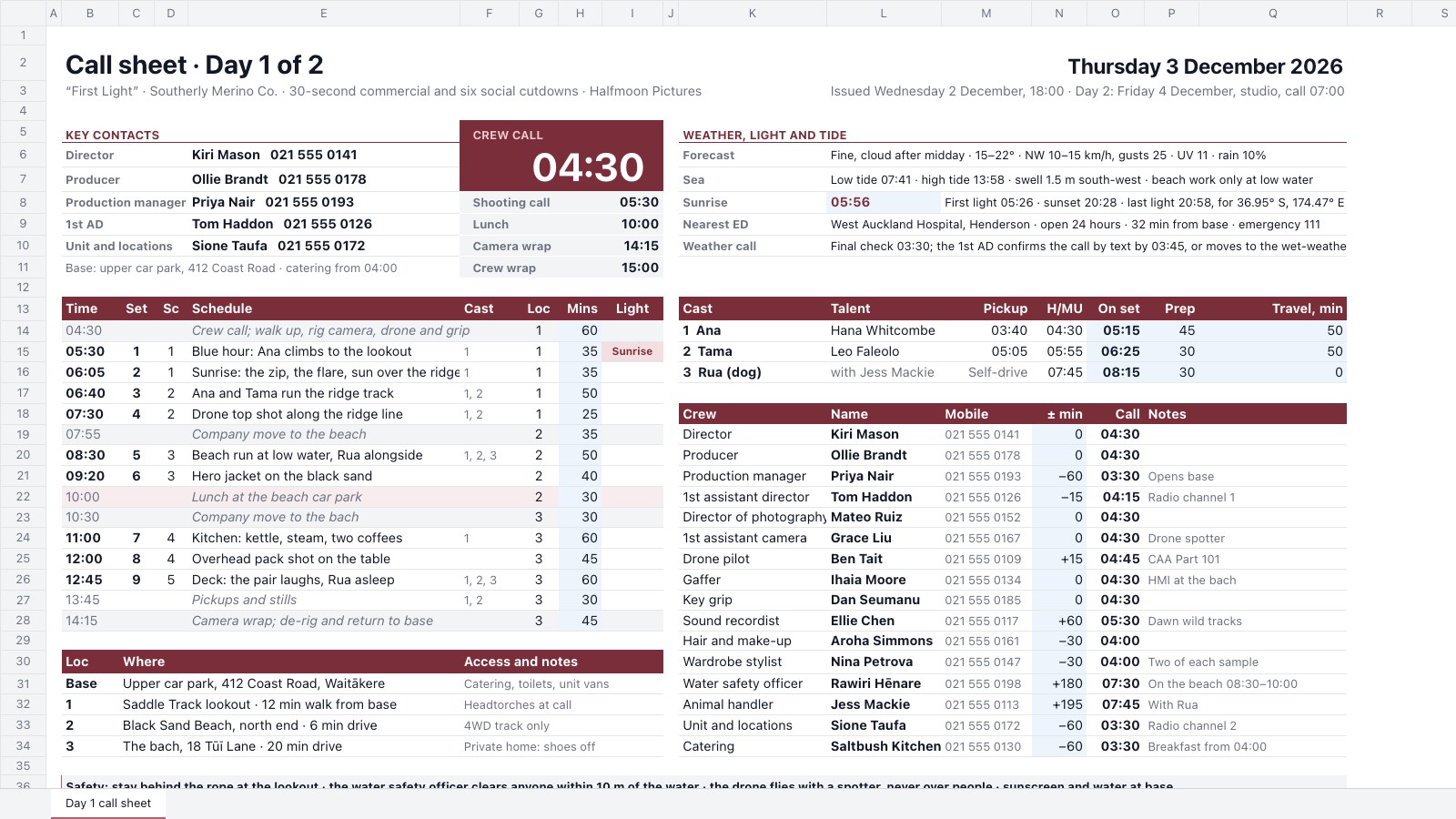
- 1Day 1 shot list: 22 shots under five scene headings (sluglines), each with setup, size, angle, movement, camera, lens, fps, description, cast, sync or MOS, minutes, a start time chained from the crew call through rig, moves and lunch, A/B priority, a Done mark and notes; scene rows count their shots and minutes; tiles for shots, shooting time and setups, high-speed shots, sound and shots by camera
When to use it.
Shot List is a spreadsheet for directors, DoPs and assistant directors planning a commercial, brand film or music video shoot. Shots sit under screenplay-style scene headings, each with its setup, shot size, angle, movement, camera, lens, frame rate, description, cast, sync or MOS, minutes and an A or B priority. Start times chain from the crew call through the rig, moves and lunch, so they match the call sheet, and each scene counts its shots and minutes. Tiles show the shot count, shooting time and setups, high-speed and sync shots, and shots per camera.
Made for
- Agencies running client projects
- Content and social teams
- Web designers and developers
- Project managers
Make it yours in four steps.
Open it in Spreadsheets and work through it, or let Docsiv AI do the first pass with your details.
- Step 1
Change the production, date and crew call at the top to match your call sheet.
- Step 2
Rename the scene headings and replace the shots with your own, picking size, camera, sound and priority from the dropdowns.
- Step 3
Type the minutes for each shot and for the rig, moves and lunch on the scene rows; the start times follow.
- Step 4
On the day, mark each shot Done as it's in the can, and drop B shots first if you fall behind.
Start from the Shot List now.
Questions about this template.
Something else on your mind? Ask us in the chat, bottom right of the page.
Is the Shot List template free?
Yes. Create a free account and it opens in Docsiv's Spreadsheets app, ready to edit and share. The Free plan includes every Docsiv app and 500 AI credits a month.
Can I change the colours, fonts and text?
Yes, all of it. The template uses Inter with #0f2e2c, #e7eeec, #d98b1e, #45386e, #fff8db, and you can change any of them, rewrite every word and add or remove rows and columns.
What can I export it as?
Spreadsheets in Docsiv offers: XLSX, CSV and PDF exports. Once it's saved, you can also share it with a link.
Can Docsiv AI write the shot list for me?
Yes. Tell Docsiv AI about the client or project and it can draft the content in this template's style, which you then review and edit. AI uses credits; the Free plan includes 500 a month.
Gantt Chart
PreviewContent Calendar
PreviewOKR Tracker
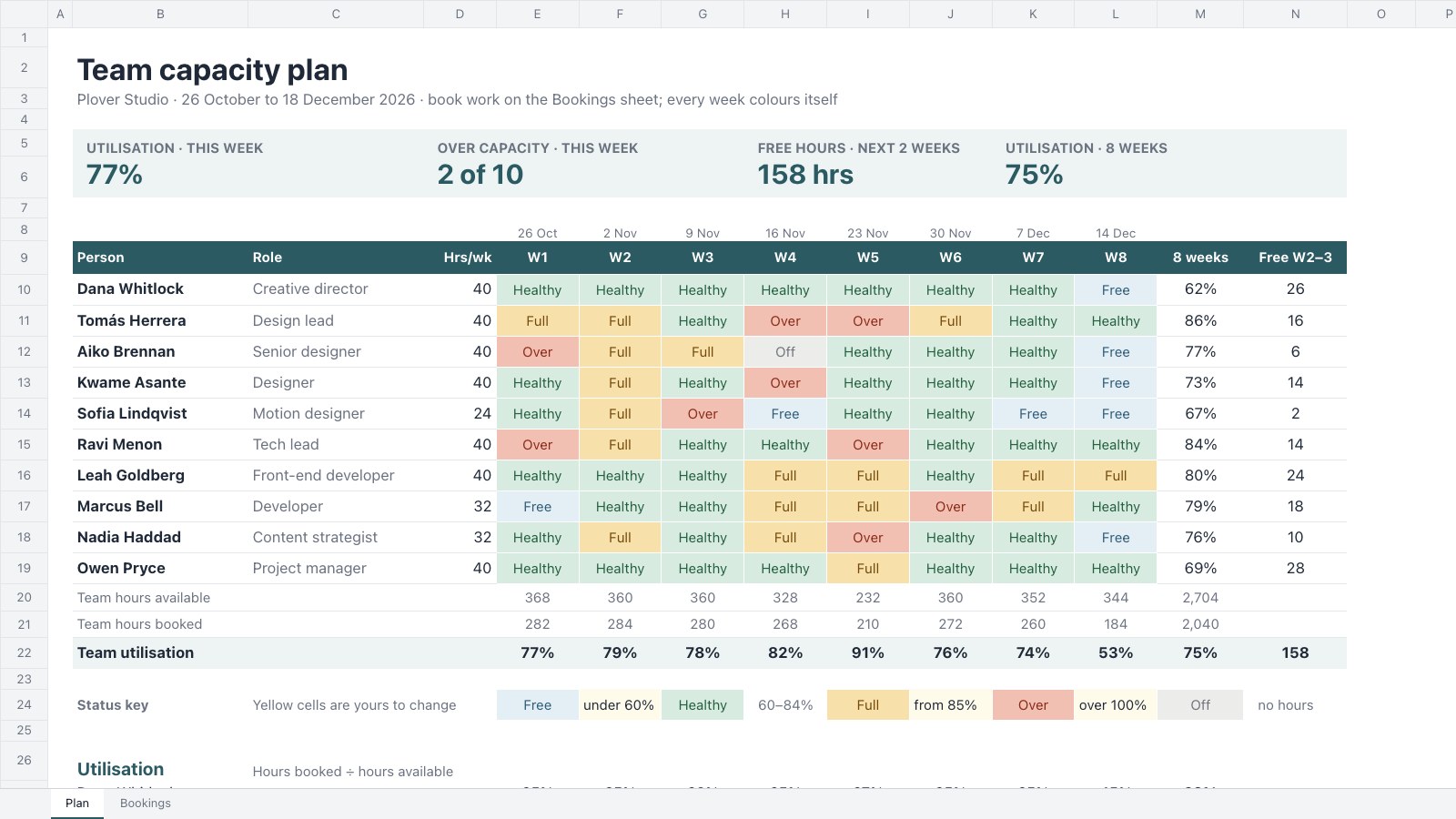
PreviewTeam Capacity Planner
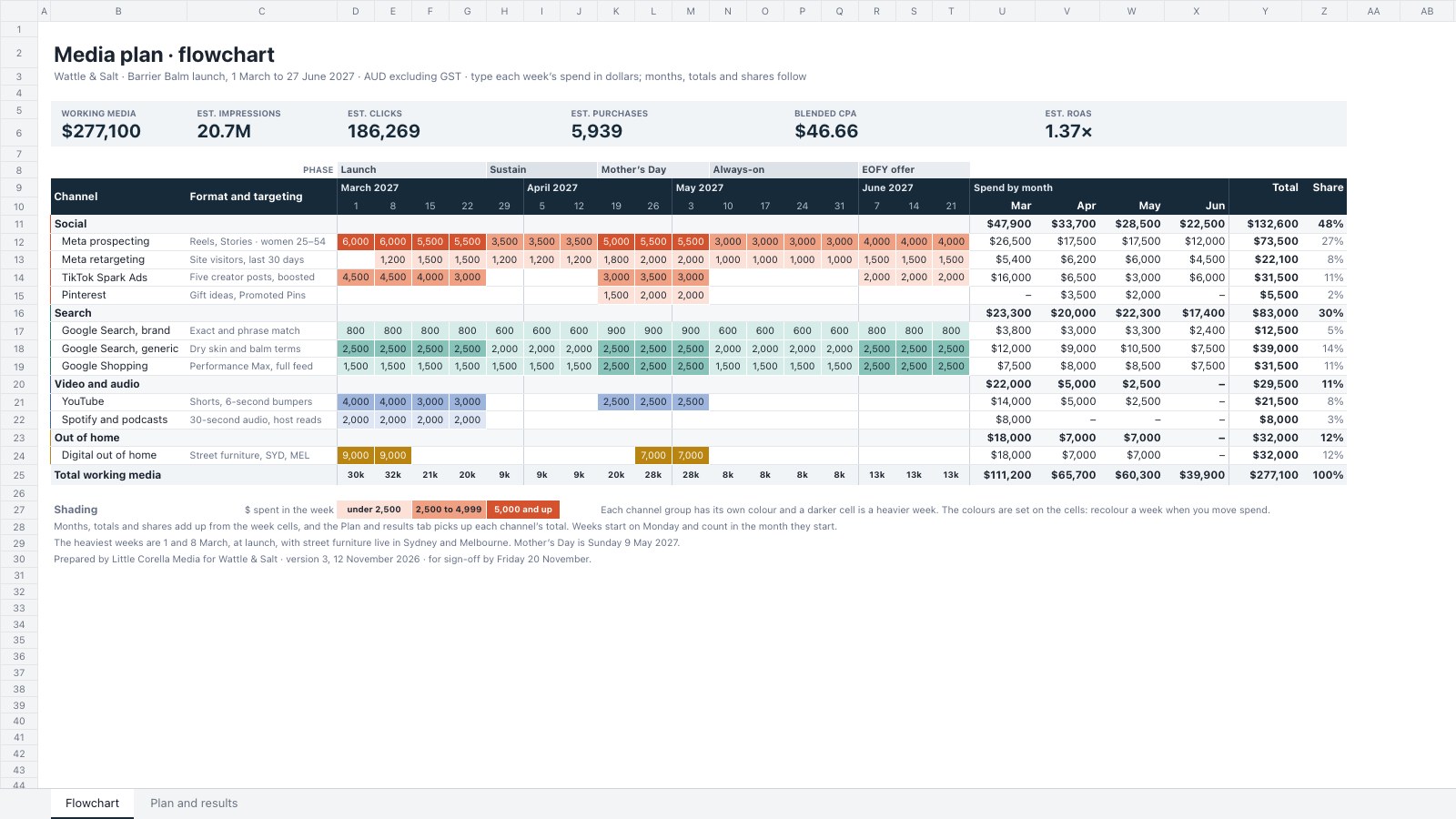
PreviewMedia Plan
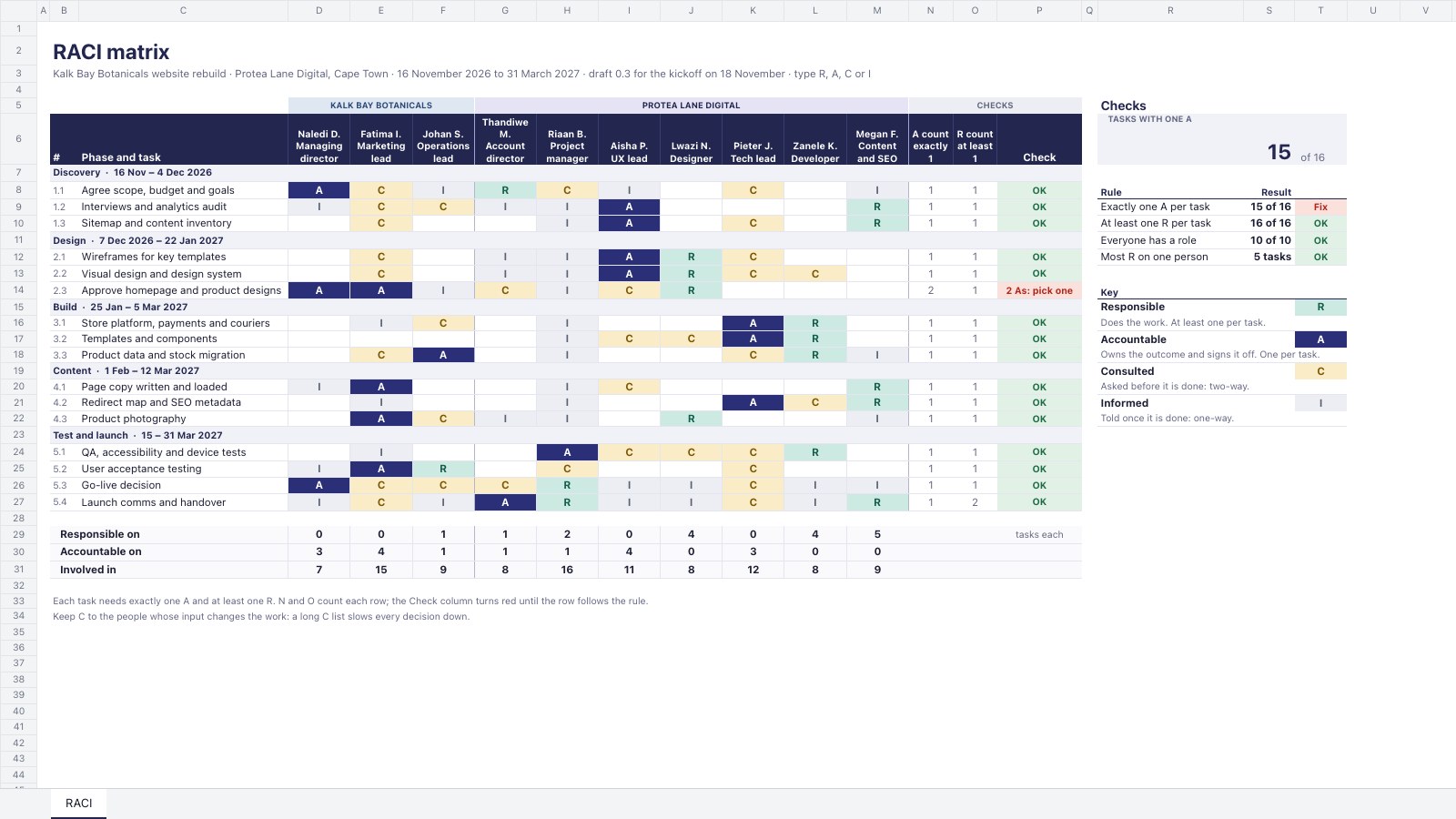
PreviewRACI Matrix
Preview
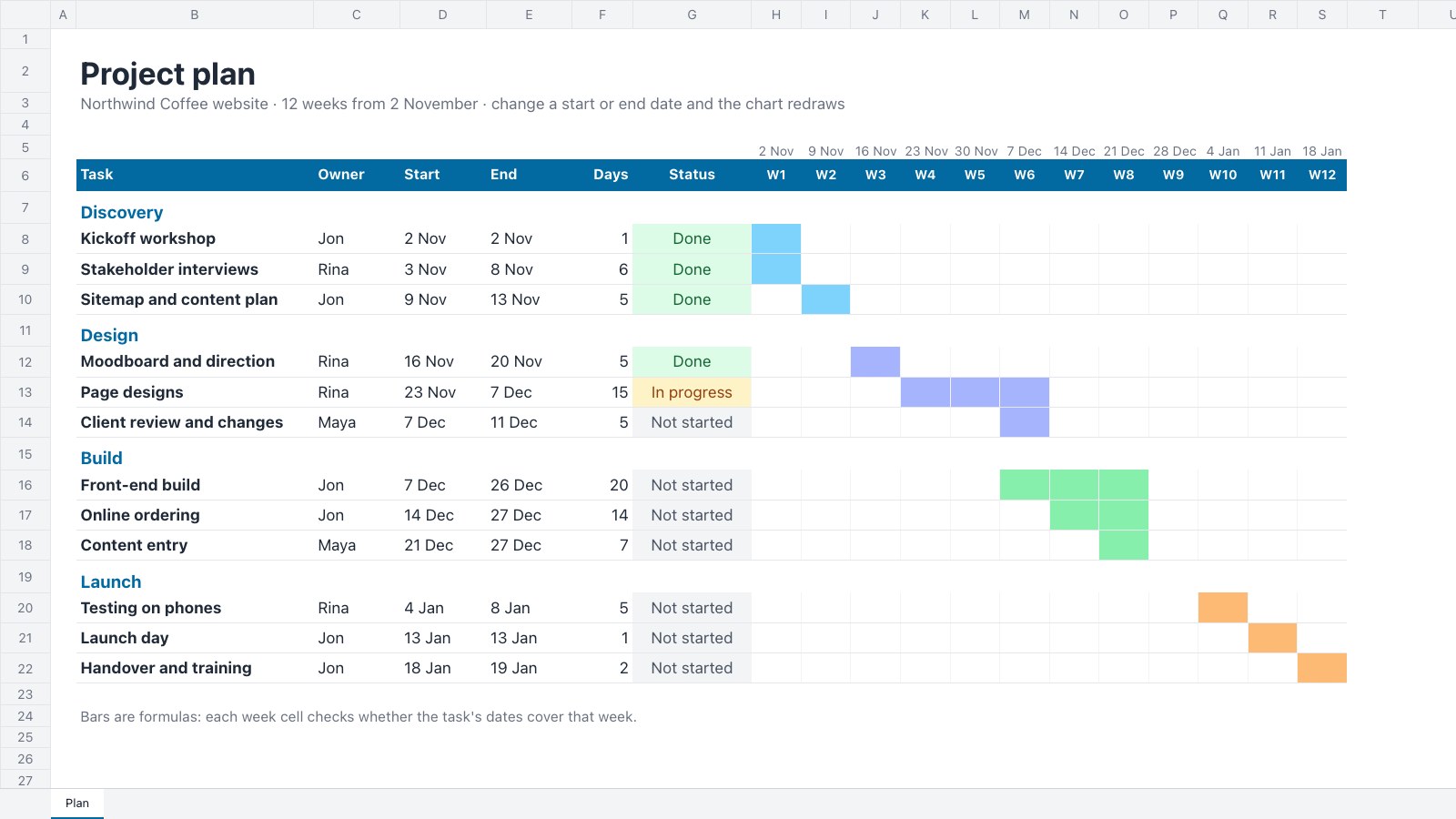
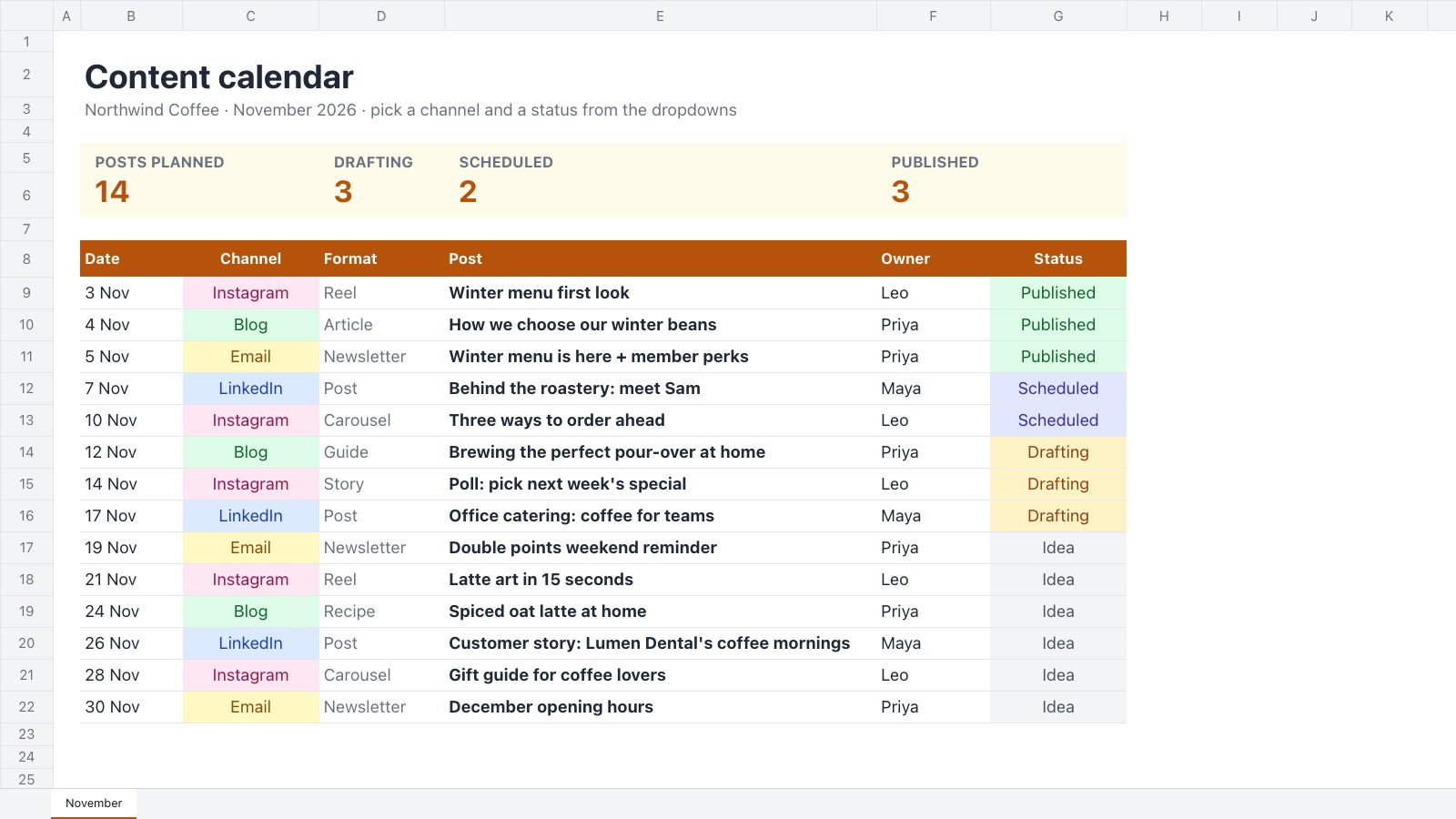
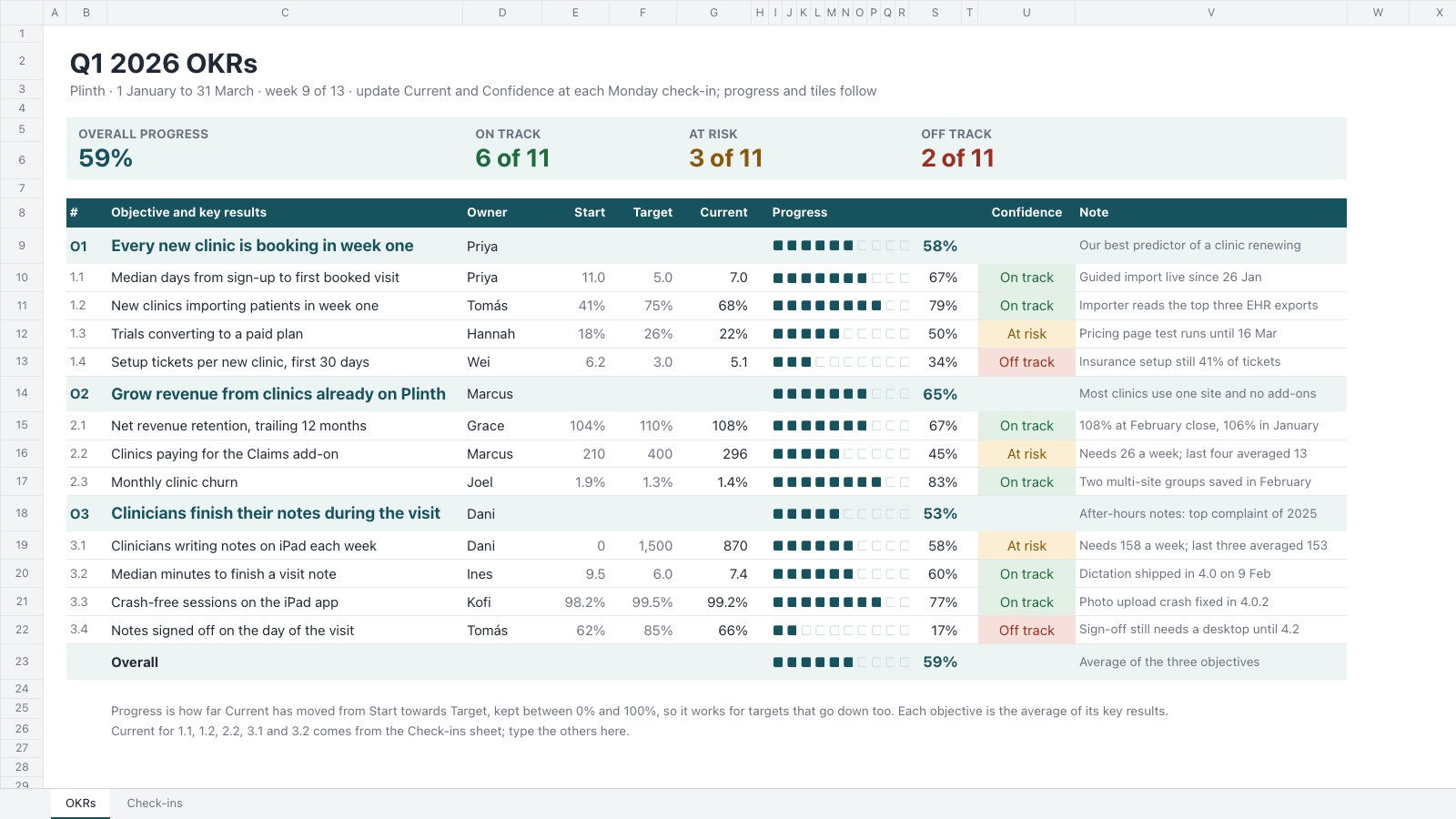
Starting from a description instead? Try the Online whiteboard.
Start your plan with Docsiv AI
Describe the client or the project and Docsiv AI writes a first draft of your shot list for you to edit, share and send.