

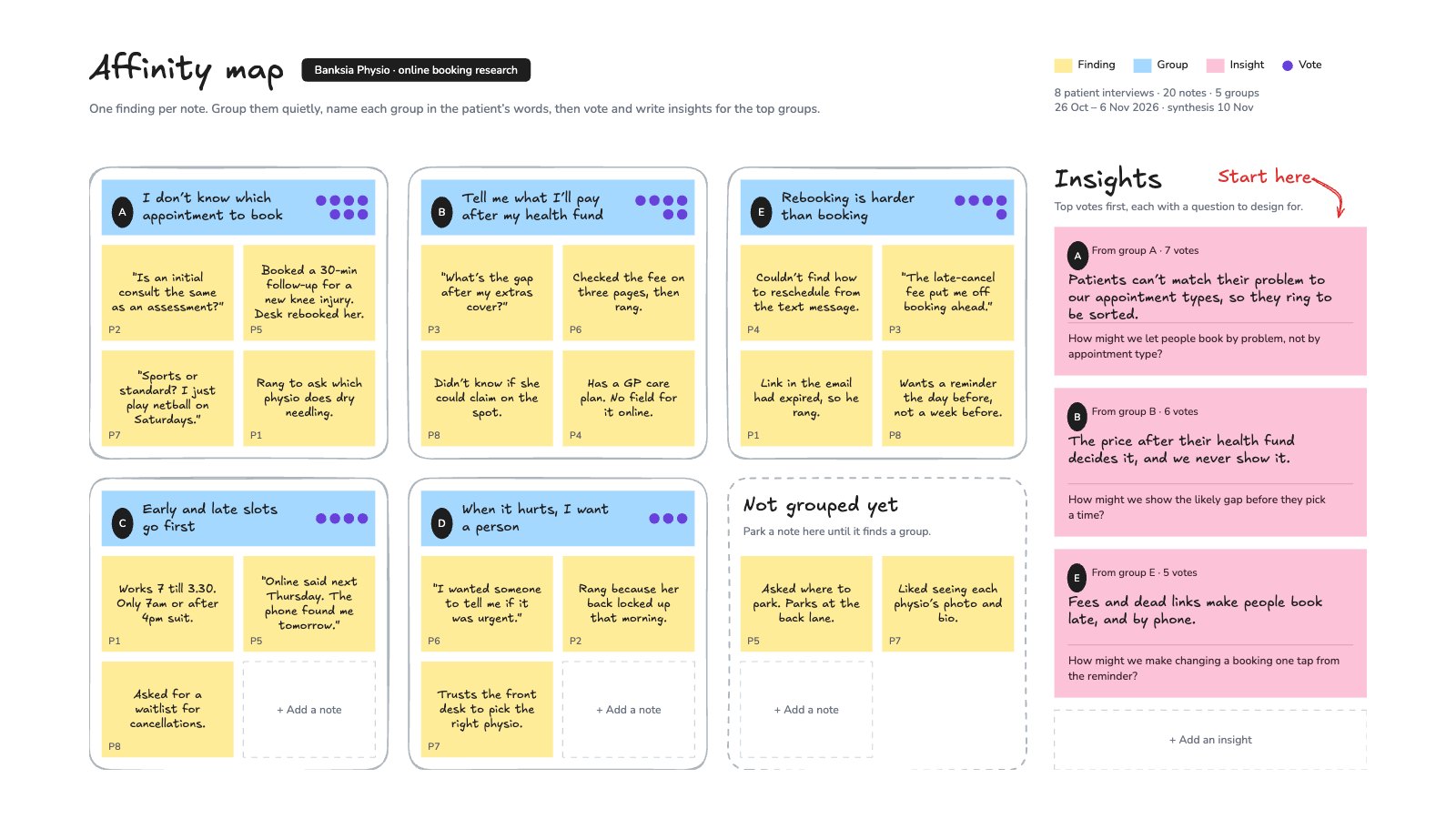
What’s inside the Affinity Map.
Real content in every part, ready to rewrite with your own.
- 120 interview findings on yellow notes, each tagged with its participant
- 25 groups under blue labels in the patient’s own words, with dot votes
- 3A dashed corner for notes not grouped yet, and empty notes to add more
- 4Three pink insights in vote order, each with a “How might we” question
When to use it.
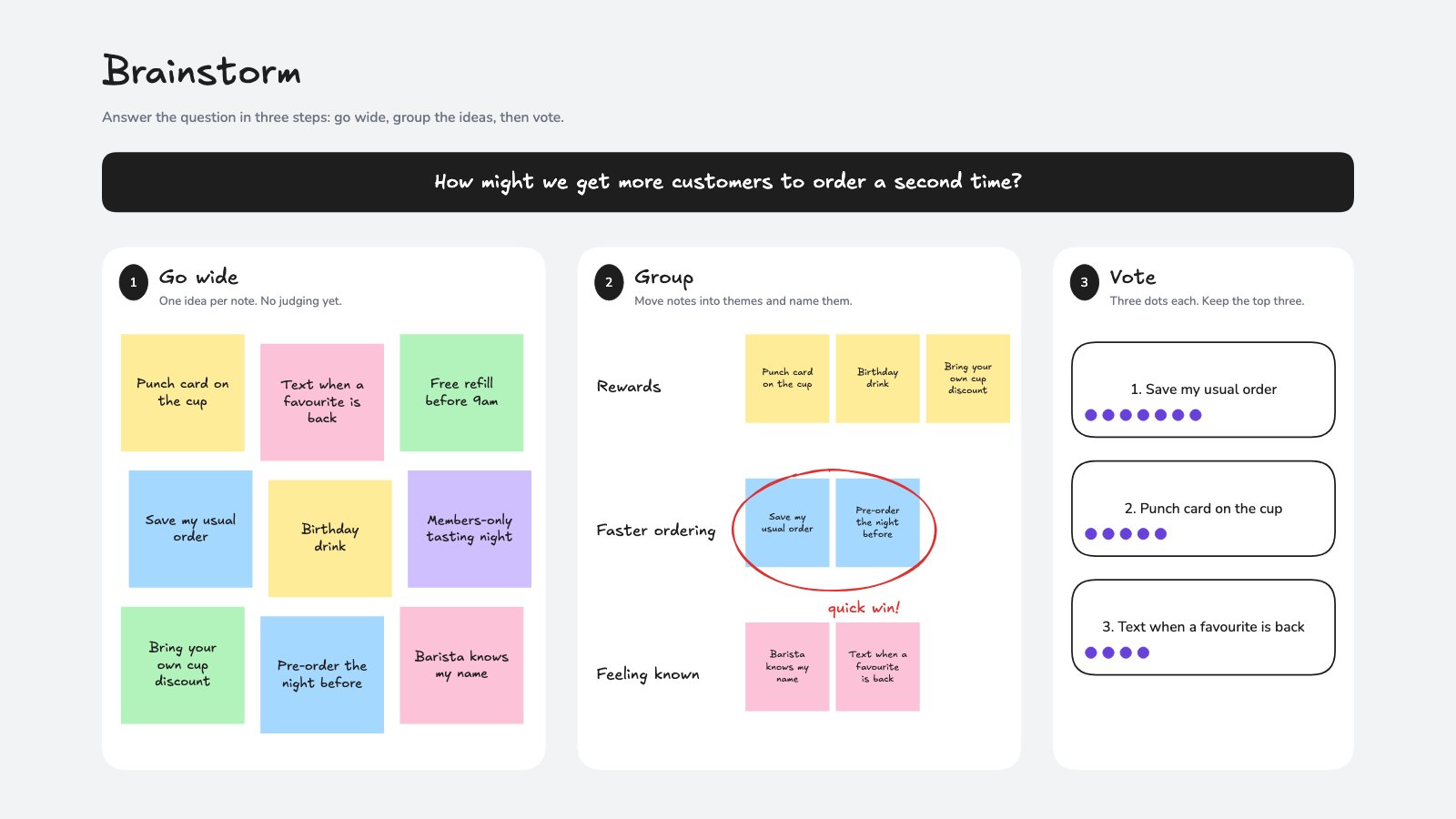
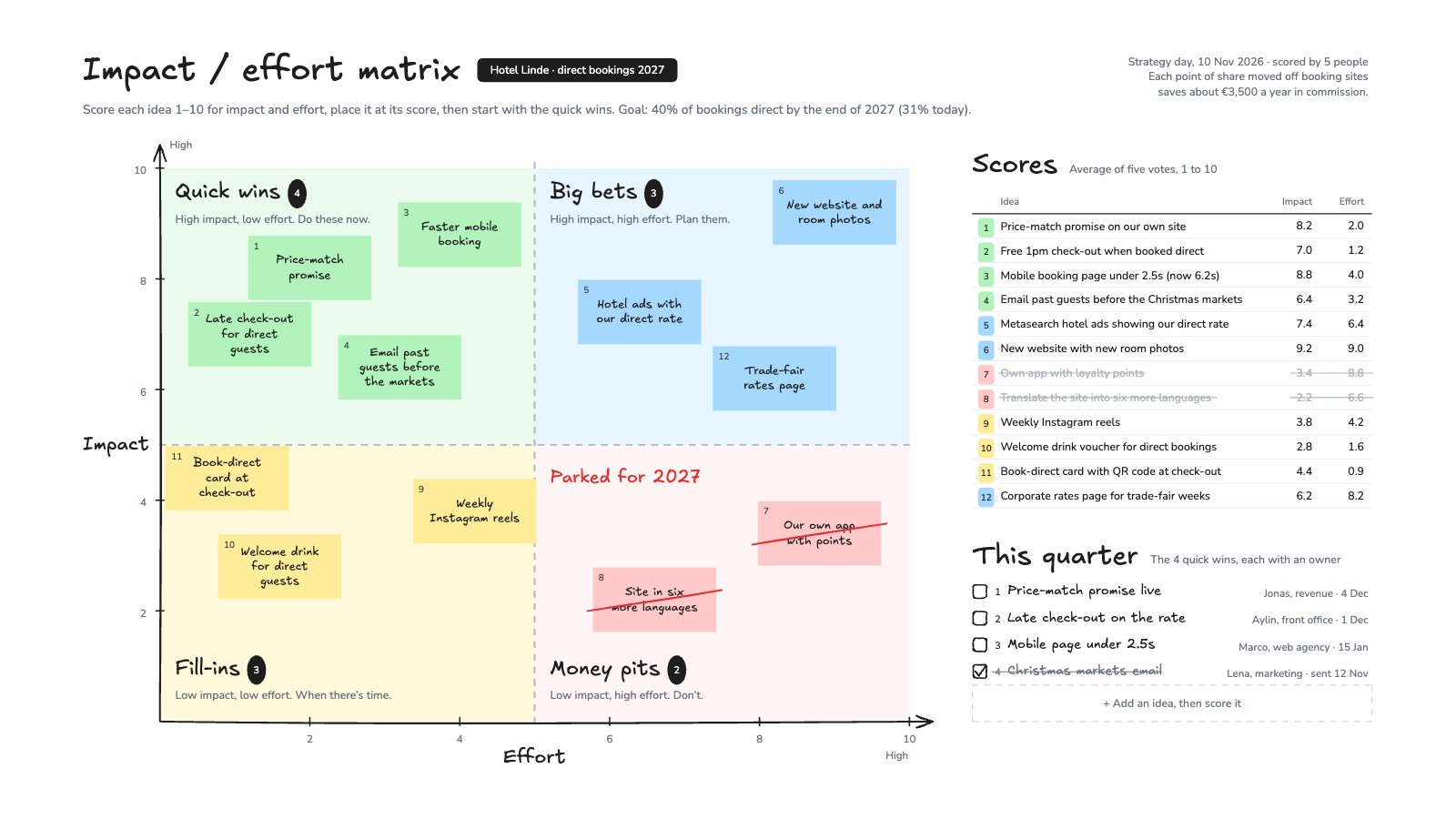
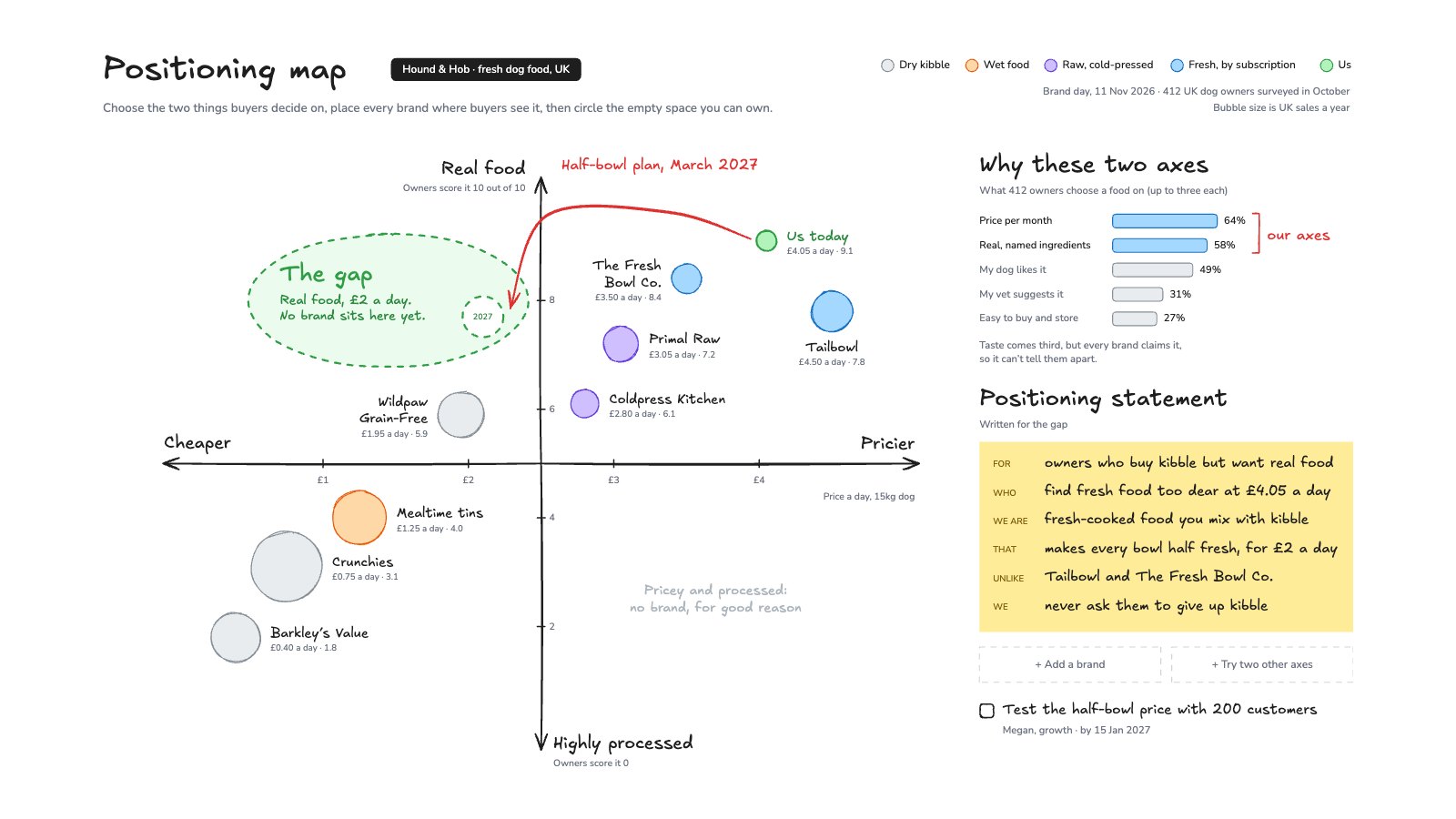
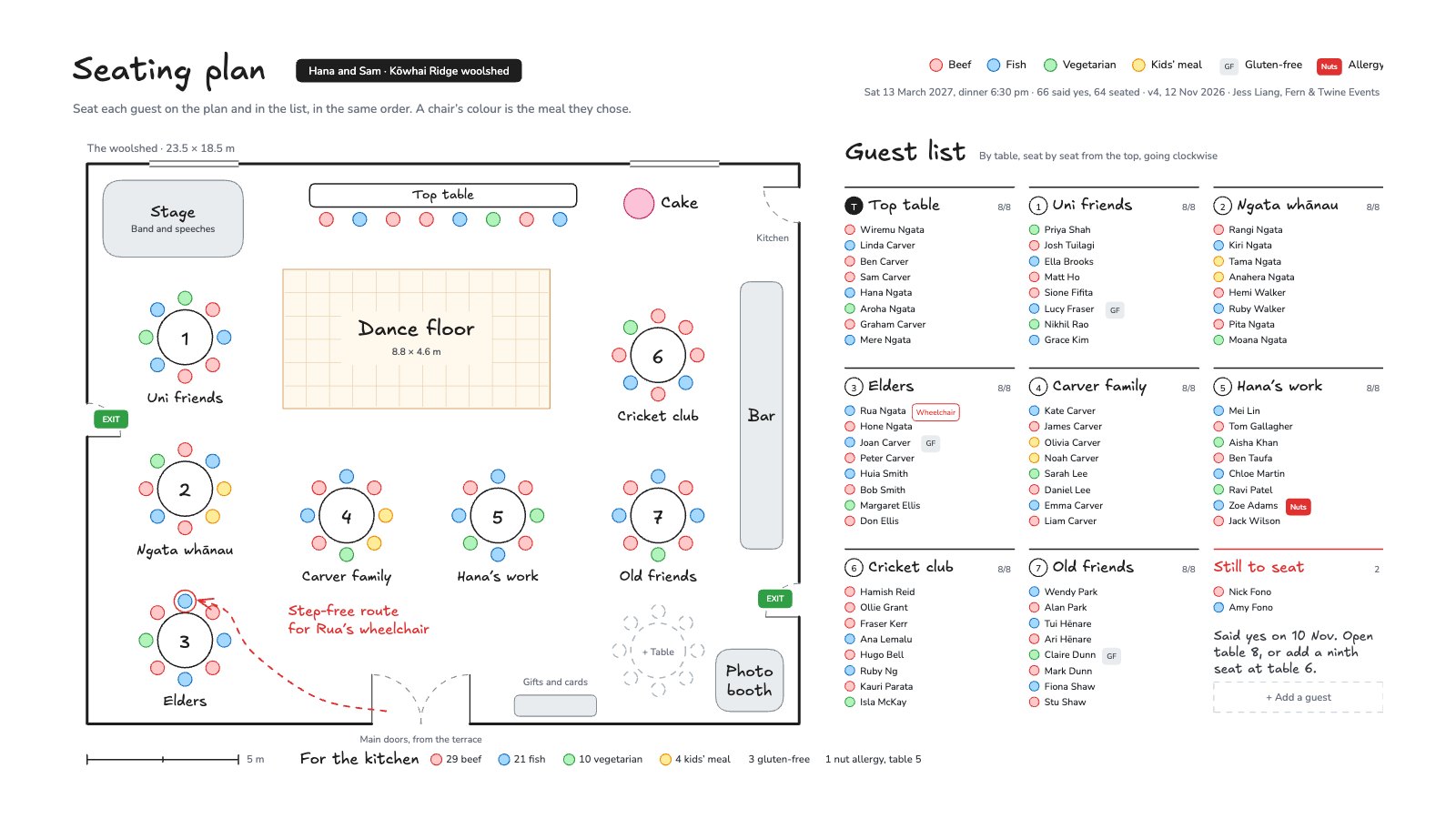
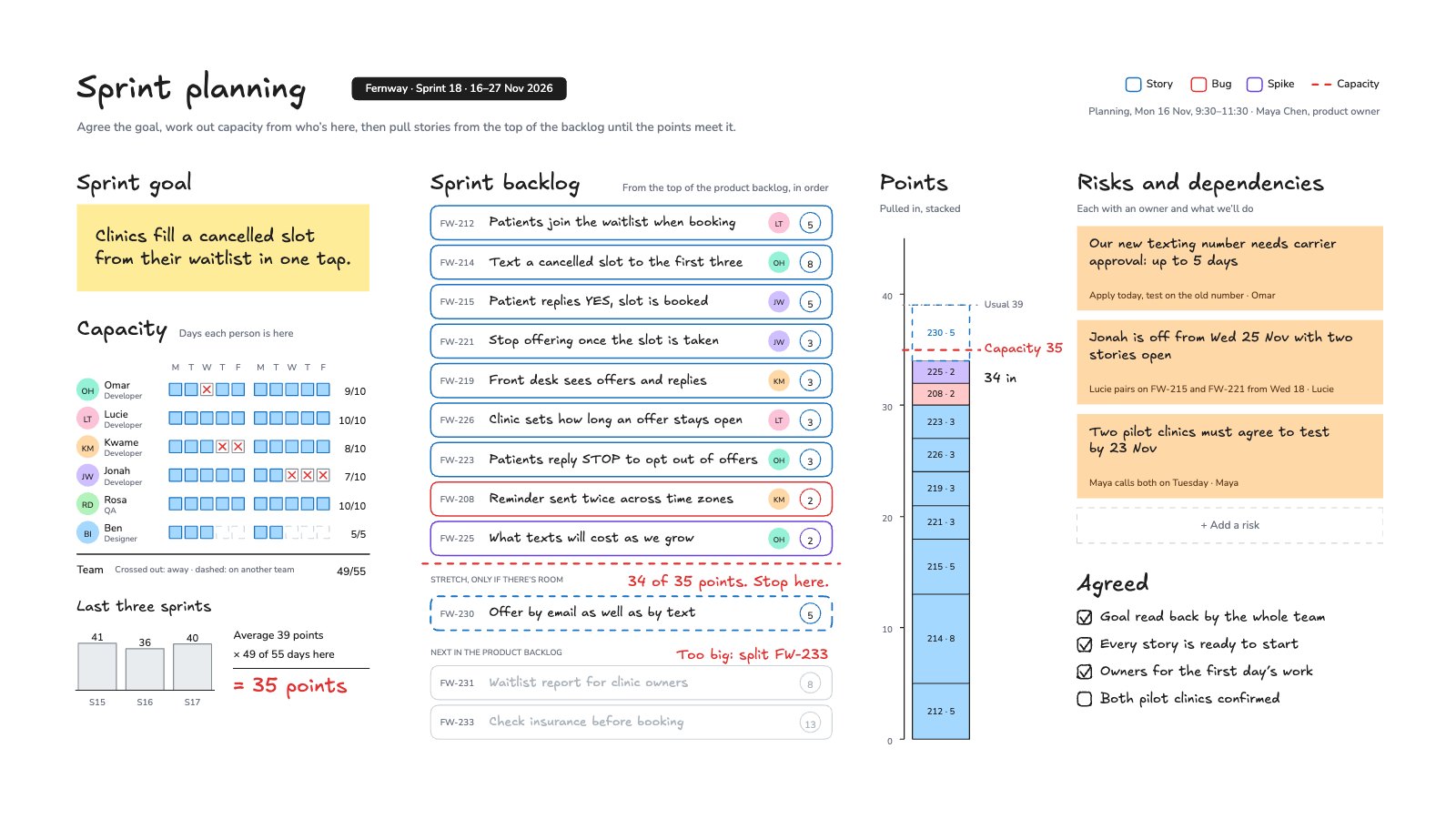
Affinity Map is a whiteboard for making sense of interview notes, usability tests or survey comments as a team. Each finding goes on its own yellow note tagged with the participant who said it, the notes are grouped under blue labels written in the customer’s own words, and dot votes show which groups matter most. The top groups become pink insight cards, each ending in a “How might we” question to design for. The example sorts eight patient interviews for a physio clinic, with a corner for notes that don’t fit yet.
Made for
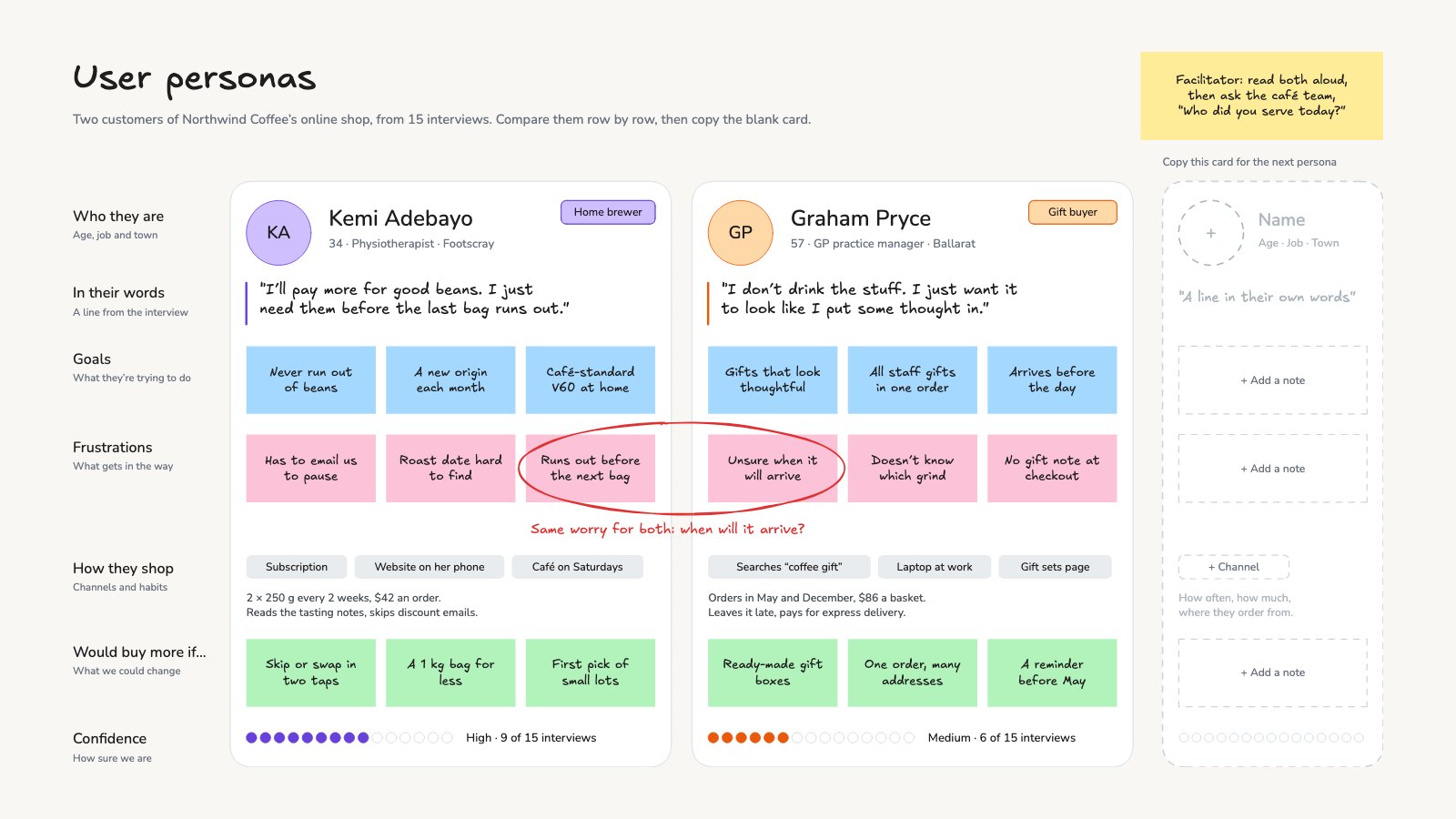
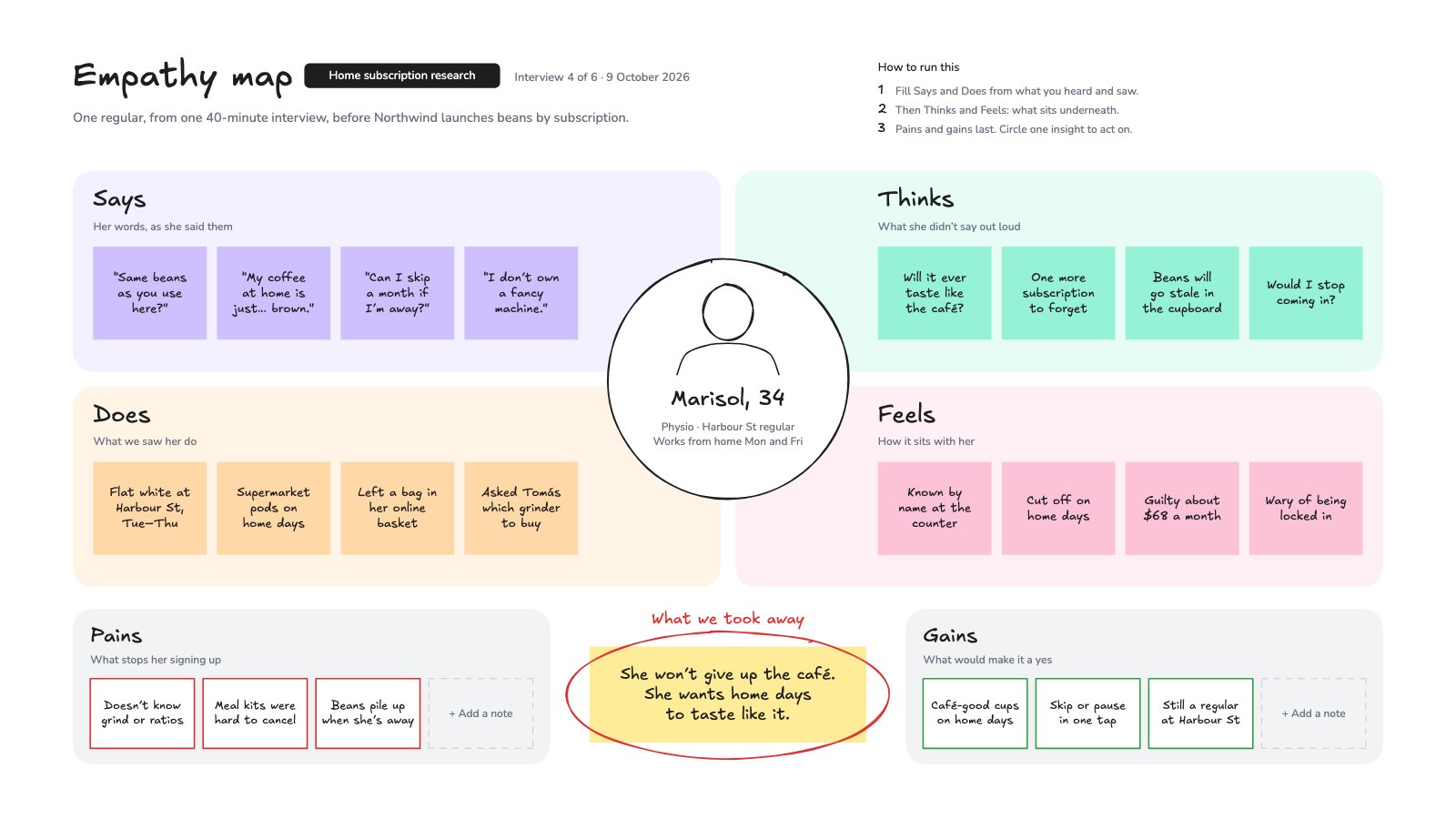
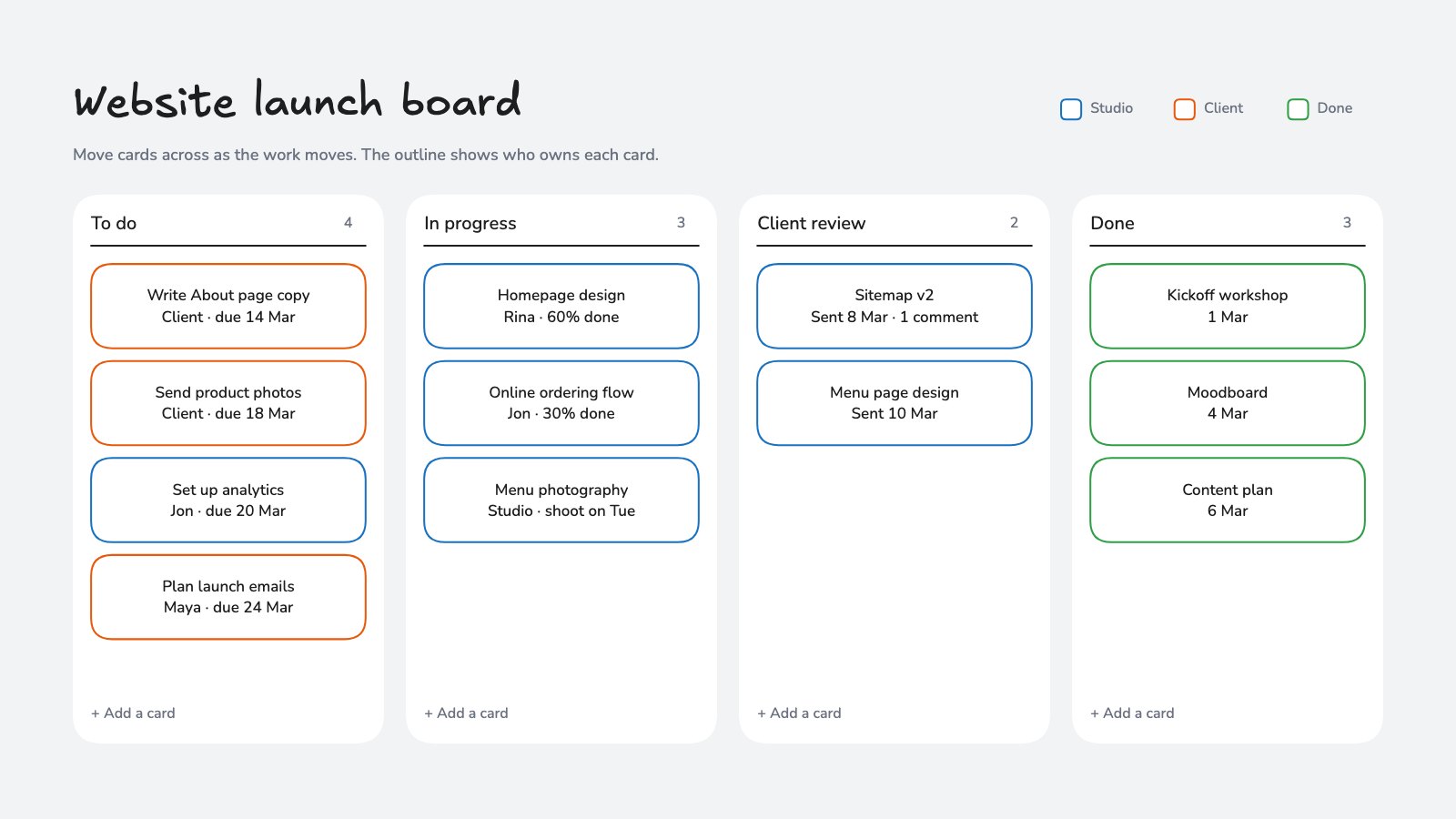
- Agencies running discovery and kickoff sessions
- Consultants and strategists
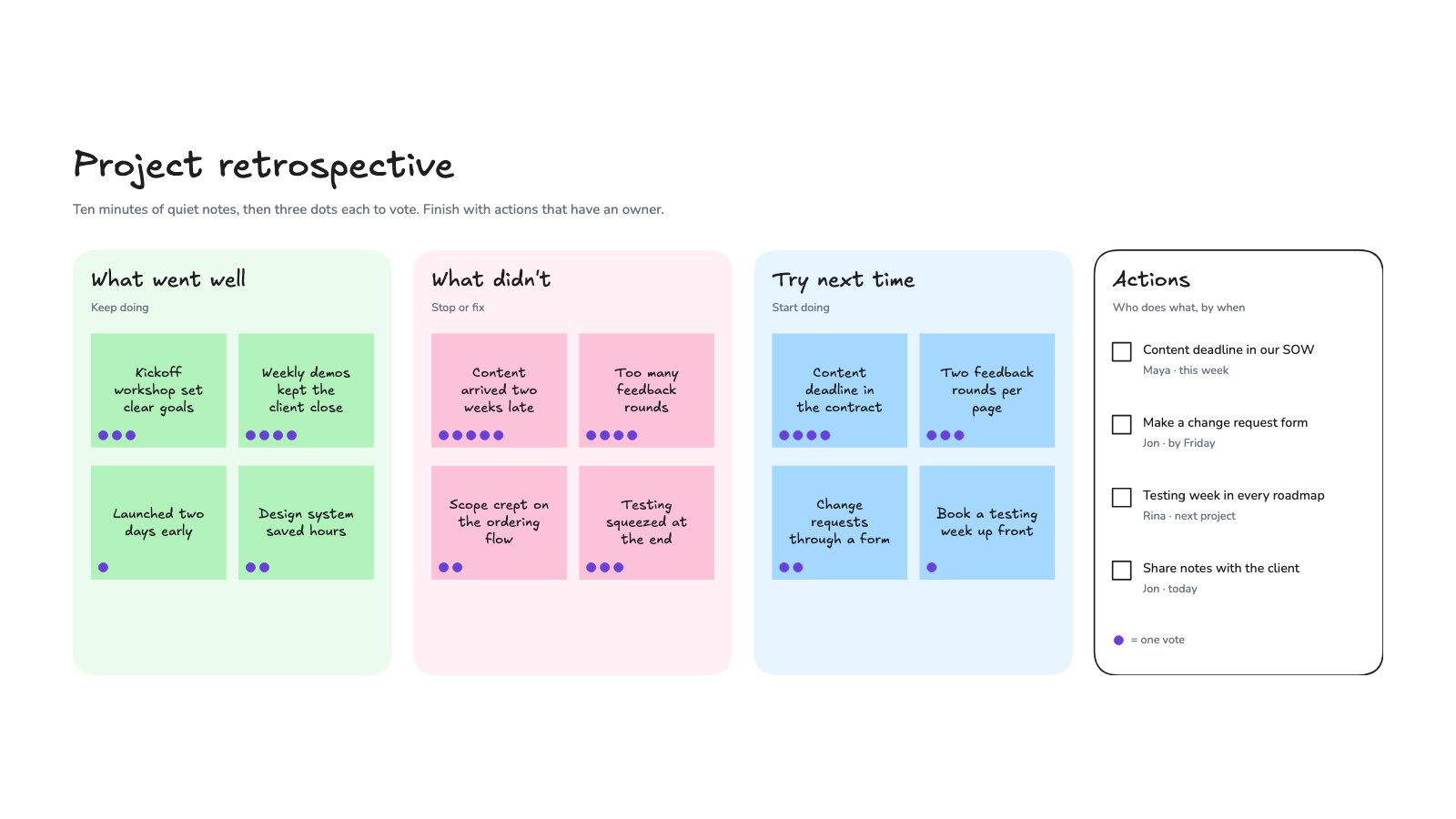
- Team leads running retrospectives
- Product and UX teams
Make it yours in four steps.
Open it in Whiteboard and work through it, or let Docsiv AI do the first pass with your details.
- Step 1
Write one finding per yellow note and tag it with the participant’s code, like P3.
- Step 2
Move the notes into groups without talking, then name each group in the customer’s own words.
- Step 3
Give everyone a few dots to vote with, and add them to the group labels.
- Step 4
Write an insight and a “How might we” question for each of the top groups, then share the board.
Start from the Affinity Map now.
Questions about this template.
Something else on your mind? Ask us in the chat, bottom right of the page.
Is the Affinity Map template free?
Yes. Create a free account and it opens in Docsiv's Whiteboard app, ready to edit and share. The Free plan includes every Docsiv app and 500 AI credits a month.
Can I change the colours, fonts and text?
Yes, all of it. The template uses Excalifont and Nunito with #ffec99, #a5d8ff, #fcc2d7, #6741d9, #adb5bd, #e03131, and you can change any of them, rewrite every word and add or remove notes, shapes and connectors.
What can I export it as?
Whiteboard in Docsiv offers: Excalidraw boards, PNG and SVG exports. Once it's saved, you can also share it with a link.
Can Docsiv AI write the affinity map for me?
Yes. Tell Docsiv AI about the client or project and it can draft the content in this template's style, which you then review and edit. AI uses credits; the Free plan includes 500 a month.
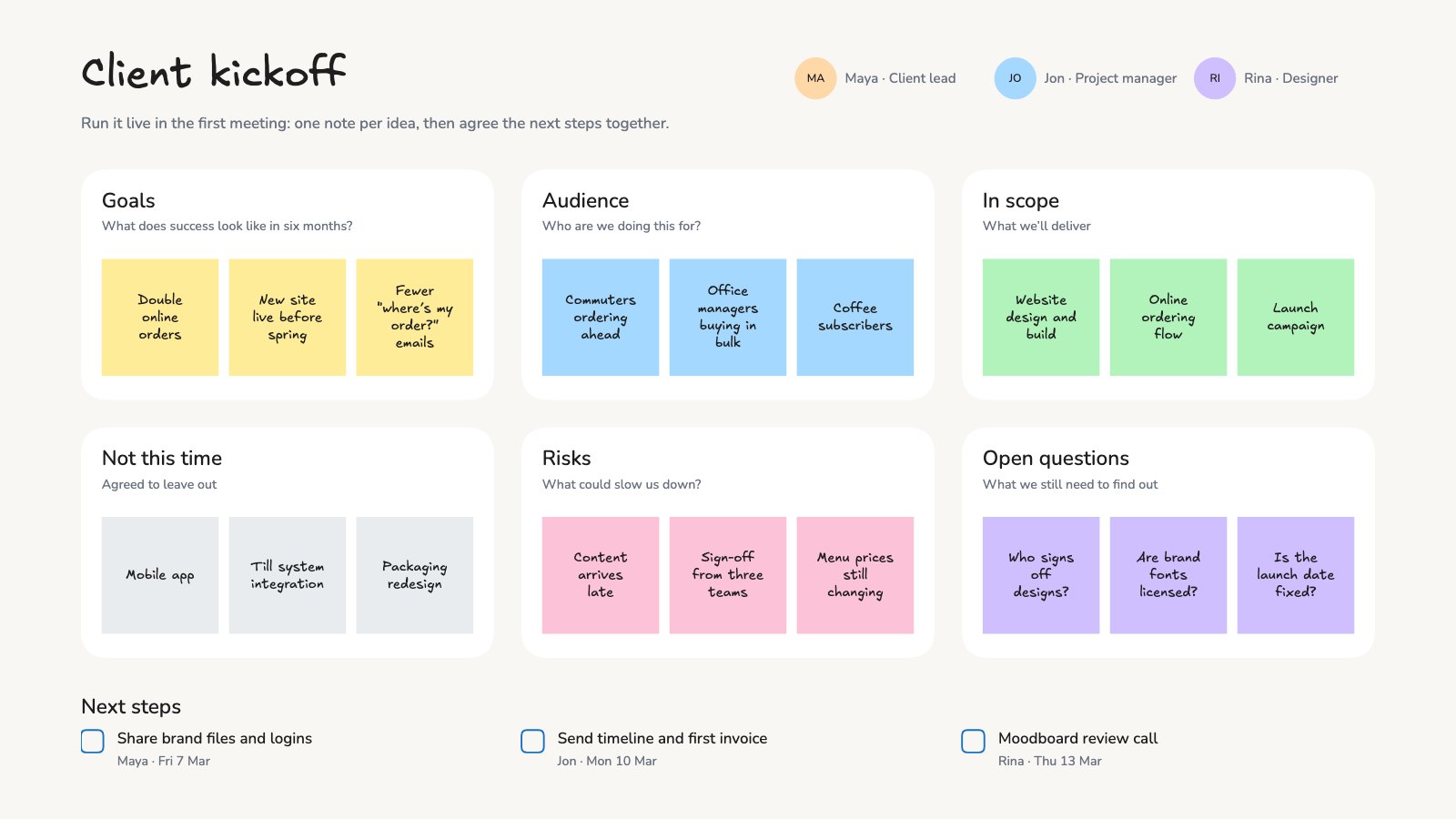
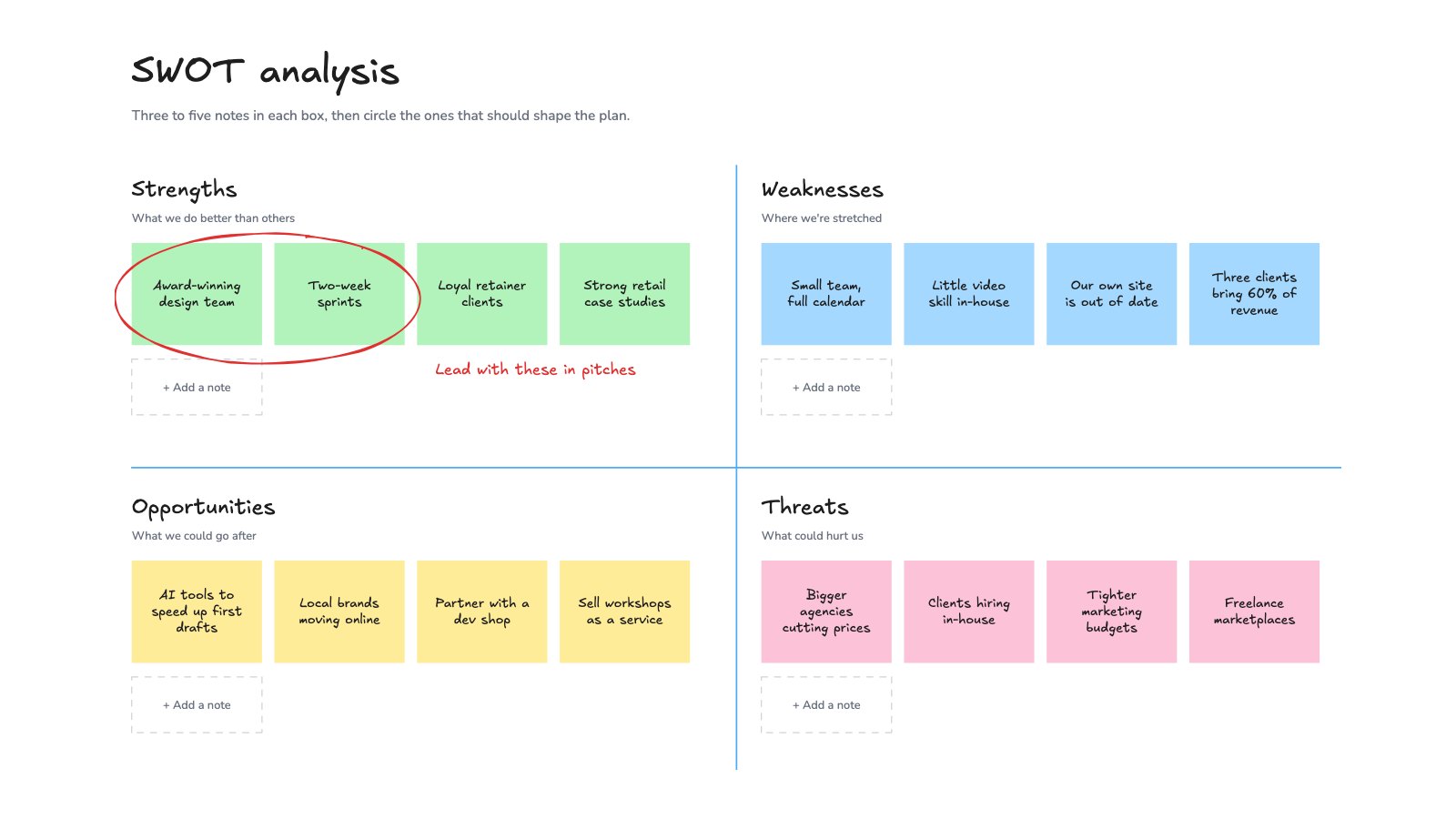
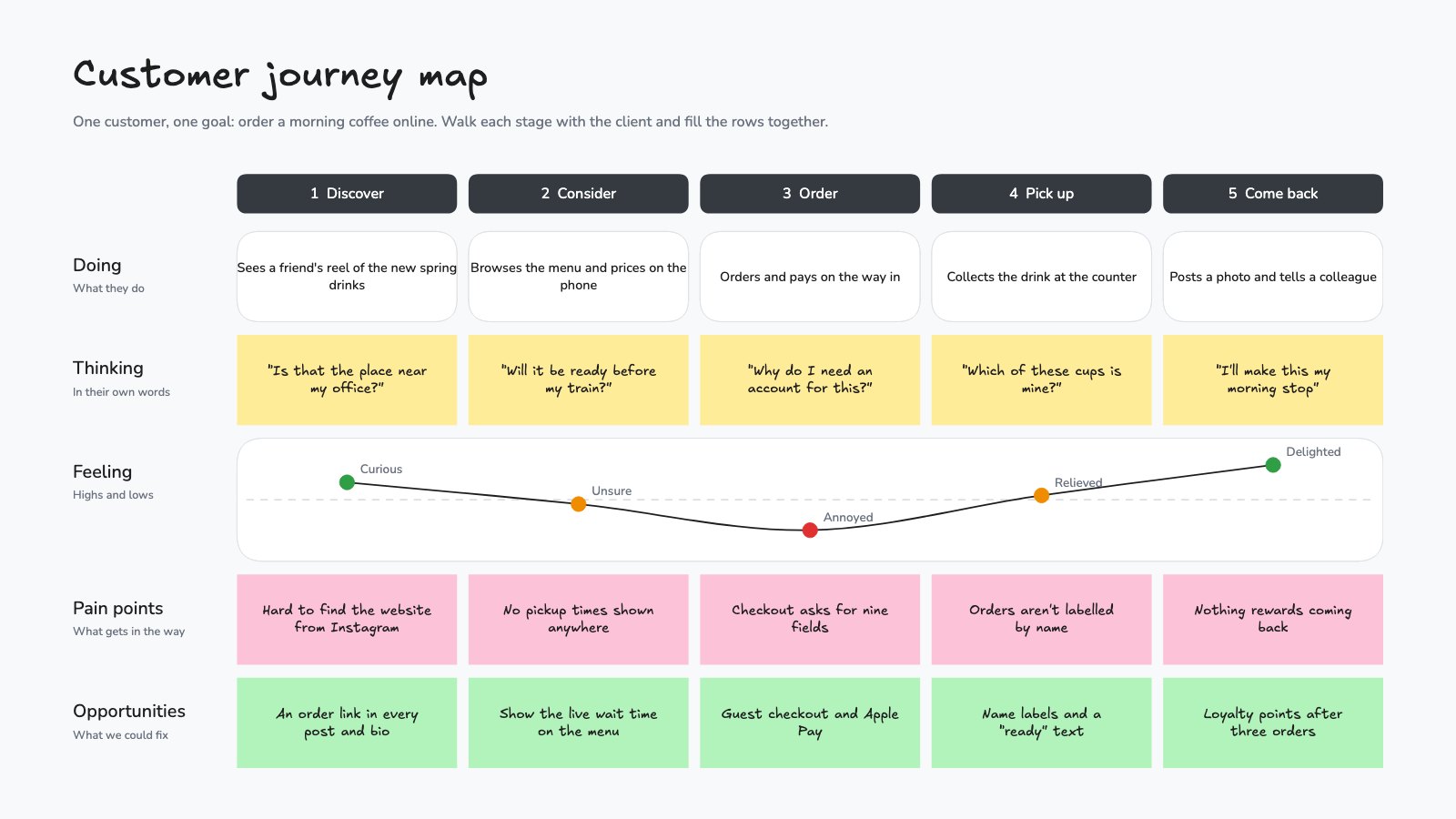
Start your workshop board with Docsiv AI
Describe the client or the project and Docsiv AI writes a first draft of your affinity map for you to edit, share and send.