

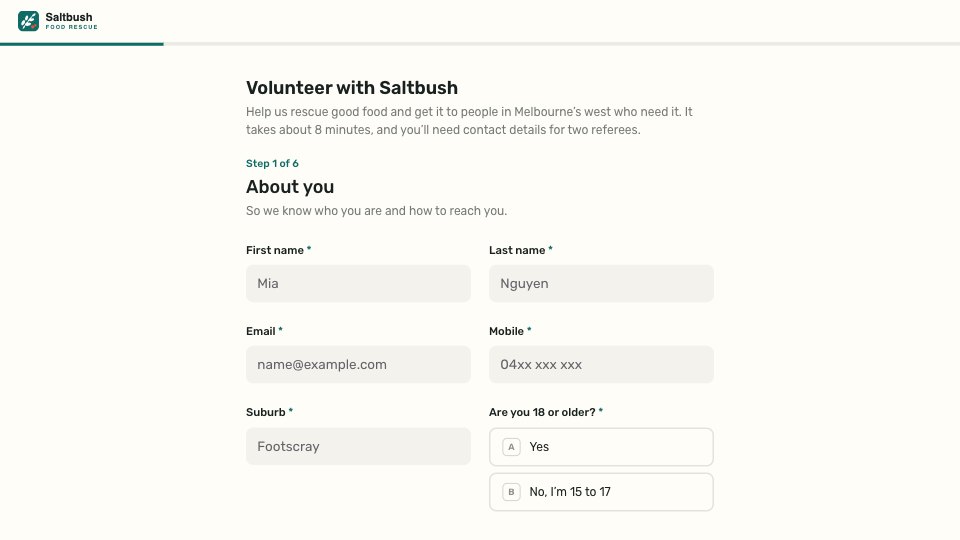
What’s inside the Volunteer Application.
Real content in every part, ready to rewrite with your own.
- 1Step 1, About you: the title and intro (about 8 minutes, have two referees ready), then first and last name, email, mobile, suburb and whether you’re 18 or older; 15 to 17 year olds get a parent or guardian’s name and phone
- 2Step 2, How you’d like to help: the roles with a line on each (warehouse sorting, driving and collections, community kitchen, pantry host, school breakfast club, something else)
- 3Step 3, When you can help: weekday mornings, afternoons and evenings, Saturdays and Sundays; how often (every week, every fortnight, once a month, events only); and a start date
- 4Step 4, Your experience: food safety certificate, a full driver licence (shown to drivers), languages you speak, relevant experience, and why you’d like to volunteer, the open questions optional
- 5Step 5, References: two referees who aren’t family, each with name, how they know you, phone and email, contacted only after you’ve met
- 6Step 6, Safeguarding and consent: consent to a National Police Check (or upload a recent one), the Working with Children Check for breakfast-club roles with the card number and expiry, and a declaration signed with a typed name and date
- 7Thank you: what happens next (a call from the coordinator within five working days, a chat and warehouse tour, the police check and the next induction date) beside a photo of volunteers cooking
When to use it.
Volunteer Application is a six-step form for charities and community groups, shown here for a food rescue charity in Melbourne. Applicants give their contact details, with a parent or guardian for 15 to 17 year olds, then choose the roles that interest them, each with a line on what it involves. They add when they’re free and how often, any food safety certificate or driver licence, two referees who aren’t family, and consent to a police check and, for roles with children, a Working with Children Check. It ends with a signed declaration and a thank-you that says who calls and when.
Made for
- Founders hiring their first team
- In-house recruiters and talent teams
- Agencies hiring designers and developers
- Operations and people managers
Make it yours in four steps.
Open it in Forms and work through it, or let Docsiv AI do the first pass with your details.
- Step 1
Swap in your organisation’s name, logo, colour and the photo on the thank-you screen.
- Step 2
Replace the roles with your own, and keep a line on what each one involves.
- Step 3
Match the checks in the last step to the rules in your state or country.
- Step 4
Put your coordinator’s name, response time and next induction date on the thank-you screen.
Start from the Volunteer Application now.
Questions about this template.
Something else on your mind? Ask us in the chat, bottom right of the page.
Is the Volunteer Application template free?
Yes. Create a free account and it opens in Docsiv's Forms app, ready to edit and share. The Free plan includes every Docsiv app and 500 AI credits a month.
Can I change the colours, fonts and text?
Yes, all of it. The template uses Rubik with #FFFDF8, #18211F, #0E6B66, #E5533C, and you can change any of them, rewrite every word and add or remove questions.
What can I export it as?
Forms in Docsiv offers: Responses exported as CSV. Once it's saved, you can also share it with a link.
Can Docsiv AI write the volunteer application form for me?
Yes. Tell Docsiv AI about the client or project and it can draft the content in this template's style, which you then review and edit. AI uses credits; the Free plan includes 500 a month.
Where do the responses go?
Responses are collected in Docsiv with the form, and you can export them as a CSV file.
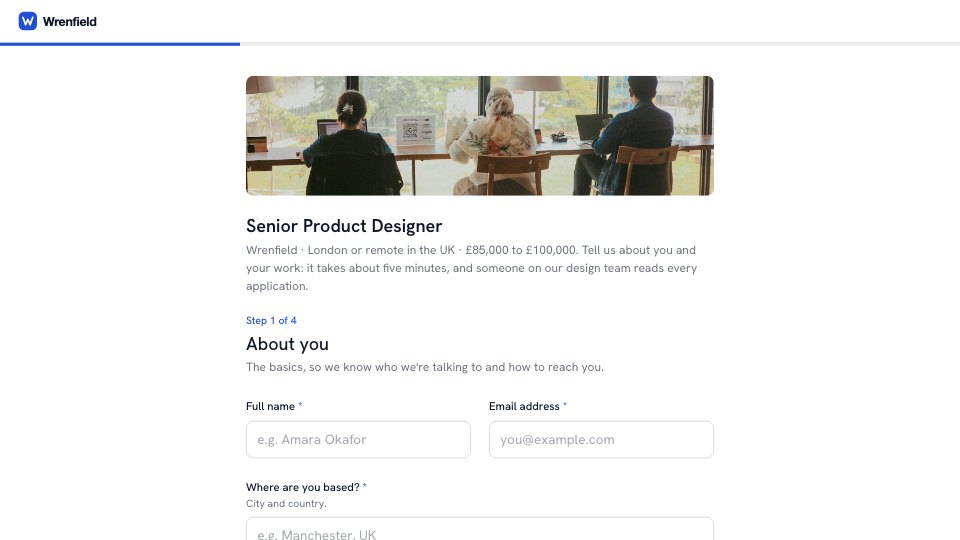
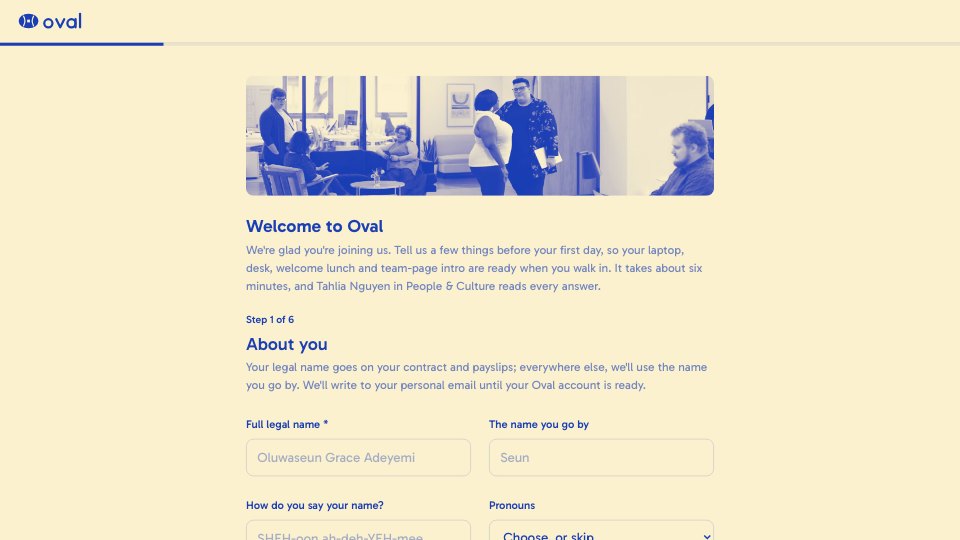
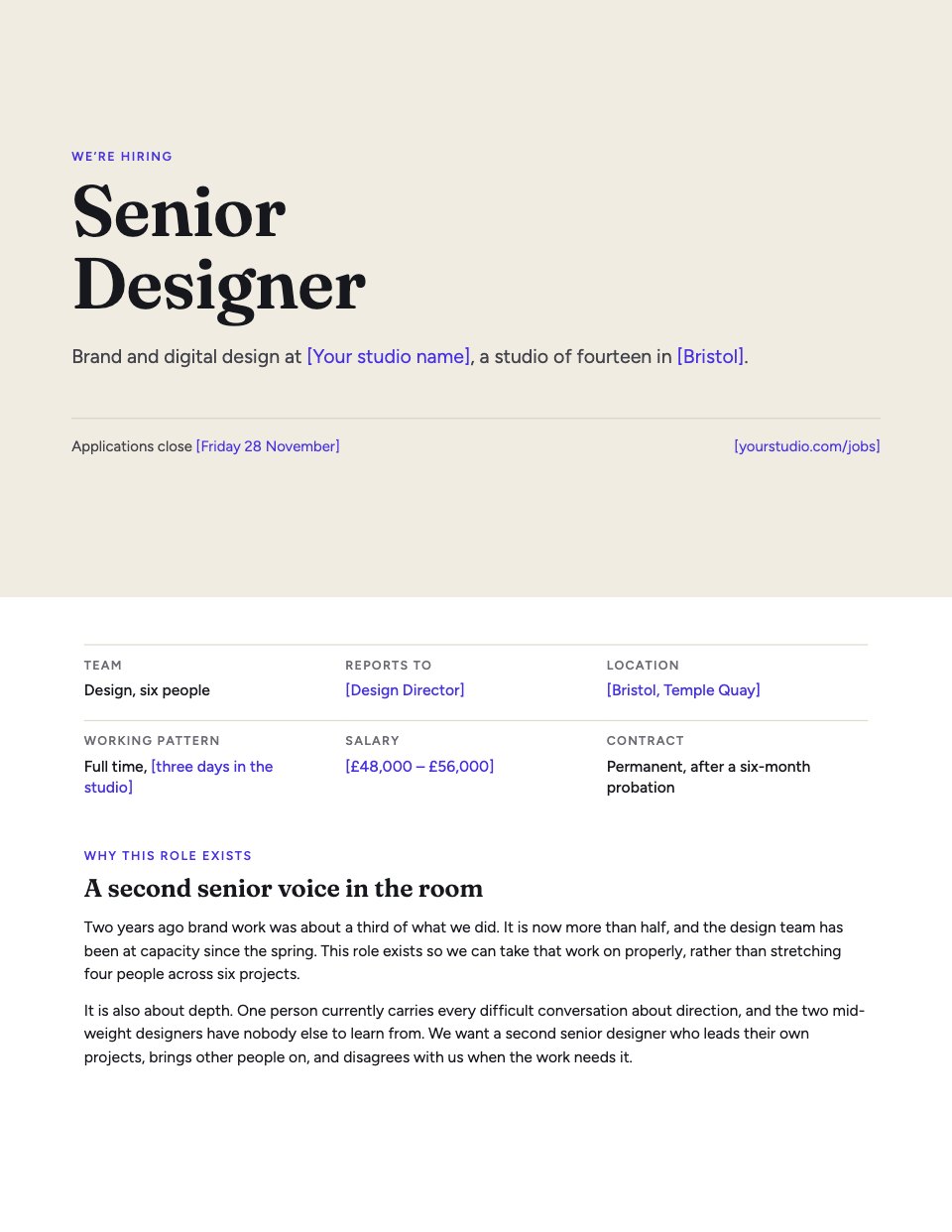






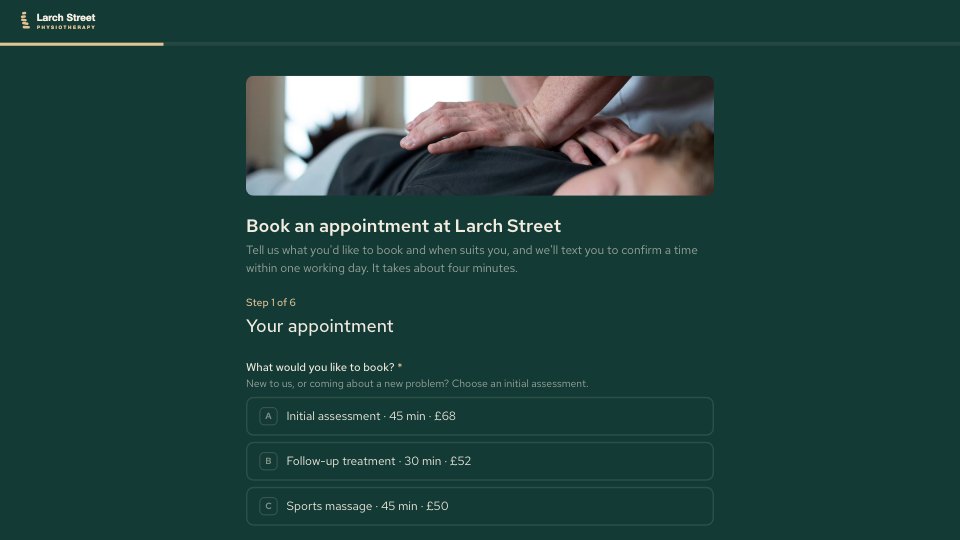

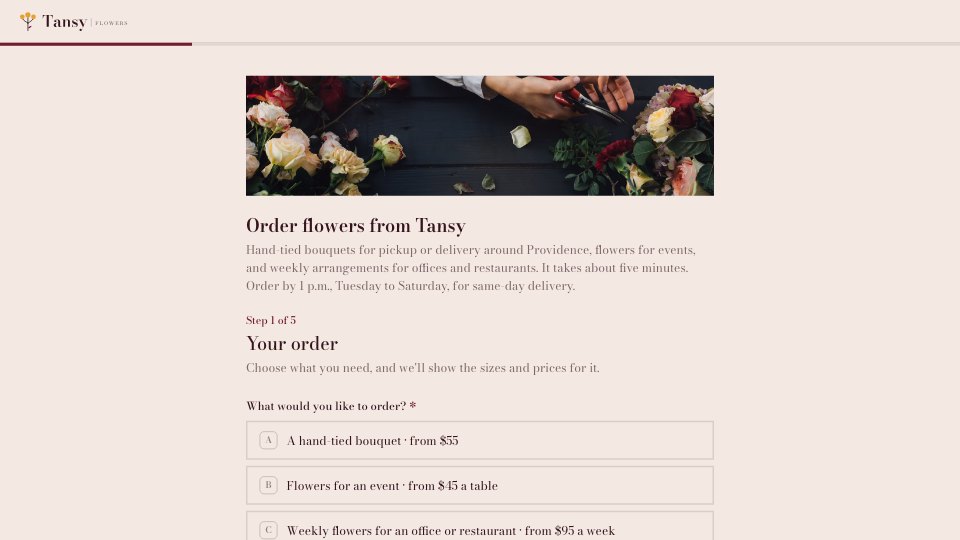
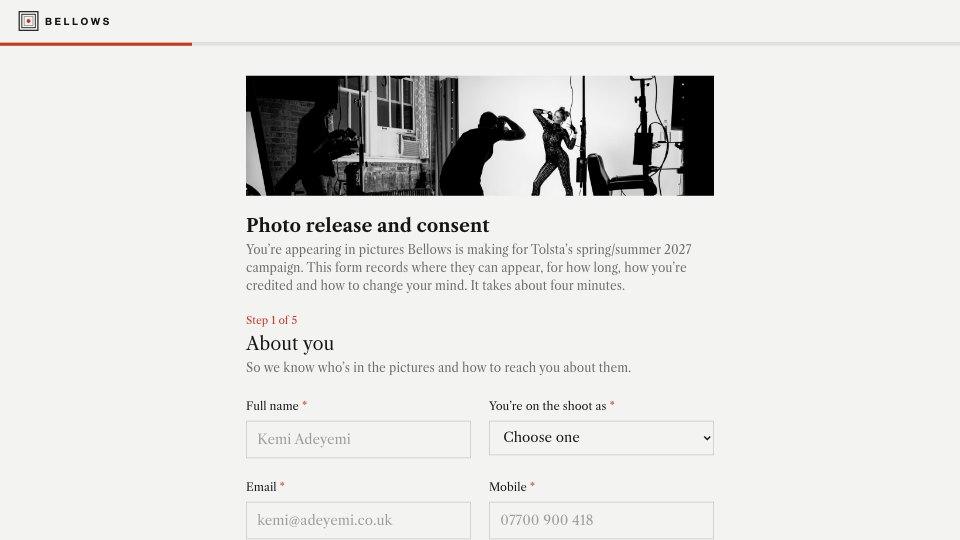
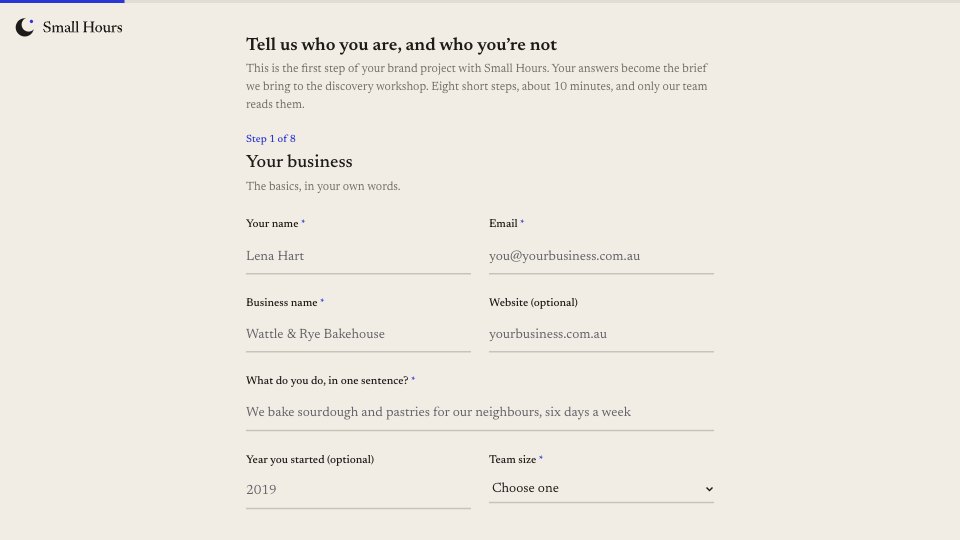
Start your hiring form with Docsiv AI
Describe the client or the project and Docsiv AI writes a first draft of your volunteer application form for you to edit, share and send.