

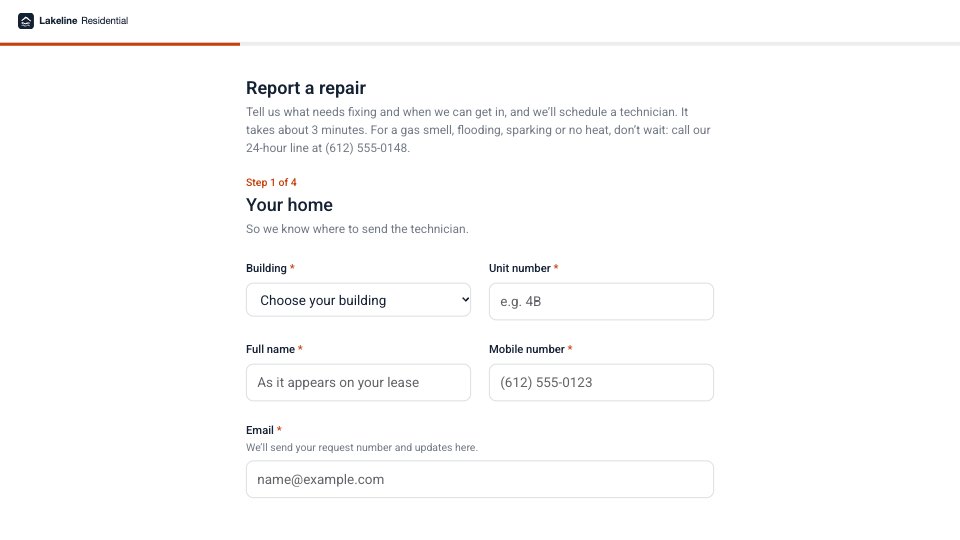
What’s inside the Maintenance Request.
Real content in every part, ready to rewrite with your own.
- 1Welcome and Your home: the 24-hour emergency line first, then building (dropdown), unit, full name, mobile and email
- 2The problem: where it is (kitchen, bathroom, bedroom, living room or hall, balcony, shared area) and what kind (plumbing, heating, electrical, appliance, doors and locks, pests or mold, something else), side by side, and what’s happening in their own words
- 3Urgency and photos: emergency, urgent or routine, each defined with examples in the helper text and promised a response time, a “call us now” note for emergencies, and a photo or video as an upload or a link
- 4Getting in: permission to enter with a key or only when home, the times they’re usually home, pets in the unit, and entry notes such as a gate code or alarm
- 5Thank you: a copy by email with the request number, the response time for urgent and routine requests, notice before entry, and the emergency line, with a photo
When to use it.
Maintenance Request is a repair form property managers give their tenants, four short steps that take about three minutes. The 24-hour emergency line comes first, then the building, unit and contact details, where the problem is and what kind side by side, and what’s happening in the tenant’s own words. Urgency has three levels, each defined with examples and given a response time, with a “call us now” note for emergencies. It closes with a photo or video, permission to enter, the times they’re home, pets and entry notes such as a gate code.
Made for
- Finance and accounts teams
- Operations managers
- In-house marketing and design teams
- Founders running their own back office
Make it yours in four steps.
Open it in Forms and work through it, or let Docsiv AI do the first pass with your details.
- Step 1
Put your company’s name, logo and colour in the Design tab, and your emergency number in the welcome.
- Step 2
List your buildings in the dropdown, and edit the rooms and problem types to match your homes.
- Step 3
Set the response times to the ones your maintenance team can keep.
- Step 4
Share the link in your tenant portal and welcome pack, and route responses to your maintenance inbox.
Start from the Maintenance Request now.
Questions about this template.
Something else on your mind? Ask us in the chat, bottom right of the page.
Is the Maintenance Request template free?
Yes. Create a free account and it opens in Docsiv's Forms app, ready to edit and share. The Free plan includes every Docsiv app and 500 AI credits a month.
Can I change the colours, fonts and text?
Yes, all of it. The template uses Roboto with #FFFFFF, #142033, #C2410C, and you can change any of them, rewrite every word and add or remove questions.
What can I export it as?
Forms in Docsiv offers: Responses exported as CSV. Once it's saved, you can also share it with a link.
Can Docsiv AI write the maintenance request form for me?
Yes. Tell Docsiv AI about the client or project and it can draft the content in this template's style, which you then review and edit. AI uses credits; the Free plan includes 500 a month.
Where do the responses go?
Responses are collected in Docsiv with the form, and you can export them as a CSV file.



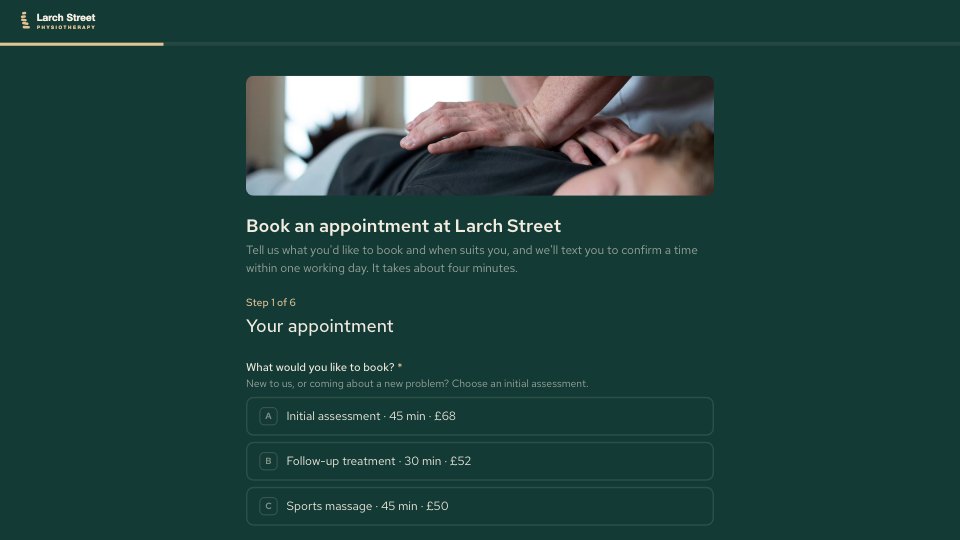
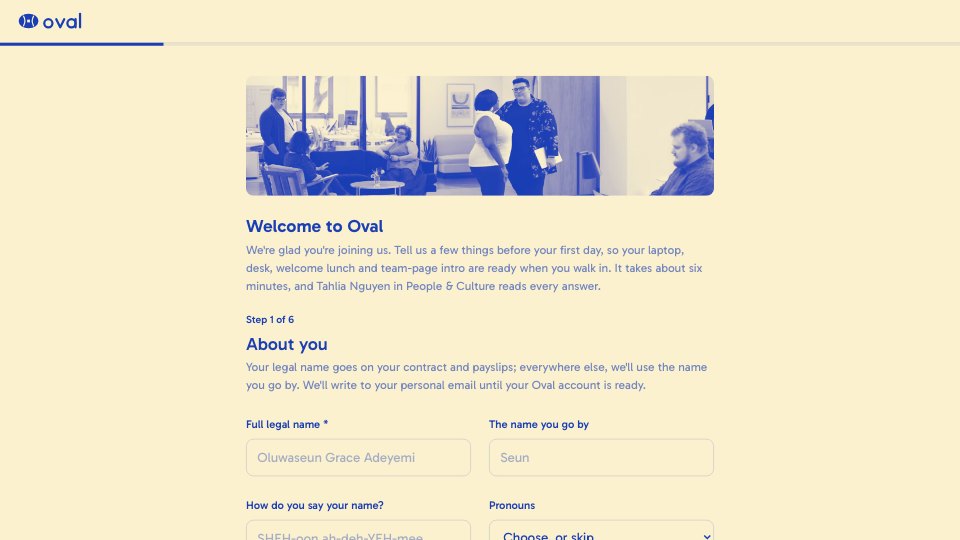

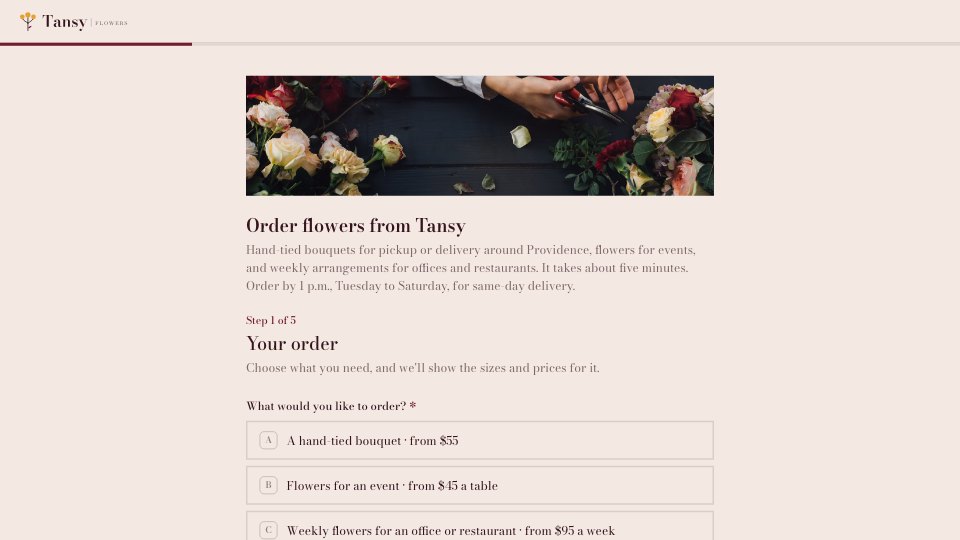
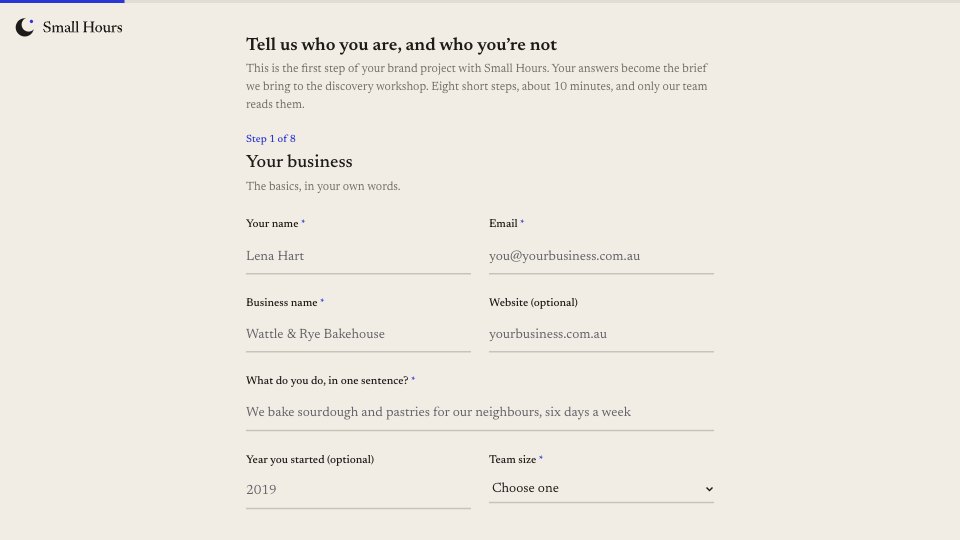

Start your document or form with Docsiv AI
Describe the client or the project and Docsiv AI writes a first draft of your maintenance request form for you to edit, share and send.