

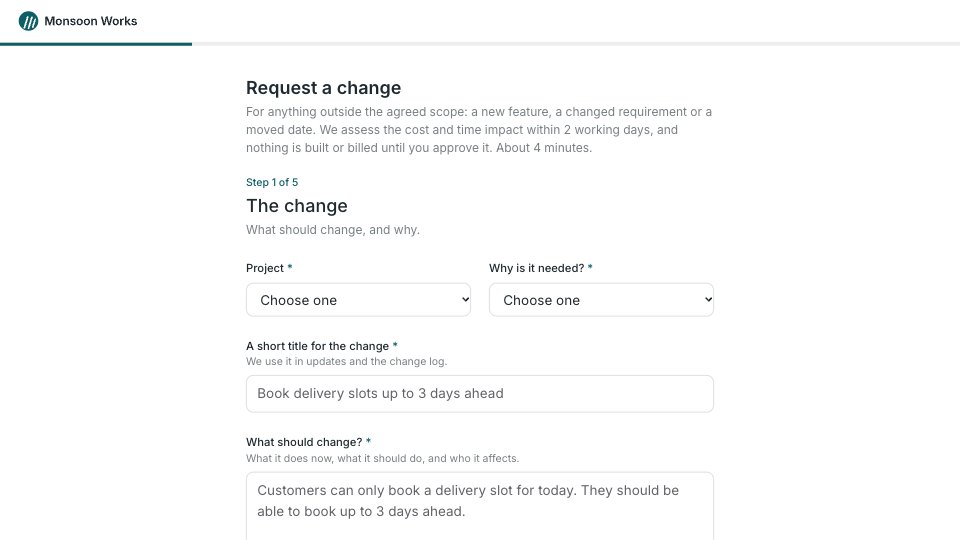
What’s inside the Change Request Form.
Real content in every part, ready to rewrite with your own.
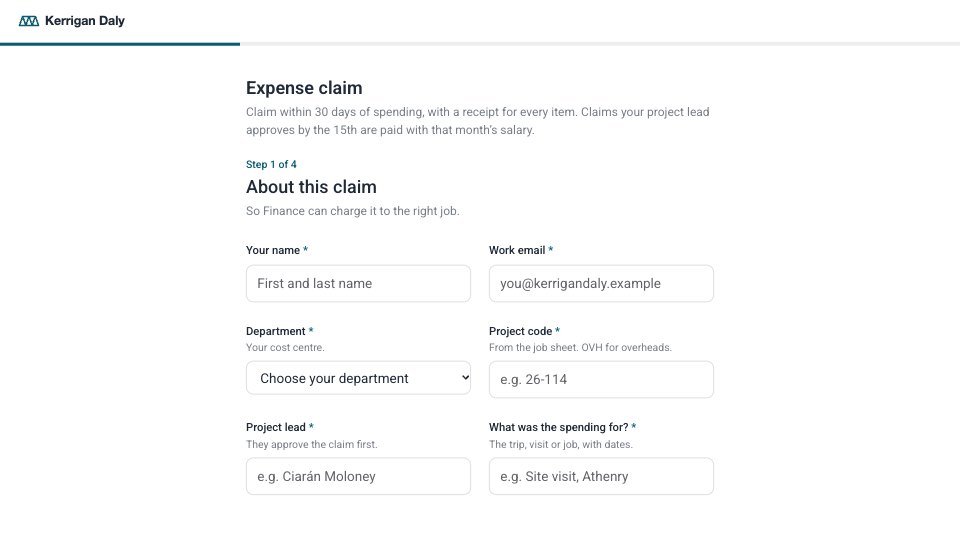
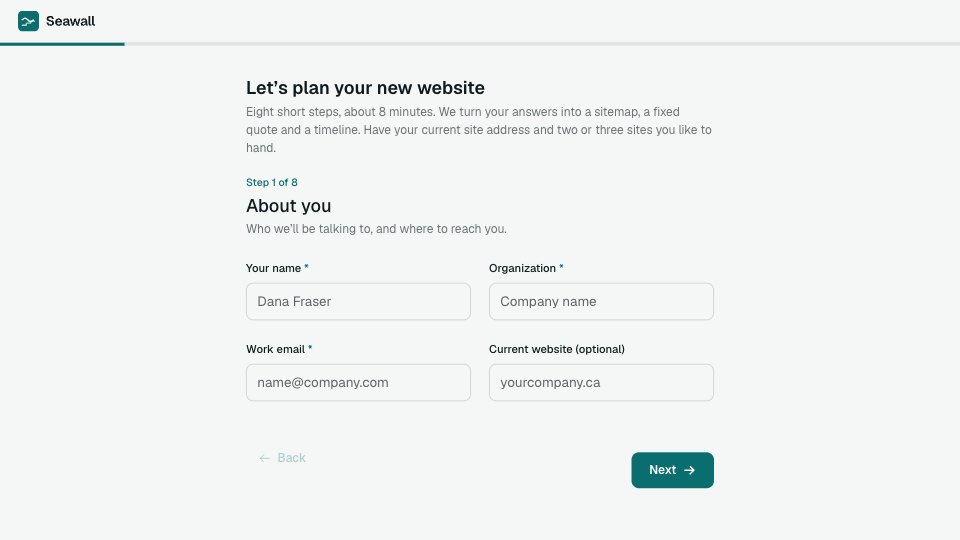
- 1Step 1, The change: the title and intro (impact within 2 working days, nothing billed before approval), then the project and SOW, why it’s needed, a short title, and what should change
- 2Step 2, Priority and deadline: Critical, High, Normal or Low with what each means and how fast it’s assessed, the needed-by date with the minimum lead time, and what drives it
- 3Step 3, Files and affected areas: sketches, screenshots or documents (file upload), links, and the parts of the product affected
- 4Step 4, Cost and time: the rate (₹3,500 an hour + GST), then estimate first, go ahead up to 4 hours (₹14,000 + GST) or an urgent start up to 2 days (₹56,000 + GST); a PO or budget code and other approvers (optional)
- 5Step 5, Approval: full name, role and company, work email, whether you can approve changes under the SOW (if not, who can), and a typed signature
- 6Thank you: who assesses the request and by when, and that nothing is built or billed before approval, beside a diagram of the change process with the request at step 2
When to use it.
Change Request Form is a five-step form clients use to ask for a change to a project in progress, in about four minutes. They pick the project and say why the change is needed, give it a title and describe what should change, then choose a priority from defined levels with a needed-by date. Files, links and the parts of the product affected come next. A cost page sets out your hourly rate and three ways to proceed: estimate first, a small pre-approved cap or an urgent start. It closes with an authorised sign-off, so nothing is built or billed without approval.
Made for
- Finance and accounts teams
- Operations managers
- In-house marketing and design teams
- Founders running their own back office
Make it yours in four steps.
Open it in Forms and work through it, or let Docsiv AI do the first pass with your details.
- Step 1
Swap in your company name, logo and accent colour, and list your client’s projects and SOWs in the first dropdown.
- Step 2
Set the priority levels, assessment times and lead time to match your service terms.
- Step 3
Update the rate, GST and the two caps on the cost page to the terms in your agreement, and have the wording checked.
- Step 4
Share the link with each client at kickoff so every change request arrives in the same shape.
Start from the Change Request Form now.
Questions about this template.
Something else on your mind? Ask us in the chat, bottom right of the page.
Is the Change Request Form template free?
Yes. Create a free account and it opens in Docsiv's Forms app, ready to edit and share. The Free plan includes every Docsiv app and 500 AI credits a month.
Can I change the colours, fonts and text?
Yes, all of it. The template uses Inter with #ffffff, #1f2a30, #0e5e66, #f3f5f6, and you can change any of them, rewrite every word and add or remove questions.
What can I export it as?
Forms in Docsiv offers: Responses exported as CSV. Once it's saved, you can also share it with a link.
Can Docsiv AI write the project change request form for me?
Yes. Tell Docsiv AI about the client or project and it can draft the content in this template's style, which you then review and edit. AI uses credits; the Free plan includes 500 a month.
Where do the responses go?
Responses are collected in Docsiv with the form, and you can export them as a CSV file.






Start your document or form with Docsiv AI
Describe the client or the project and Docsiv AI writes a first draft of your project change request form for you to edit, share and send.