

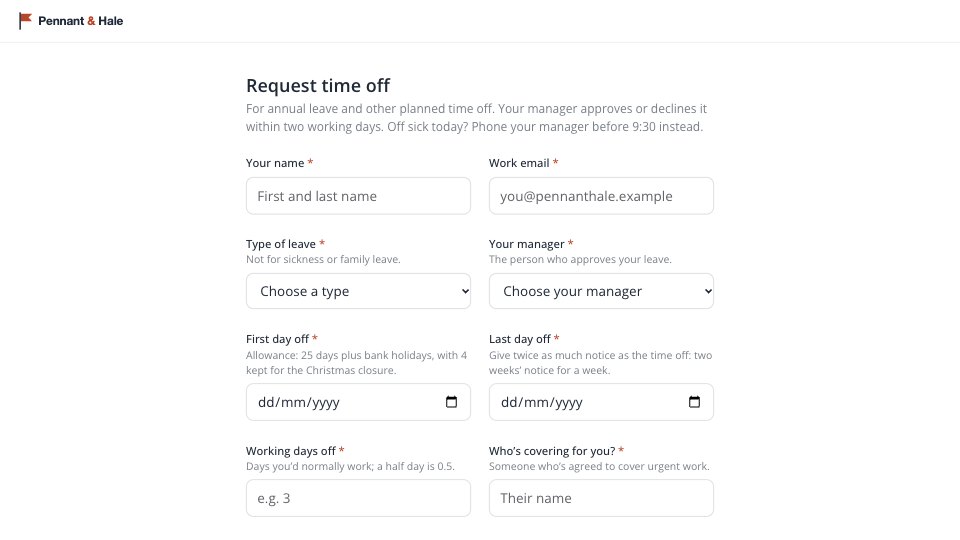
What’s inside the Time-off Request.
Real content in every part, ready to rewrite with your own.
- 1The request on one page: name and work email; type of leave (annual leave, time off in lieu, medical appointment, compassionate leave, time off for dependants, unpaid leave, jury service, study leave, other) and the approving manager; a line of detail for anything but annual leave; first and last day, with the allowance, the Christmas closure and the notice rule as help text; working days off; who’s covering; handover notes (optional); Submit
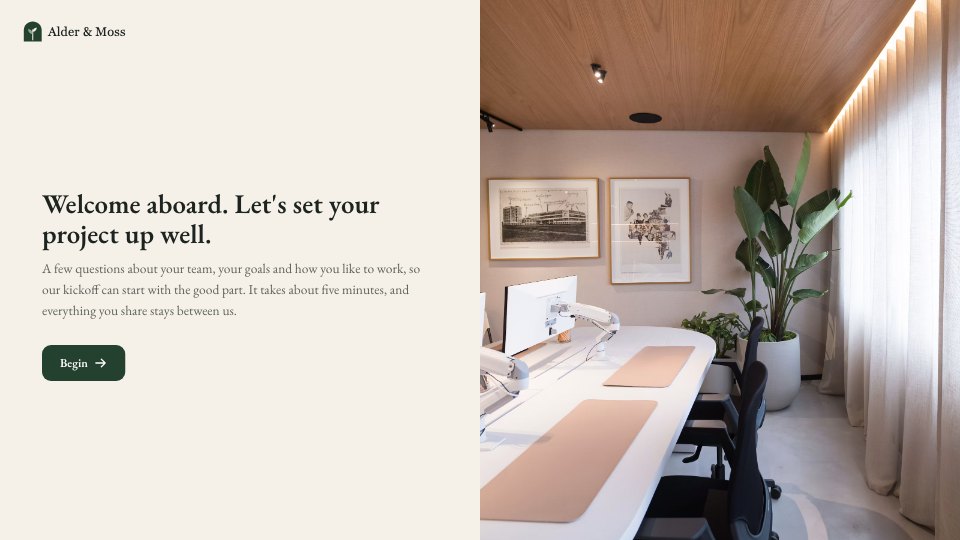
- 2Confirmation: the request is with their manager, a decision within two working days by email, wait before booking travel, and how to change or cancel it, with a photo
When to use it.
Time-off Request is a single-page leave request for small teams, written for UK practice. Staff give their name, work email, the type of leave and the manager who approves it, then the first and last day off, the working days it uses and who is covering their urgent work. The allowance, the Christmas closure and the statutory notice rule sit as help text beside the dates, and any leave other than annual leave asks for a line of detail. Handover notes are optional, and the confirmation says when a decision comes and to wait before booking travel.
Made for
- Finance and accounts teams
- Operations managers
- In-house marketing and design teams
- Founders running their own back office
Make it yours in four steps.
Open it in Forms and work through it, or let Docsiv AI do the first pass with your details.
- Step 1
Add your company name, logo and colour, and put your own managers in the approver list.
- Step 2
Change the leave types, the allowance and the closure dates to match your leave policy.
- Step 3
Rewrite the confirmation with your HR inbox and how long approval takes.
- Step 4
Share the link in your handbook or intranet, and approve requests as they come in.
Start from the Time-off Request now.
Questions about this template.
Something else on your mind? Ask us in the chat, bottom right of the page.
Is the Time-off Request template free?
Yes. Create a free account and it opens in Docsiv's Forms app, ready to edit and share. The Free plan includes every Docsiv app and 500 AI credits a month.
Can I change the colours, fonts and text?
Yes, all of it. The template uses Open Sans with #FFFFFF, #1F2937, #B8462B, and you can change any of them, rewrite every word and add or remove questions.
What can I export it as?
Forms in Docsiv offers: Responses exported as CSV. Once it's saved, you can also share it with a link.
Can Docsiv AI write the time off request form for me?
Yes. Tell Docsiv AI about the client or project and it can draft the content in this template's style, which you then review and edit. AI uses credits; the Free plan includes 500 a month.
Where do the responses go?
Responses are collected in Docsiv with the form, and you can export them as a CSV file.
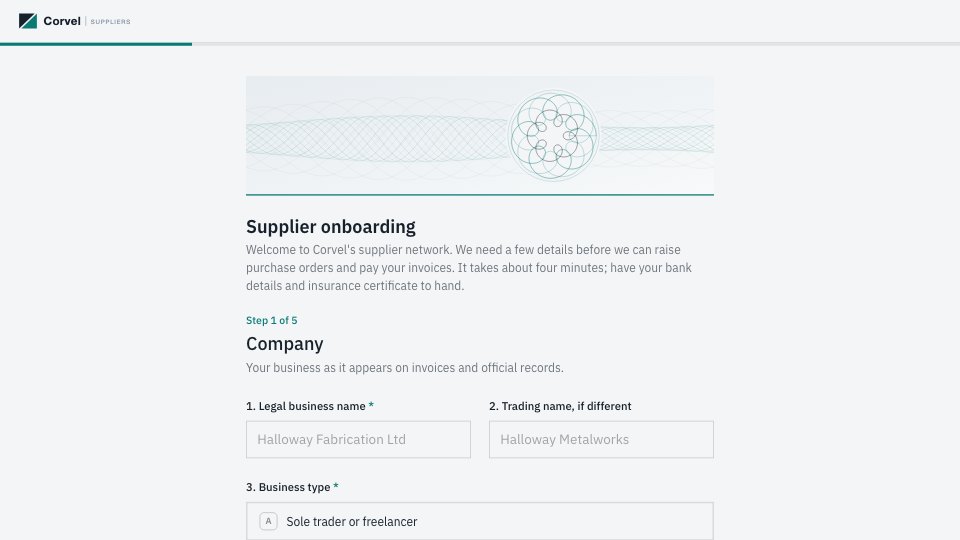

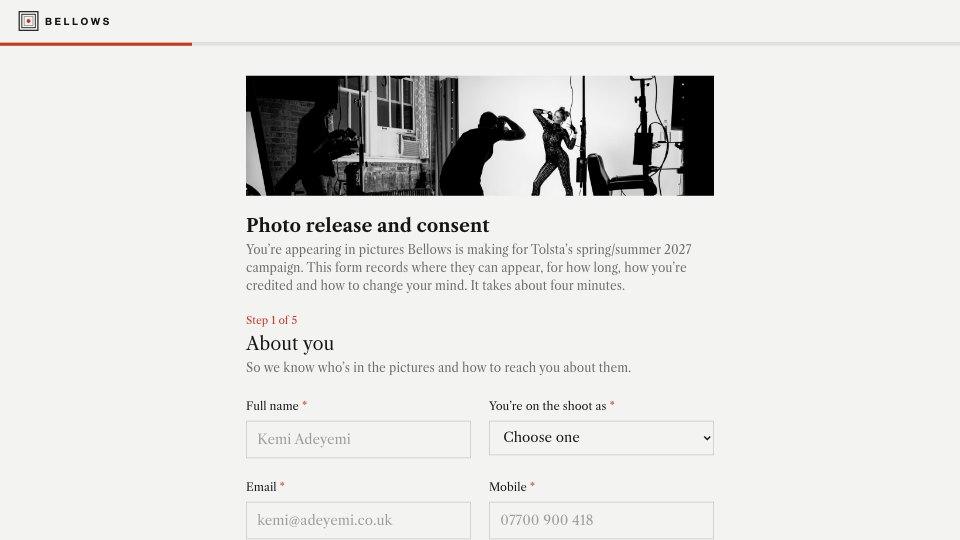
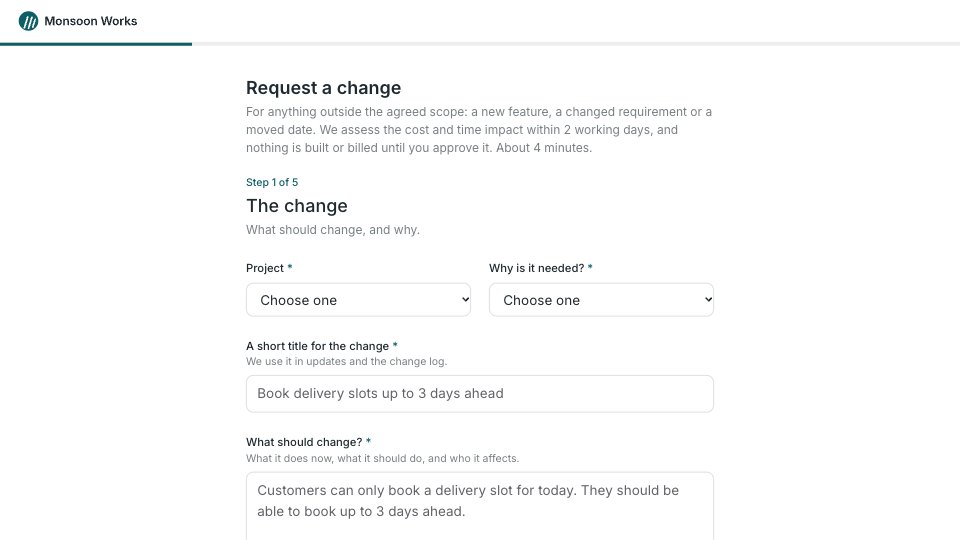



Start your document or form with Docsiv AI
Describe the client or the project and Docsiv AI writes a first draft of your time off request form for you to edit, share and send.