

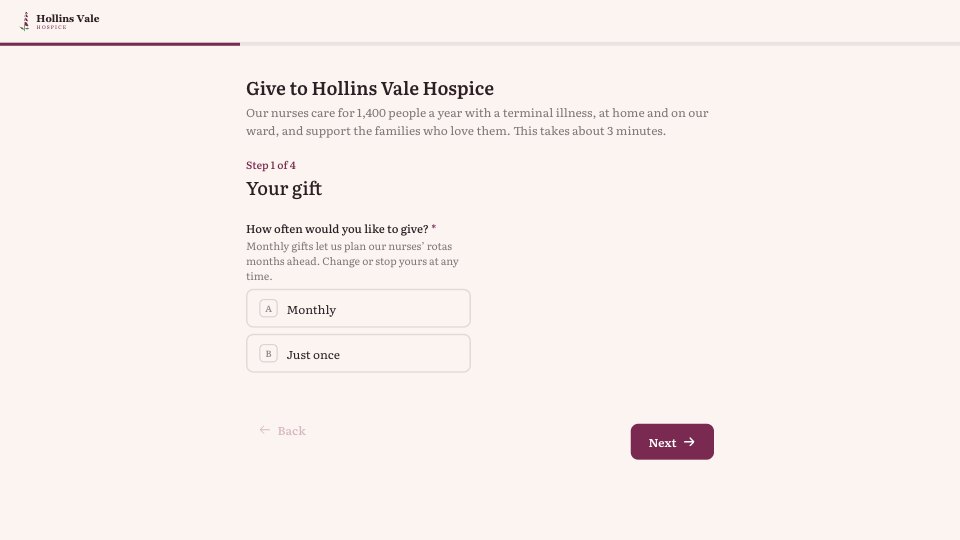
What’s inside the Donation Pledge.
Real content in every part, ready to rewrite with your own.
- 1Step 1, Your gift: the title and intro (about 3 minutes), monthly or just once, then £5, £10 or £20 a month (or £25, £50 or £100 once) or another amount, with a number question for another amount
- 2Step 2, In memory or in honour: in memory, in honour or neither; their name and your relationship; and an optional card to their family, with the recipient’s name and address on a yes
- 3Step 3, Gift Aid: first and last name, HMRC’s model declaration as the yes option, and house name or number and postcode for a yes
- 4Step 4, Keeping in touch: email for the payment link and receipt, phone (optional), unticked choices for email news and the twice-yearly newsletter by post, and a privacy line
- 5Thank you: the secure Direct Debit or card link by email and the Gift Aid notification rule, beside a warm photo
When to use it.
Donation Pledge is a four-step form for charities taking regular or one-off gifts, shown here for a UK hospice. Supporters choose monthly or once and a suggested amount or their own, then say whether the gift is in memory or in honour of someone, with a card to the family on request. The Gift Aid step uses HMRC’s model declaration and asks only for the name, house number and postcode needed to claim. Keeping in touch leaves every marketing choice unticked. The thank-you explains the secure payment link that follows by email.
Made for
- Event organisers
- Workshop hosts
- Teams running sign-ups
- Community groups
Make it yours in four steps.
Open it in Forms and work through it, or let Docsiv AI do the first pass with your details.
- Step 1
Swap in your charity’s name, logo, colour and the photo on the thank-you screen.
- Step 2
Set the suggested monthly and one-off amounts to match your own giving levels.
- Step 3
Put your charity’s name in the Gift Aid declaration, or remove that step outside the UK.
- Step 4
Connect the email that follows each pledge to your Direct Debit or card payment page.
Start from the Donation Pledge now.
Questions about this template.
Something else on your mind? Ask us in the chat, bottom right of the page.
Is the Donation Pledge template free?
Yes. Create a free account and it opens in Docsiv's Forms app, ready to edit and share. The Free plan includes every Docsiv app and 500 AI credits a month.
Can I change the colours, fonts and text?
Yes, all of it. The template uses Literata with #FBF4F1, #2C1E24, #7A2950, #5E7A5A, and you can change any of them, rewrite every word and add or remove questions.
What can I export it as?
Forms in Docsiv offers: Responses exported as CSV. Once it's saved, you can also share it with a link.
Can Docsiv AI write the donation pledge form for me?
Yes. Tell Docsiv AI about the client or project and it can draft the content in this template's style, which you then review and edit. AI uses credits; the Free plan includes 500 a month.
Where do the responses go?
Responses are collected in Docsiv with the form, and you can export them as a CSV file.
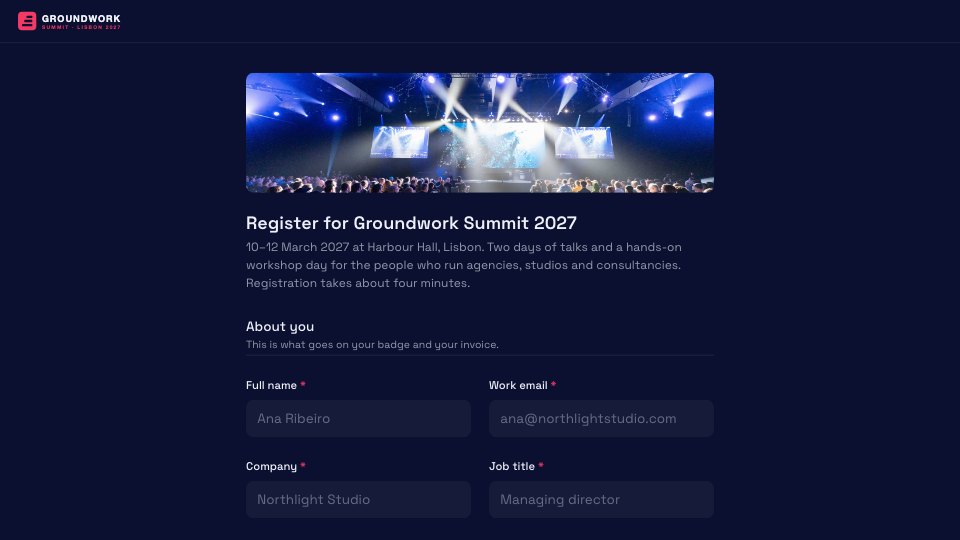
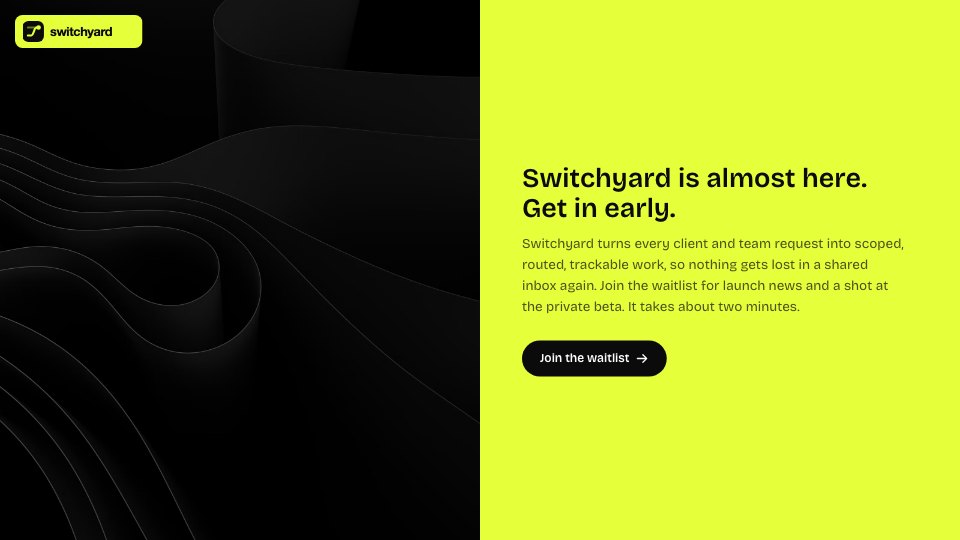
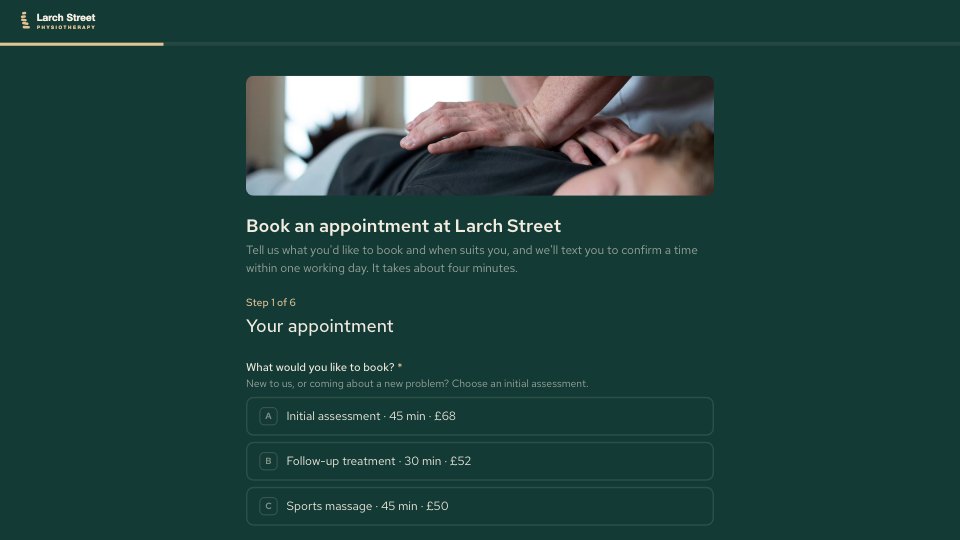



Start your registration form with Docsiv AI
Describe the client or the project and Docsiv AI writes a first draft of your donation pledge form for you to edit, share and send.