

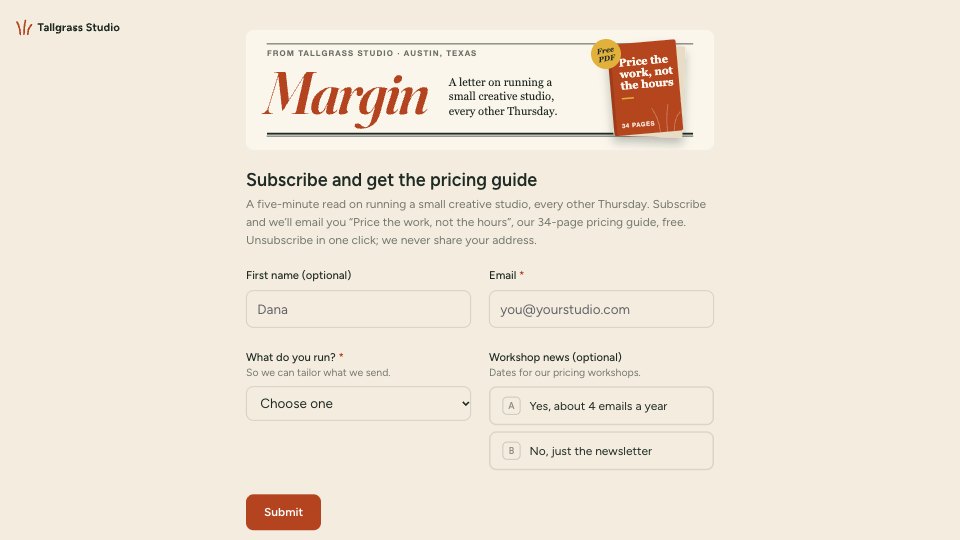
What’s inside the Newsletter Sign-up.
Real content in every part, ready to rewrite with your own.
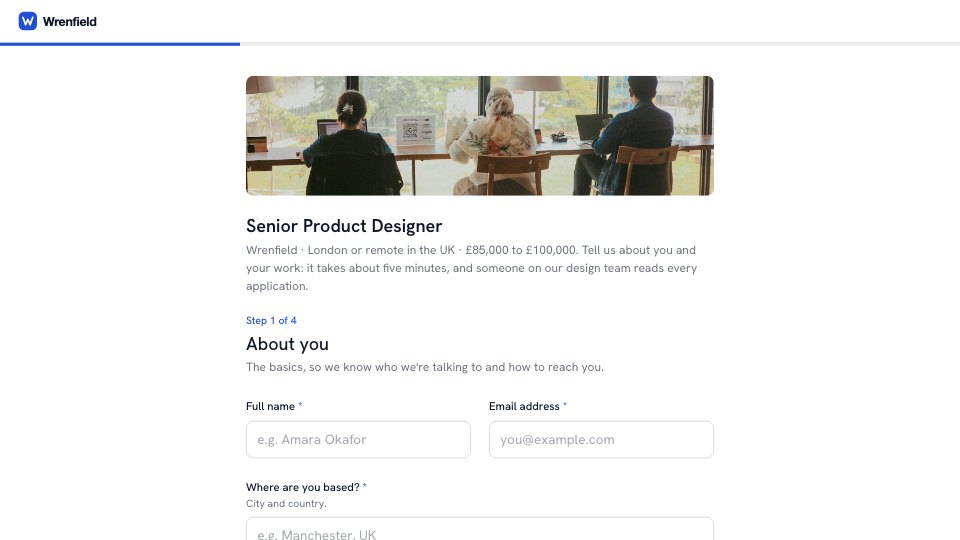
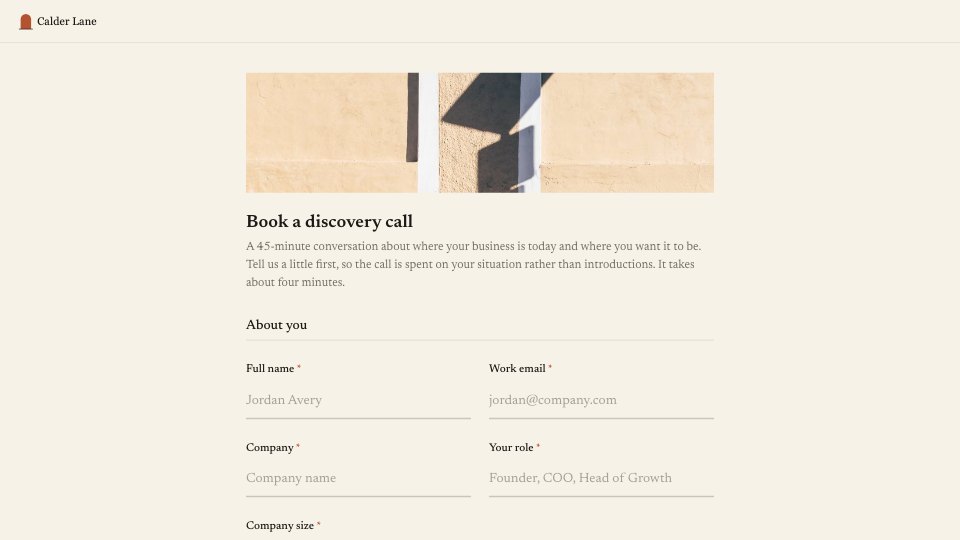
- 1Sign-up: a cover image of the newsletter’s nameplate and the free guide, the title and intro (how often, what you get, unsubscribing), then first name (optional), email, what you run (dropdown) and an optional workshop opt-in, unanswered until chosen
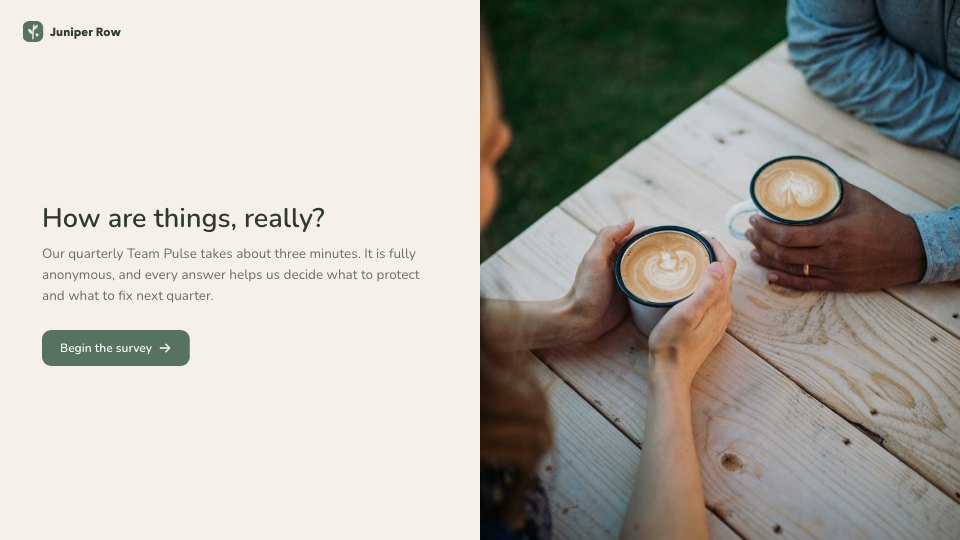
- 2Thank you: the guide is on its way, when the first issue arrives, and what to do if the email doesn’t show up, beside a coffee photo
When to use it.
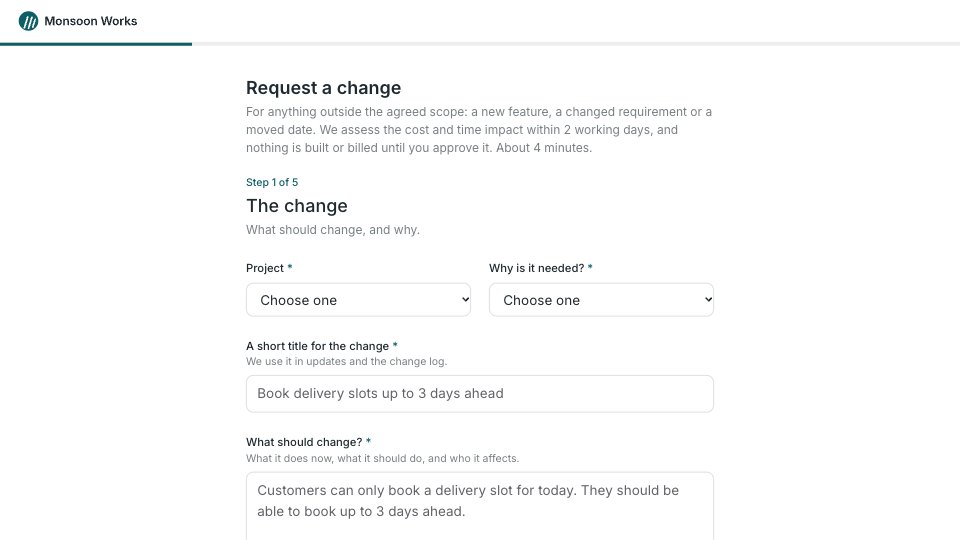
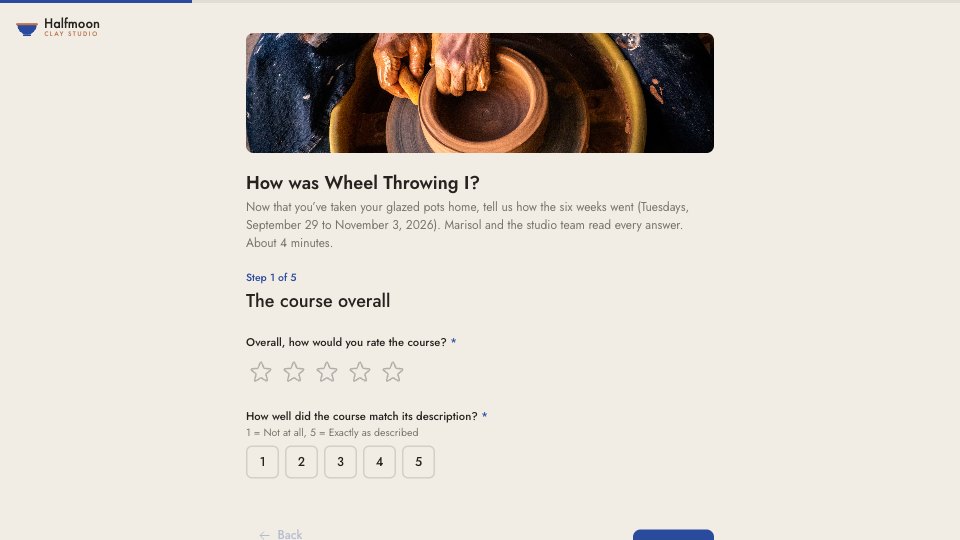
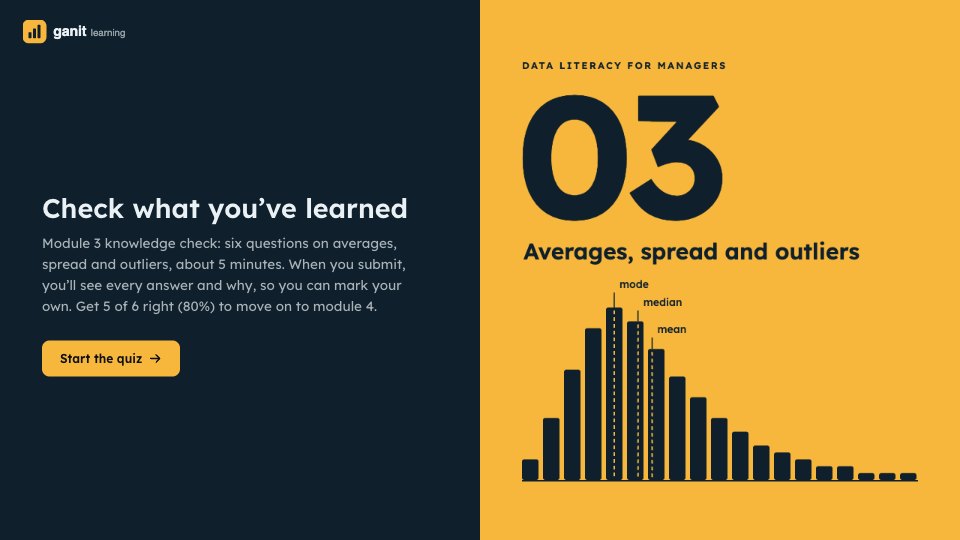
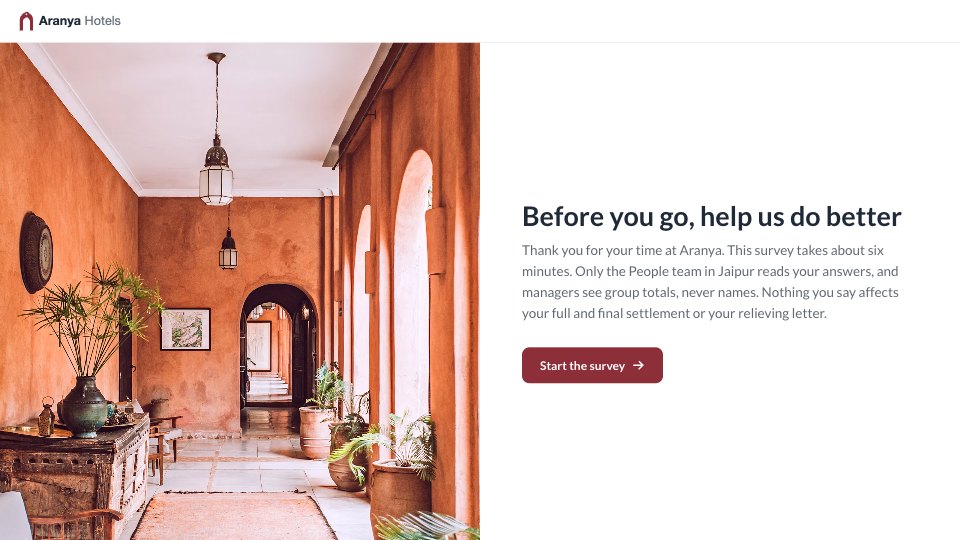
Newsletter Sign-up is a single-page form that grows a mailing list with a lead magnet: subscribers get a free 34-page pricing guide. It asks only four things: an optional first name, an email address, what kind of business they run (so issues can be tailored), and an optional opt-in for workshop emails that starts unanswered. The intro says how often the newsletter arrives and how to unsubscribe, and the thank-you says what arrives and when. A newspaper-style nameplate with the guide drawn as a booklet makes the offer clear at a glance.
Made for
- Event organisers
- Workshop hosts
- Teams running sign-ups
- Community groups
Make it yours in four steps.
Open it in Forms and work through it, or let Docsiv AI do the first pass with your details.
- Step 1
Replace the cover image with your own newsletter’s name and the guide or download you’re offering.
- Step 2
Swap in your logo and colours, and edit the business types to match your readers.
- Step 3
Set the thank-you to your next issue date and the address your emails come from.
- Step 4
Publish the form and link it from your website, social bios and email signature.
Start from the Newsletter Sign-up now.
Questions about this template.
Something else on your mind? Ask us in the chat, bottom right of the page.
Is the Newsletter Sign-up template free?
Yes. Create a free account and it opens in Docsiv's Forms app, ready to edit and share. The Free plan includes every Docsiv app and 500 AI credits a month.
Can I change the colours, fonts and text?
Yes, all of it. The template uses Figtree and Fraunces with #f4ecdf, #1e2a23, #b4441f, #e2b13c, and you can change any of them, rewrite every word and add or remove questions.
What can I export it as?
Forms in Docsiv offers: Responses exported as CSV. Once it's saved, you can also share it with a link.
Can Docsiv AI write the newsletter signup form for me?
Yes. Tell Docsiv AI about the client or project and it can draft the content in this template's style, which you then review and edit. AI uses credits; the Free plan includes 500 a month.
Where do the responses go?
Responses are collected in Docsiv with the form, and you can export them as a CSV file.

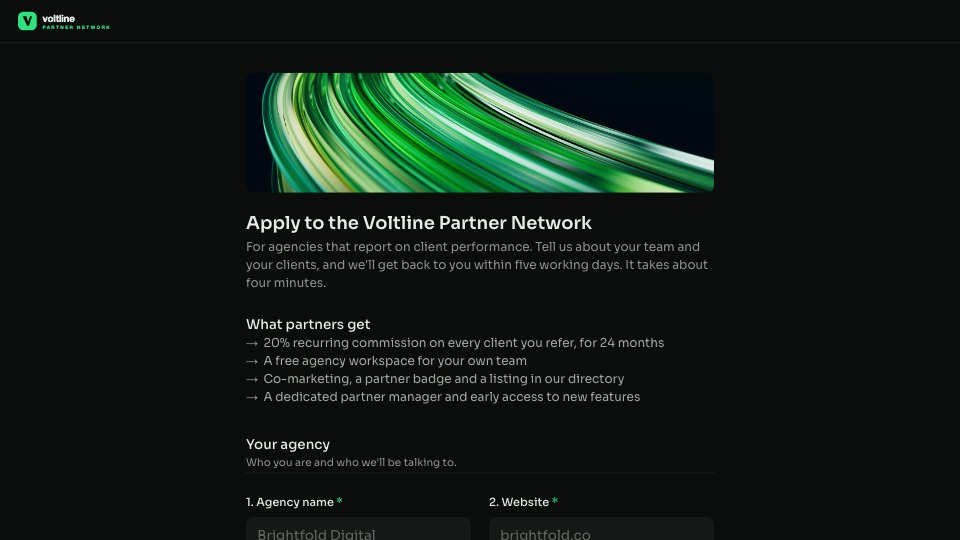
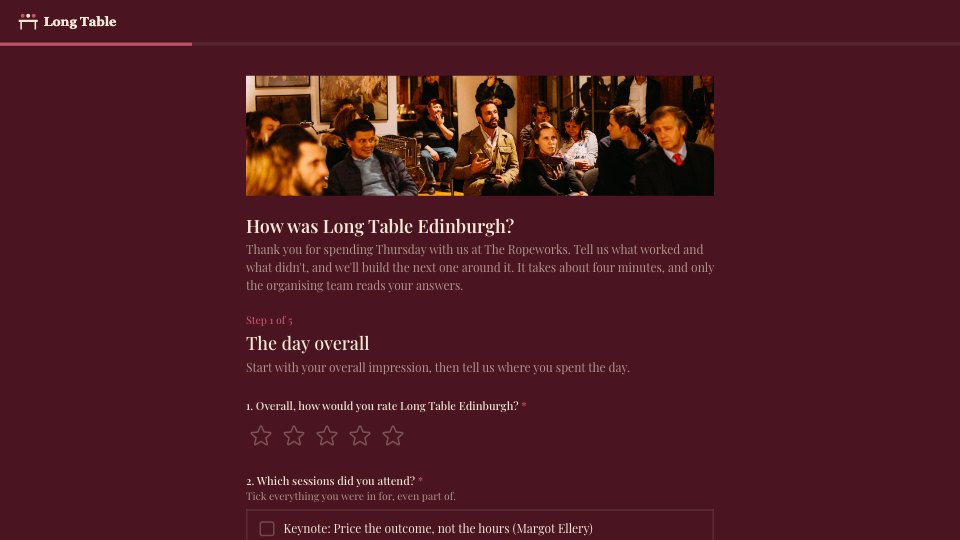
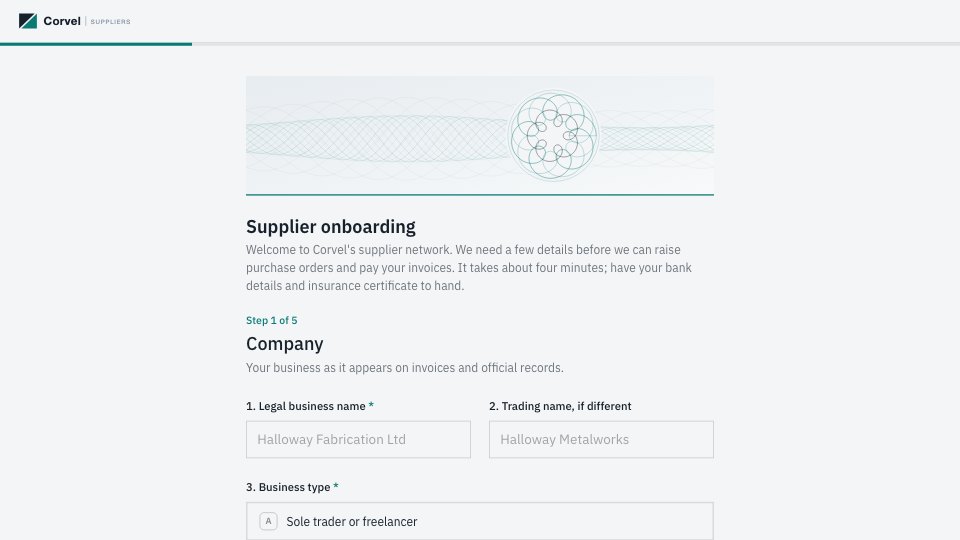

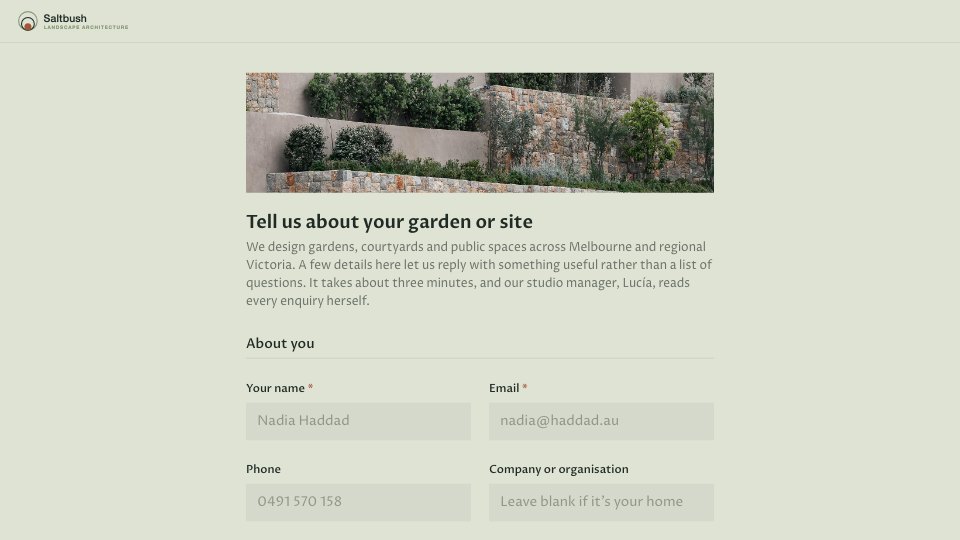
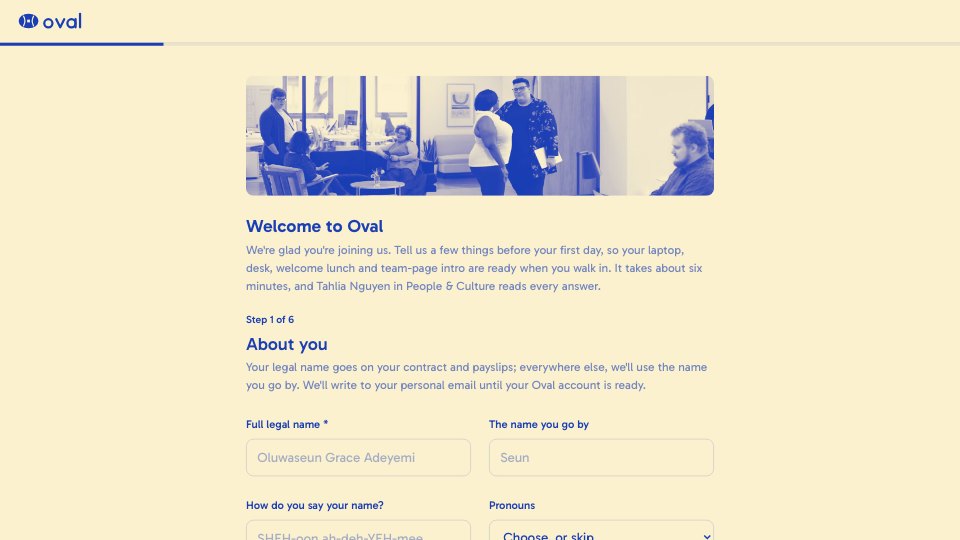

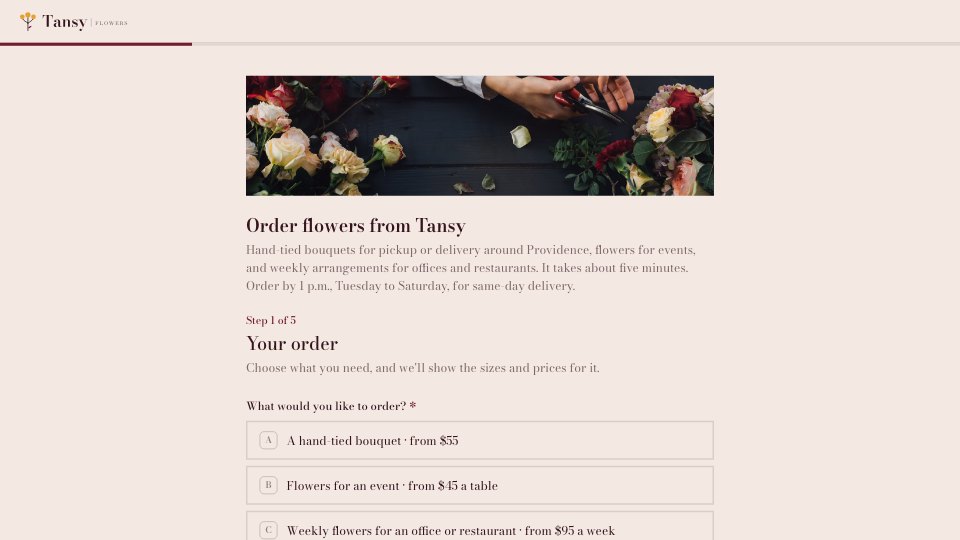
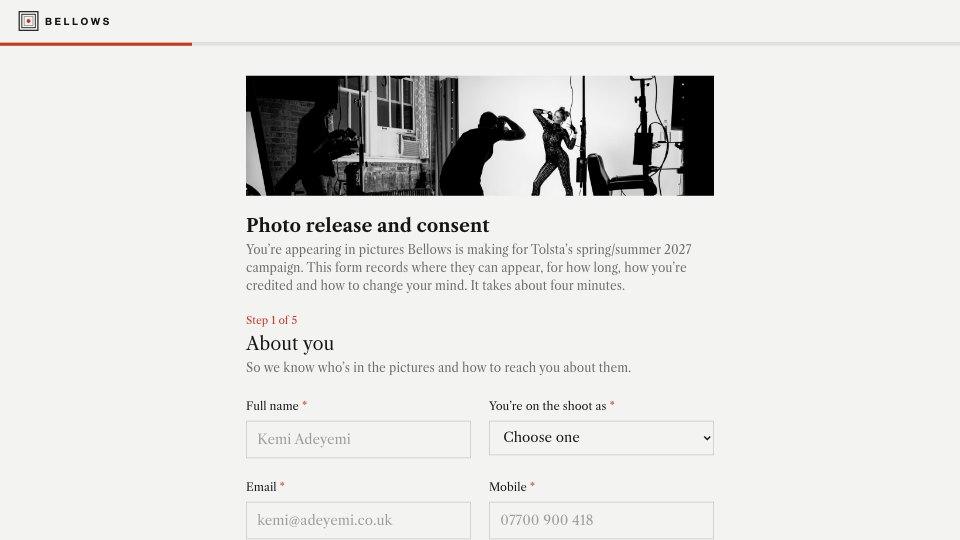
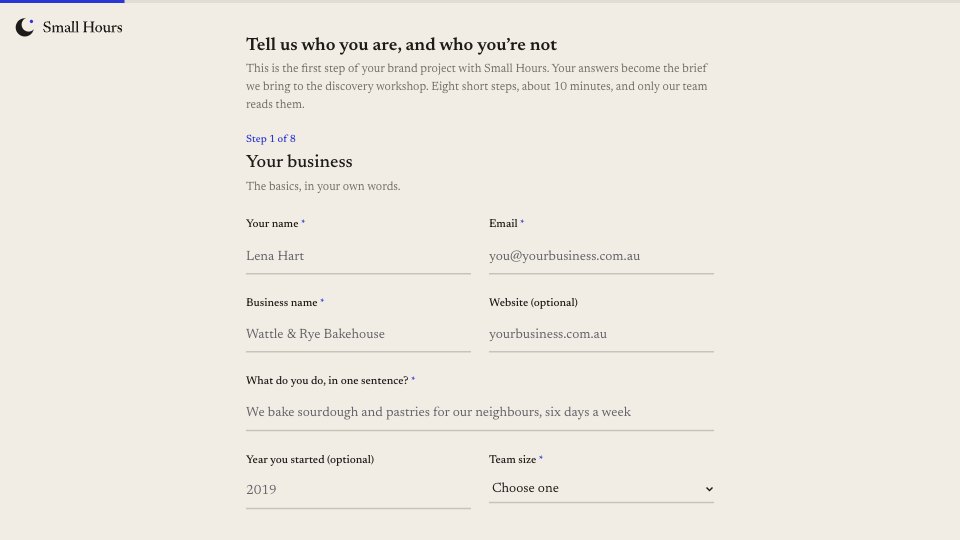
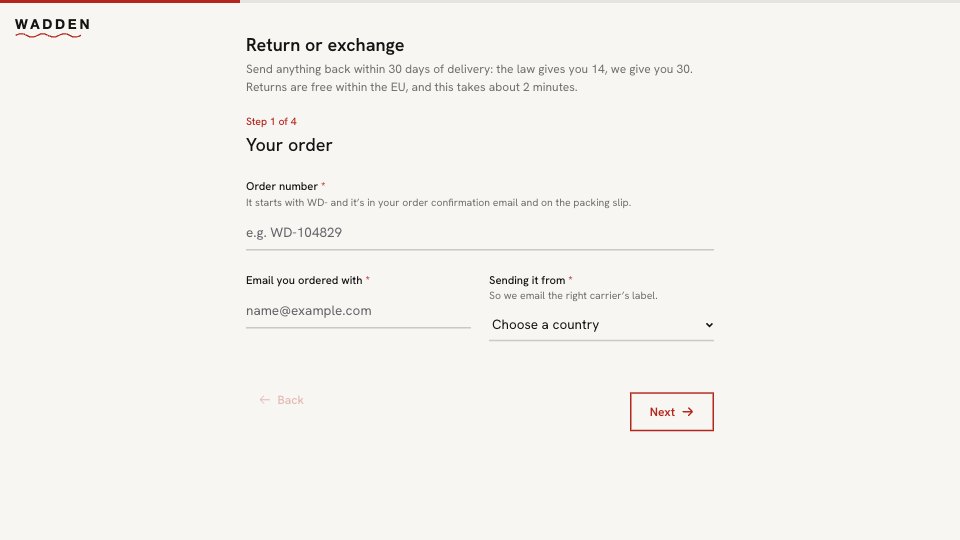
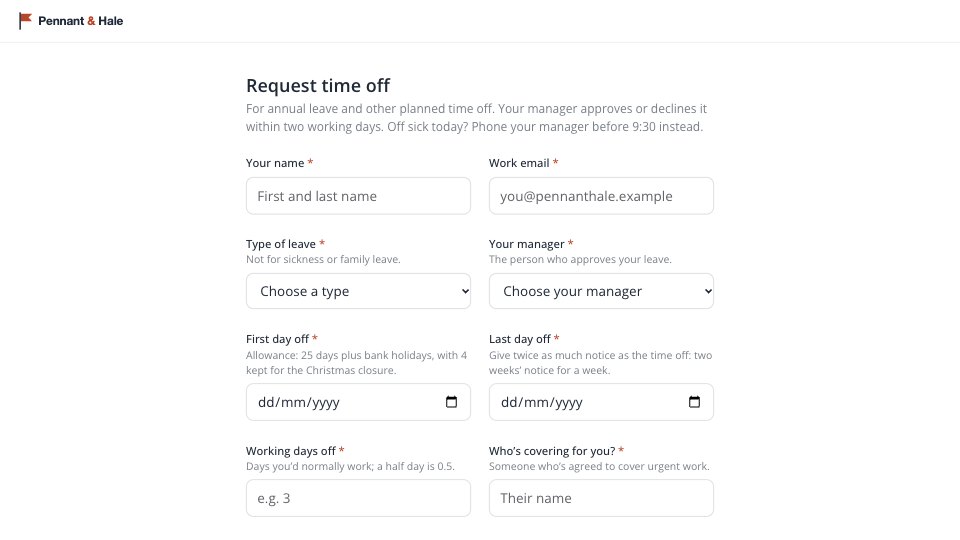
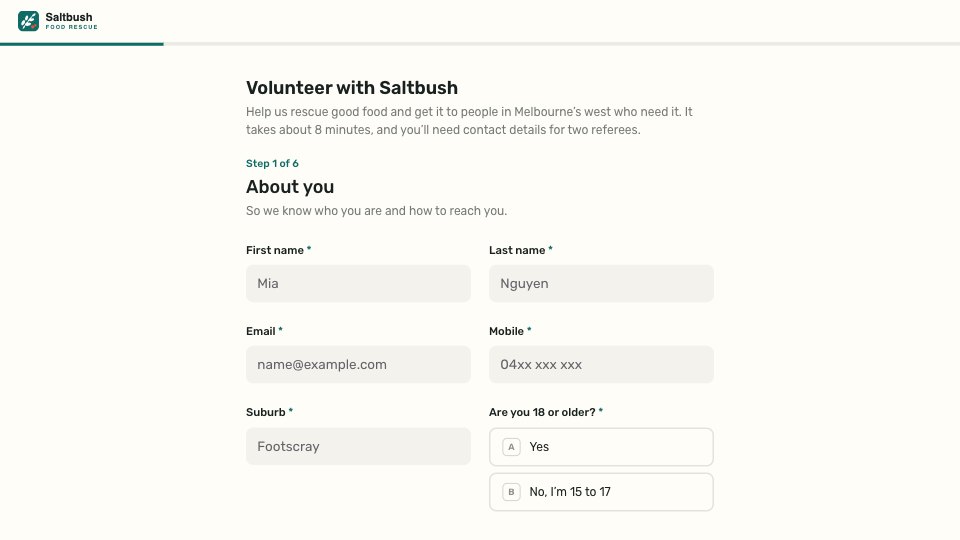
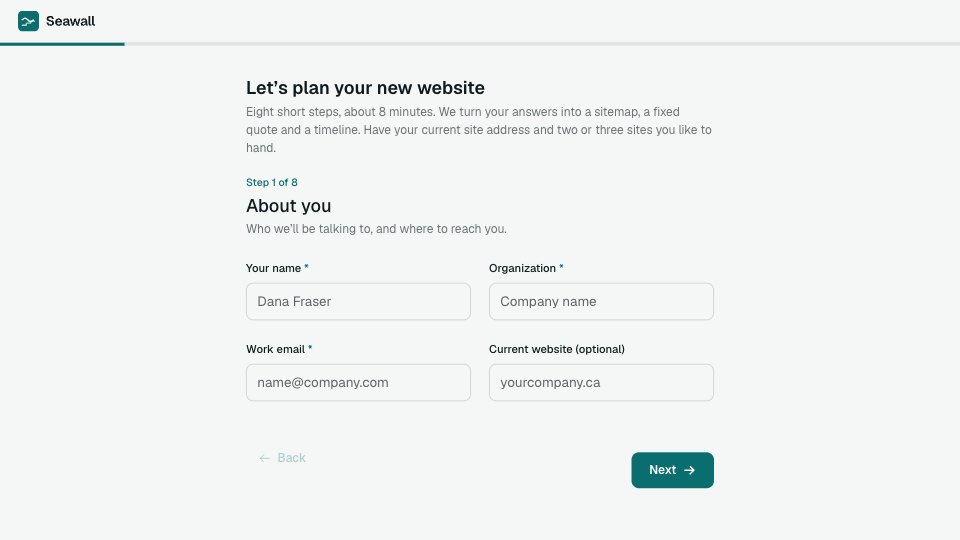
Start your registration form with Docsiv AI
Describe the client or the project and Docsiv AI writes a first draft of your newsletter signup form for you to edit, share and send.