

What’s inside the Online Course Platform.
10 screens with real content in place. Rewrite them, reorder them, or add your own.
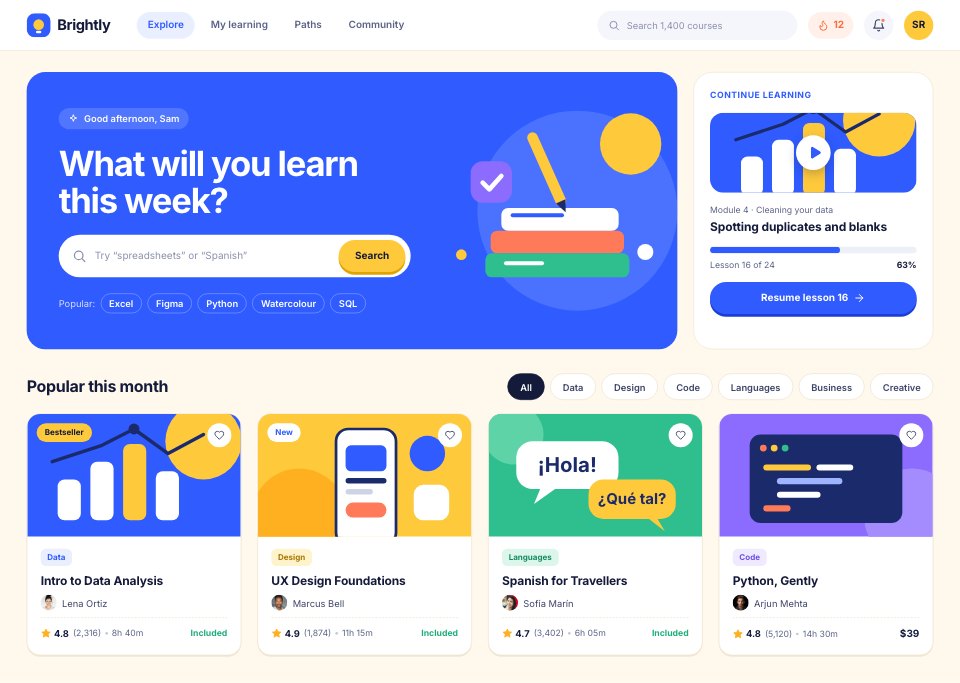
- 1Screen 1Catalogue: blue hero with search and a drawn illustration, continue-learning card, subject filters, course cards
- 2Screen 2Course page: title band, instructor and ratings, curriculum with an open module, enroll card with what’s included
- 3Screen 3Checkout: Plus or one course, plan toggle, card form and order summary
- 4Screen 4Lesson player: video with chapters, notes and transcript tabs, lesson list with progress
- 5Screen 5Progress dashboard: streak, weekly minutes chart against the goal, courses in progress, badges and XP
- 6Screen 6Quiz: question with a sample of the data, four answers, the correct one marked, feedback bar
- 7Screen 7Quiz results: score, answers reviewed, XP earned, retry or move on
- 8Screen 8Certificate: the finished certificate with share and download
- 9Screen 9Instructor profile: bio, courses, ratings and learner reviews
- 10Screen 10Settings and learning goals: daily goal, reminders, subjects and account
When to use it.
Online Course Platform is a 10-screen desktop design for an e-learning product, for course creators, edtech start-ups and designers. It follows one learner from the catalogue to a course page, checkout, a lesson player with notes and transcript, a progress dashboard with streaks and badges, a quiz and its results, a certificate, an instructor profile and learning goals. A warm cream ground, bright blue and sunny yellow, course covers drawn as little flat-shape illustrations and pill buttons with an offset shadow make it friendly and bright.
Made for
- SaaS founders and product teams
- Product designers working on dashboards
- Agencies building admin tools for clients
- Developers prototyping a new feature
Make it yours in four steps.
Open it in UI design and work through it, or let Docsiv AI do the first pass with your details.
- Step 1
Rename Brightly and change the blue and yellow to your brand colours.
- Step 2
Swap the course titles, covers, lessons and instructor for your own.
- Step 3
Edit the quiz questions, badges and plan prices to match your platform.
- Step 4
Link the screens into a clickable prototype, or export them as FIG, SVG, PNG or PDF for handoff.
Start from the Online Course Platform now.
Questions about this template.
Something else on your mind? Ask us in the chat, bottom right of the page.
Is the Online Course Platform template free?
Yes. Create a free account and it opens in Docsiv's UI design app, ready to edit and share. The Free plan includes every Docsiv app and 500 AI credits a month.
Can I change the colours, fonts and text?
Yes, all of it. The template uses Inter with #fff8ec, #2f5bff, #ffc93c, #141a3a, #1fae7a, #ff7a59, and you can change any of them, rewrite every word and add or remove screens and layers.
What can I export it as?
UI design in Docsiv offers: FIG, SVG, PNG and PDF files. Once it's saved, you can also share it with a link.
Can Docsiv AI change it for me?
Yes. Tell Docsiv AI what you need, such as your brand's colours, new wording or another screen, and it makes the changes in UI design for you to review. AI uses credits; the Free plan includes 500 a month.
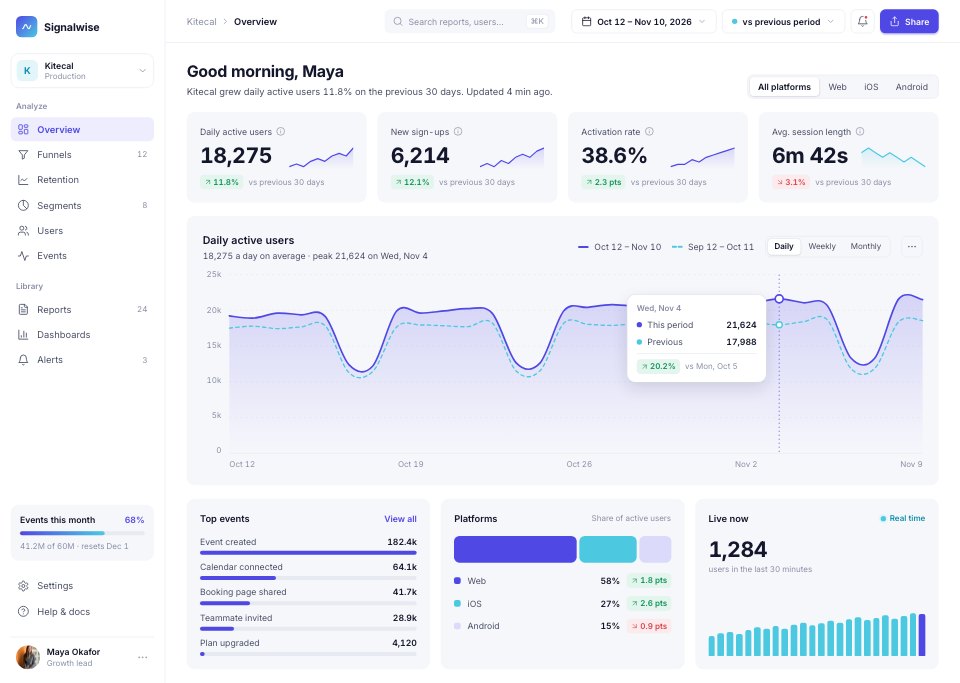
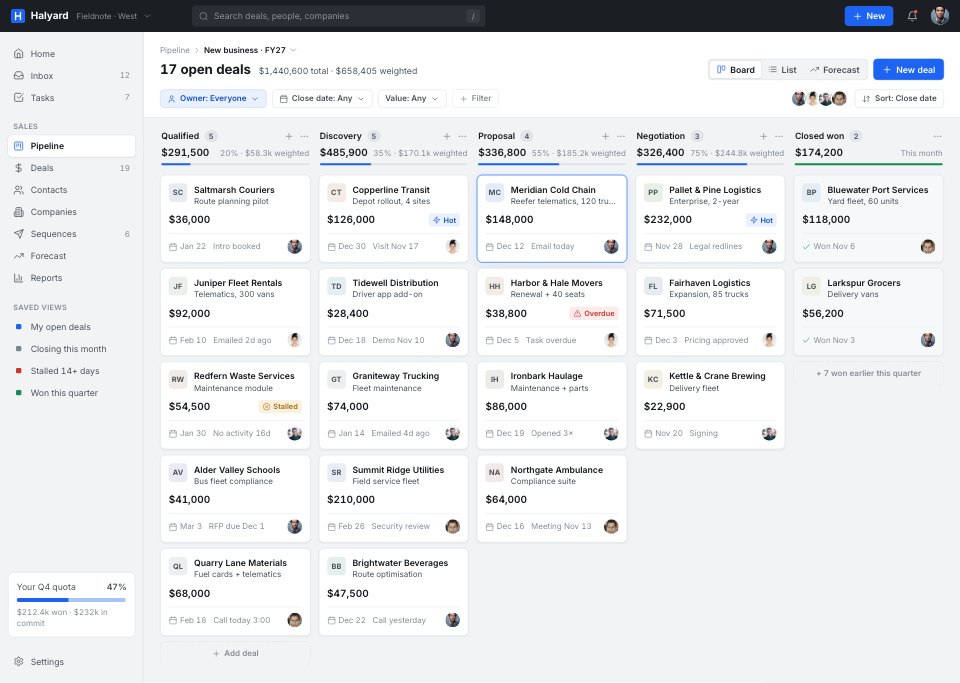
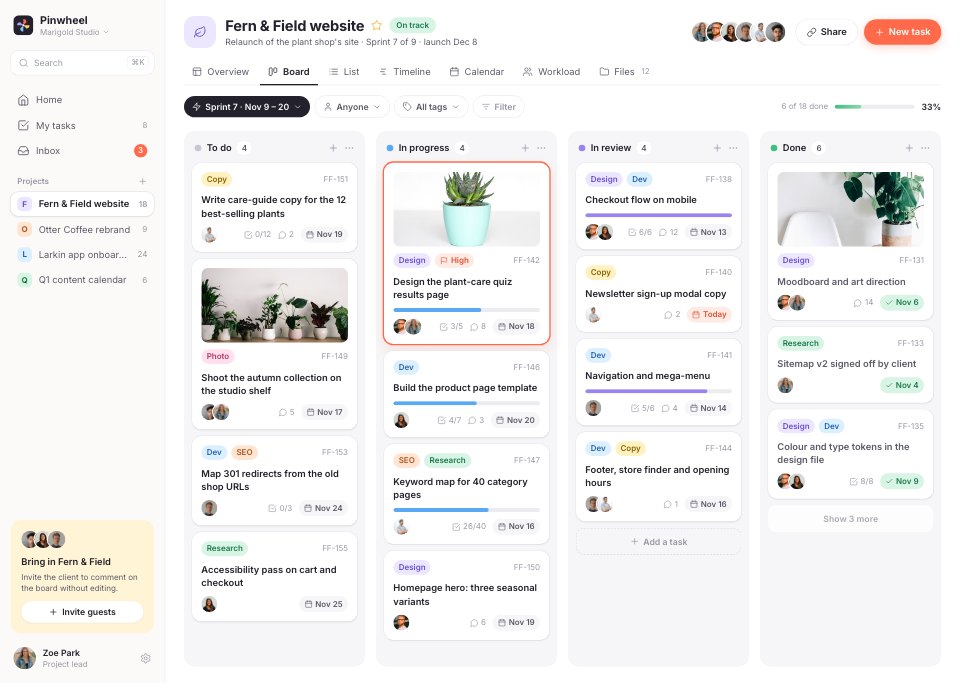
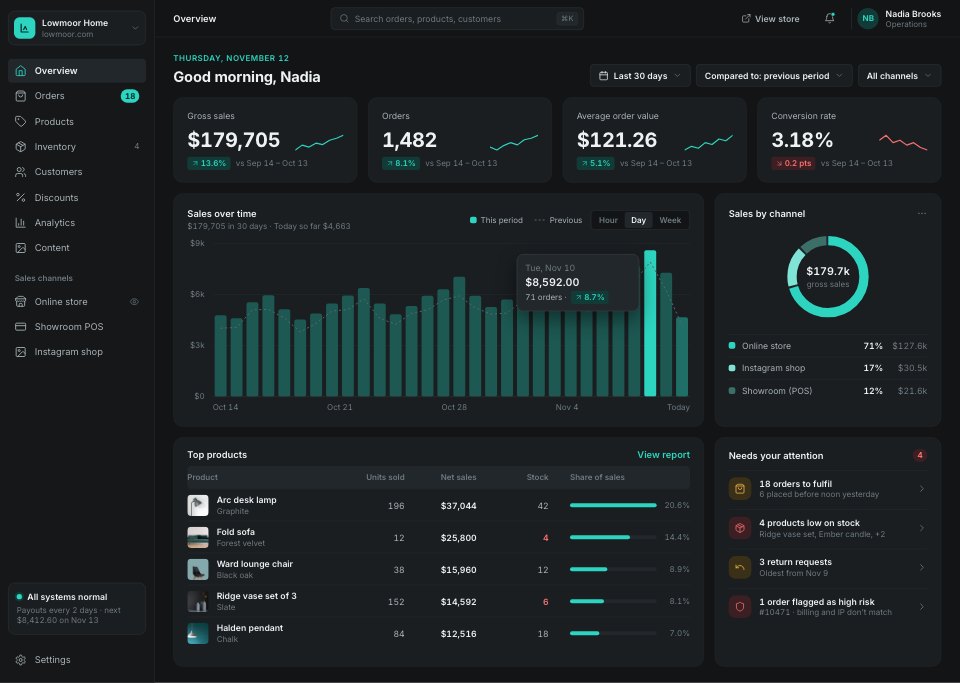



Start your dashboard design with Docsiv AI
Describe the client or the project and Docsiv AI writes a first draft of your online course platform for you to edit, share and send.