

Templates for every document you send.
177 proposals, decks, reports, contracts, invoices, forms and more, with real content on every page. Open one in its app and make it yours, or let Docsiv AI fill it in.
Suggested for you
More templates
Find the right one by type.
Each category has its own page, and each template its own, with every page of it, what’s inside and how to make it yours.
Presentations25
Pitch decks, campaign plans, portfolios, workshops and updates.
Proposals16
Client proposals and briefs with a scope, a plan and the fees.
Reports16
Monthly, quarterly and annual reports, audits and case studies.
Contracts11
Agreements, statements of work and NDAs ready for signature.
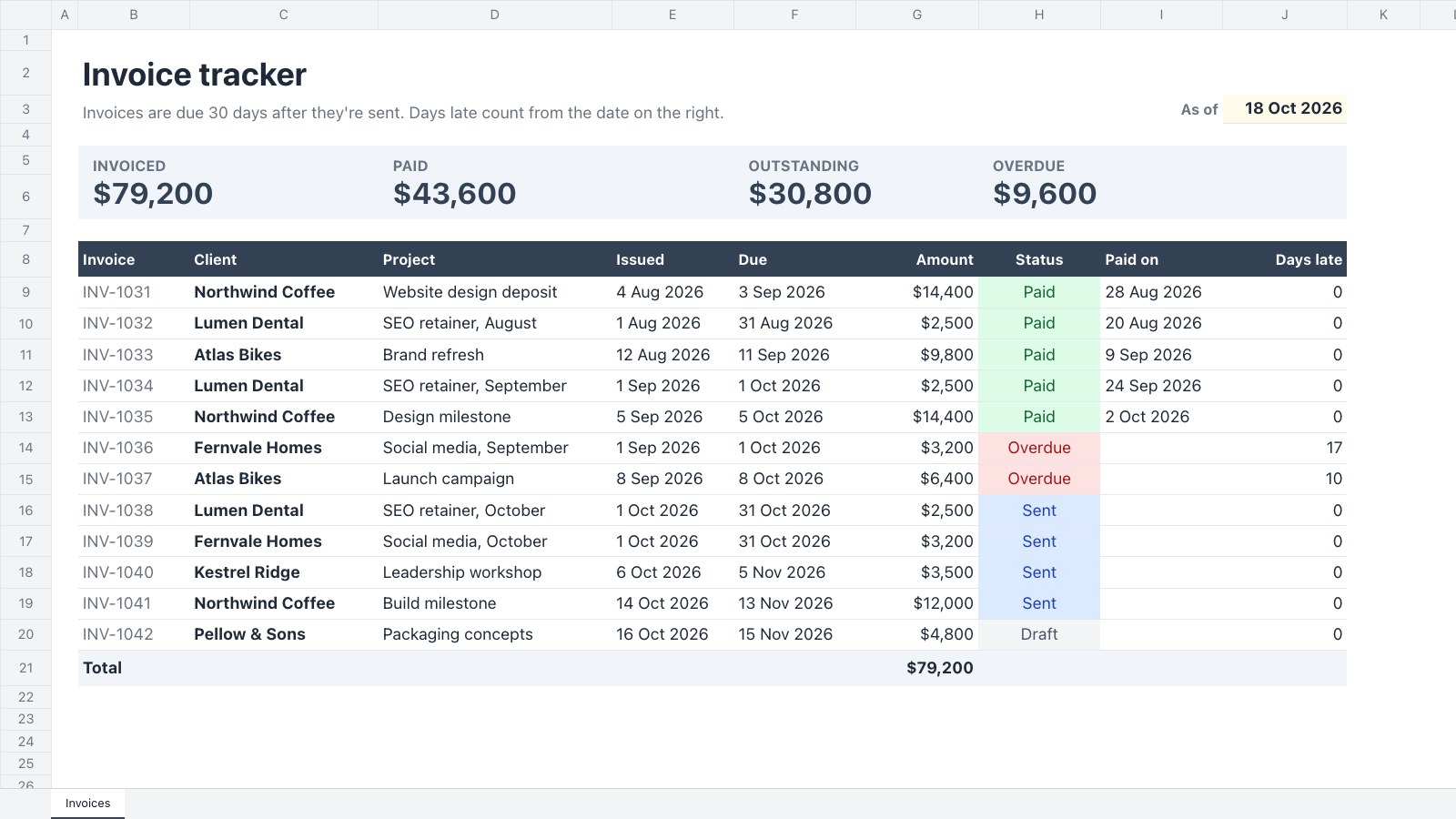
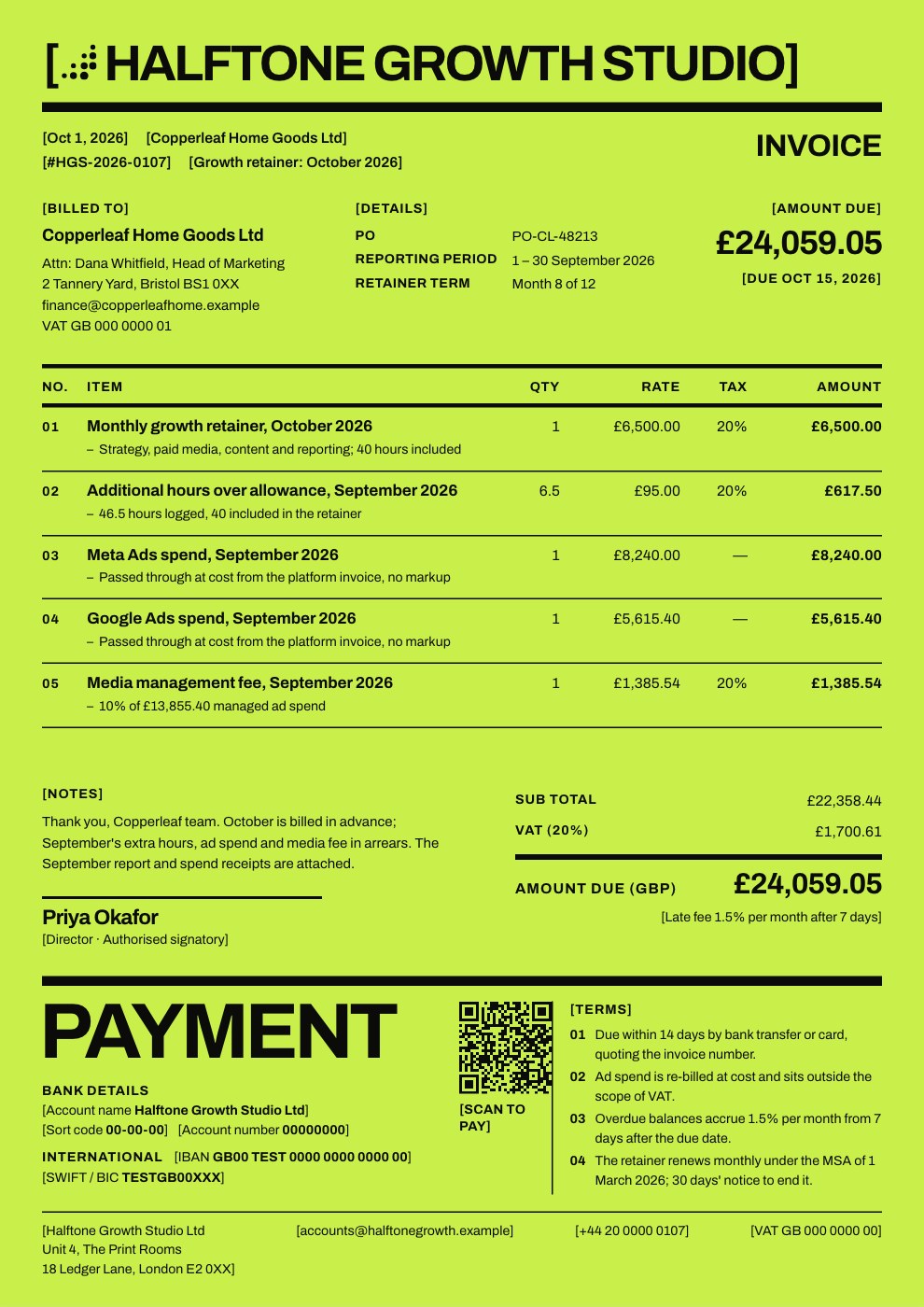
Invoices17
Invoices, quotes, receipts, credit notes and purchase orders.
Forms26
Intake forms, surveys, sign-ups and applications.
Brand and print19
Brand guidelines, brochures, newsletters, business cards, flyers, posters, certificates and menus.
Social media11
Posts, carousels, stories and thumbnails in every size.
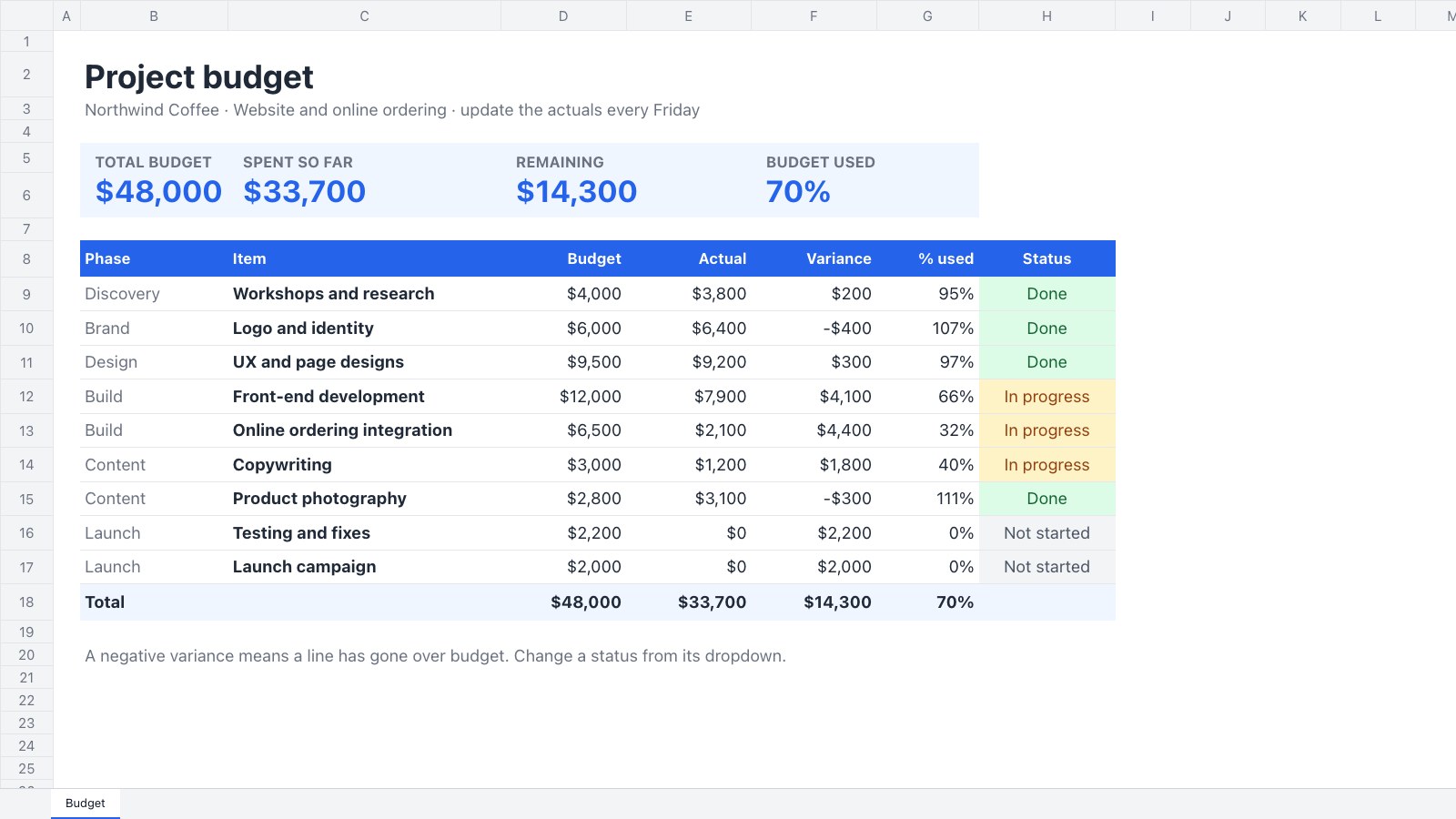
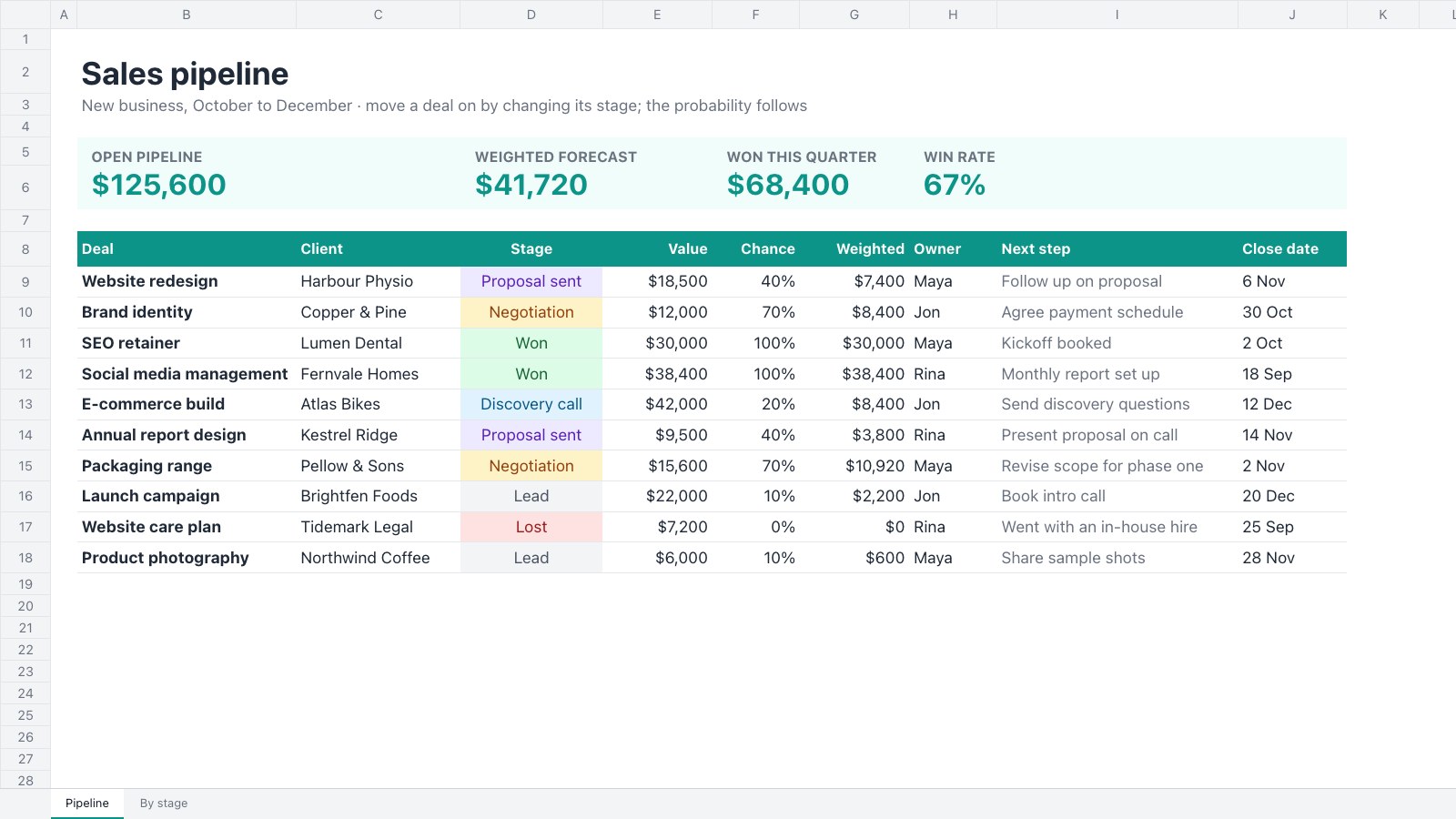
Spreadsheets and planning20
Budgets, bookkeeping, pipelines, plans and calendars.
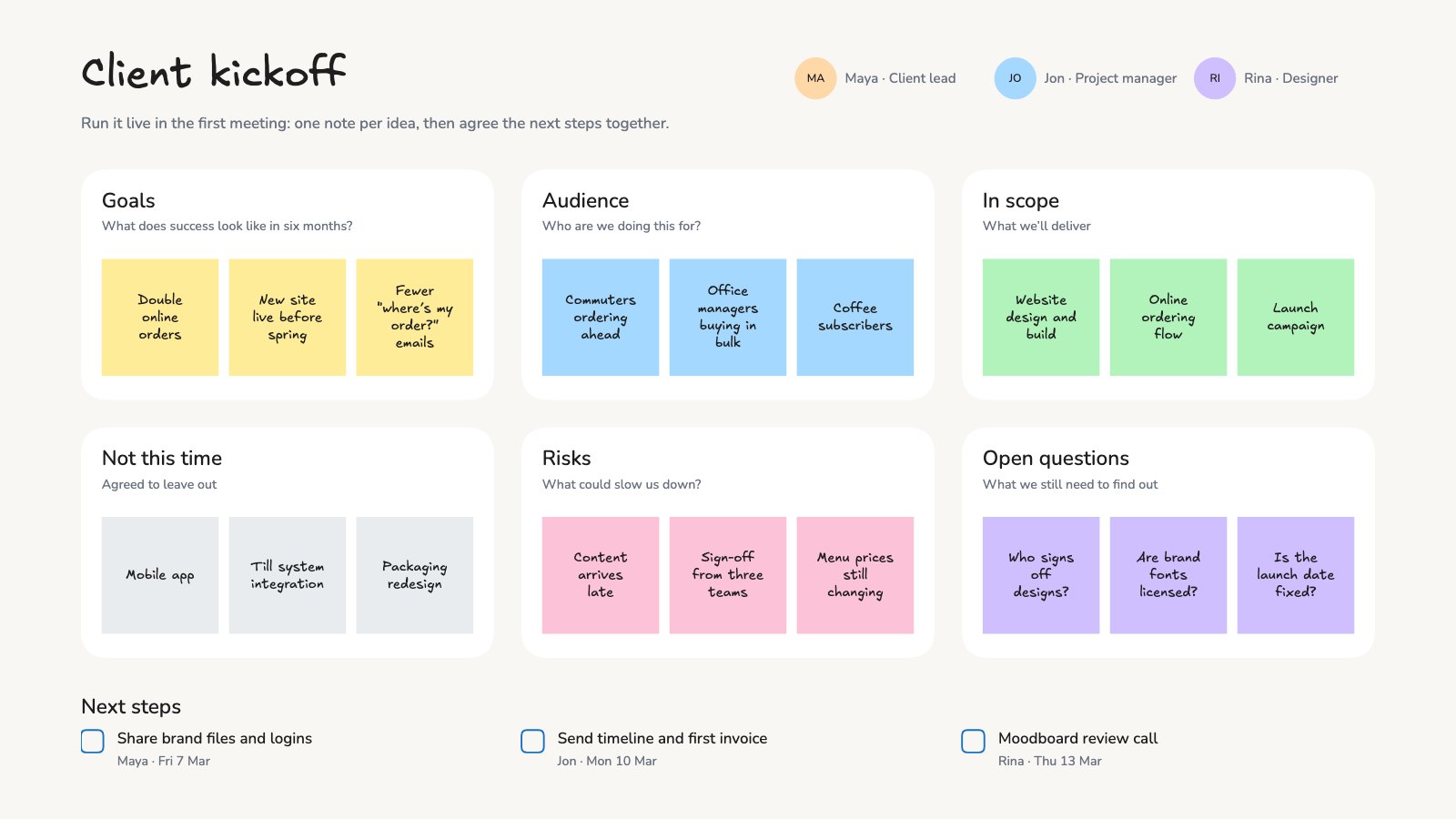
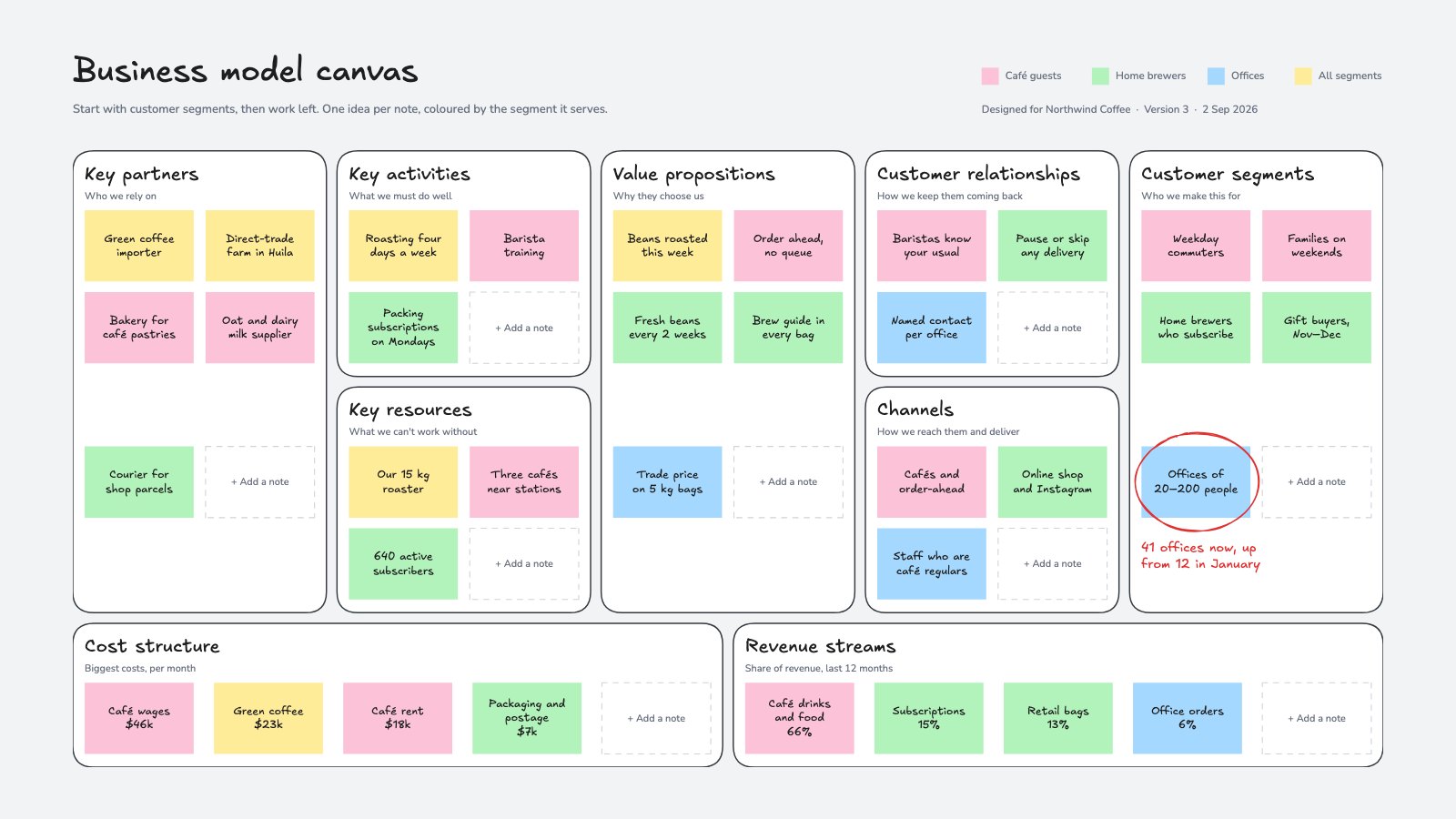
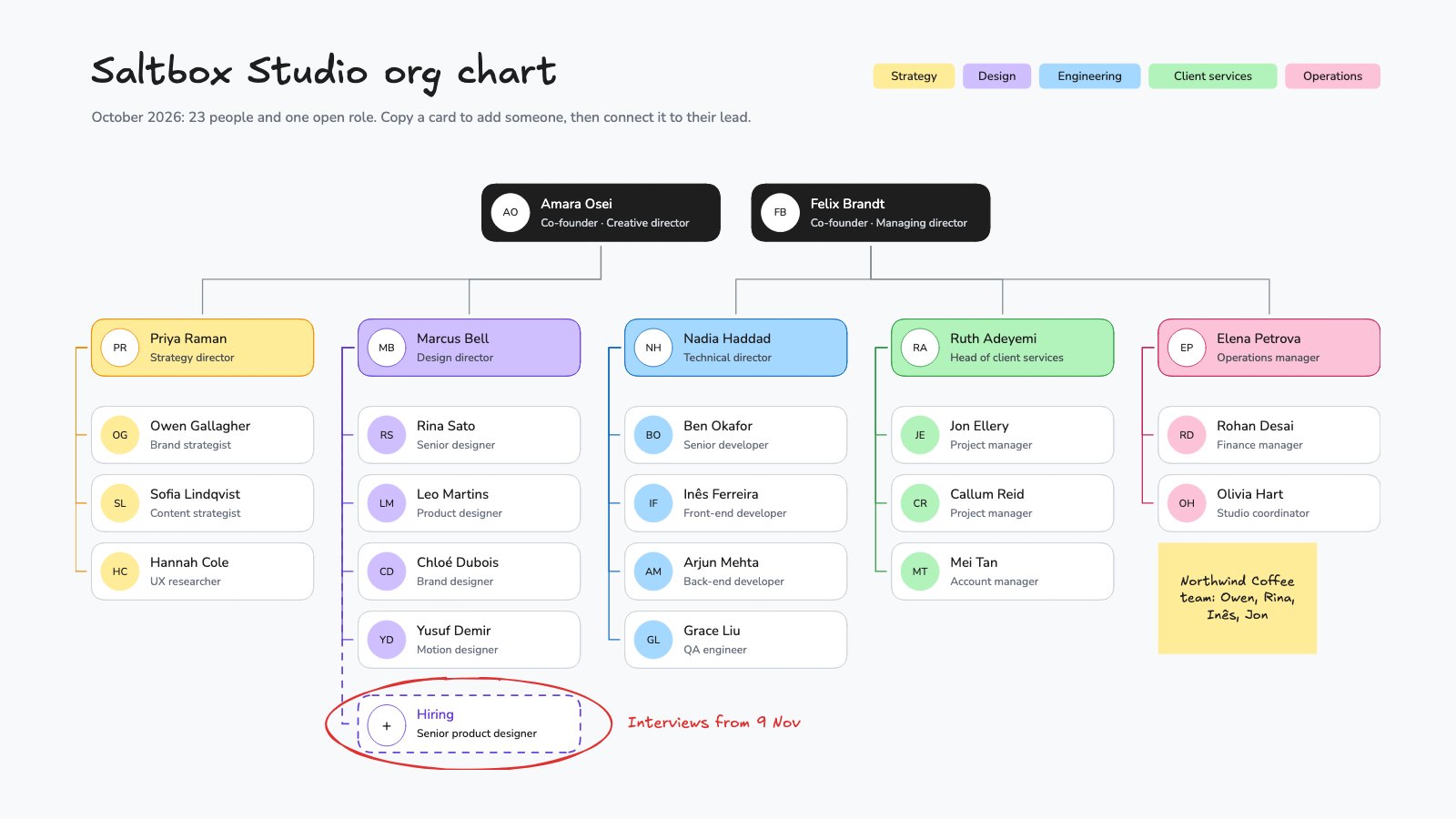
Whiteboards12
Boards for kickoffs, canvases, flowcharts, org charts and ideas.
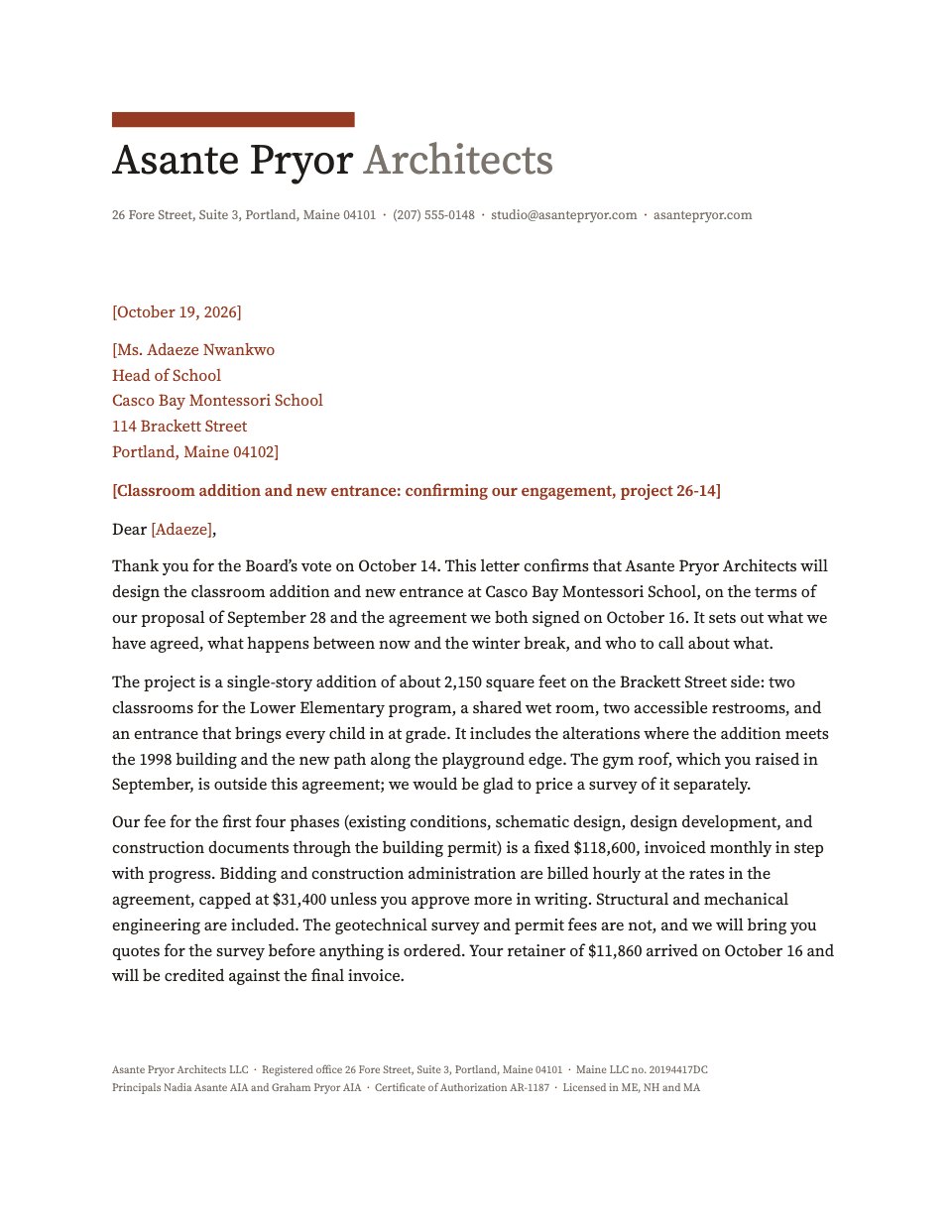
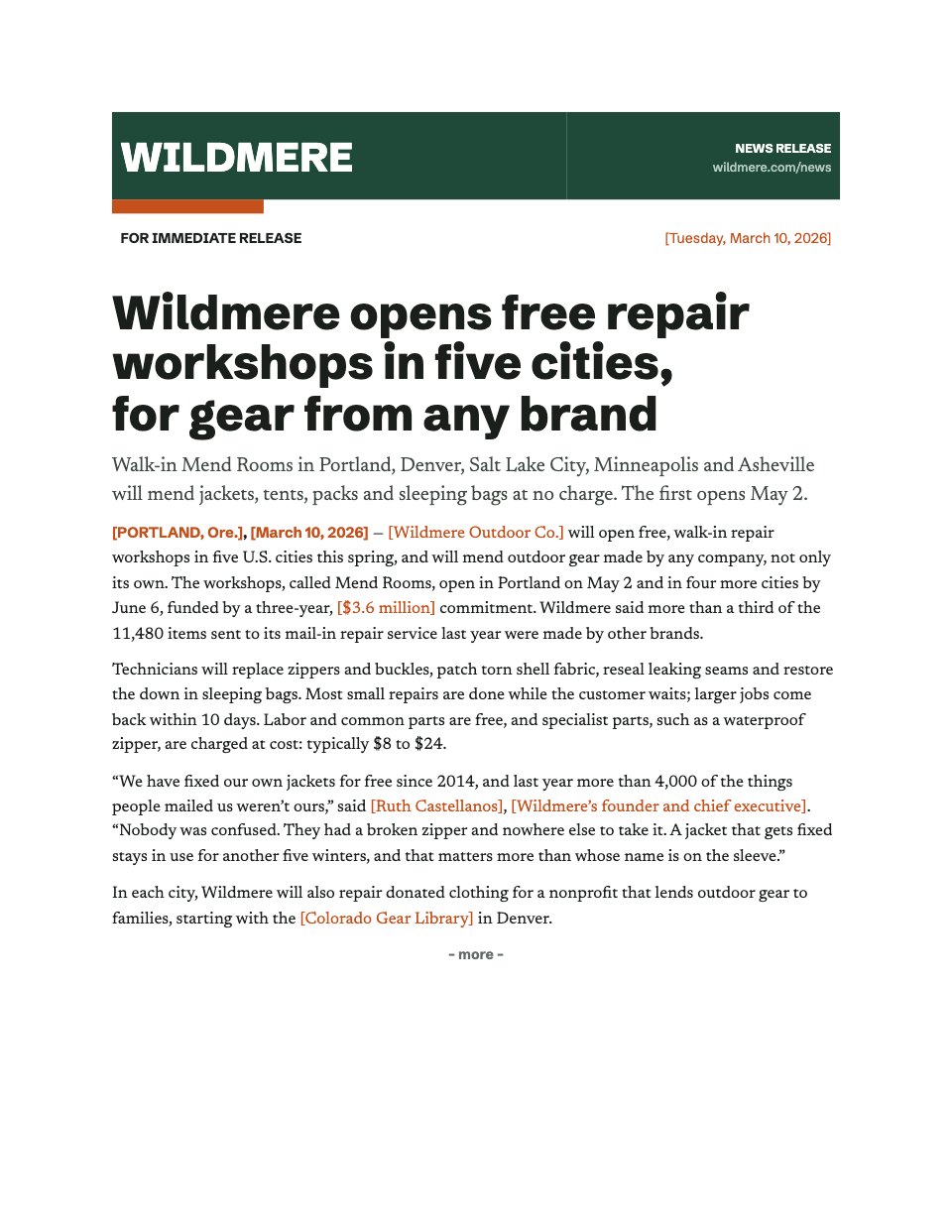
Letters and press releases2
Letterheads and press releases that save as Word files.
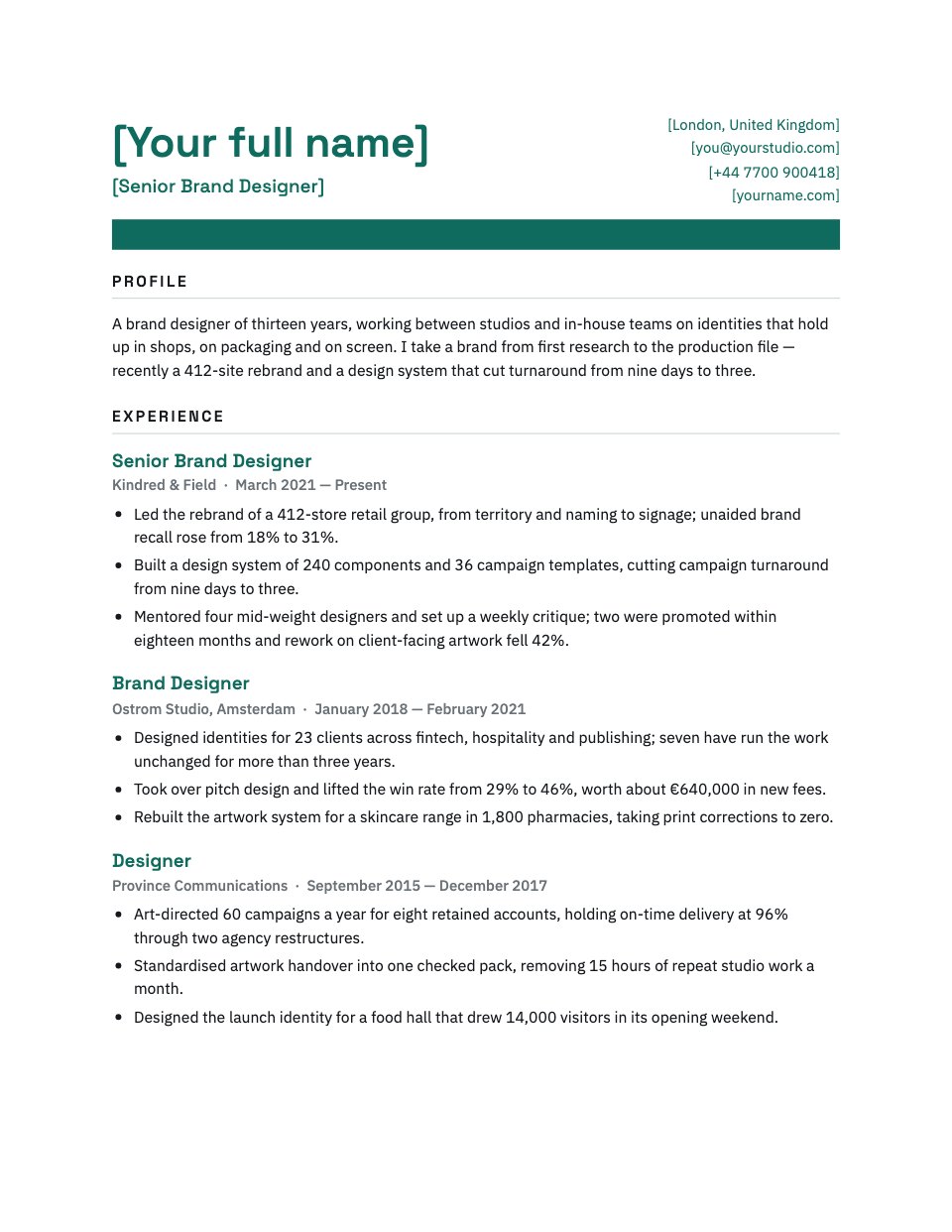
CVs and cover letters2
A CV and a cover letter that save as Word files.





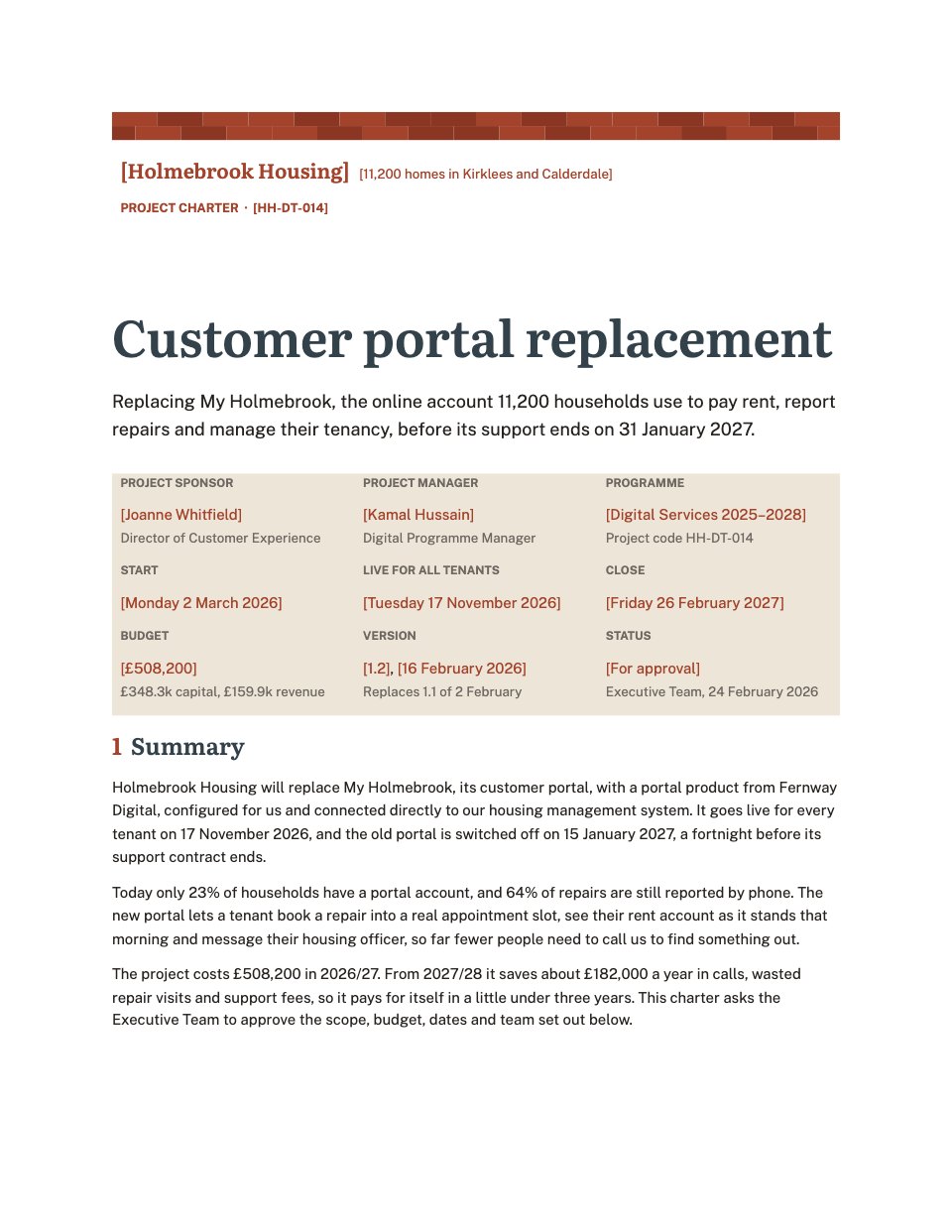




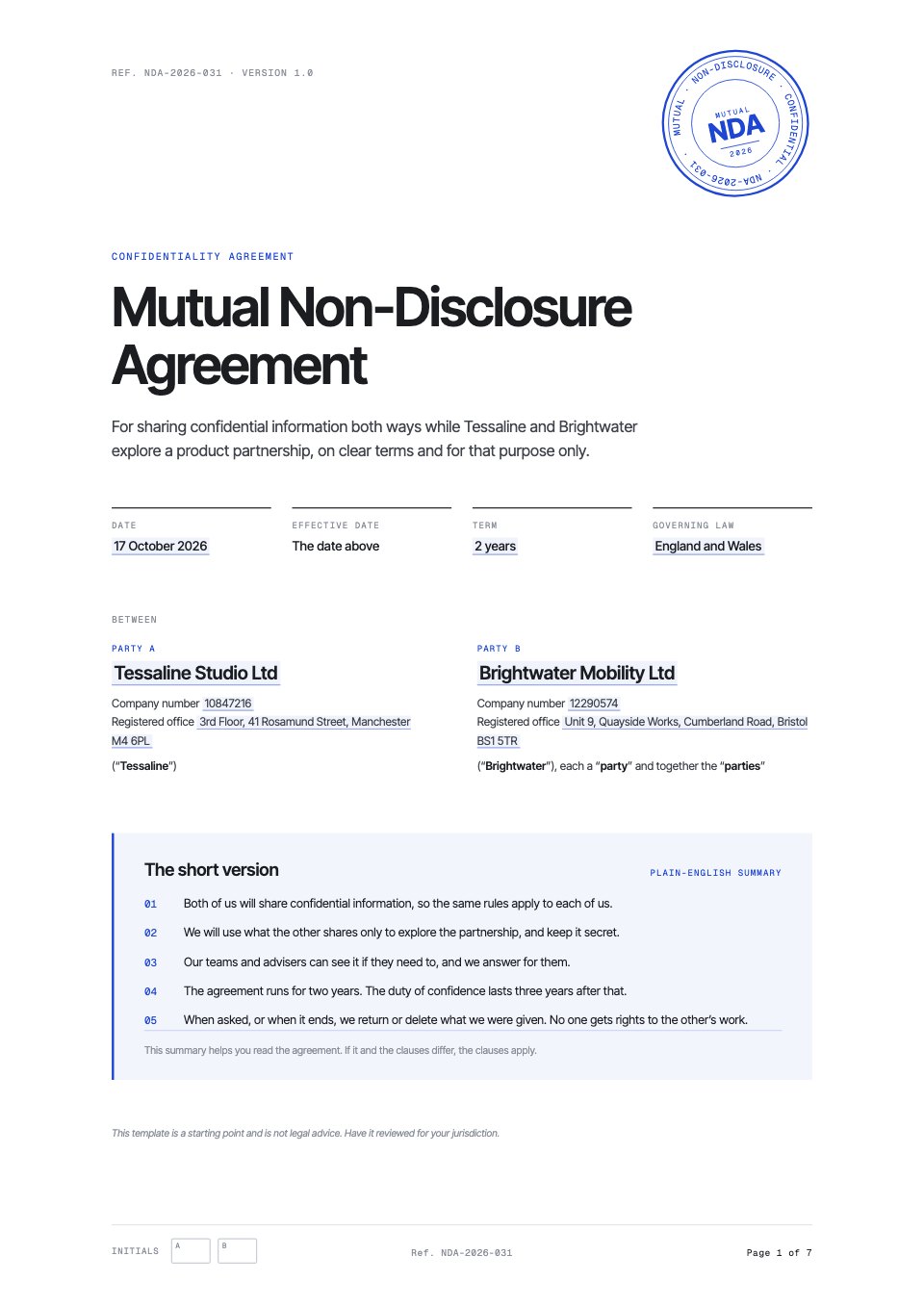
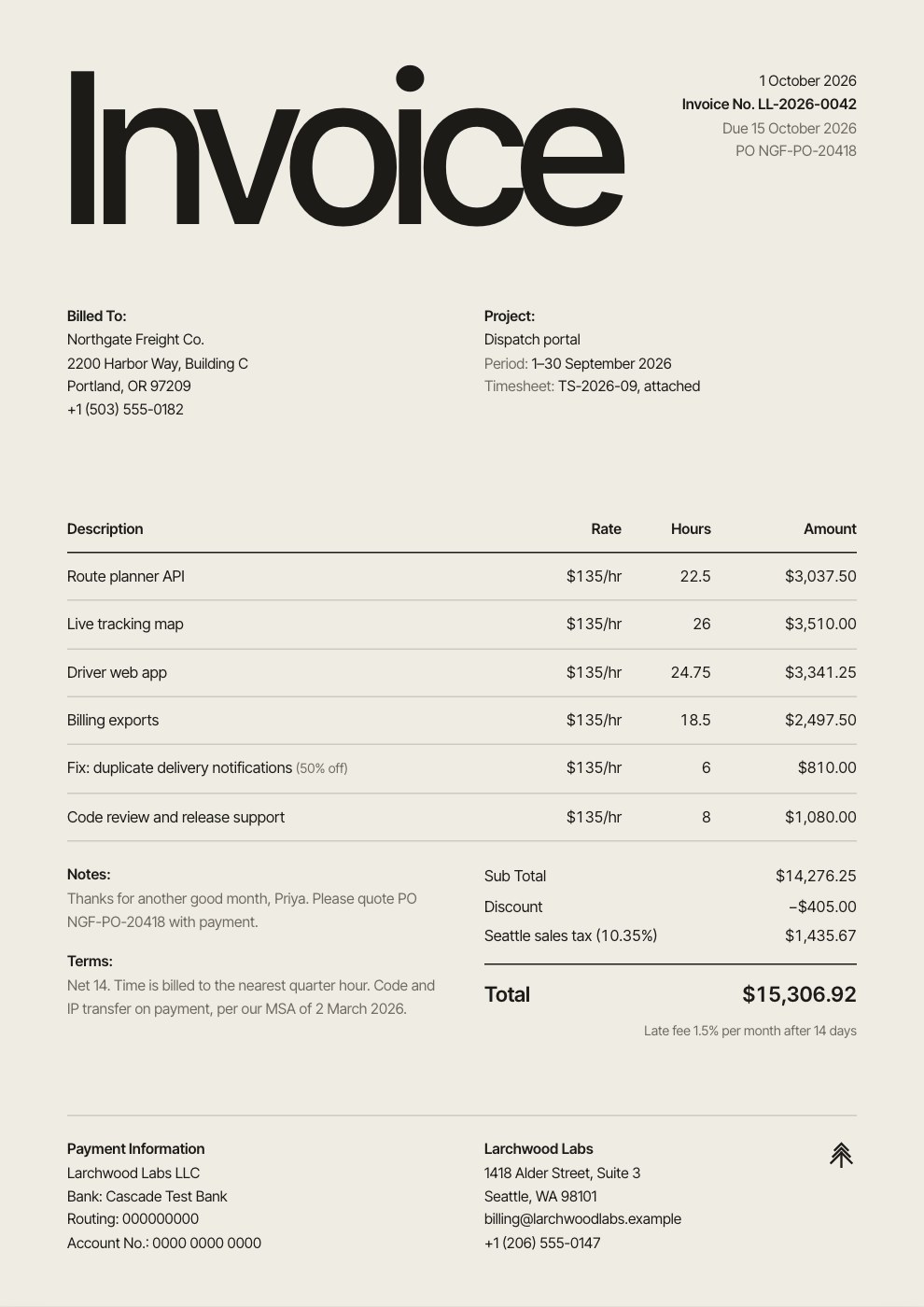
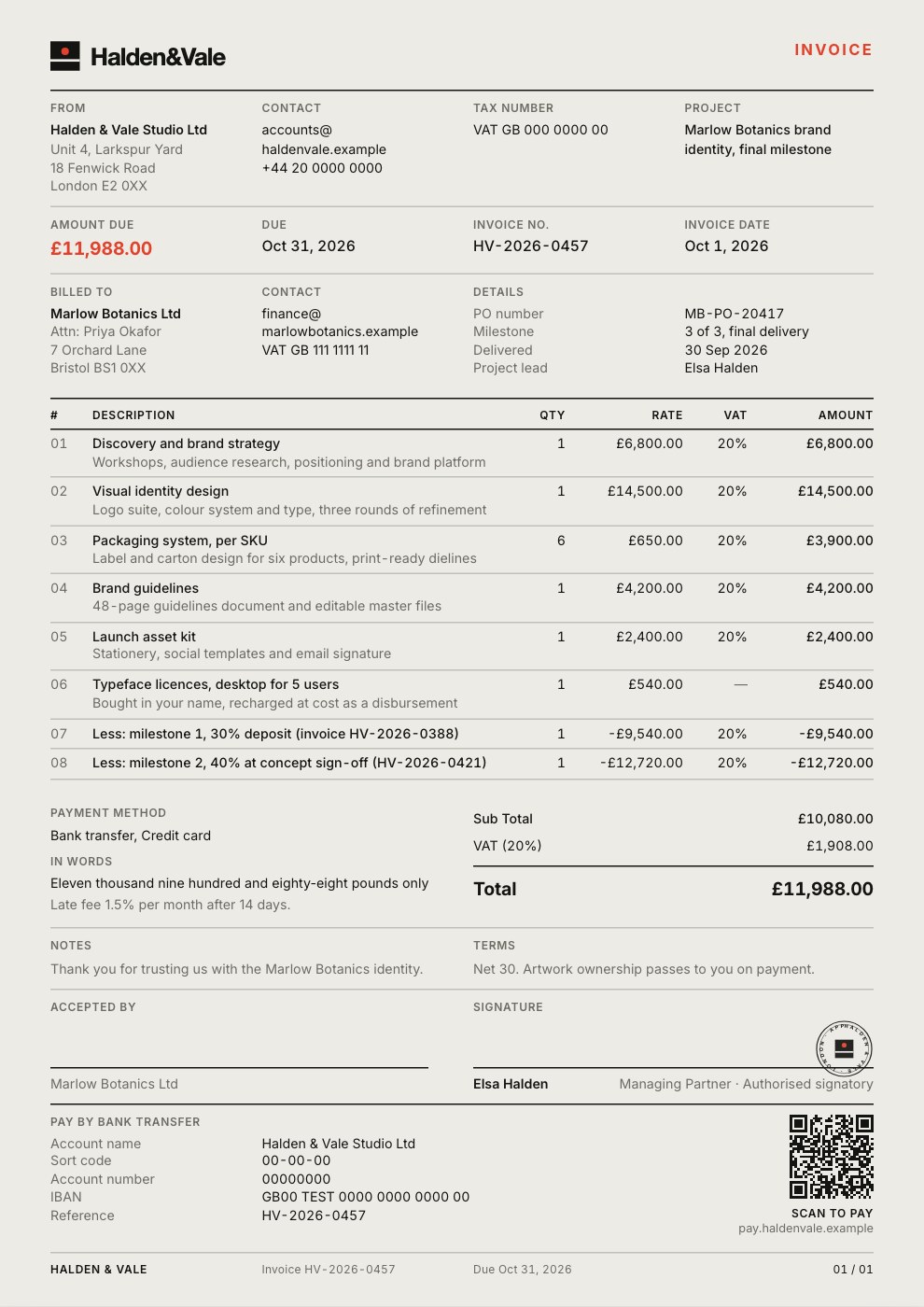









From template to sent, in one place.
Sign up free to open any template, save it, share it and use Docsiv AI.
- Step 1
Pick a template
Each one opens in its own app with real content in place, so you start from a finished draft rather than a blank page.
- Step 2
Let Docsiv AI fill it in
Tell it about the client or the project and it rewrites the template in its own style. Change a page, a chart or a section by asking.
- Step 3
Put it in your brand
Your brand kit’s colours are in every colour picker, so a template takes on your look in a few clicks.
- Step 4
Share, sign or export
Share a link to view, comment or edit, send it for e-signature on a paid plan, or download it as PDF, PPTX, DOCX and more.

In their own words.
What agencies and teams say after moving their client work into Docsiv.
The Boost GroupApsticVirtual XcellenceRecruit Hunt
“Proposals used to take a day across four tools. Now we send them branded from one place, and clients sign the same afternoon.”
“Our decks, proposals and reports live in one place now. The team works on the same files instead of passing versions around, and AI gets us to a first draft fast.”
“We replaced our proposal tool, our deck tool and our e-sign tool in one afternoon. Everything our clients see now goes out in our brand.”
RecruitHunt uses Docsiv for recruitment, staffing and AEC client work.
Questions about templates.
Something else on your mind? Ask us in the chat, bottom right of the page.
Are Docsiv’s templates free?
Yes. Every template opens in its Docsiv app with a free account, which saves your copy, shares it by link and includes Docsiv AI. A form’s responses are collected in your workspace too.
Can I use them for client work?
Yes. They’re starting points for your own proposals, reports, decks, contracts and invoices: rewrite them, put them in your brand and send them to clients.
Can Docsiv AI fill in a template for me?
Yes. Choose Customise with Docsiv AI on a template, tell it about the client or the project, and it drafts the content in that template’s style for you to review and edit. AI uses credits; the Free plan includes 500 a month.
What can I export them as?
It depends on the app: proposals and reports as PDF and HTML, decks as PPTX, PDF and HTML, documents as DOCX and PDF, spreadsheets as XLSX, CSV and PDF, invoices as PDF, social posts as PNG and PDF, whiteboards as PNG and SVG, and form responses as CSV.
Are the contract templates legal advice?
No. They’re clearly written starting points with the clauses agencies and freelancers usually need. Check any agreement with a lawyer where you work before you rely on it.
Can I save my own templates?
Yes. With an account, save any file as a template and everyone in your workspace, and Docsiv AI, can start from it.

























Can’t find the one you need?
Describe the document and Docsiv AI drafts it in a template’s style, ready for you to edit and send.