

Mockup templates
Device, merchandise, packaging and photo mockups where your own screen, logo or photo drops into a clearly marked spot, ready to show a client or post.
Device Mockups
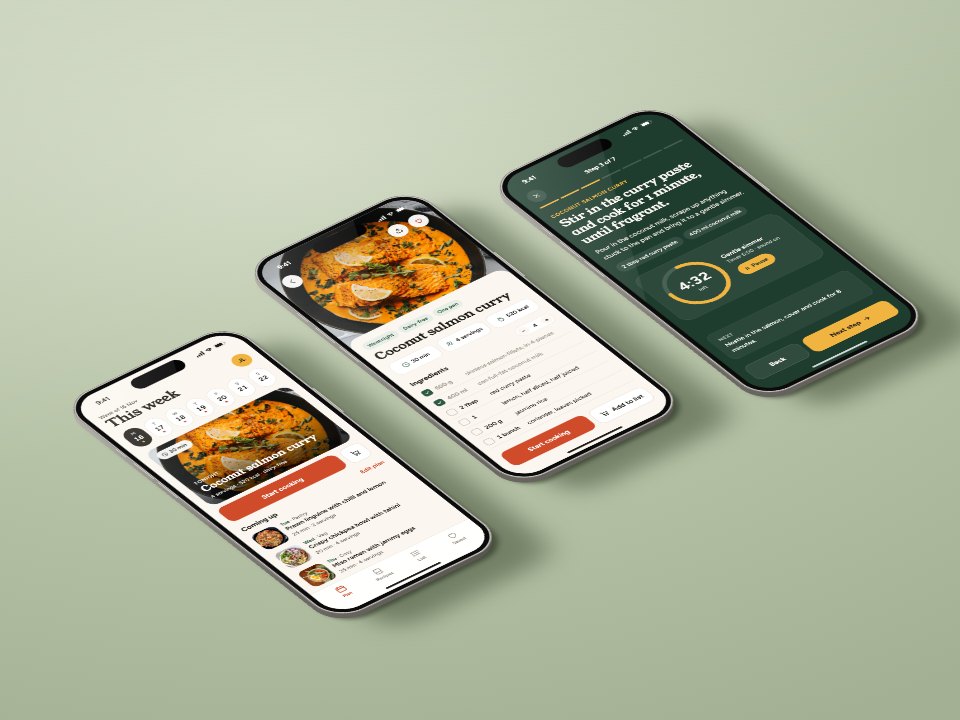
Four 1600×1200 phone and laptop mockup scenes, each screen one picture you replace with your own screenshot: three phones at an isometric angle on a colour sweep, a laptop and phone in a clean studio, and two lifestyle shots on a café counter and a stone plinth.PreviewMerch & Packaging Mockups
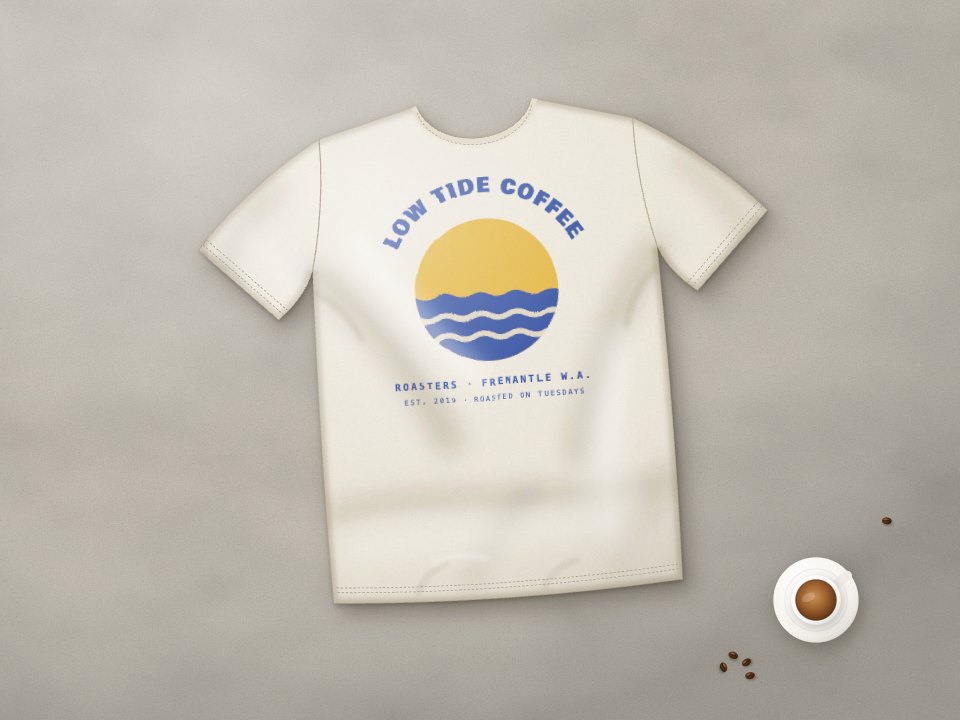
Four 1600×1200 merch and packaging mockups, each print or label one picture you replace with your own artwork: a flat-lay T-shirt, a tote on a peg, a closed and an open mailer box, and two stand-up coffee pouches, shown with a coffee roaster’s sample branding.PreviewPhoto Collage
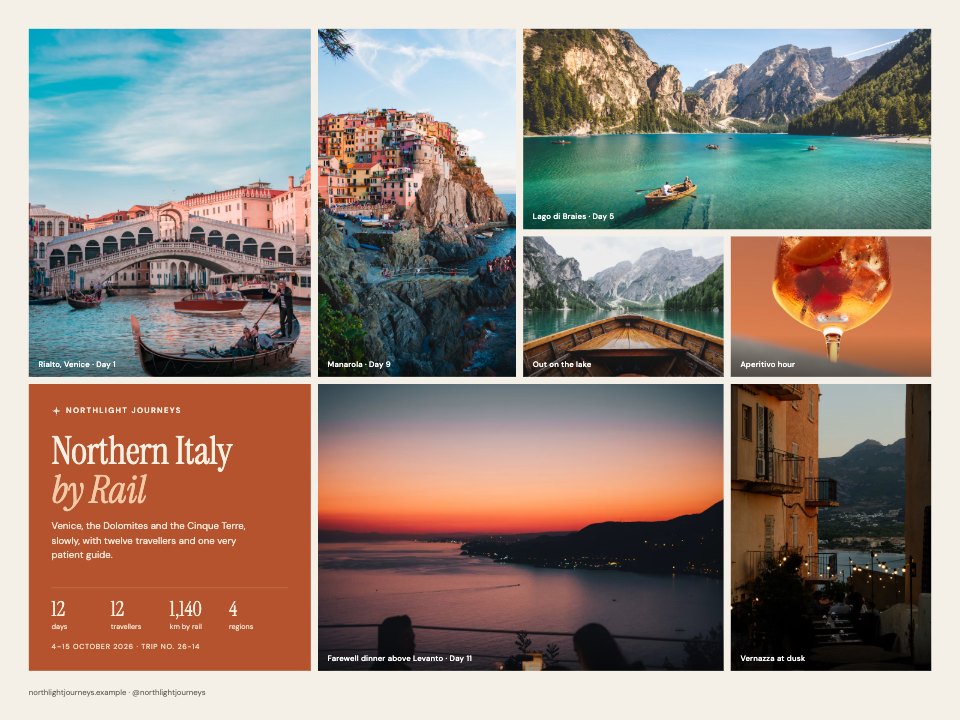
Four 1600×1200 photo collage layouts where every photo is one picture you replace with your own: an editorial grid with a title tile, a kraft-paper scrapbook, two strips of slide film on a light table with a loupe, and instant prints pegged to a line.Preview
A closer look at Device Mockups.
Four 1600×1200 phone and laptop mockup scenes, each screen one picture you replace with your own screenshot: three phones at an isometric angle on a colour sweep, a laptop and phone in a clean studio, and two lifestyle shots on a café counter and a stone plinth. Here it is design by design.
- 1Isometric phone trio on a sage sweep: three app screens lying at an angle with edge thickness, glass glare and contact and ambient shadows; three screen images (1179 × 2556 px each) and a recolourable backdrop
- 2Laptop and phone, clean studio: a three-quarter view of an open laptop showing the website and a standing phone showing the app, on a wall-and-floor sweep with soft floor shadows; two screen images (2880 × 1800 and 1179 × 2556 px)
- 3Lifestyle, café counter: a photo of a laptop beside an espresso with the website laid over its screen under a warm tint and a glass reflection; one screen image (2880 × 1800 px)
- 4Lifestyle, stone plinth: a phone standing on a sunlit plinth among driftwood, with a contact shadow, cast shadow and warm shade across the glass; one screen image (1179 × 2556 px)
About mockup templates.
Something else on your mind? Ask us in the chat, bottom right of the page.
Are these mockup templates free?
Yes. They open in Docsiv’s Designs app with a free account, where you can edit your copy, download it and share it with a link. The Free plan includes every Docsiv app and 500 AI credits a month.
Which app do they open in?
Designs: pNG, PDF and HTML exports.
Can Docsiv AI write the mockup for me?
Yes. Choose Customise with Docsiv AI on any template, tell it about the client or the project, and it drafts the content in that template’s style for you to review and edit. AI uses credits; the Free plan includes 500 a month.
Can I change the design?
Yes, all of it: the colours, fonts, photos and every word, and you can add or remove pages. Your brand kit’s colours are in every colour picker.
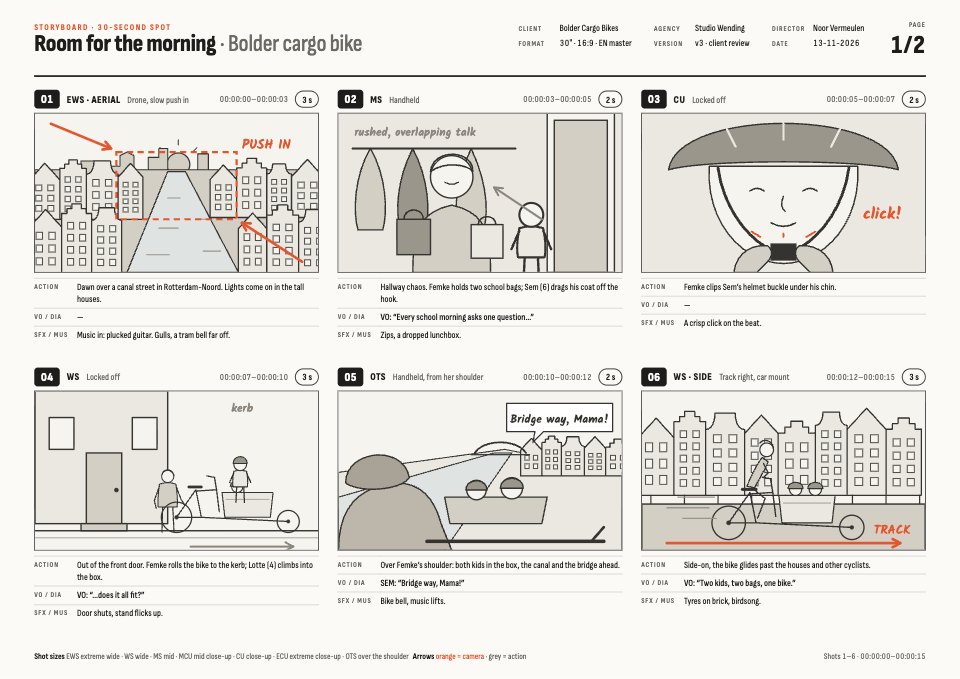


















































Describe the mockup you need
Docsiv AI drafts it in the style of these templates, with your details in place, ready for you to edit.