

Book templates
Book interiors and cookbooks laid out page by page, with chapter openers, running heads, folios and a consistent grid, ready to fill and export as a print PDF.
Book Interior
A 12-page interior for a non-fiction hardback, typeset to trade standards and read in book order: frontispiece, title page, copyright page and contents, an epigraph and the preface, the end of the introduction and a part title, a full-page figure and the chapter opening it faces, and two text pages with running heads, folios, an extract, a table and footnotes.PreviewCookbook
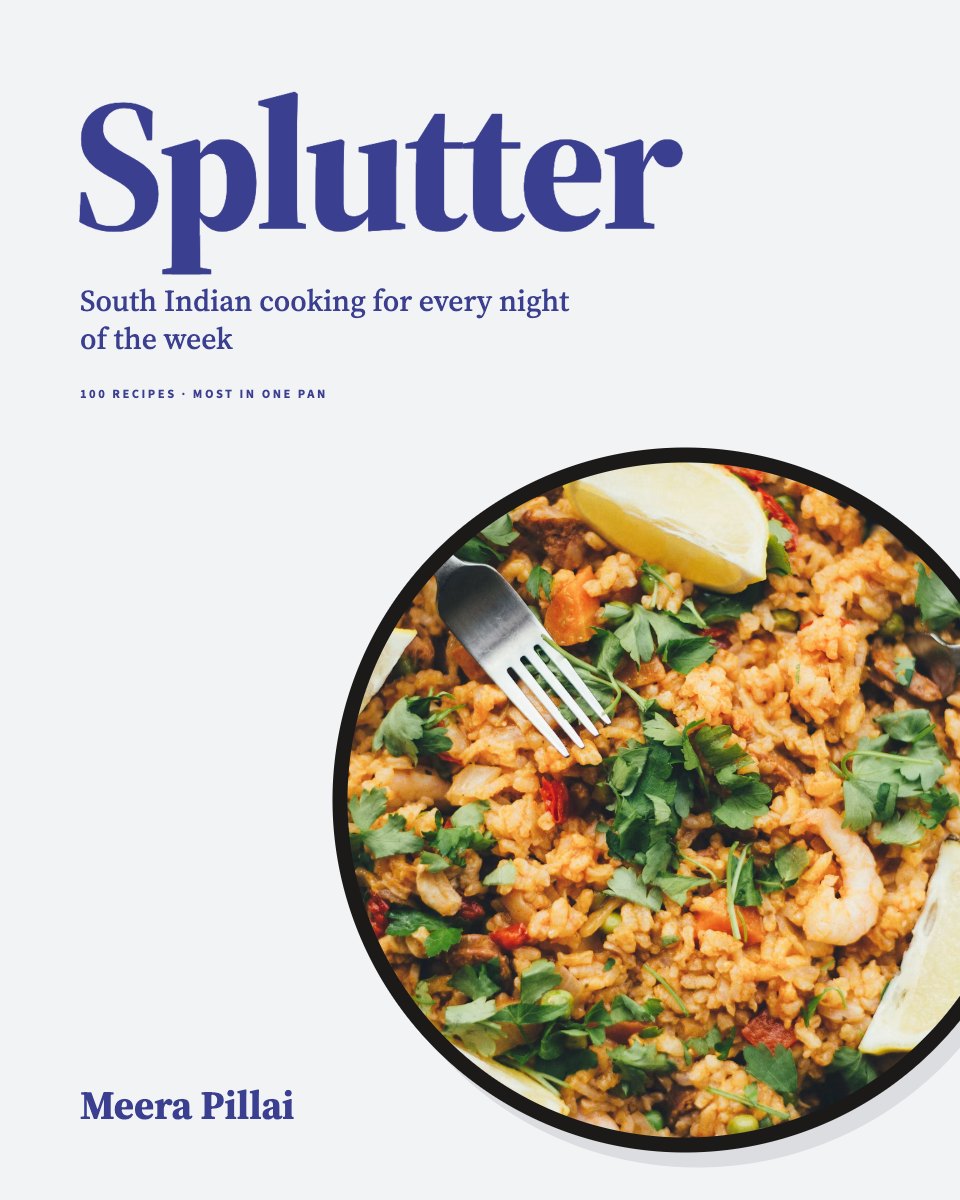
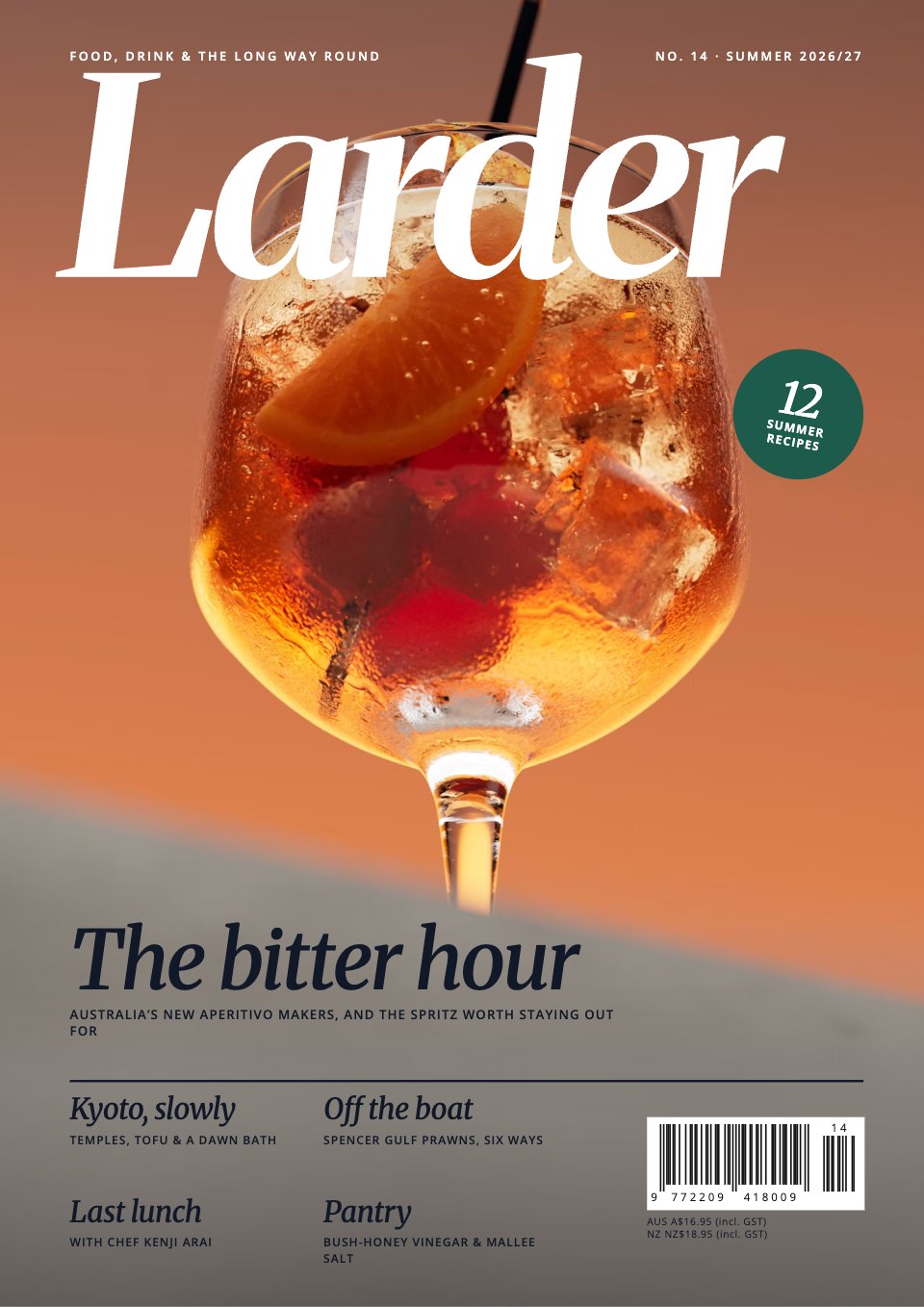
Sixteen 8 × 10 in pages of a 160-page cookbook, in print order: the front cover, contents with kitchen notes, a chapter opener, a two-page technique drawn step by step, the spice box with a twelve-spice table, two short recipes, a two-page chapter opener, two recipes each facing a full-page photo, and the back cover with blurb, quotes and an ISBN barcode.Preview
A closer look at Book Interior.
A 12-page interior for a non-fiction hardback, typeset to trade standards and read in book order: frontispiece, title page, copyright page and contents, an epigraph and the preface, the end of the introduction and a part title, a full-page figure and the chapter opening it faces, and two text pages with running heads, folios, an extract, a table and footnotes. Here it is page by page.
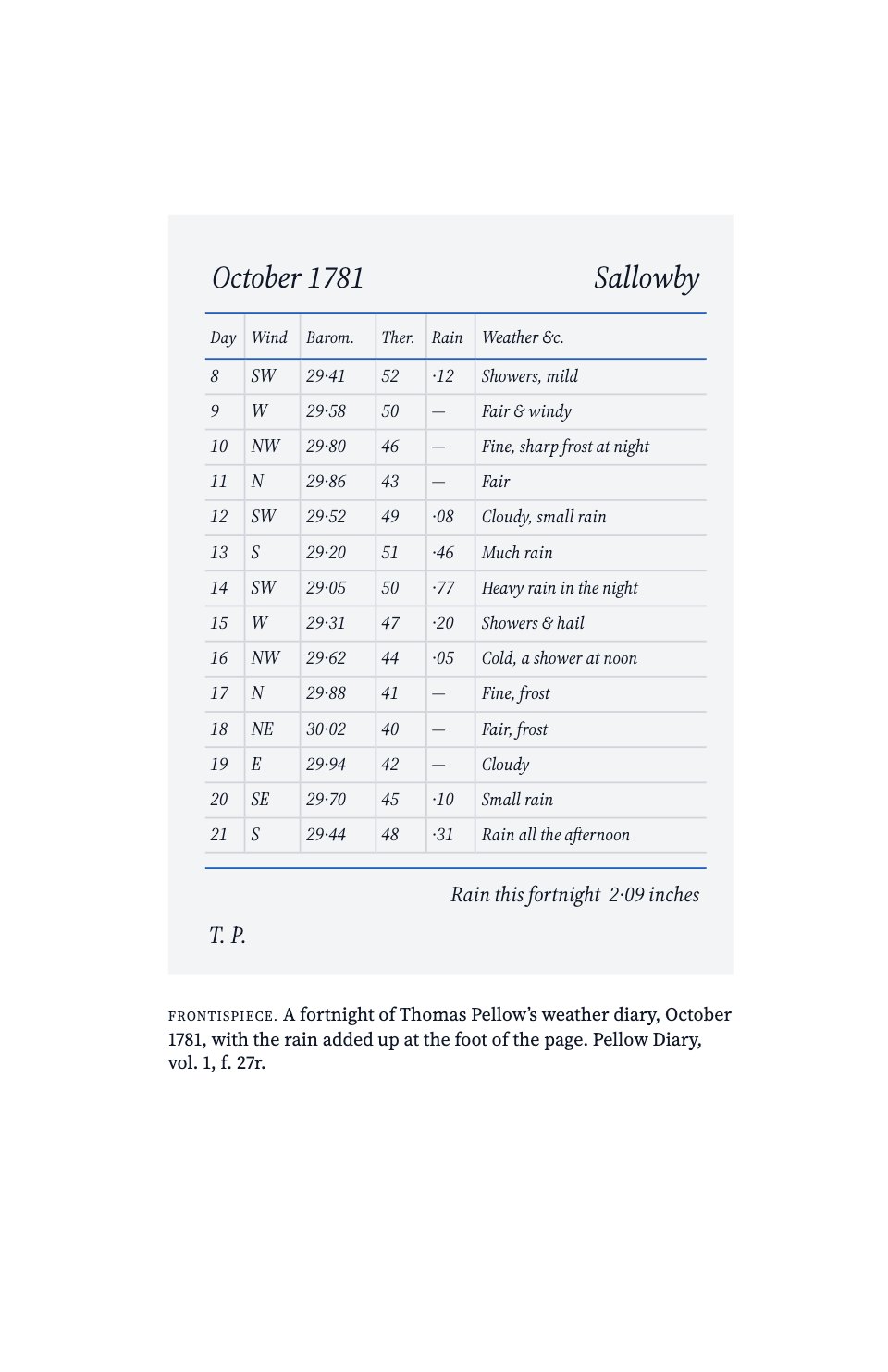
- 1Frontispiece (ii): a facsimile diary page as the plate, with its caption and no folio
- 2Title page (iii): title in royal blue, subtitle, author, and the publisher’s device and imprint at the foot
- 3Copyright page (iv): bottom-aligned publication, rights, CIP, ISBN, typesetting and printing lines
- 4Contents (v): front matter, three parts with their chapters, back matter and page numbers
- 5Epigraph (viii): two short quotations sunk a third of the way down, with a blue ornament between them
- 6Preface (ix): sinkage, a sans heading, a small-caps lead-in and a dropped roman folio
- 7End of the introduction (6): running head and folio, the closing paragraphs that set out the book’s three parts, and footnotes
- 8Part title (7): Part One · Keeping in blue tracked caps and a sans title, a short epigraph and the part’s four chapters at the foot
- 9Full-page figure (40): a measured line drawing of the rain gauge with a lettered caption, as a blind folio
- 10Chapter opening (41): sinkage, chapter number and title, an epigraph, a three-line drop cap, a footnote and a dropped folio
- 11Text page (42): the book title as running head, threaded text, an extract and two footnotes
- 12Text page (43): the chapter title as running head, a data table, a section break and two footnotes
About book templates.
Something else on your mind? Ask us in the chat, bottom right of the page.
Are these book templates free?
Yes. They open in Docsiv’s Reports app with a free account, where you can edit your copy, download it and share it with a link. The Free plan includes every Docsiv app and 500 AI credits a month.
Which app do they open in?
Reports: report pages with charts, PDF and HTML exports.
Can Docsiv AI write the book for me?
Yes. Choose Customise with Docsiv AI on any template, tell it about the client or the project, and it drafts the content in that template’s style for you to review and edit. AI uses credits; the Free plan includes 500 a month.
Can I change the design?
Yes, all of it: the colours, fonts, photos and every word, and you can add or remove pages. Your brand kit’s colours are in every colour picker.















































Describe the book you need
Docsiv AI drafts it in the style of these templates, with your details in place, ready for you to edit.